
Description
AI Auto Tool is an AI content writing assistant for WordPress. It adds AI writing, rewriting, research, image, video, SEO, automation, provider management, and voice tools directly inside your WordPress workflow.
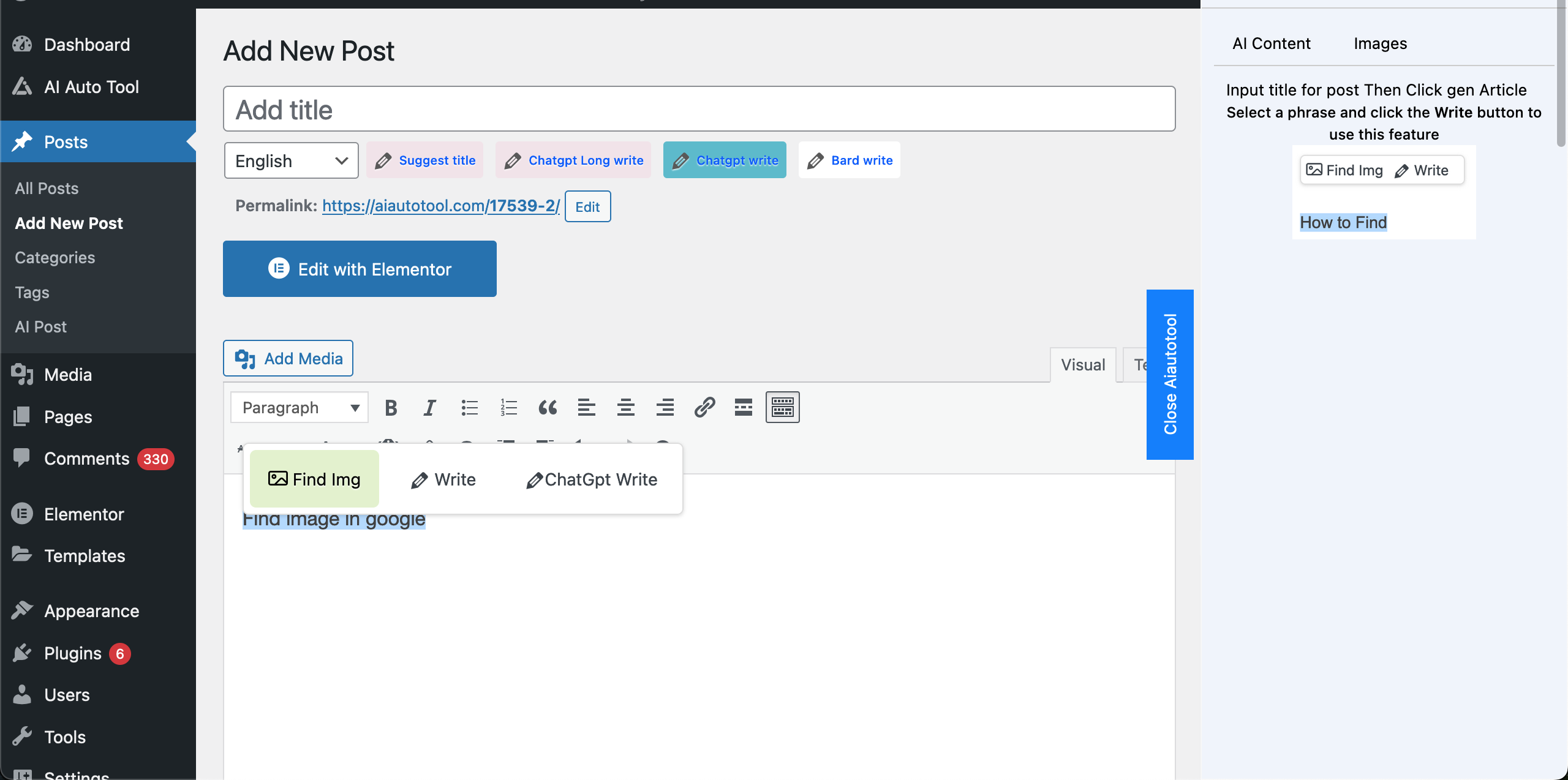
The main feature is Single AI Post, a writing toolbar inside the post editor. You can generate content from a title or selected text, rewrite paragraphs, continue an article, create introductions, generate FAQs, research keywords, search images, search videos, suggest images, and insert generated content into the post.
Key features:
- AI writing tools inside the WordPress post editor
- Full article generation from a title with outline, sections, intro, and conclusion
- Rewrite tools for shorter, longer, professional, clearer, or expanded content
- Google/search-assisted writing for research-based articles
- SEO writing tools including titles, meta descriptions, FAQ, keywords, and content ideas
- Image search, video search, AI image suggestions, and AI image generation support
- AI provider manager with OpenAI, Gemini, OpenRouter, Groq, DeepSeek, Mistral, xAI, Anthropic, Ollama, 9Router, and other OpenAI-compatible providers
- Provider routing with single-provider mode or rotate/fallback mode
- API key manager with connection testing and multiple keys per provider
- AI Voice/TTS groundwork for generating MP3 narration from posts
- Autoblogging tools for scheduled content generation
- Keyword autopost tools for generating posts from keyword queues
- Auto tags, auto comments, category tools, and content workflow helpers
- Custom code areas for WP HEAD, BODY, and FOOTER output
- Multi-language content generation, including Vietnamese and English
Single AI Post tools include:
- Write content from title or selected text
- Write more / continue content
- Write full article with AI Auto Writer
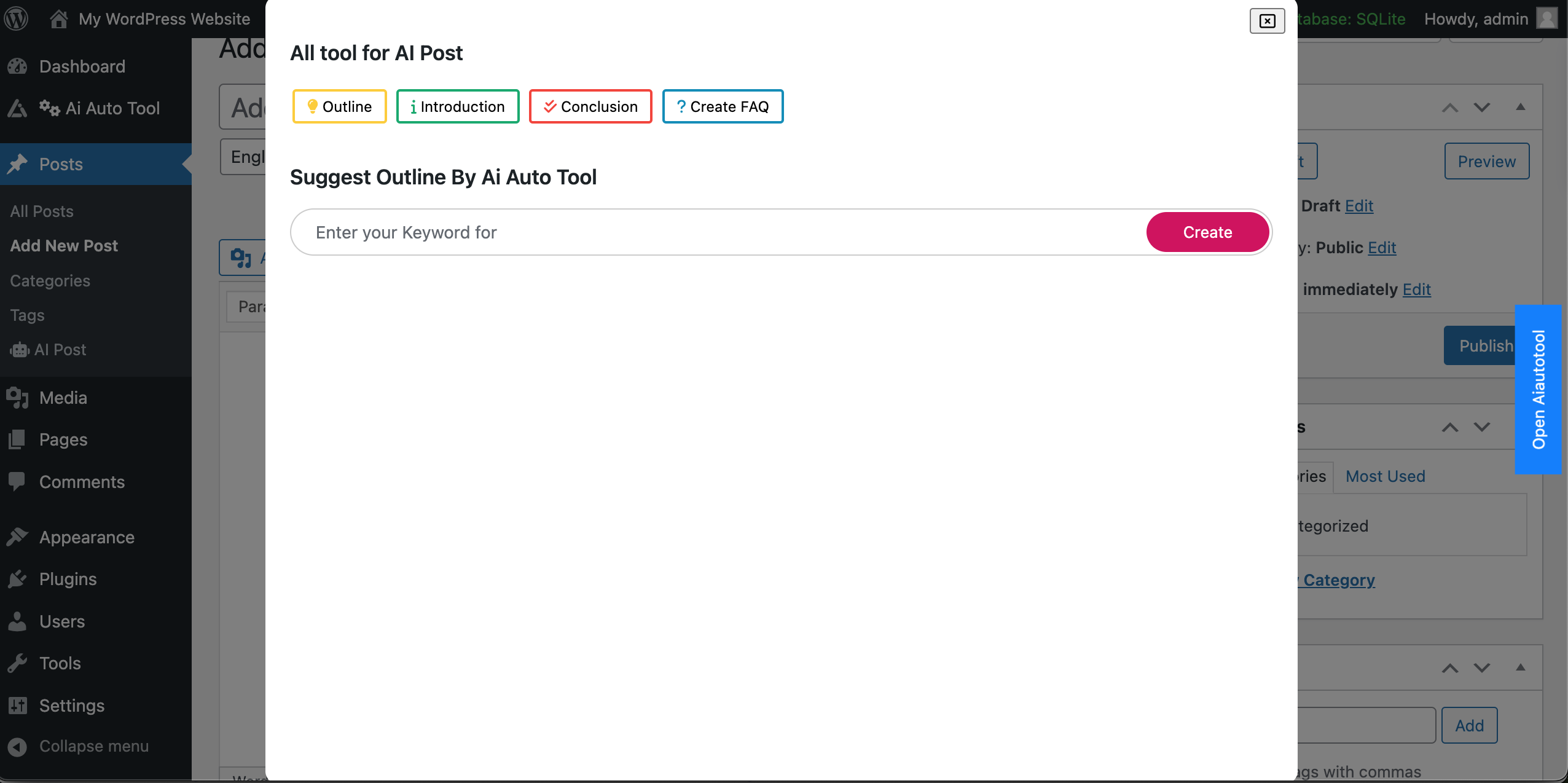
- Generate outline and introduction
- Rewrite, summarize, expand, and improve clarity
- Generate SEO title, meta description, FAQ, and keywords
- Generate custom prompt output
- Search and insert images
- Search and insert videos
- Suggest images based on post content
- Generate AI images where supported by the selected provider
- Generate TTS/MP3 narration for posts where configured
AI Provider Manager lets site owners choose how AI calls are handled. You can select one provider/model, rotate across configured providers, or use fallback behavior when a provider fails. Supported providers include built-in/free gateways, commercial AI APIs, local routers, and OpenAI-compatible endpoints.
Autoblogging and automation features help create articles from titles or keywords, schedule generation, generate drafts, publish content, and manage content queues. These tools are designed to reduce repetitive writing work while keeping content editable inside WordPress.
Media tools help enrich posts with images, videos, generated image prompts, and saved media. The plugin can search for related media and insert selected assets into the post editor.
AI Voice support is being expanded to convert post content into audio files. The plugin includes provider settings and post editor controls for generating MP3 narration from article content.
AI Auto Tool is built for bloggers, SEO writers, agencies, affiliate sites, and WordPress publishers who want AI-assisted content creation directly in WordPress without switching between many external tools.
Screenshots

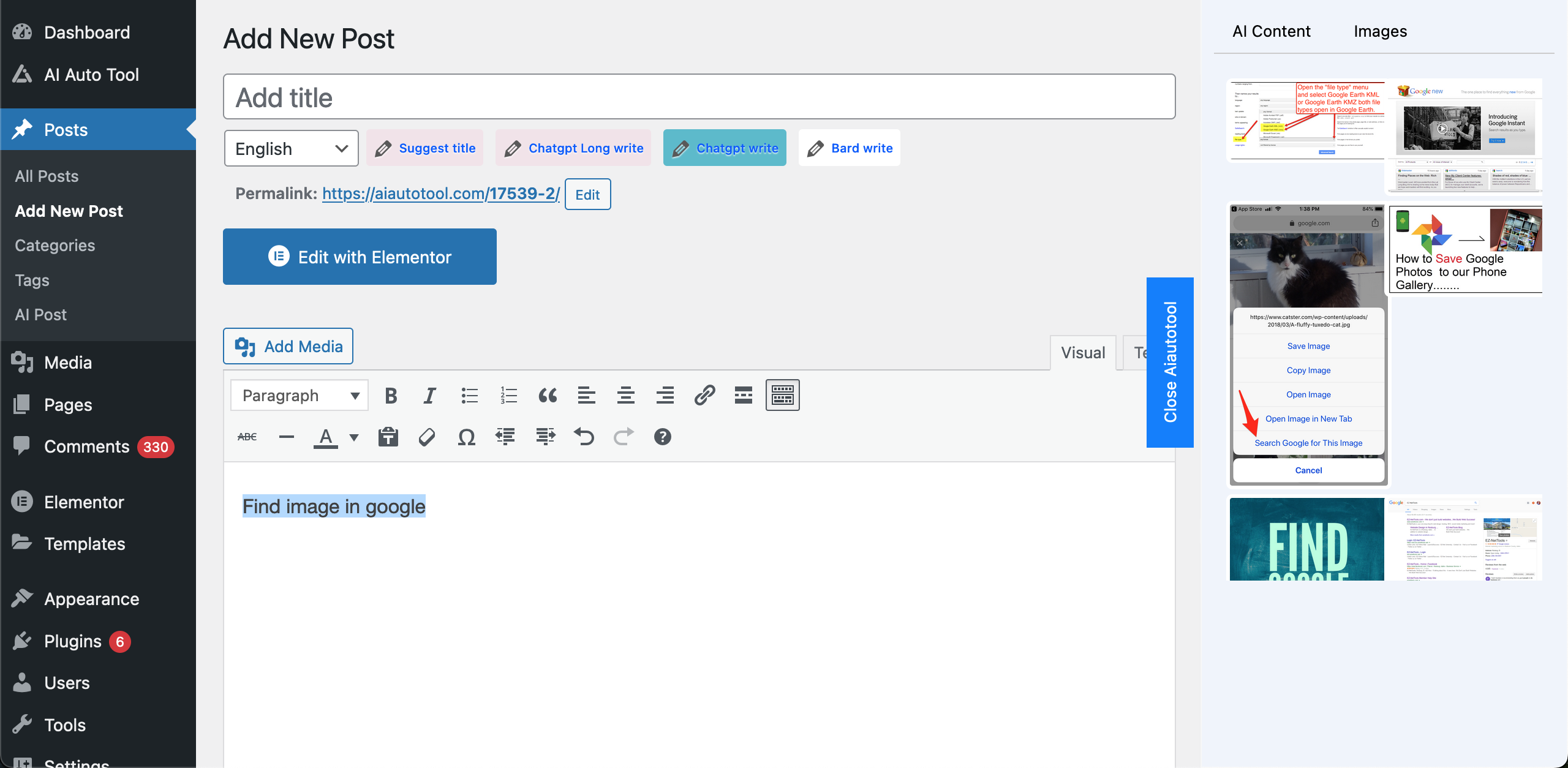
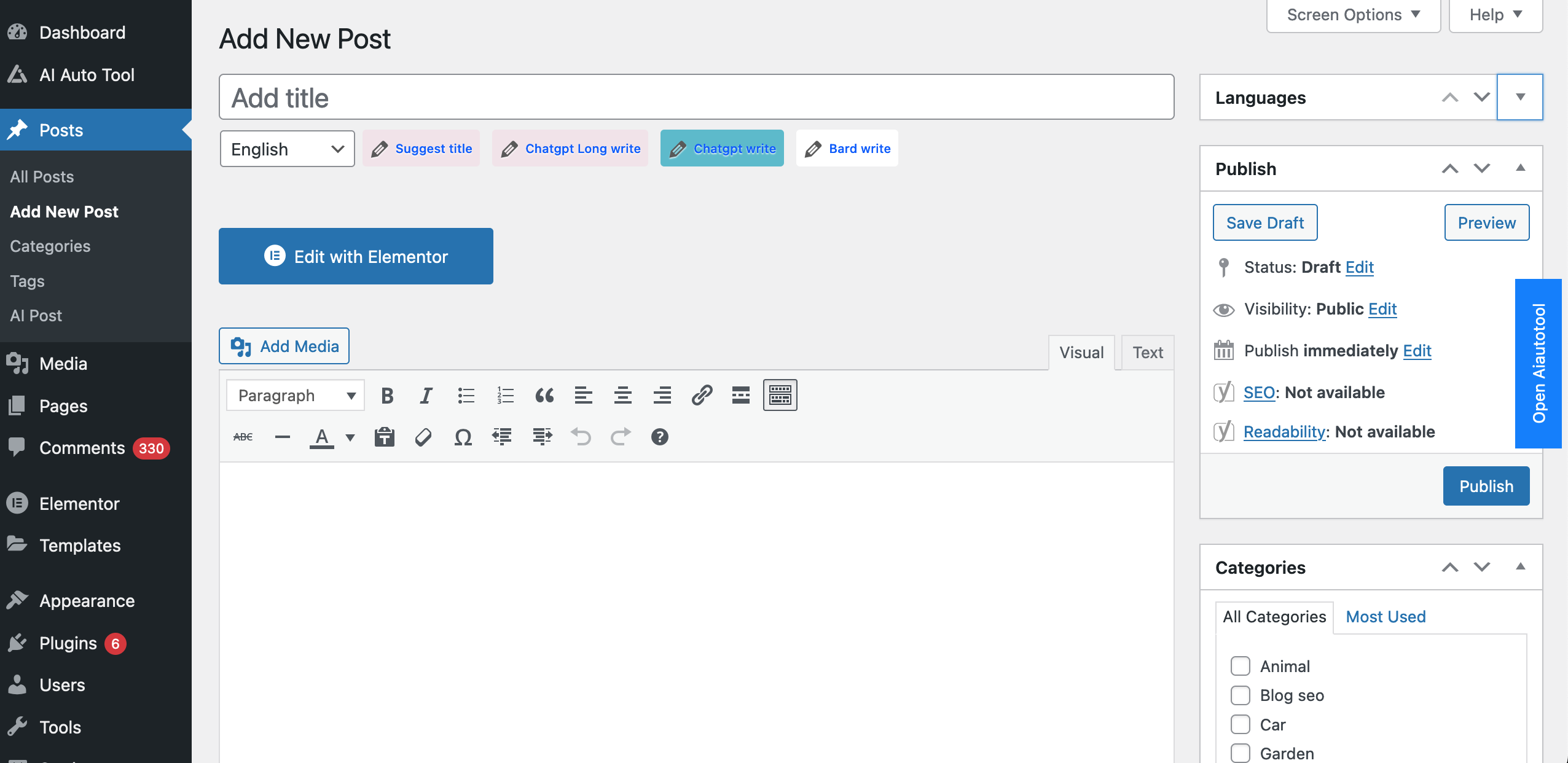
Single AI Post editor with the 600px assistant panel. 
AI Provider Manager with single-provider and rotate-provider modes. 
Realtime Auto Writer progress and generated content preview. 
AI Voice Studio for MP3 narration from posts. 
Image, Bing image, AI image, and video tools. 
Custom WP HEAD, BODY, and FOOTER code manager. 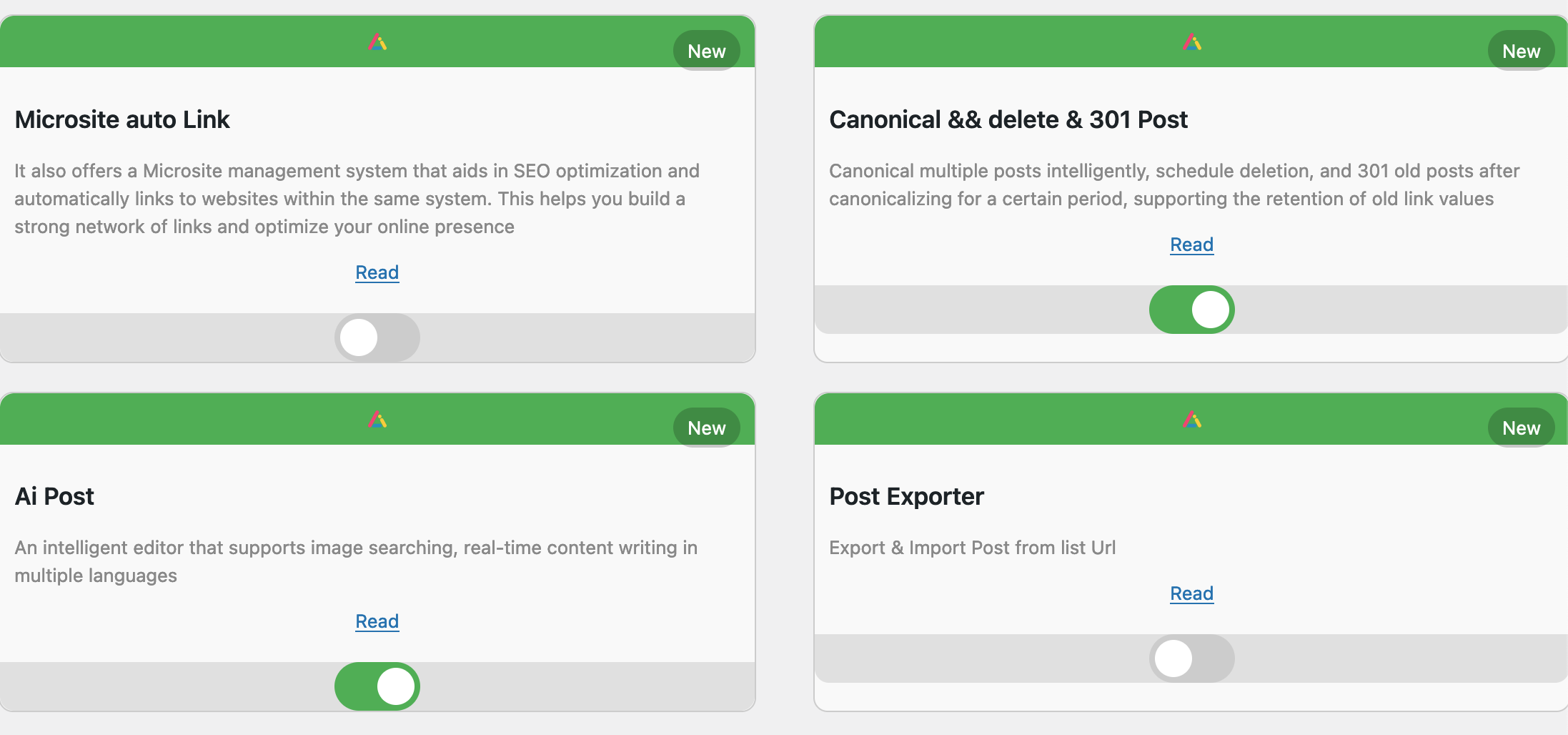
Installation
This section describes how to install the plugin and get it working.
e.g.
- Upload the plugin files to the
/wp-content/plugins/plugin-namedirectory, or install the plugin through the WordPress plugins screen directly. - Activate the plugin through the ‘Plugins’ screen in WordPress
- Use the Settings->Plugin Name screen to configure the plugin
- (Make your instructions match the desired user flow for activating and installing your plugin. Include any steps that might be needed for explanatory purposes)
Reviews


Contributors & Developers
“Ai Auto Tool Content Writing Assistant All in One” is open source software. The following people have contributed to this plugin.
Contributors

“Ai Auto Tool Content Writing Assistant All in One” has been translated into 1 locale. Thank you to the translators for their contributions.
Translate “Ai Auto Tool Content Writing Assistant All in One” into your language.
Interested in development?
Browse the code, check out the SVN repository, or subscribe to the development log by RSS.
Changelog
2.3.8 – June 2026
- ADDED: Additional AI providers including 9Router, GLM, Kimi, Minimax, Alibaba, Volcengine Ark, BytePlus ModelArk, Cerebras, Cohere, Nebius, SiliconFlow, Hyperbolic, Chutes AI, and NVIDIA NIM.
- ADDED: AI Voice/TTS foundation with post MP3 generation support and provider settings.
- IMPROVED: AI provider routing, model selection, provider grouping, and OpenAI-compatible provider testing.
- IMPROVED: Single AI Post sidebar layout, loading states, auto writer progress UI, and wider 600px assistant panel.
- FIXED: Custom WP HEAD, BODY, and FOOTER code now renders on the frontend after saving.
- FIXED: AI image generation/save flow and generated media handling improvements.
2.3.7 – June 2026
- ADDED: OpenRouter, Groq, DeepSeek, Mistral AI, Together AI, Fireworks AI, Perplexity, xAI, Ollama Local, Anthropic Claude, and Azure OpenAI providers.
- ADDED: Shared OpenAI-compatible provider base for faster and safer provider integrations.
- IMPROVED: API key manager and provider UI now support the new providers with round-robin key rotation.
2.3.6 – June 2026
- IMPROVED: Reduced release package size by removing development, test, verify, backup, source-map, and build-only assets.
- IMPROVED: Kept only runtime FontAwesome CSS/webfonts and SweetAlert2 distribution files.
- UPDATED: Monolog updated to 2.11.0 and phpseclib updated to 3.0.52.
- UPDATED: Parsedown compatibility adjusted for newer PHP nullable parameter handling.
- ADDED: Composer metadata and release scripts for PHP lint and package validation before SVN commit.
2.3.5 – June 2026
- SECURITY: Removed unauthenticated AJAX handlers from actions that update plugin settings or keyword queues.
- SECURITY: Added capability checks to feature toggles and keyword autopost AJAX actions.
- SECURITY: Added nonce verification for plugin configuration POST actions.
- SECURITY: REST API keys are now validated from request headers and compared with hash_equals().
- IMPROVED: Masked license and site secret keys in the admin UI.
- FIXED: Avoided SERVER_ADDR notices in CLI/non-web contexts.
2.3.4 – June 2026
- Updated plugin version metadata for the latest ww.wp.xz.cn release.
- Added a matching stable tag for the release package.
2.3.0 – October 2025
- NEW: API Keys Manager – Manage OpenAI and Gemini API keys
- NEW: OpenAI API Integration – Full support for ChatGPT, GPT-4, DALL-E
- NEW: Gemini API Integration – Google Gemini Pro support
- NEW: API Helper Class – Easy-to-use functions for developers
- NEW: Test Connection Feature – Verify API keys instantly
- NEW: Usage Tracking – Monitor API usage and statistics
- IMPROVED: Security – Enhanced API key storage and display
- IMPROVED: UI/UX – Beautiful new interface for API management
- ADDED: Comprehensive documentation and examples
- ADDED: Auto fallback between AI providers
- ADDED: 15+ code examples for common use cases
2.2.6 – Previous Release
- Various bug fixes and improvements