Title: CartFlush – Auto Clear WooCommerce Cart for Inactive Users
Author: Rashed Hossain
Published: May 13, 2025
Last modified: March 29, 2026
---
Search plugins
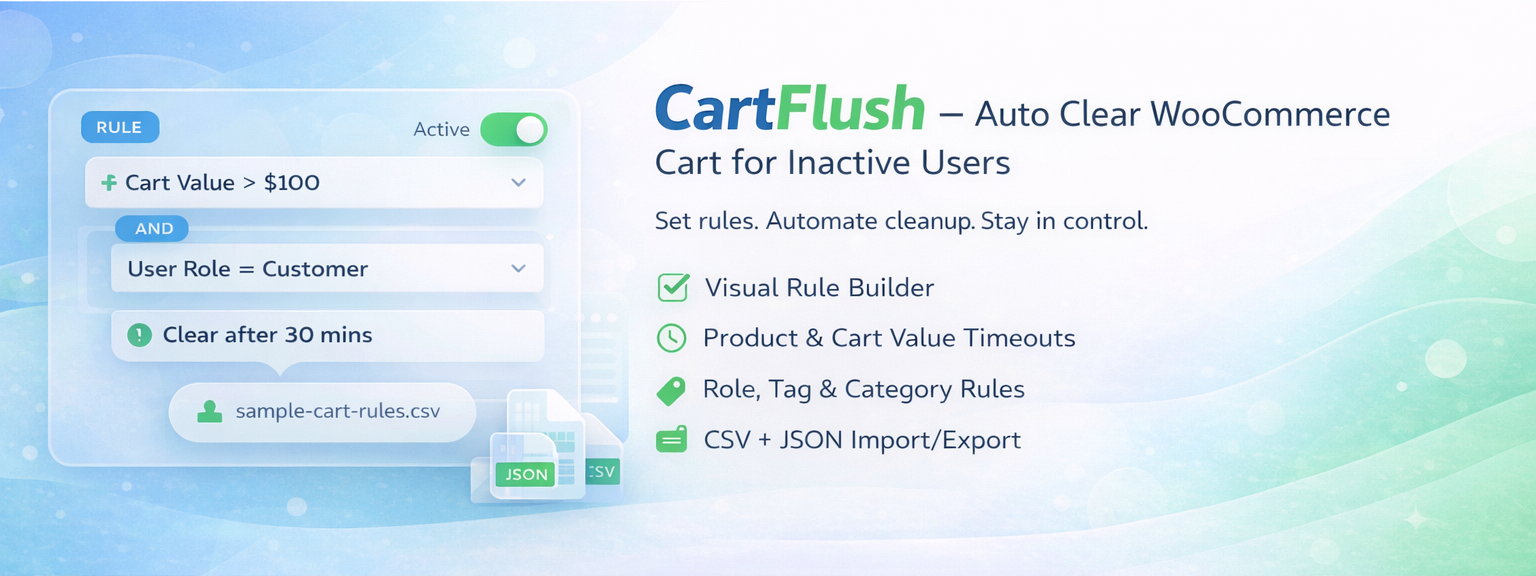

# CartFlush – Auto Clear WooCommerce Cart for Inactive Users
By [Rashed Hossain](https://profiles.wordpress.org/wprashed/)
[Download](https://downloads.wordpress.org/plugin/cartflush-autoclear-cart-for-inactive-users.2.3.1.zip)
* [Details](https://wordpress.org/plugins/cartflush-autoclear-cart-for-inactive-users/#description)
* [Reviews](https://wordpress.org/plugins/cartflush-autoclear-cart-for-inactive-users/#reviews)
* [Development](https://wordpress.org/plugins/cartflush-autoclear-cart-for-inactive-users/#developers)
[Support](https://wordpress.org/support/plugin/cartflush-autoclear-cart-for-inactive-users/)
## Description
CartFlush helps you automatically clear inactive WooCommerce carts, keeping your
store clean, fast, and optimized.
Instead of relying on a single timeout, CartFlush gives you full control over cart
expiration from one settings screen under WooCommerce. You can define different
timeout rules based on customer type, user roles, products, categories, and tags,
then add exclusions for carts that should never be cleared automatically.
Whether you want faster cart turnover, better session management, or cleaner abandoned
cart handling, CartFlush gives you the tools to do it properly.
### Live Demo
[Try Live Demo (No Setup Required)](https://playground.wordpress.net/?blueprint-url=https%3A%2F%2Fraw.githubusercontent.com%2Fwprashed%2Fcartflush-autoclear-cart-for-inactive-users%2F185b7faf5918e286fe9ca1fb1563d70455d4e095%2Fblueprint.json)
### Why Use CartFlush?
* Prevent stale and abandoned carts from piling up
* Improve WooCommerce session performance
* Apply smarter rules based on customers and products
* Manage rules visually from the WooCommerce settings page
* Import or export rules for fast setup and migration
### Key Features
### Default Cart Timeout
Set a global inactivity timeout in minutes. If no other rules apply, this value
determines when a cart is cleared.
### Visual Rule Builder
Create and edit cart timeout rules directly from the CartFlush settings page under
WooCommerce. No CSV import is required for day-to-day management.
### Customer Type Rules
Define separate timeouts for:
* Guest customers
* Logged-in customers
### Role-Based Timeout Rules
Define custom cart expiration times for specific user roles.
Examples:
* Customers – 30 minutes
* Subscribers – 60 minutes
* Wholesale users – 120 minutes
### Product, Category, and Tag Rules
Apply specific timeout values based on:
* Product ID
* Product category
* Product tag
This makes it easy to create shorter or longer expiration windows for special items,
campaigns, or collections.
### Smart Timeout Logic
When multiple timeout rules apply, CartFlush automatically uses the shortest valid
timeout.
### Exclusion Rules
Prevent cart clearing entirely for matching carts using:
* Excluded roles
* Excluded products
* Excluded categories
* Excluded tags
### CSV Import for Bulk Rules
Bulk import rule data with CSV when that is faster than manual entry.
Supported CSV types:
* customer_type
* role
* product_rule
* category
* tag
* excluded_role
* excluded_product
* excluded_category
* excluded_tag
CartFlush also includes a downloadable sample CSV from the settings page to help
merchants get started faster.
### JSON Import and Export
Export the full CartFlush configuration as JSON for backup or migration, then import
it on another store when needed.
### WooCommerce Menu Integration
The CartFlush settings page is available directly under the WooCommerce admin menu
for quicker access.
### Duplicate Rule Warnings
CartFlush warns admins when duplicate rules are saved so they can clean up overlapping
entries more easily.
### Lightweight and Efficient
CartFlush focuses only on inactivity tracking, rule evaluation, and cart clearing
without adding unnecessary overhead.
### Translation Ready
Includes the `cartflush` text domain for localization.
### Clean Uninstall
When the plugin is deleted, CartFlush removes its stored settings automatically.
### How It Works
1. A customer adds items to the cart.
2. The inactivity timer begins.
3. CartFlush checks the default timeout and any matching timeout rules.
4. The shortest valid timeout is selected.
5. If an exclusion rule matches, cart clearing is skipped.
6. The cart is cleared after the final timeout is reached.
### Supported Import Formats
CSV headers:
```
type,key,timeout_minutes
```
Supported types:
* customer_type
* role
* product_rule
* category
* tag
* excluded_role
* excluded_product
* excluded_category
* excluded_tag
Example rows:
```
customer_type,guest,20
role,customer,30
product_rule,321,10
category,flash-sale,15
tag,seasonal,25
excluded_role,wholesale_customer,
excluded_product,123,
excluded_category,high-ticket,
excluded_tag,fragile,Does this work for guest users and logged-in users?
```
Yes. CartFlush uses WooCommerce sessions, so both are supported.
### How is the timeout calculated?
The plugin starts with the default timeout, then checks matching customer type,
role, product, category, and tag rules. The shortest valid timeout is applied.
### What if a cart contains excluded items?
CartFlush skips clearing the cart entirely.
### Can I manage rules without importing CSV?
Yes. Rules can be added and edited directly from the CartFlush settings page.
### Can I migrate settings between sites?
Yes. Export settings as JSON and import them on another site.
### Does uninstall remove all data?
Yes. All plugin options are deleted during uninstall.
## Screenshots
* [[
* Modern CartFlush settings page under WooCommerce
* [[
* Manual rule builder for timeout rules and exclusions
* [[
* CSV and JSON import/export tools
* [[
* Saved configuration overview
## Reviews

### [Great tool!](https://wordpress.org/support/topic/great-tool-2301/)
[dansebastian](https://profiles.wordpress.org/dansebastian/) March 25, 2026 2 replies
It’s helpful and much better than others I’ve tried! I recommend it!

### [Does exactly what it says!](https://wordpress.org/support/topic/does-exactly-what-it-says-275/)
[Ofi Khan](https://profiles.wordpress.org/ofikhan/) March 23, 2026 2 replies
Great plugin. It’s simple, easy to configure, and fixed my issue with abandoned
carts holding onto stock. It’s a must-have for any WooCommerce site that wants to
keep their shopping experience fluid and their inventory moving. Works perfectly
with the latest version of WordPress!

### [Works but prevents WooCommerce Analytics working](https://wordpress.org/support/topic/works-but-prevents-woocommerce-analytics-working/)
[Emma](https://profiles.wordpress.org/emsieh/) March 5, 2026 2 replies
Works to clear the cart but throws a critical error in logs and prevents WooCommerce
Analytics working.

### [Perfect](https://wordpress.org/support/topic/perfect-10917/)
[Gloria Liuni](https://profiles.wordpress.org/glorialchemica/) January 14, 2026
2 replies
Thank you so much. It’s exactly what I needed.It does one thing well. It’s perfect.
[ Read all 4 reviews ](https://wordpress.org/support/plugin/cartflush-autoclear-cart-for-inactive-users/reviews/)
## Contributors & Developers
“CartFlush – Auto Clear WooCommerce Cart for Inactive Users” is open source software.
The following people have contributed to this plugin.
Contributors
* [ Rashed Hossain ](https://profiles.wordpress.org/wprashed/)
[Translate “CartFlush – Auto Clear WooCommerce Cart for Inactive Users” into your language.](https://translate.wordpress.org/projects/wp-plugins/cartflush-autoclear-cart-for-inactive-users)
### Interested in development?
[Browse the code](https://plugins.trac.wordpress.org/browser/cartflush-autoclear-cart-for-inactive-users/),
check out the [SVN repository](https://plugins.svn.wordpress.org/cartflush-autoclear-cart-for-inactive-users/),
or subscribe to the [development log](https://plugins.trac.wordpress.org/log/cartflush-autoclear-cart-for-inactive-users/)
by [RSS](https://plugins.trac.wordpress.org/log/cartflush-autoclear-cart-for-inactive-users/?limit=100&mode=stop_on_copy&format=rss).
## Changelog
#### 2.3.1
* Refactored the settings page save flow to use the default WordPress settings
method
* Simplified rule editing with text-based rule groups for timeout and exclusion
settings
* Improved settings page structure and admin styling for a cleaner editing experience
* Kept CSV and JSON import/export tools available from the admin page
#### 2.3.0
* Refined the free version feature set around core timeout and exclusion rules
* Improved the WooCommerce settings experience and release documentation
* Preserved the manual rule builder plus basic CSV and JSON migration tools
#### 2.2.0
* Added cart value timeout rules for subtotal-based cart expiration
* Added product-level timeout overrides in the product editor
* Added optional pre-clear warning notices for expiring carts
* Expanded CSV import with cart value ranges and downloadable sample templates
* Added duplicate rule detection warnings in admin
#### 2.1.0
* Added a full visual rule builder to the settings page
* Moved the plugin page under the WooCommerce admin menu
* Added customer type, product, and tag timeout rules
* Added excluded role and excluded tag support
* Expanded CSV import to support all new rule types
* Redesigned the admin settings interface with a more modern layout
* Improved import/export presentation and rule card usability
#### 2.0.0
* Added JSON import/export system
* Added CSV rule import support
* Added role-based timeout rules
* Added category-based timeout rules
* Added product and category exclusions
* Improved admin UI with modern layout
* Added uninstall cleanup
* Added localization support
* Refactored plugin structure
#### 1.0.0
* Initial release
## Meta
* Version **2.3.1**
* Last updated **4 weeks ago**
* Active installations **10+**
* WordPress version ** 5.8 or higher **
* Tested up to **6.8.5**
* PHP version ** 7.4 or higher **
* Tags
* [abandoned cart](https://wordpress.org/plugins/tags/abandoned-cart/)[WooCommerce Cart Cleanup](https://wordpress.org/plugins/tags/woocommerce-cart-cleanup/)
* [Advanced View](https://wordpress.org/plugins/cartflush-autoclear-cart-for-inactive-users/advanced/)
## Ratings
4.5 out of 5 stars.
* [ 3 5-star reviews ](https://wordpress.org/support/plugin/cartflush-autoclear-cart-for-inactive-users/reviews/?filter=5)
* [ 0 4-star reviews ](https://wordpress.org/support/plugin/cartflush-autoclear-cart-for-inactive-users/reviews/?filter=4)
* [ 1 3-star review ](https://wordpress.org/support/plugin/cartflush-autoclear-cart-for-inactive-users/reviews/?filter=3)
* [ 0 2-star reviews ](https://wordpress.org/support/plugin/cartflush-autoclear-cart-for-inactive-users/reviews/?filter=2)
* [ 0 1-star reviews ](https://wordpress.org/support/plugin/cartflush-autoclear-cart-for-inactive-users/reviews/?filter=1)
[Your review](https://wordpress.org/support/plugin/cartflush-autoclear-cart-for-inactive-users/reviews/#new-post)
[See all reviews](https://wordpress.org/support/plugin/cartflush-autoclear-cart-for-inactive-users/reviews/)
## Contributors
* [ Rashed Hossain ](https://profiles.wordpress.org/wprashed/)
## Support
Got something to say? Need help?
[View support forum](https://wordpress.org/support/plugin/cartflush-autoclear-cart-for-inactive-users/)