Plugin Tag: comment
-

GraphComment Comment system
Transform your site's engagement with GraphComment—an advanced, interactive commenting system featuring live discussions and real-time notifications.
-

Stop Comment Spam
Stop Comment Spam treats any comment by predefined rules to stop spam. It is supposed to be used as additional measure for any other antispam tool esp …
-
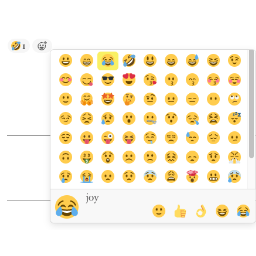
Remoji – Post/Comment Reaction and Enhancement
Reactive emoji. Allow visitors to add emoji reactions to your posts and comments. Disable comment for pages, posts.
-

EZ Anti-Spam Comments with reCAPTCHA
A simple yet effective Spam Filter. A Widget and Shortcode to display Comments with Good Karma as Testimonials. Plus the ability to Move comments and …
-

Quotmarks Replacer
Quotmarks Replacer disables wptexturize function that keeps all quotation marks and suspension points in half-width form.
-

Custom Comment Form Title
Engage your visitors and initiate discussion with more meaningful comment form titles, created on a post-by-post basis!
-

Remove Web Field From Comments Form
This plugin adds a new setting in the last position of Settings > General, this option will allow you to check if you want to remove the web field …
-
-

Letter Avatars
Sets custom avatars for users without gravatar. Avatars will be replaced by first letter of usename (or e-mail) on a colorful background
-
-
-
-

WP Editor Comments Plus
Enhance your site's comments with the built in WordPress TinyMCE editor, inline comment editing and asynchronous comment posting.
-

Spam Captcha – Safeguard your WordPress website effortlessly with Spam Captcha for WordPress
This plugins avoids spam actions on your website (comments and contact form if you use Contact Form 7).
-

Disable Comment Url
Nice and simple plugin help you to remove URL from comment to avoid people to do spam comments by posting their urls to your website
-
-

WP Comment Humility
WP Comment Humility relocates the "Comments" top level menu underneath the "Posts" top level menu.
-

No Comment Links
When activated, disables automatic parsing and creation of clickable links in comments, including http, ftp, and e-mail links.
-

Remove Pingback-Trackback Comments
One step process to remove pingbacks and trackbacks and leave only real user opinions in your posts comments.