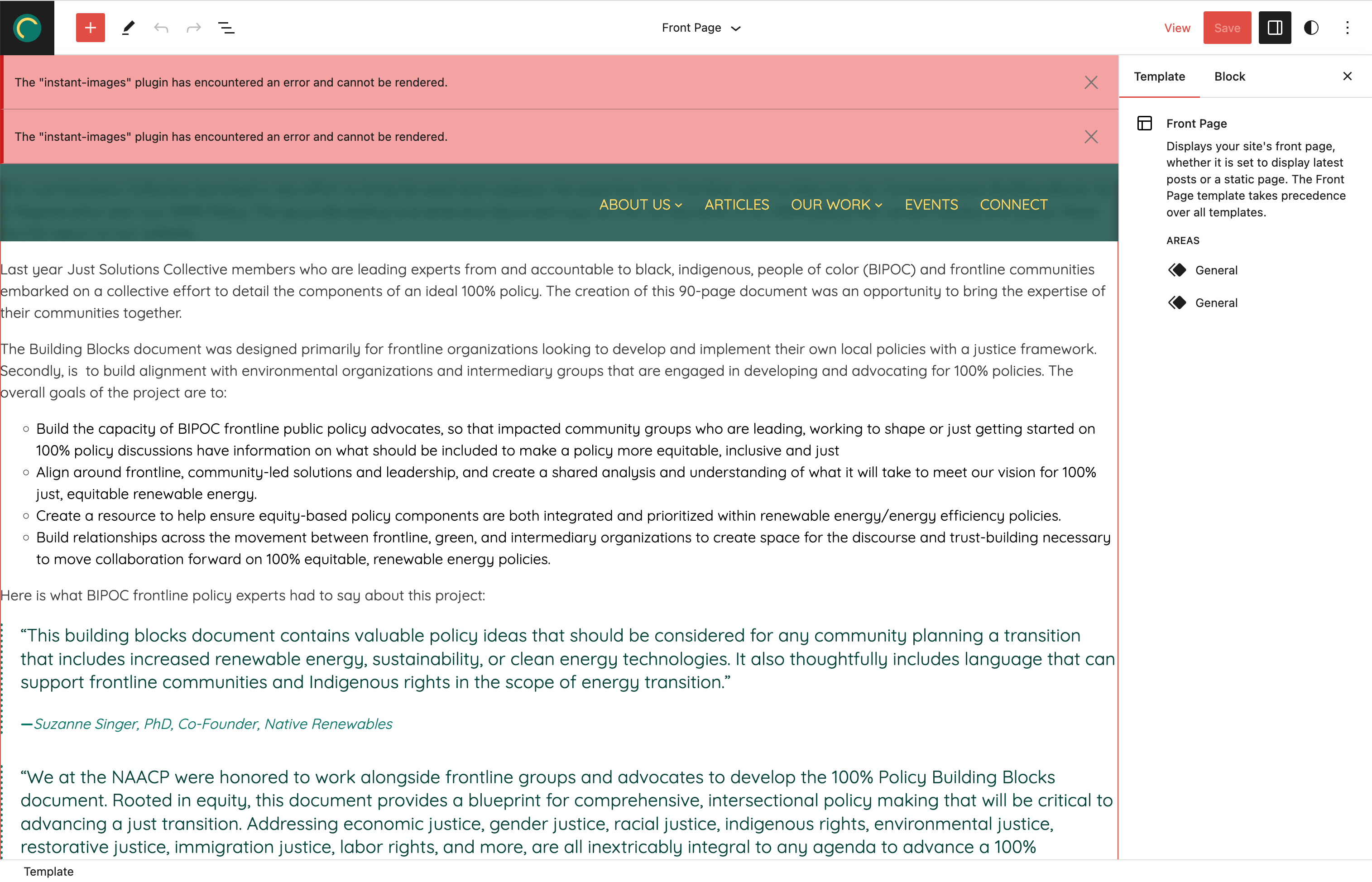
Hey @dcooney so I spoke too soon. Looks like the issue is still there. I think I narrowed it down to occurring only when you go to “Edit Site.” See this video to see that I have only the 2023 theme, Gutenberg and Instant Images active then what I click to get to the errors.
Yes, it seems to be an issue with Instant Images not working with Gutenberg when Gutenberg is active (which generally has the next iteration of what is coming in the wp core so I’d imagine would eventually cause an issue with Instant Images and the core of wp).
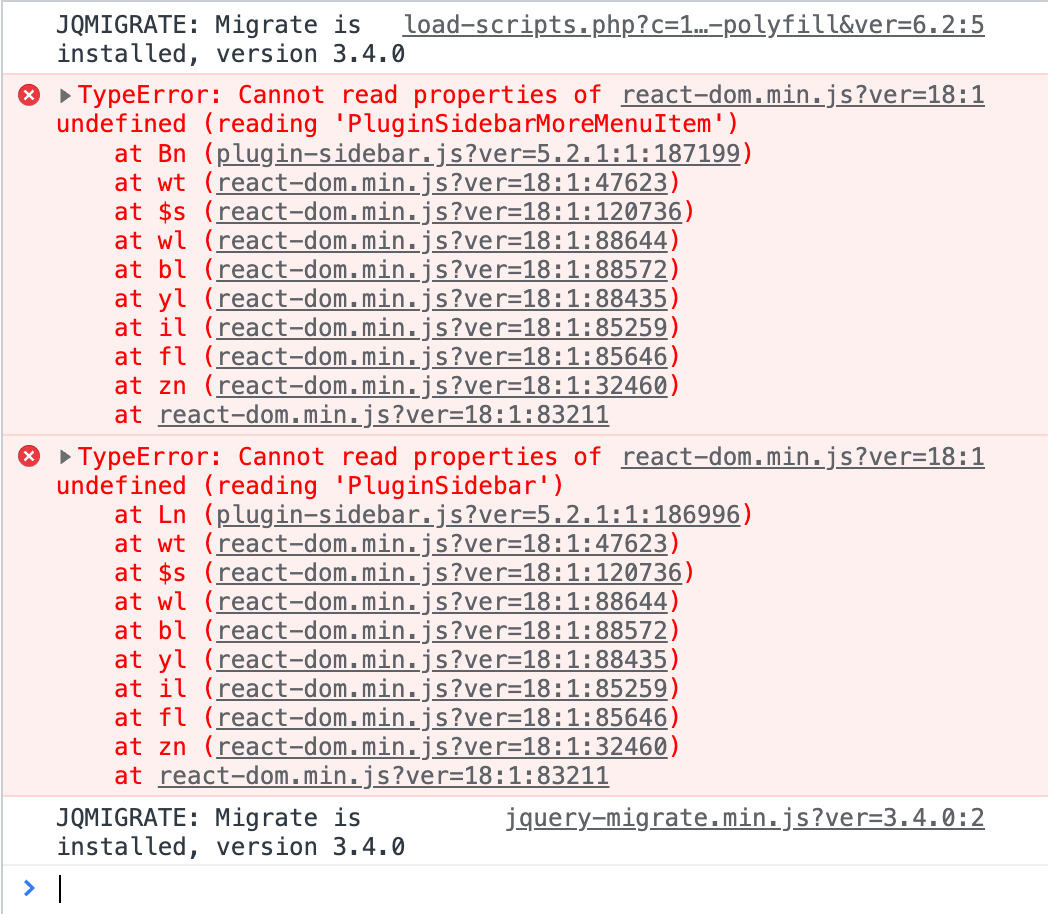
I’m seeing this error message too, in a custom block/FSE theme that I’m working on. I also have the latest Gutenberg plugin activated. Despite the error message, Instant Images seems to work perfectly, either in the site editor or in a regular page/post editor. It’s not stopping the plugin from working, but I can see how some users would be scared by the big error banner.
Here’s a screenshot of the error notification and the console error:
Sorry, I found this after posting the same problem. It happens in every new site I create (FSE). I use LocalWP and Laragon. Only one site it doesn’t shows (created before). I even create one withou any plugin beside this one.
Viewing 12 replies - 1 through 12 (of 12 total)
The topic ‘Plugin error showing PluginSidebarMoreMenuItem and PluginSidebard’ is closed to new replies.