Hi there, block themes using the Site Editor use the Pagination block, which looks like this in Twenty Twenty-Three:
It’s possible to tweak that a bit to get it to look more like what you have in mind. Getting it exactly like in your screenshot is probably not possible, though, because block themes don’t work the same way as classic themes.
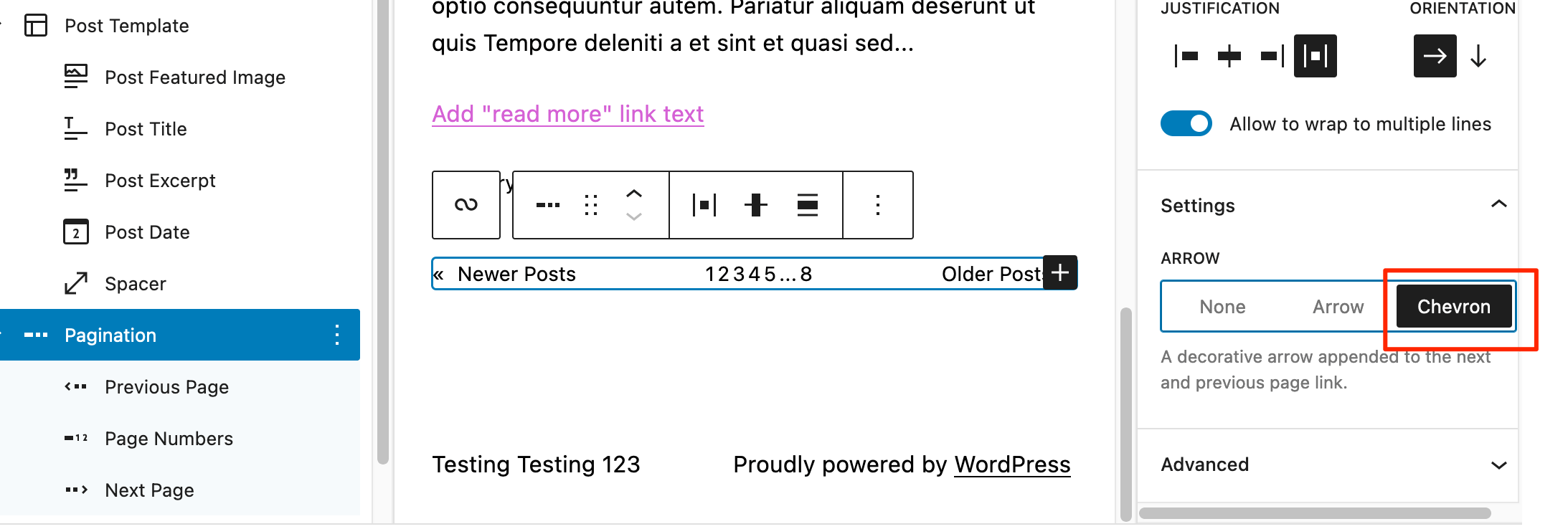
For example, select the Pagination block and in the Settings menu, choose “Chevron” to change the default arrows to a chevron, like in your screenshot:
You could also try some custom CSS to add borders around the numbers, like this: