Hi @northtexasaustinhealeyclub,
Thanks for using the Total Upkeep plugin! Sorry to hear about the issues that you’re having with Google Drive, but hopefully we can get it worked out.
> Everything looks good and is configured correctly (Google Drive has Authorized and Configured checked) but nothing gets there without me doing a manual “Upload” from the backup details. Am I missing something?
When you configure Google Drive in Total Upkeep > Settings > Backup Storage, your backups will only be automatically uploaded to Google Drive with your automated backups. With manual backups, you’ll have to manually click the Upload button to get them to Google Drive.
Does this sound like it could be the issue that you’re having?
Thanks!
– Brad
Hi Brad,
I have (to date) two automatic backups that backed up to my Web Server, but did not automatically upload to my Remote Google Drive. So it’s currently looking like this:
1.) First Manual Backup – Manually uploaded to Google Drive via the Backup details
2.) First Automatic Backup – did not automatically uploaded to Google Drive
3.) Second Automatic Backup – did not did not automatically uploaded to Google Drive – Manually uploaded to Google Drive via the Backup details
So at this moment none of my automatic backups are going to my remote storage without manual intervention.
Brad,
Providing Confirmation:
Do you have Google Drive both Authorized and Selected?
Answer: Yes I do.
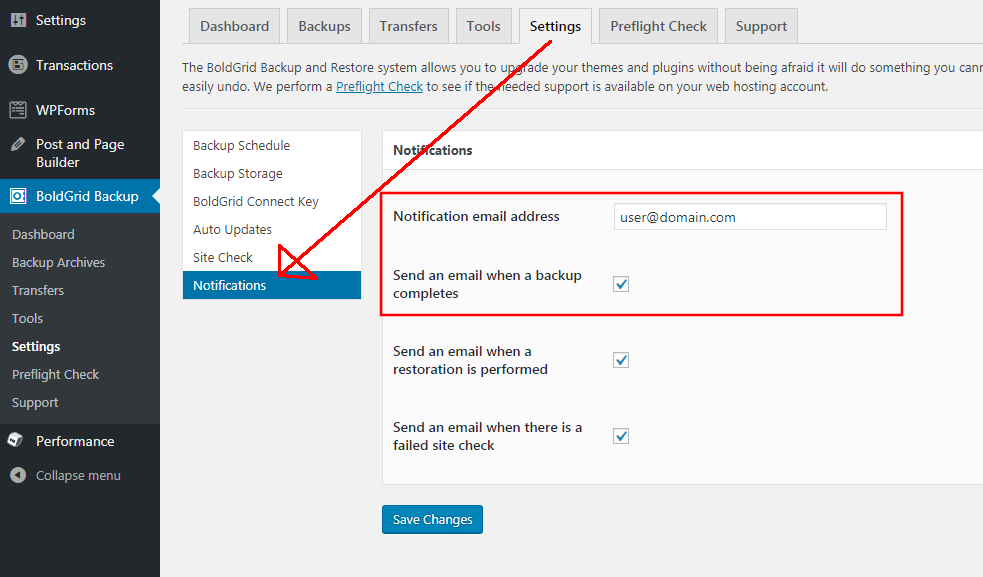
Do you have emails configured?
Answer: Yes I do.
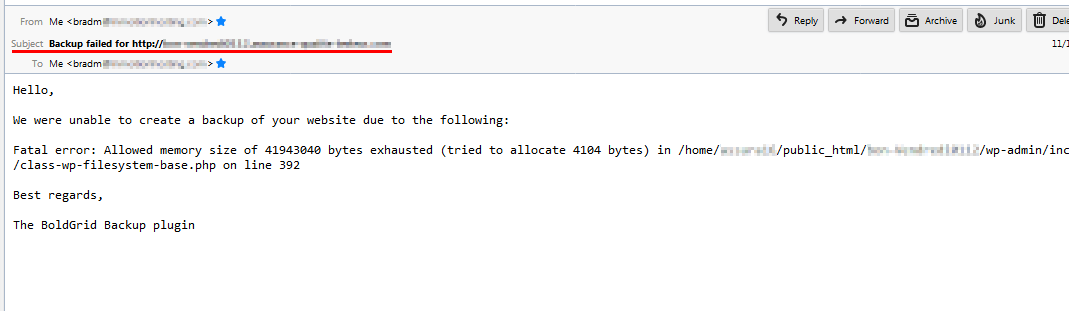
If you have emails configured, you should get an email when either the backups is a success or if it fails. Do you get any emails at all, such as this one?
Answer: I have not received any emails for success or failure ever from the system, and I can verify that my Host/Wordpress can send out email as I’m using contact form.
Hi @northtexasaustinhealeyclub sorry to hear about these problems with uploading your backups to Google Drive.
Since this is a Premium feature of Total Upkeep, can you create a Premium Support request for this issue from your BoldGrid Central account? That way our team will be able to get all of the information we need to effectively troubleshoot this issue.
Thank you for your patience and I hope that we can get this sorted out quickly for you.
Hi @northtexasaustinhealeyclub, thank you for helping us track down this bug with automatic uploads to Google Drive! The most recent update should fix this issue and I am marking this thread as resolved.
If you ever need anything else in the future please do not hesitate to ask, we are always happy to help!