Viewing 4 replies - 1 through 4 (of 4 total)
  • Plugin Author Tobias Bäthge

    (@tobiasbg)

    Hi,

    thanks for your post, and sorry for the trouble.

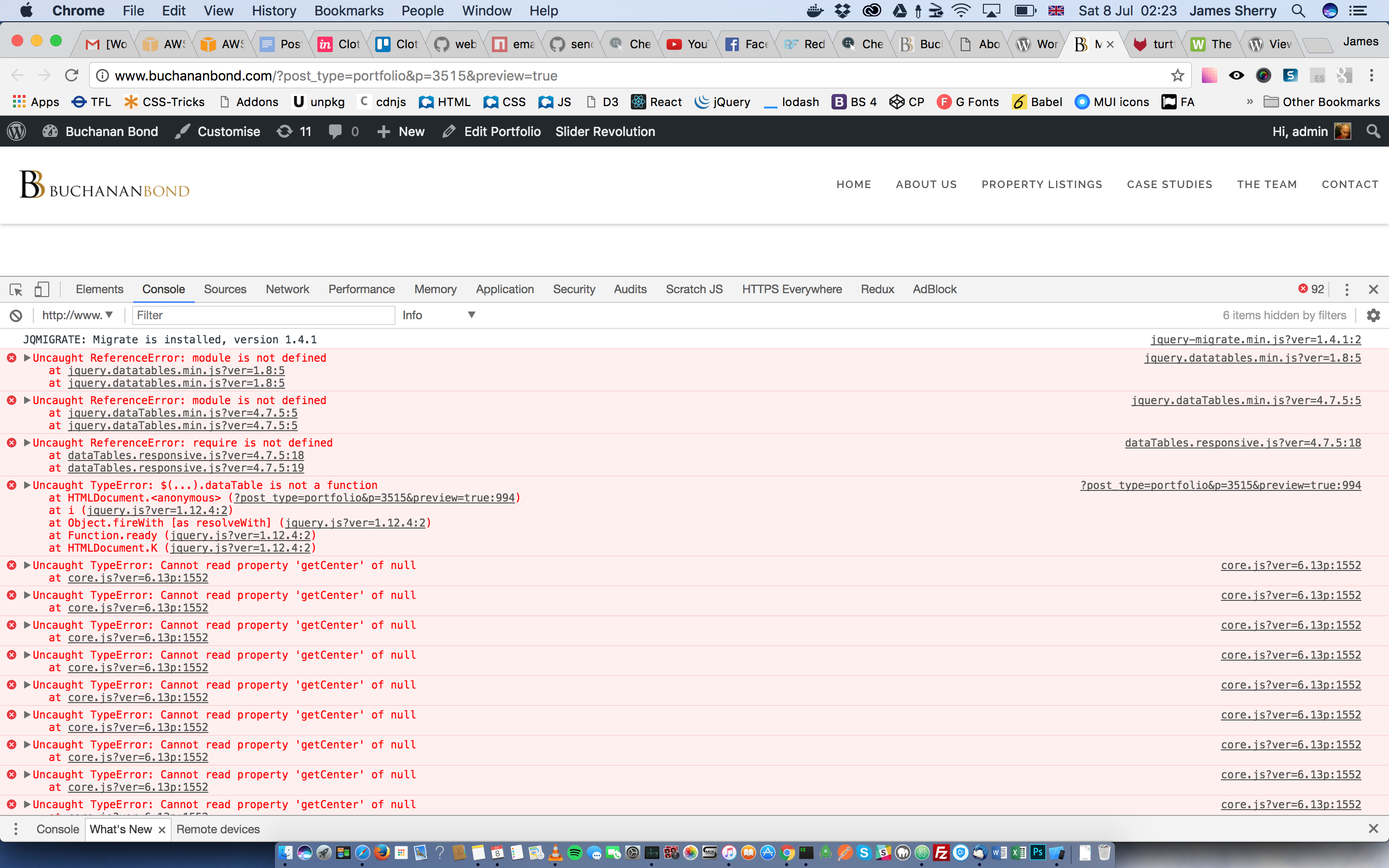
    Good question. I’m not really sure what the best strategy here is, either.
    I guess your best chance is to not use both plugins on the same page.

    Or you could turn off the DataTables integration in TablePress (by unchecking the “Use DataTables” checkbox on the table’s “Edit” screen), and manually re-add it using the copy of the JS file that comes with the other plugin. So basically you could have to copy/paste the initialization JS code from HTML output of the page right now to the page directly.

    Regards,
    Tobias

    Thread Starter jmsherry

    (@jmsherry)

    Thanks Tobias. I’ll go with that for now… 🙂

    Thread Starter jmsherry

    (@jmsherry)

    closing…

    Plugin Author Tobias Bäthge

    (@tobiasbg)

    Hi,

    sounds good! I hope that I can maybe come up with an idea here in the future. But unless WordPress gets a real dependency management system, this will always be tricky.

    Best wishes,
    Tobias

Viewing 4 replies - 1 through 4 (of 4 total)

The topic ‘Collision with gMaps Pro datatables’ is closed to new replies.