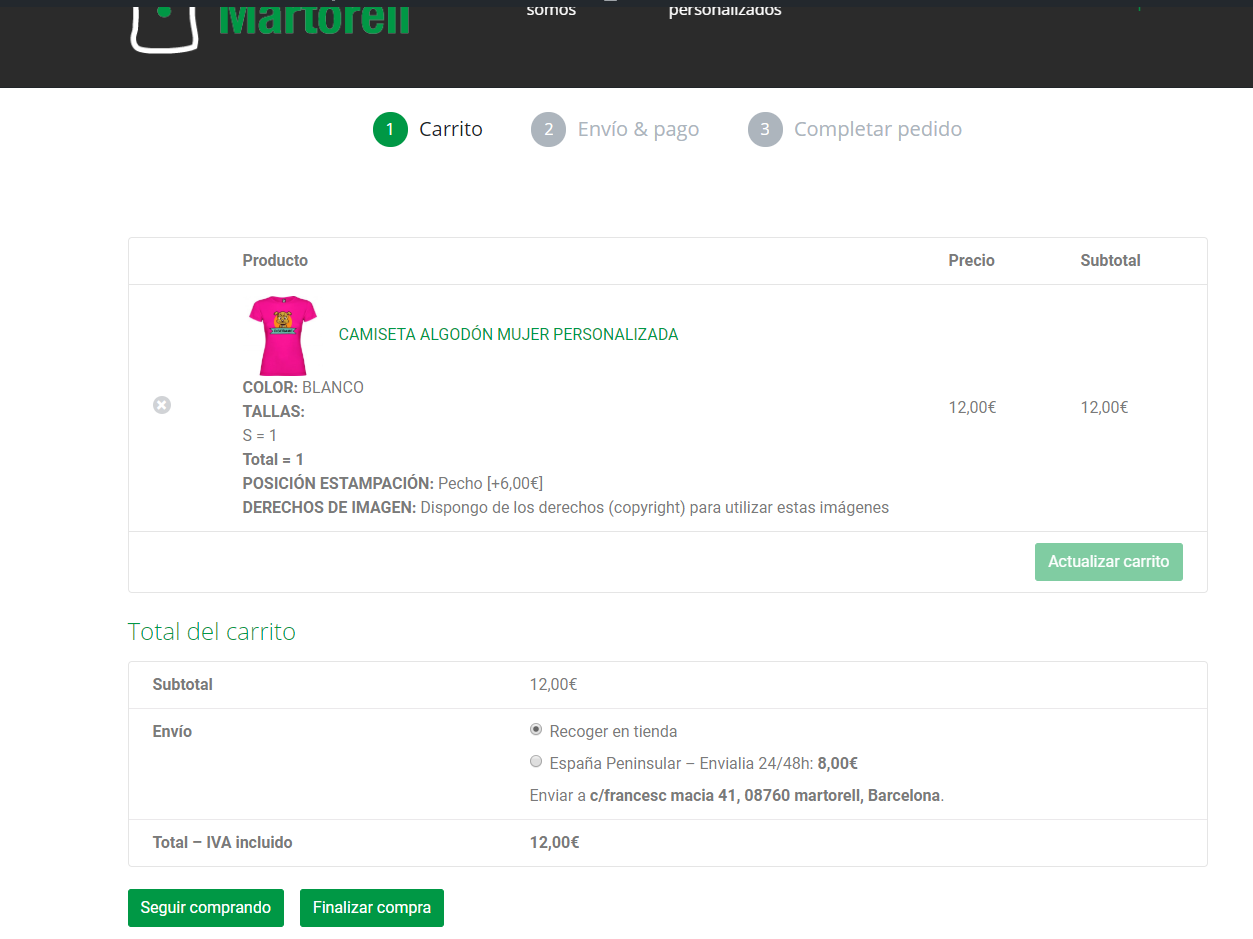
@bertomolina98 – you can try the following CSS in your Customizer:
td.actions {
   display: none!important;
}
This will hide the entire ‘actions’ section of the cart, since you don’t appear to be using coupon codes either.
– Joey
Okey, thanks!
But if I want to delete that button but still the coupon codes sections?
Alberto
Hey @bertomolina98,
If you’d only like to remove the Update cart button on the WooCommerce cart page you can use this CSS below. You may need to alter the value= parameter to match your own buttons value.
.woocommerce-cart button[value="Update cart"]{
    display:none !important;
}
Using Google Chrome Developer Tools you can right-click anywhere on your webpage to select ‘Inspect Element’, the HTML and CSS properties show up right in your browser.
I hope this helps.
Hey @bertomolina98,
I’m happy I could help and I’ll set this topic as resolved! 🙂
Hi Stuart Duff
Thank you very much. according to your code I learned a very useful way to select a button on the basis of its value (button text).
regards