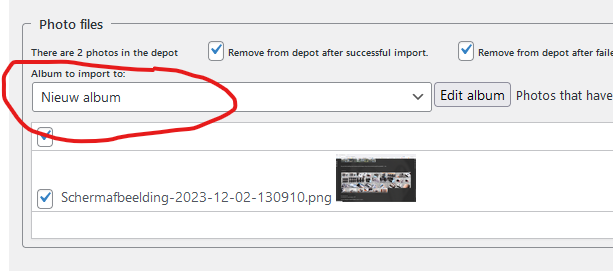
It looks like you arte importing photos that also have the photo definition files.
There should also be a an album definition file ( .amf ) that should be imported first
Thanks for the quick comeback. I was off at deer camp.
I checked. I don’t see and photo definition files in the depot. All I’m seeing are jpg files.
Set Photo Albums -> Settings -> Advanced settings -> Admin -> VI -> Item 6: Photo admin max albums to — off —.
Then go back to the import page. Now you can select the destination album in a selectiobox: select the right album and try again
Cool. I’ll give it a try. I’m still cleaning up from deer season. I’ll give a whirl after I get back to town.