Fatal error Call to a member function format() on bool
-
Hi,
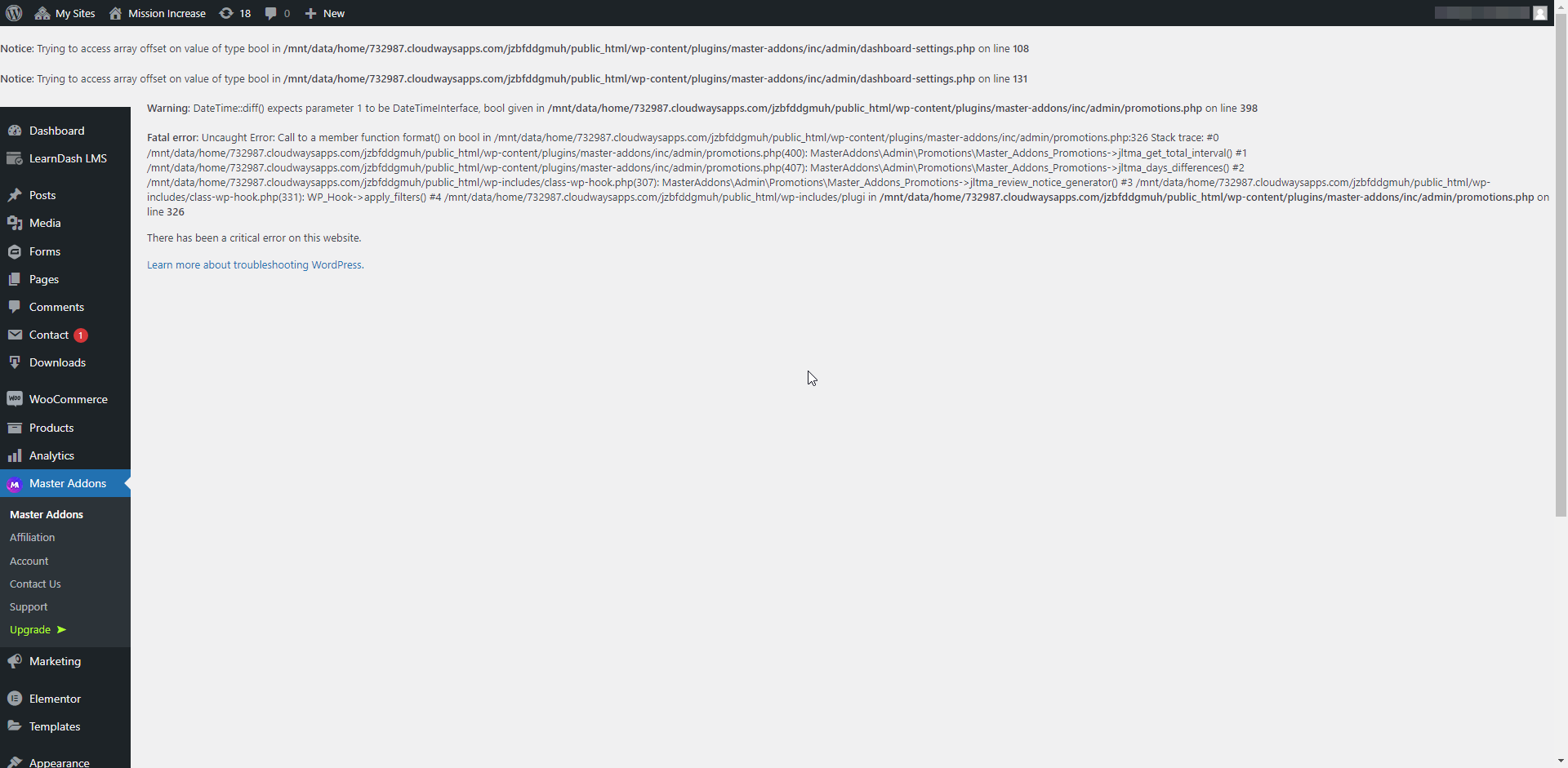
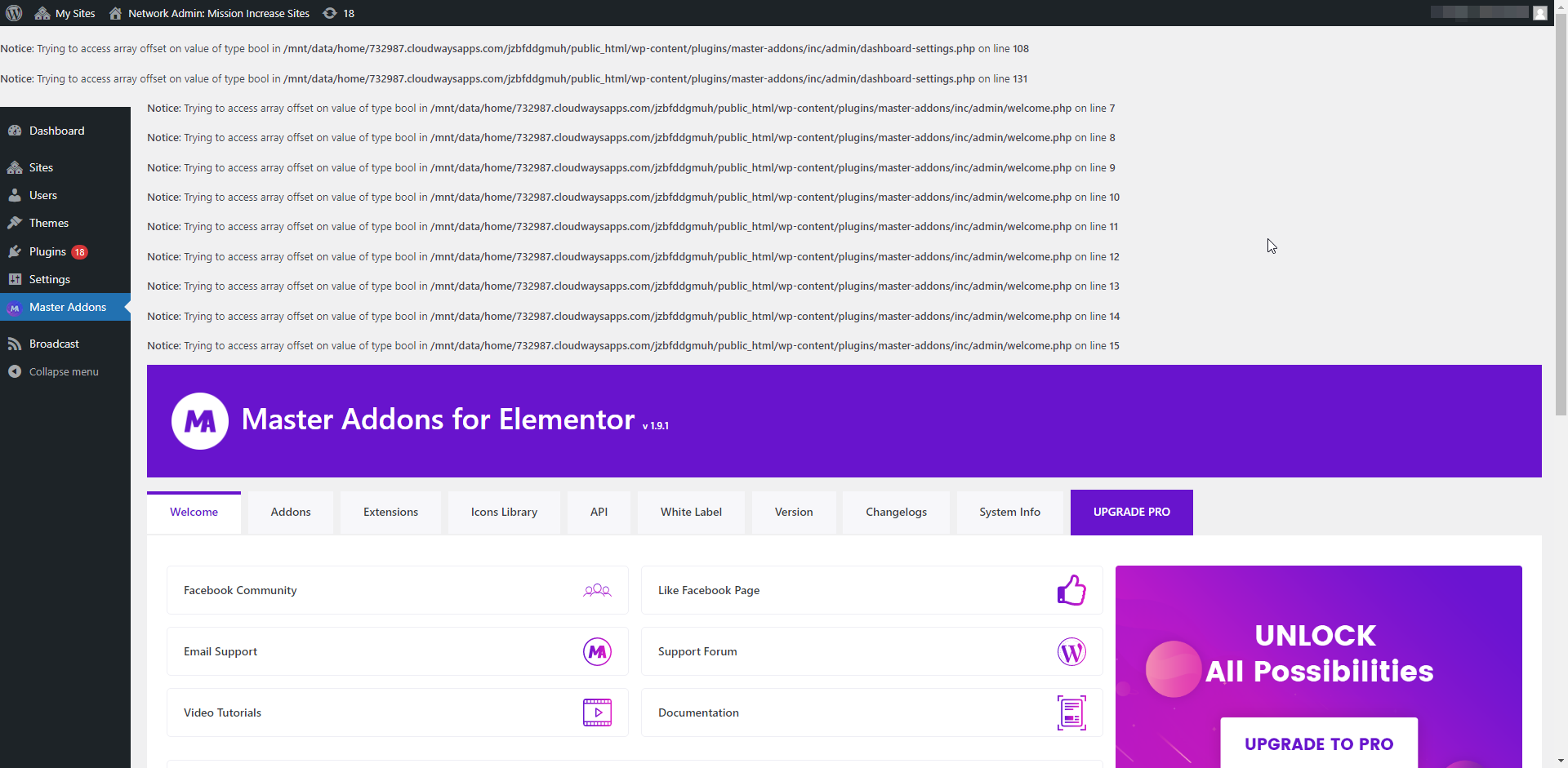
After adding the latest version of your plugin to our multi-site, we are seeing this on our Dashboard and on the Master Addons settings page:
https://f004.backblazeb2.com/file/mi-prod-public/softdev/dashboard_error.png
https://f004.backblazeb2.com/file/mi-prod-public/softdev/settings_error.pngWe are running:
WP Version 5.9.3
PHP Version 7.4.27
Elementor 3.6.5
MySQL Version 5.5Here is pasted text from those error messages:
Notice: Trying to access array offset on value of type bool in /mnt/data/home/732987.cloudwaysapps.com/jzbfddgmuh/public_html/wp-content/plugins/master-addons/inc/admin/dashboard-settings.php on line 108

Notice: Trying to access array offset on value of type bool in /mnt/data/home/732987.cloudwaysapps.com/jzbfddgmuh/public_html/wp-content/plugins/master-addons/inc/admin/dashboard-settings.php on line 131
Skip to main contentSkip to toolbar
About WordPress
My Sites
Mission Increase
1818 updates available
00 Comments in moderation
New
Howdy, Tod Birdsall
Log Out
Screen OptionsHelp
Warning: DateTime::diff() expects parameter 1 to be DateTimeInterface, bool given in /mnt/data/home/732987.cloudwaysapps.com/jzbfddgmuh/public_html/wp-content/plugins/master-addons/inc/admin/promotions.php on line 398

Fatal error: Uncaught Error: Call to a member function format() on bool in /mnt/data/home/732987.cloudwaysapps.com/jzbfddgmuh/public_html/wp-content/plugins/master-addons/inc/admin/promotions.php:326 Stack trace: #0 /mnt/data/home/732987.cloudwaysapps.com/jzbfddgmuh/public_html/wp-content/plugins/master-addons/inc/admin/promotions.php(400): MasterAddons\Admin\Promotions\Master_Addons_Promotions->jltma_get_total_interval() #1 /mnt/data/home/732987.cloudwaysapps.com/jzbfddgmuh/public_html/wp-content/plugins/master-addons/inc/admin/promotions.php(407): MasterAddons\Admin\Promotions\Master_Addons_Promotions->jltma_days_differences() #2 /mnt/data/home/732987.cloudwaysapps.com/jzbfddgmuh/public_html/wp-includes/class-wp-hook.php(307): MasterAddons\Admin\Promotions\Master_Addons_Promotions->jltma_review_notice_generator() #3 /mnt/data/home/732987.cloudwaysapps.com/jzbfddgmuh/public_html/wp-includes/class-wp-hook.php(331): WP_Hook->apply_filters() #4 /mnt/data/home/732987.cloudwaysapps.com/jzbfddgmuh/public_html/wp-includes/plugi in /mnt/data/home/732987.cloudwaysapps.com/jzbfddgmuh/public_html/wp-content/plugins/master-addons/inc/admin/promotions.php on line 326
There has been a critical error on this website.
Please help.
Thank you for your time.

Viewing 5 replies - 1 through 5 (of 5 total)


Viewing 5 replies - 1 through 5 (of 5 total)
The topic ‘Fatal error Call to a member function format() on bool’ is closed to new replies.