The “Upload File” control includes an attribute that restricts the file size users can upload. This value must be entered in kilobytes. Remember that 1 megabyte is equal to 1024 kilobytes. For example, if you want to allow a maximum upload size of 5 megabytes, you should enter 5120.
It’s important to ensure that this size does not exceed your server’s configured file size limit. If you set a file size higher than your server limit, the server will ignore the files selected by the user.
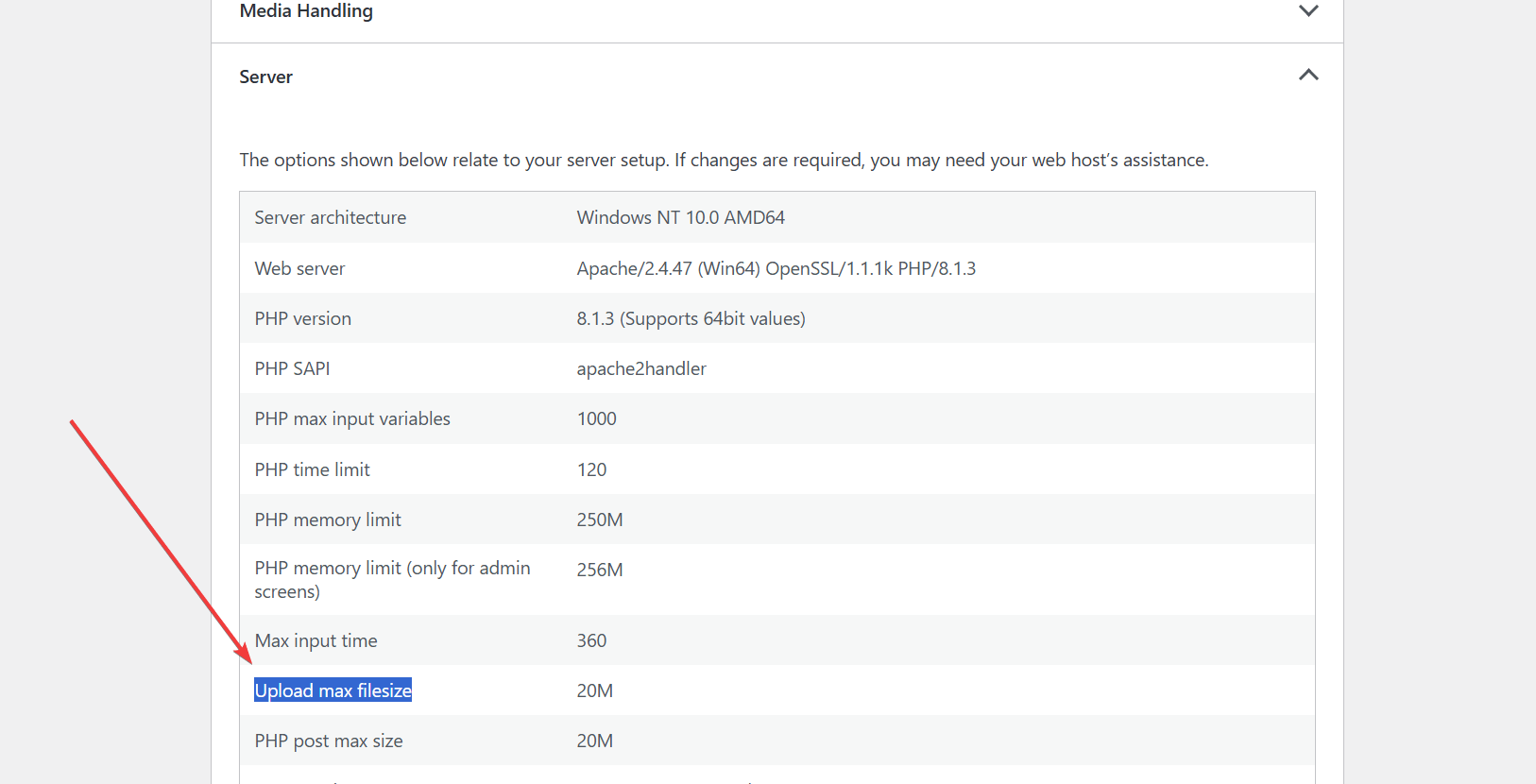
To verify your server’s upload file size restrictions, you can check the “Upload max filesize” information. This can be found under the “Tools > Site Health” section in WordPress, in the “Info” tab.
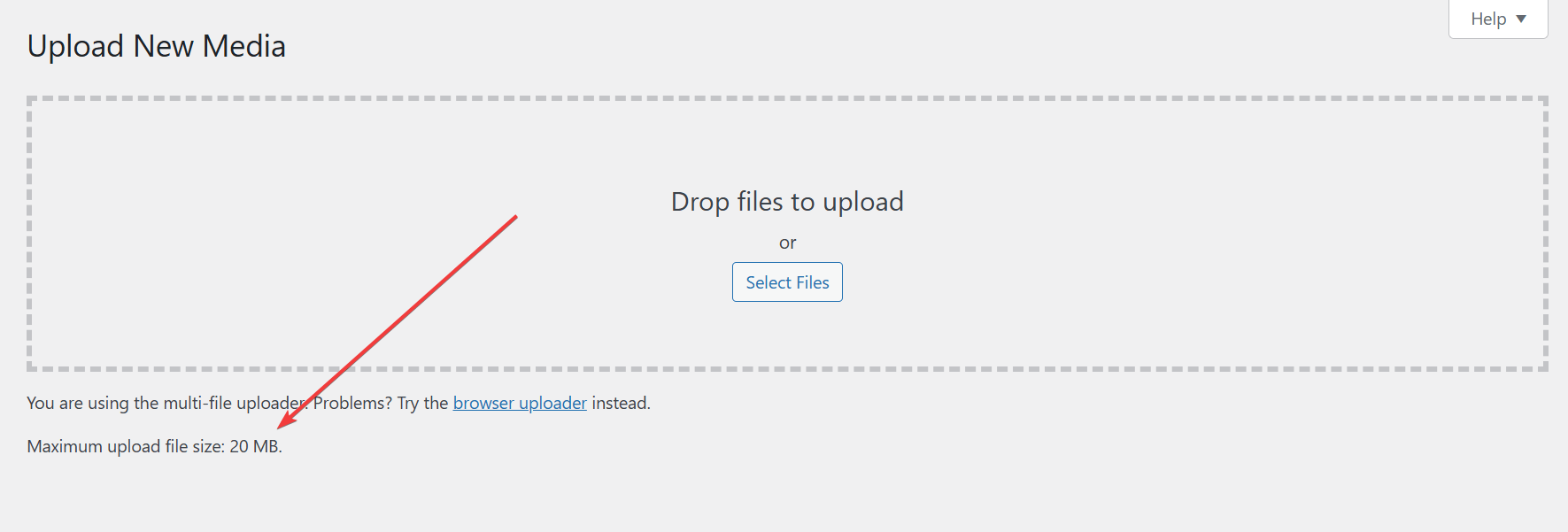
Alternatively, you can visit the “Media > Add Media File” menu option, which displays the file size limit directly on the screen.
Unfortunately, this limit cannot be modified within the plugins. Instead, you’ll need to adjust the PHP settings on your server.
Best regards.
Viewing 1 replies (of 1 total)
The topic ‘Increase size for file uploads’ is closed to new replies.