Plugin Author
 Leap13
(@leap13)
Please share a screen recording showing the content of the template that you are using inside the Premium Carousel widget.
If you want to create a post carousel, you can use Premium Blog widget instead.
Cheers!
Thread Starter
 paavok
(@paavok)
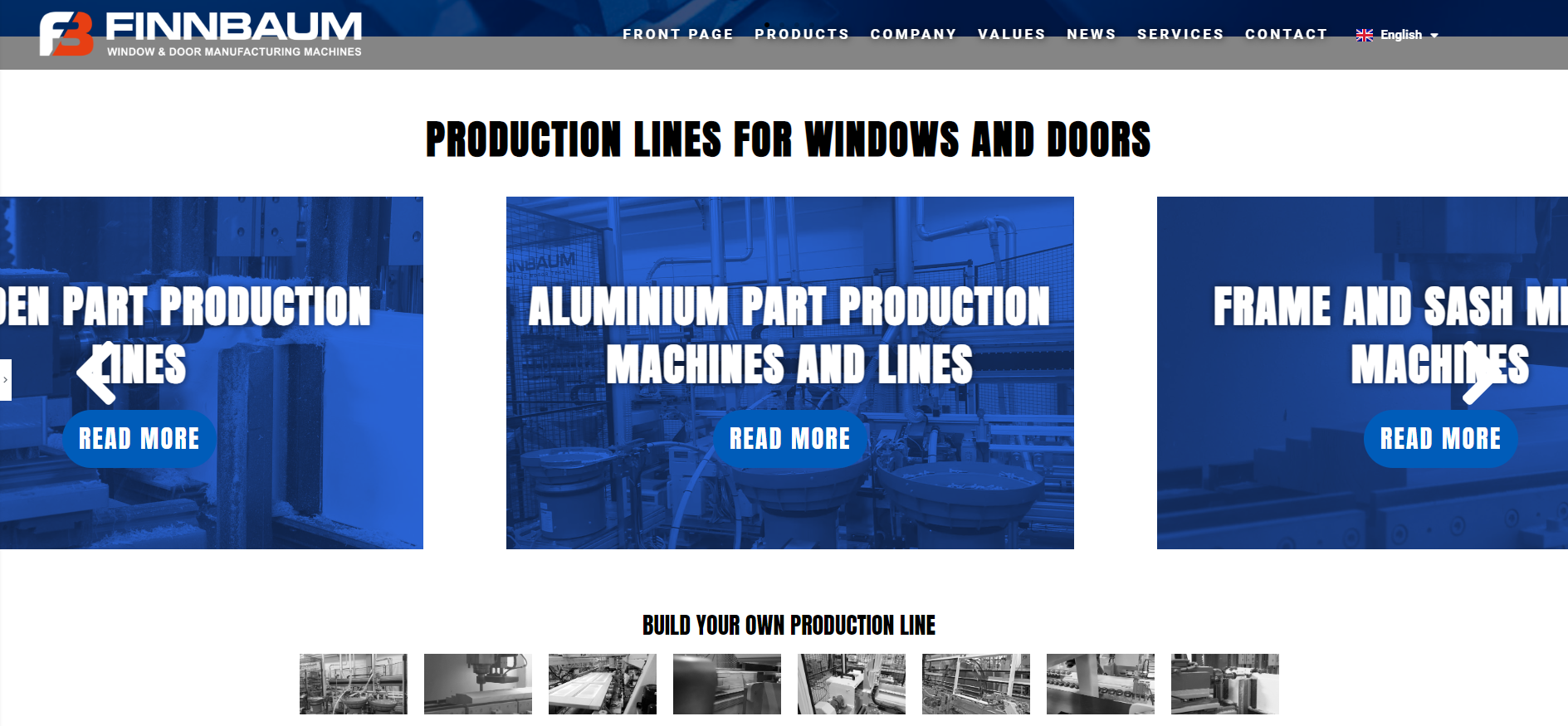
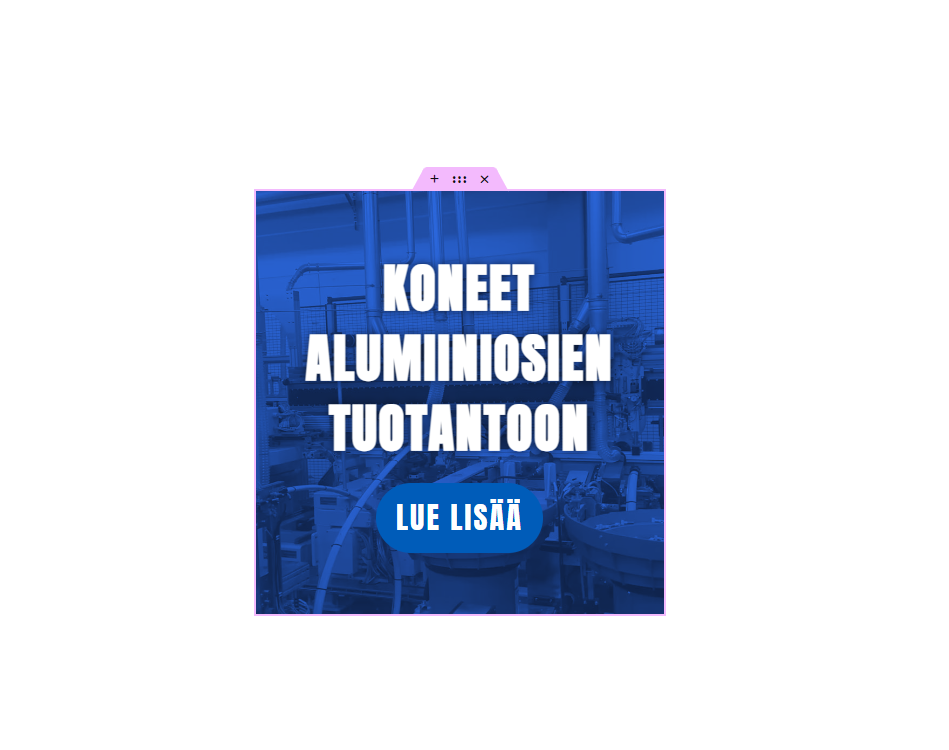
Each template only has a background image, a title and a button, so it’s about as simple as it can get: HERE is a picture.
Plugin Author
Leap13
(@leap13)
In order to check, we need to have a look on the carousel widget settings. Please share a screen recording showing the widget settings and how the carousel looks on the editor and frontend.
Cheers
Thread Starter
paavok
(@paavok)
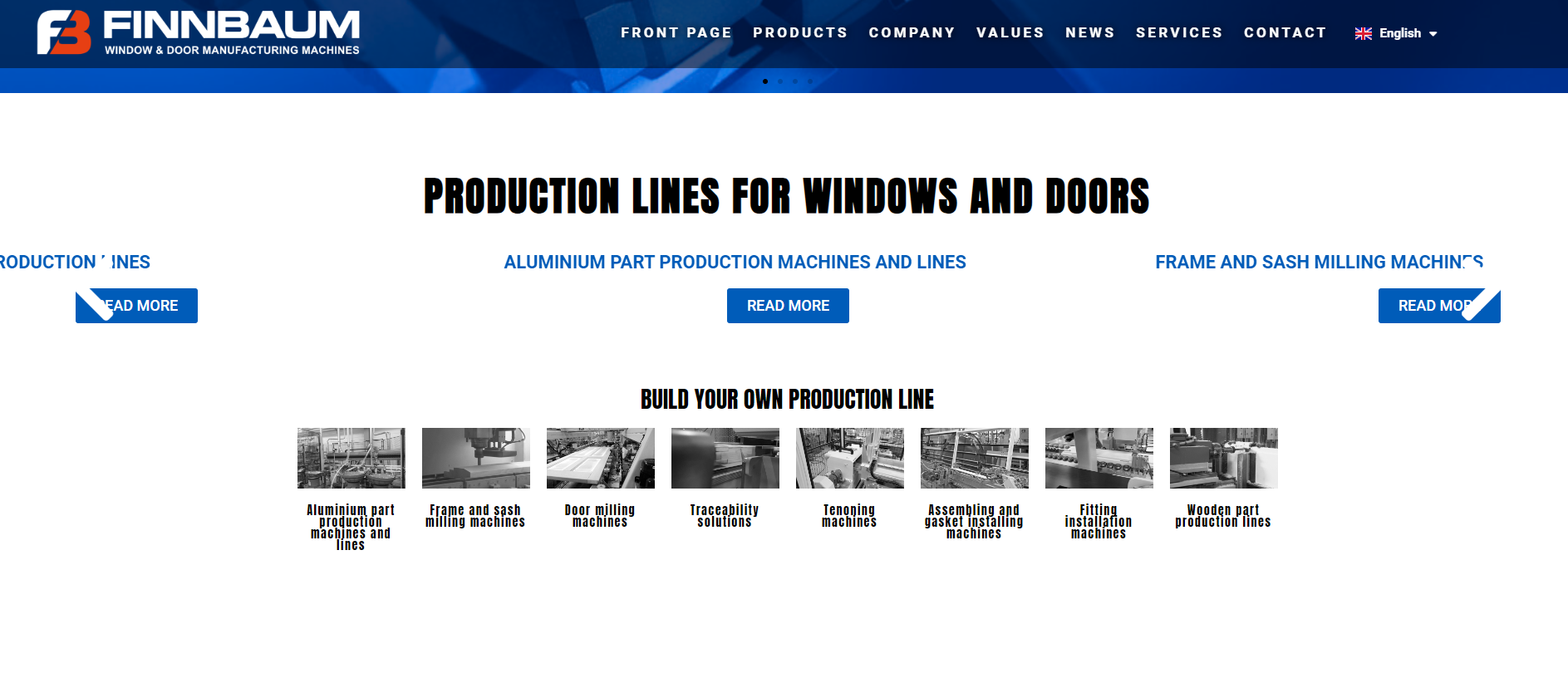
HERE is a recording of how the carousel should look, and how it looks in the editor.
HERE is a recording in the front end.
Hopefully this helps, thanks!
Plugin Author
Leap13
(@leap13)
Hi there,
Thanks for sharing this.
It seems that the styling added to those templates is missing. Could you please try with all plugins deactivated except Elementor and Premium Addons.
Also, please try to navigate to your WP Dashboard -> Elementor -> Settings -> Advanced tab and make sure that CSS Print Method option is set to External File.
Regards
Plugin Author
Leap13
(@leap13)
@paavok We didn’t hear back from you. I hope everything is going fine with you.
Please note that we will mark this as resolved. Please let me know if you need any further assistance.
Thread Starter
paavok
(@paavok)
@leap13
Hello!
Sorry for not replying. I did not receive a notification about the thread being updated, so I wasn’t aware. I did as requested and disabled all other plugins, which had no effect on this issue. CSS print method was already set on External File. Switching this option to the internal embed seemed to fix the issue.
Thanks!
-
This reply was modified 2 years, 3 months ago by
 paavok.