Viewing 3 replies - 1 through 3 (of 3 total)
  • Plugin Author Pektsekye

    (@pektsekye)

    Hello,

    If both YMM Blocks are displayed with shortcode:

    Try to replace the line:

    
        $block->setWidgetId('content');
    

    with:

    
        $id = isset($atts['id']) ? (int) $atts['id'] : 0;
        $block->setWidgetId('content_' . $id);
    

    in the file:
    wp-content/plugins/ymm-search/ymm-search.php

    Then set unique id for each ymm shortcode like this:

    
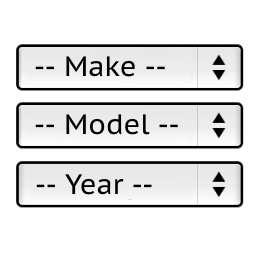
    [ymm_selector template="selector.php" id=2]
    

    Stanislav

    Thread Starter qurtex420

    (@qurtex420)

    Thanks that works almost perfect. I already disabled automatic search before, but now its back. I assume it’s do with this new change, is there any fix.

    Plugin Author Pektsekye

    (@pektsekye)

    Hello,

    Can you send a link of your website to my email [email protected]

    so I can check?

    Stanislav

Viewing 3 replies - 1 through 3 (of 3 total)

The topic ‘Using shortcode in header for desktop version, and another for mobile/tablet’ is closed to new replies.