Hello,
The official AMP plugin by Automattic now features Analytics tracking out of the box. You can also add your JSON configuration to specify what you want to track. You may want to read more about it as it was outlined in a post by Yoast here.
Could you please clarify on what you mean by “everything I write in there just go on save… seems like my code is not good ?“. If you could share a screenshot or more details on what you want to happen for your post/page, we could help address further.
-
This reply was modified 8 years, 5 months ago by
 Michael Tiña.
Hello Mikes,
The official AMP plugin by Automattic now features Analytics tracking out of the box. You can also add your JSON configuration to specify what you want to track. You may want to read more about it as it was outlined in a post by Yoast here.
This mean I do not need to configure Analytics to track AMP ?
Will see you link !
Could you please clarify on what you mean by “everything I write in there just go on save… seems like my code is not good ?“. If you could share a screenshot or more details on what you want to happen for your post/page, we could help address further.
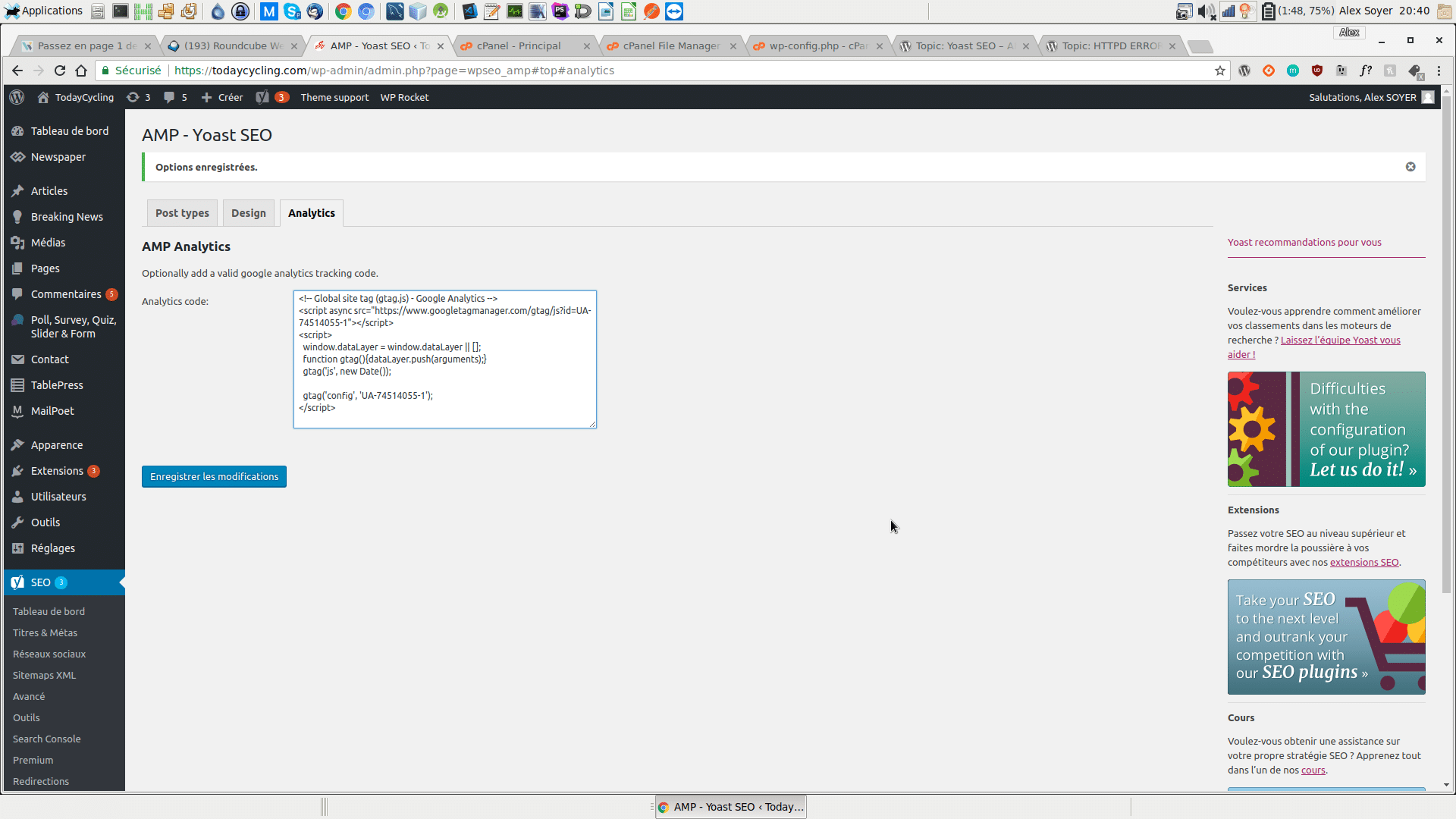
I cannot save that, this is clearing the field.
https://todaycycling.com/wp-content/uploads/2017/12/Capture-d’écran_2017-12-14_20-40-04.png
Thank you
If you’re wanting to use the Automattic AMP plugin to use the Google Analytics, you’ll need to configure the plugin and add the tracking code. If you need further information, we recommend you please reach out the relevant plugin support for assistance.
In regards to the Yoast AMP plugin Google Analytics tracking code issue, a bug report is currently open in our development repository for this issue. You can find and follow the progress of the report here: https://github.com/Yoast/yoastseo-amp/issues/40
Closed due to inactivity.