Tiago

Forum Replies Created
-
Forum: Everything else WordPress
In reply to: Excerpt with clickable linksHi @papai40515
I’m not sure what you mean by “from where are you trying to add the link ?” Can you clarify?
I tried different approaches.
This: https://www.abrightclearweb.com/create-wordpress-excerpts-include-links/
This: https://stackoverflow.com/questions/24151161/how-to-prevent-wordpress-from-stripping-html-tags-in-excerptSo far no luck.
This approach “you can add a field for excerpt link by customizing the single.php.” is a bit complex to me as I’m not a developer or anything. I also would like to not mess with individual php files if possible to avoid issues when updating, unless I can add a single.php file to my child theme and only modify that? I’m using the Twenty Twenty Three theme on WordPress 6.5.4 and from what I read it seems that the structure is a bit different with the new Editor, the Templates, etc, so I wonder if there’s another way to make changes without changing the core php files (unless I can have a single.php file in my child theme).
Thank you for your help
Hi Darren
I checked the documentation, but as a non-developer, this seemed too complex for me.
I ended up using a simpler plugin that just needs to be added as a block on my template(s). No configuration at all and does the job.I appreciate your reply and trying to help me!
Forum: Everything else WordPress
In reply to: Looking for plugin to display posts like social media feed@macmanx using templates and the Block Visibility plugin I was able to make the posts stack instead of being side by side. So far so good. Now I just really wanted to make the Read More link just expand the content of the post. I found this plugin “Ultimate Blocks” that has an Expand option, but this only works when the visitor is already inside the post itself, which defeats the purpose, imo.
Forum: Everything else WordPress
In reply to: Looking for plugin to display posts like social media feedI don’t know if this is somehow relevant to the “Read More” issue, but let me share it anyway. I know ChatGPT is not the most reliable thing, but as a non-developer myself, I was able to do some things with it. A lot of headaches, yes, a lot of mistakes by ChatGPT, but after a few attempts (and some basic knowledge on my end to know how to ask certain things), I was able to build some simple things with HTML, CSS, JavaScript.
For this particular case I asked it to do what I described above and to apply it to a category called “Photography” (as an example). Here’s what it offered me, if you know how to check if it’s valuable information or not:
Step 1: Create or Edit the Category Template
First, create a category template for the “Photography” category if it doesn’t already exist. This will be a PHP file named
category-photography.php. Place this file in your theme directory.<?php
get_header(); // Include the header
if ( have_posts() ) :
while ( have_posts() ) :
the_post();
?>
<div class="post-content">
<div class="post-excerpt">
<?php echo wp_trim_words(get_the_content(), 10, '...'); ?>
</div>
<div class="post-full-content" style="display: none;">
<?php the_content(); ?>
</div>
<a href="javascript:void(0);" class="read-more">Read More</a>
</div>
<?php
endwhile;
else :
echo '<p>No posts found</p>';
endif;
get_footer(); // Include the footer
?>Step 2: Add CSS
Add the following CSS to your theme’s
style.cssfile or via the Customizer (Appearance > Customize > Additional CSS) – (I know this is outdated with the new Site Editor, but that’s what GPT suggested):.post-full-content {
display: none;
}Step 3: Add JavaScript
Add the JavaScript to handle the “Read More” functionality. To ensure it only runs on the “Photography” category page, enqueue the script conditionally in your theme’s
functions.phpfile:function custom_read_more_script() {
if (is_category('photography')) {
?>
<script>
document.addEventListener("DOMContentLoaded", function() {
var readMoreLinks = document.querySelectorAll('.read-more');
readMoreLinks.forEach(function(link) {
link.addEventListener('click', function(e) {
e.preventDefault();
var postContent = this.previousElementSibling;
if (postContent.style.display === "none") {
postContent.style.display = "block";
this.innerText = "Read Less";
} else {
postContent.style.display = "none";
this.innerText = "Read More";
}
});
});
});
</script>
<?php
}
}
add_action('wp_footer', 'custom_read_more_script');——-
Now I know that even if this works (most definitely with some changes to the code), how would I be able to do this and still be able to update my theme? I always had a hard time full understanding the Child Theme concept and always relied on plugins, but I had issues in the past when trying to do it.
Forum: Everything else WordPress
In reply to: Looking for plugin to display posts like social media feedThanks for your reply, @macmanx
I’m using Twenty Twenty-Three version 1.4. It seems that this is a block theme, right? At least I am able to see that it only shows the Site Editor, which would indicate that this is a block theme?
If so, can you please help me with this?
1 – How would I make the Read More function as a link/button that shows the rest of the text instead of opening a new page with the full post? For example I want the first 50 characters to show (let’s say I have a text with 500 characters) and when I press Read More, it will show all 500 characters, without jumping to another page. Similar to how social media posts behave.2 – How do I stack the posts instead of having them side by side?
This is pretty much what I want to achieve (regardless of screen size I want it to be around 500px wide, all posts stacked):

Then when I click “Read More” it expands the excerpt:

And maybe the “Read More” becomes “Read Less”. This is not mandatory, but if possible, even better just for “logic” sake.

- This reply was modified 1 year, 11 months ago by Tiago.
“great” support… 5 days and not a single reply from them.
Forum: Plugins
In reply to: [WooCommerce] Add “Proceed to Checkout” next to “View Cart”@smbhatia03 that worked like a charm! 🙌
Really appreciate your help here! This makes so much more sense to me, having the 2 options. And yes, I used the snippets plugin to avoid issues with future updates and all that.
Once again, thank you so much for helping me!
Forum: Fixing WordPress
In reply to: Installing something else on sub directoryHi @gappiah
Thank you for the quick reply.
I’m sorry, but either something must have changed or I was doing something else in the past, but now that I tested it again, it actually shows me the files… weird.I truly remember adding folders and images to older installations and I would get the 404 error so all this time I thought that any extra folder/files added to a directory with WordPress installed, wouldn’t show up. I guess I was wrong…
At least it seems that I can now install phpBB inside a /forum directory 🙂
I appreciate your time and thank you for pushing me to testing it again!
Forum: Plugins
In reply to: [Simple Membership] Soundcloud block is broken after “READ MORE” is insertedThank you @mbrsolution
I would follow the steps of disabling plugins and themes, but unfortunately I once had an issue with a website where I disabled a theme and some information was gone once I enabled it. Maybe when another theme was enabled, some blocks changed the way they were displaying the content and then going back to the original theme, couldn’t really interpret that same content and it was all messes up, so I avoid doing that again. I don’t know why that happened, I don’t know if it was an issue with WP or the theme, but I learned my lesson.
I will use one of the other options for embedding the player then.
Appreciate your time and help!
- This reply was modified 3 years, 7 months ago by Tiago.
Forum: Themes and Templates
In reply to: [Chosen] Center “Search” icon and field@bensibley
You’re the best! Really appreciate you sharing this. Worked like a charm and thank you for sharing the theme with the world! 🙂Forum: Plugins
In reply to: [Enable Media Replace] Thumbnails not being generated and format “bug”Hi @sixaxis
I completely disabled that feature inside the Folders plugin (glad that it’s possible to avoid having 2 Replace links). Now I only see one: yours. So we’re good!
Thanks and keep up the great work! 🙂
Forum: Themes and Templates
In reply to: [Koji] “Reset” table block’s layoutHi @anlino
I totally understand, no worries.
I was able to find this plugin that allows custom CSS per post:
https://ww.wp.xz.cn/plugins/blocks-css/Or if I want to add that globally, instead of a child theme (I tried a plugin and it messed with my styles, for some reason), I can just add that to the Additional CSS panel inside Customize:
.wp-block-table tbody > tr:nth-child(even) > td,
.wp-block-table tbody td {
background: #fff;
border: 1px solid;
}Thank you for your time and reply, though. 🙂
- This reply was modified 4 years, 1 month ago by Tiago.
Forum: Fixing WordPress
In reply to: List of tags just like categories on the sidebar (backend)@rickymccallum87 YES YES YES!!! That’s exactly what I was looking for! Thank you SO Much! 🙂
It would be great if WP had this included, or at least that we could choose what format to use.Forum: Fixing WordPress
In reply to: List of tags just like categories on the sidebar (backend)Thanks for the link @t-p
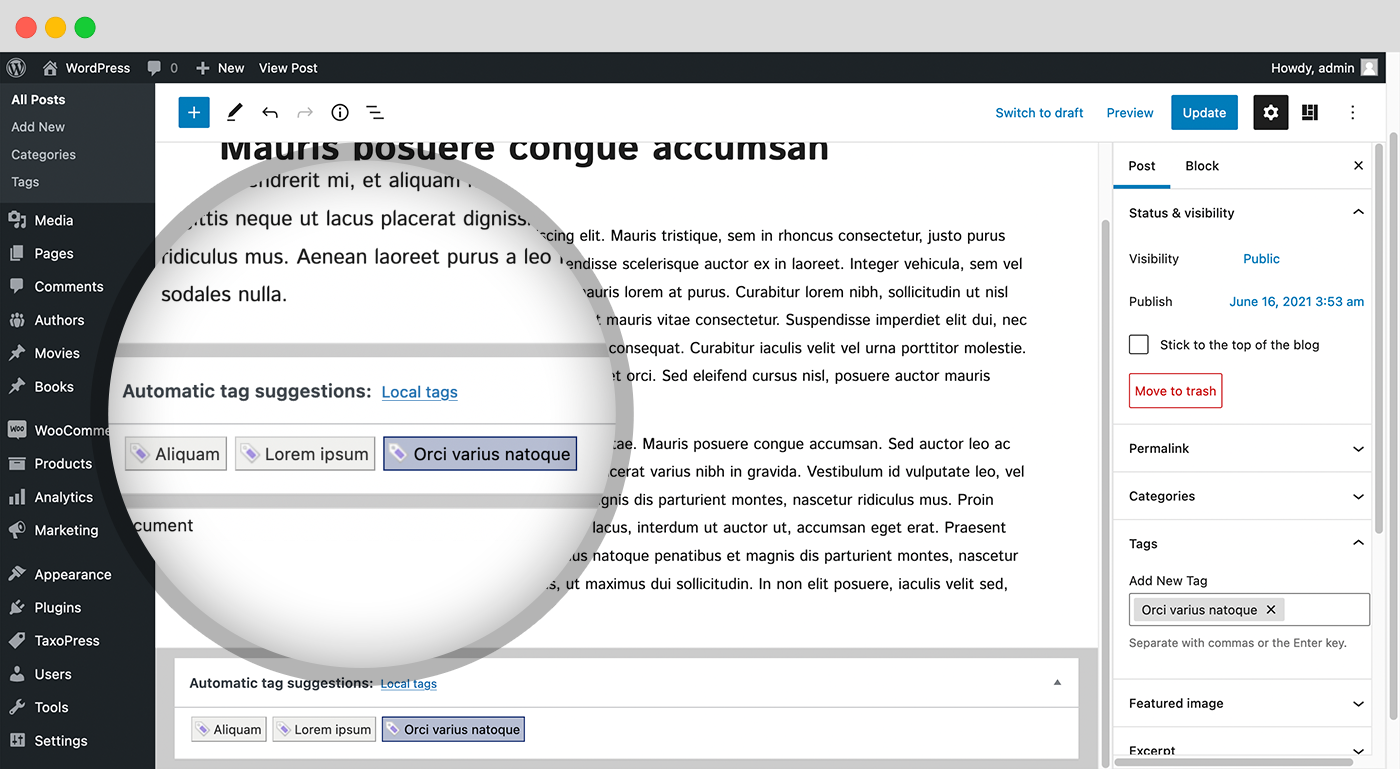
Looking at the screenshots (I haven’t installed the plugin yet) it seems that it doesn’t do what I would like it to do which is adding a list of all my tags on the sidebar when I’m creating a new post or page. Look at the right hand side of this image and you will see that there’s no list of tags:
https://ps.w.org/simple-tags/assets/screenshot-5.png?rev=2549065Forum: Fixing WordPress
In reply to: “Reset” table block’s layoutThank you @threadi for the reply.
I just started a new thread on the theme’s support forum, thanks for the tip.I was wondering if there was a plugin or something like that that can be applied to any theme, something that would just ignore all styling other than the default WP’s style, if that makes sense?