Kyle

Forum Replies Created
-
Forum: Plugins
In reply to: [Advanced Query Loop] Post Order By Meta Value Not WorkingYes, I can confirm that last_name (all lowercase) is the field:

I can also confirm that the posts all contain the last_name:

I can verify that the filed is retrievable using ACF get_field() or get_post_meta().
They are also available in the REST API as acf.last_name:
https://www.luthercollege.edu/wp-json/wp/v2/posts?per_page=100&_fields=id,title,acf
https://www.luthercollege.edu/wp-json/wp/v2/posts/1316I don’t think any are missing, Laura Ambrose is just out of order at the bottom of the list on the frontend:
Hello, is there any updates on the query sorting issue, it is still present? We are currently using a hacky usort workaround so we could launch the site. Here is some additional information if it helps:

How to replicate
1. Install WP
2. Use the default Twenty Twenty-Two, Twenty Twenty-Three, or Twenty Twenty-Four theme.
3. Add Posts for testing
4. Add Lazy block
5. Add Lazy block template to theme folder /twentytwentyfour/blocks/lazyblock-test/block.php
6. Query posts with get_posts() or WP_Query()

I have verified that there is not any hooks like pre_get_posts, and all queries are properly reset in Twenty Twenty-Two, Twenty Twenty-Three, or Twenty Twenty-Four themes that could be causing issues.

Here is some additional queries that are being ignored.

$args = array(
	'numberposts' => -1,
	'orderby' => 'title',
	'order' => 'ASC',
);
$custom_posts = get_posts($args);
var_dump($custom_posts);

$args = array(
	'numberposts' => -1,
	'orderby' => 'title',
	'order' => 'DESC',
);
$custom_posts = get_posts($args);
var_dump($custom_posts);

$args = array(
	'numberposts' => -1,
	'orderby' => 'ID',
	'order' => 'ASC',
);
$custom_posts = get_posts($args);
var_dump($custom_posts);

$args = array(
	'numberposts' => -1,
	'orderby' => 'author',
	'order' => 'ASC',
);
$custom_posts = get_posts($args);
var_dump($custom_posts);

$args = array(
	'numberposts' => -1,
	'orderby' => 'type',
	'order' => 'ASC',
);
$custom_posts = get_posts($args);
var_dump($custom_posts);

$args = array(
	'numberposts' => -1,
	'orderby' => 'parent',
	'order' => 'ASC',
);
$custom_posts = get_posts($args);
var_dump($custom_posts);

$args = array(
	'post_type' => 'post',
	'post_status' => 'publish',
	'orderby' => 'title',
	'order' => 'ASC',
);
$custom_posts = new WP_Query($args);
var_dump($custom_posts);


$args = array(
	'post_type' => 'post',
	'post_status' => 'publish',
	'orderby' => 'date',
	'order' => 'ASC',
);
$custom_posts = new WP_Query($args);
var_dump($custom_posts);

$args = array(
	'post_type' => 'post',
	'post_status' => 'publish',
	'orderby' => 'name',
	'order' => 'ASC',
);
$custom_posts = new WP_Query($args);
var_dump($custom_posts);

$args = array(
	'post_type' => 'post',
	'post_status' => 'publish',
	'orderby' => 'modified',
	'order' => 'ASC',
);
$custom_posts = new WP_Query($args);
var_dump($custom_posts);

$args = array(
	'post_type' => 'post',
	'post_status' => 'publish',
	'orderby' => 'menu_order',
	'order' => 'ASC',
);
$custom_posts = new WP_Query($args);
var_dump($custom_posts);

$args = array(
	'post_type' => 'post',
	'post_status' => 'publish',
	'orderby' => 'rand',
);
$custom_posts = new WP_Query($args);
var_dump($custom_posts);How come all the default styles are not being applied to the carousel via Divi? Also the workaround is missing padding on the container as well:
Front End:

Back End Preview:

I’m not 100% sure what you are after so I included screenshots of everything:
Front End:

Back End:

Divi:
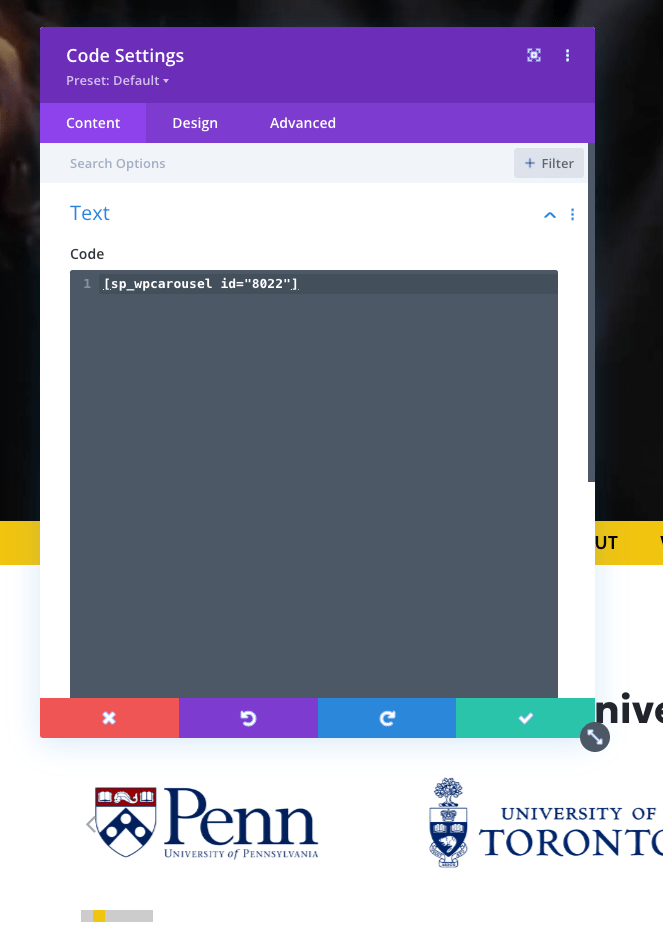
WP Carousel:
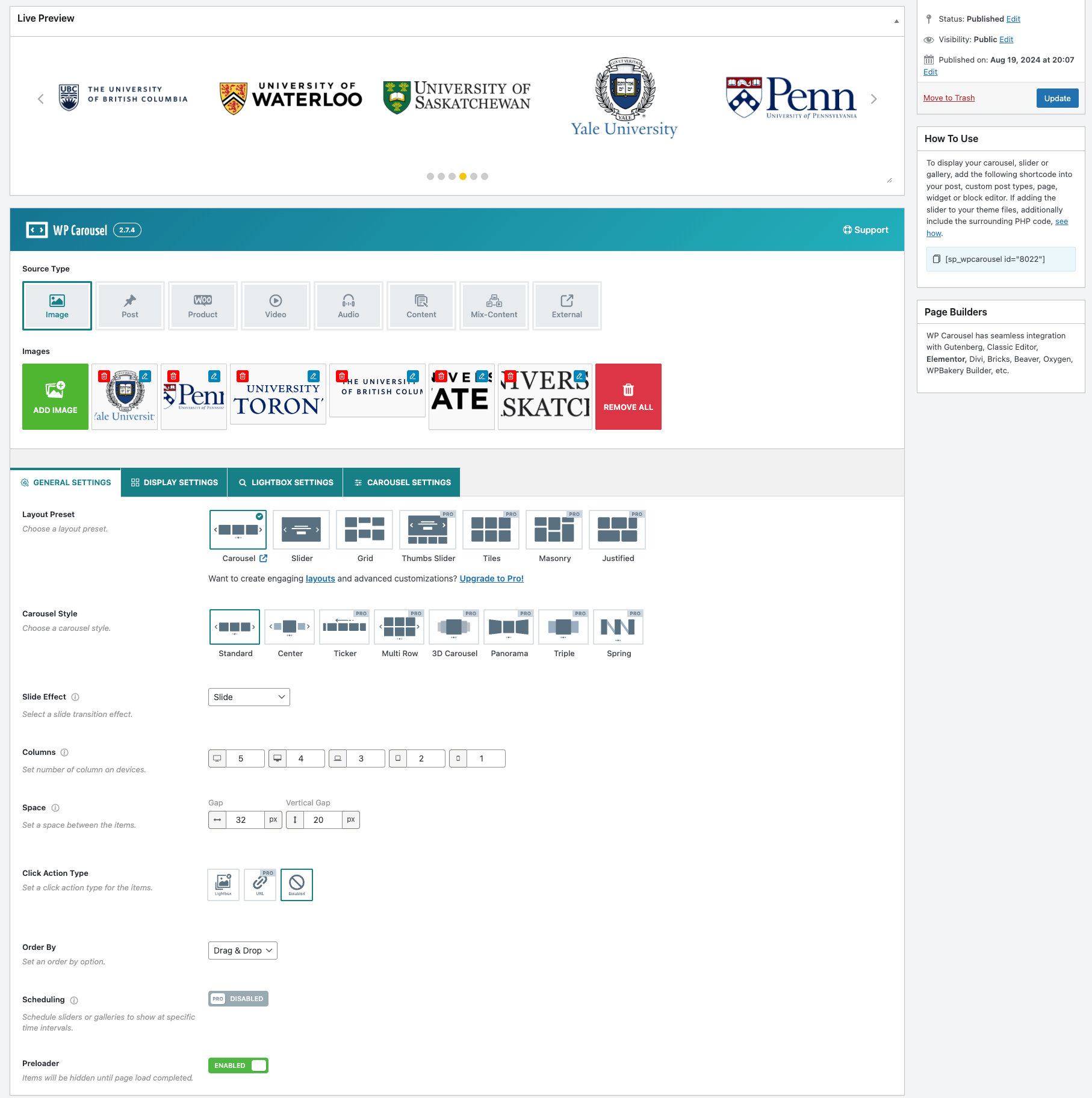 Forum: Plugins
In reply to: [WordPress Importer] Incorrectly Flagging duplicatesI figured out the cause of the issue. Despite the posts having a unique ID and slug, some of the posts shared the same pubDate, post_date, and post_date_gmt. The posts were originally created outside of WordPress via a 3rd party course management software. When these posts were imported into WordPress it caused some of the posts to have matching timestamps. So now when they are Exported from one WordPress site and imported into another the posts are incorrectly flagged as duplicates.
<pubDate>Fri, 07 Mar 2025 20:39:33 +0000</pubDate>
<wp:post_date><![CDATA[2025-03-07 20:39:33]]></wp:post_date>
<wp:post_date_gmt><![CDATA[2025-03-07 20:39:33]]></wp:post_date_gmt>
Luckily I only had about 100 duplicates so I was able to manually resolve the conflicts fairly quickly. Hopefully there is a simple resolution to prevent false duplicates; either some sort of double check to make sure that posts do have unique ID’s or some sort of manual approval/override before omitting posts.
Thanks!
– KyleThanks for the quick response!
I missed that option in the docs but that should work!
We tested without any other plugins so it was not a plugin conflict. We ended up modifying the plugin to enqueue jQuery in the recommended way. That solved the issue as jQuery was not being used on any other part of the website.
Cheers!
– KyleForum: Plugins
In reply to: [Import and export users and customers] Retain existing User IDThanks, I am aware of the downsides and best practice’s of change the ID’s of an auto incrementing table.
For option 2 what are the hooks for using the source_original_id?The documentation tab in the plugin did not make any mention of hooks provided by the plugin. Where can these be found? I ended up writing a quick plugin to import user with the correct user ID’s but would have loved to use a simple hook.
I think it would be a good Idea to inform potential that users that the plugin will reindex the user table and can/DOES break basic website functionality. This can prevent irreversible damage to sites and prevent headaches. Also, after reading a few reviews it seems that others have had the same issue. Like others have said, the first thing i did was read the documentation and I could not find the info I was looking for. A quick update to messaging would help the plugin a lot!
Forum: Plugins
In reply to: [Import and export users and customers] Retain existing User IDAlso, to answer your first comment, despite the wp_users table being auto incremented you can manually force ID’s.
I have not had time to test and it has been a while since i’ve needed to do anything like this but I would look into two (2) things:
#1) wp_insert_user(). This function accepts an ID but I do not remember if it will use the ID when creating a new user (if unable to update).
#2) global $wpdb->insert(). I recall this can cause all kinds of issues if not done correctly. but you should be able to insert into the users and usermeta tables. Something like:global $wpdb; // User ID to use $user_id = 3; // Insert the user into wp_users $wpdb->insert( $wpdb->prefix . 'users', array( 'ID' => $user_id, 'user_login' => '[email protected]', ) ); // Set the wp_usermeta with the custom user ID $wpdb->insert( $wpdb->prefix . 'usermeta', array( 'user_id' => $user_id, 'meta_key' => 'user_custom_description', 'meta_value' => 'custom description', ) );There is some samples in the docs that do almost this exact thing:
https://developer.ww.wp.xz.cn/reference/classes/wpdb/insert/Forum: Plugins
In reply to: [Import and export users and customers] Retain existing User IDThanks for the quick responses. I am not referring to the usermeta table but user data stored in the postmeta table.
After doing some testing I can confirm that reindexing the user table does break page/post meta data.
An example:
Over time our website has had new users added and other users removed. We are left with three (3) users on the website
ID: 1 – [email protected]
ID: 3 – [email protected]
ID: 5 – [email protected]
We have a post that has a custom field called ‘user_field’ (VIA ACF). This ‘user_field’ stores the ID of the user.
The value of ‘user_field’ is set to 3.
As seen above list of users, the user with the ID 3 is [email protected]
Now we need to setup a new website or a staging environment so we export this post using the native wordpress exporter/importer.
The new website is setup and the post is imported correctly with ‘user_field’ still set to 3.
Now we need to import our users. We export the users with the plugin however, when we import the users to the new website the user table gets reindexed. This now means that our 3 users now look like this:
ID: 1 – [email protected]
ID: 2 – [email protected]
ID: 3 – [email protected]
So now, on our new website when we retrieve the value of our ‘user_field’ using WP’s get_post_meta($post_id, ‘user_field’) or ACF’s get_field(‘user_field’, $post_id)) our value is still 3 (as expected), but the user with the ID 3 is [email protected] and not [email protected] like it should be.
—
The sample above is just a test situation, in our real production environment we are working with hundreds of users and thousands of posts.- This reply was modified 2 years, 5 months ago by Kyle.
Forum: Plugins
In reply to: [Import and export users and customers] Failed Import (Fatal Errors)No Worries!
Sounds good and thanks for the quick response!Forum: Plugins
In reply to: [Import and export users and customers] Failed Import (Fatal Errors)The CSV was created via the plugin on a live site and imported into a development version of the same site.
Forum: Plugins
In reply to: [Import and export users and customers] Retain existing User IDReindexing Users is not safe to do. Any post or page that has a user assigned in the post meta will no longer be linked correctly. It also breaks plugins that use user IDs for identifying/managing capabilities and roles.
A good example of a plugin that stores the user id is ACF:
https://www.advancedcustomfields.com/resources/user/- This reply was modified 2 years, 5 months ago by Kyle.
Forum: Plugins
In reply to: [Import and export users and customers] Failed Import (Fatal Errors)Import and export users and customers
Version 1.23.5
WP 6.4.1
CENT OS
Plesk Obsidian 18.0.54
PHP 8.2Cheers,
It Works like a Charm, Thanks a bunch!!