Rafael Fischmann

Forum Replies Created
-
Forum: Plugins
In reply to: [Relevanssi - A Better Search] Relevanssi on RSS feeds?I haven’t tried all of that yet, need to do it during very low-traffic hours.
Just ran the basic test and that line didn’t show up in the debug.log file at all. The filter was supposed to work on a query like this one, correct? https://macmagazine.com.br/feed/?s=cupertino
Forum: Plugins
In reply to: [Relevanssi - A Better Search] Reverse order by dateThat’s exactly what I want, @msaari, but somehow — maybe for the same reason as the code for RSS feeds in the other topic — it’s not working for me.
What I mean is like this example here: https://d.pr/i/7GY73C
It first sorts by relevance (great), but the latest posts — probably with the same lower relevance — are shown from the oldest to the newest. I want to invert that.
Forum: Plugins
In reply to: [Relevanssi - A Better Search] Relevanssi on RSS feeds?Weird, @msaari, it’s not working for me and I have no idea what could be interfering. Is there any way to debug it?
My PHP error log is still full of these, every single day:
[29-May-2025 13:28:58 UTC] WordPress database error Duplicate entry '1084363-wp_posts' for key 'tid_tsrc_unique' for query insert intowpftsi_index(tid,tsrc,tdt,build_time,update_dt,force_rebuild,locked_dt) values ("1084363", "wp_posts", "1970-01-01 00:00:00", 0, "1970-01-01 00:00:00", 1, "1970-01-01 00:00:00"), ("1084364", "wp_posts", "1970-01-01 00:00:00", 0, "1970-01-01 00:00:00", 1, "1970-01-01 00:00:00") made by require('wp-blog-header.php'), wp, WP->main, WP->parse_request, do_action_ref_array('parse_request'), WP_Hook->do_action, WP_Hook->apply_filters, rest_api_loaded, WP_REST_Server->serve_request, WP_REST_Server->dispatch, WP_REST_Server->respond_to_request, WP_REST_Autosaves_Controller->create_item, WP_REST_Autosaves_Controller->create_post_autosave, _wp_put_post_revision, wp_insert_post, do_action('save_post'), WP_Hook->do_action, WP_Hook->apply_filters, wpfts_save_post_action, wpfts_post_reindex, WPFTS_Core->MakePostsSync, WPFTS_DB->query
[29-May-2025 13:31:24 UTC] WordPress database error Deadlock found when trying to get lock; try restarting transaction for query insert intowpftsi_tp
(q_id, did, pow, res, ts)
SELECT
t1.q_id,
tbase2.id,
t1.pow,
if(t1.n > 0, t1.res * (case tbase2.token when "post_title" then 0.9 when "post_content" then 0.4 when "post_excerpt" then 0.2 else 1 end) * (-1) / LOG(t1.n + 1), 0),
NOW()
FROM (
SELECT
trel.q_id,
trel.did,
trel.pow,
trel.res,
tindex.tid,
tindex.tsrc,
tbase.token,
tbase.n
FROMwpftsi_tptrel
STRAIGHT_JOINwpftsi_docstbase
ON (trel.did = tbase.id) AND (trel.q_id = "593391")
STRAIGHT_JOINwpftsi_indexAS tindex
ON tindex.id = tbase.index_id
) t1
STRAIGHT_JOINwpftsi_doctreedt
ON t1.tid = dt.c_tid AND t1.tsrc = dt.c_tsrc AND t1.token = dt.c_token
STRAIGHT_JOINwpftsi_indextindex2
ON tindex2.tid = dt.p_tid AND tindex2.tsrc = dt.p_tsrc
STRAIGHT_JOINwpftsi_docsAS tbase2
ON tbase2.index_id = tindex2.id AND dt.p_token = tbase2.token
where
tbase2.id not in ((select did fromwpftsi_tpwhereq_id= "593391"))
made by require('wp-blog-header.php'), wp, WP->main, WP->query_posts, WP_Query->query, WP_Query->get_posts, do_action_ref_array('pre_get_posts'), WP_Hook->do_action, WP_Hook->apply_filters, WPFTS_Search->index_pre_get_posts, WPFTS_Search->sql_parts, WPFTS_DB->queryIt’s been many months, so it doesn’t seem these will get fixed anytime soon… 😓
Yep, logging in to WordPress.com did fix the issue for us. Thank you!
Thanks a lot for the support, @fujifika! I’ve never asked anyone from our team to connect their WordPress.com accounts to my site, I don’t even know if most of them even have one.
Is that useful for anything else besides possibly fixing this Bluesky manual sharing issue we’re facing?
@lastsplash The last screenshot I sent before shows the error, there’s nothing else beyond that. The URL from that post is: https://macmagazine.com.br/post/2025/05/02/aplicativo-do-notebooklm-para-iphone-e-ipad-sera-lancado-em-20-de-maio/
Hi @alinclamba, thanks for getting back to me!
The teammates that have tried this are either Editor or Admin. Only I can manually share.
In the editor, they see basically the same as me. They can enable the connection, fill the form and try to share. But it then throws an error and doesn’t share for them. Here are a few screenshots from one of the Editors: https://d.pr/f/hWEE6U
Cheers.
Yes, I followed all those steps exactly and it still doesn’t work @bizanimesh.
I’ll contact you through the form, thanks.
Were those helpful, @epsiloncool? The database connection errors continue to happen every once in a while.
Sorry for the delay, @pizza2mozzarella, I wasn’t notified of your reply.
I also didn’t come back earlier here because everything did start working after 1-2 days, so maybe it was because I had generated the API key too soon or something.
Thanks!
Sorry for the delay, @epsiloncool.
As for the first query, it just showed one result: https://d.pr/i/nKcE23
I believe these are our current general configuration: https://d.pr/i/hpGIYU
Thanks!
Hi @epsiloncool,
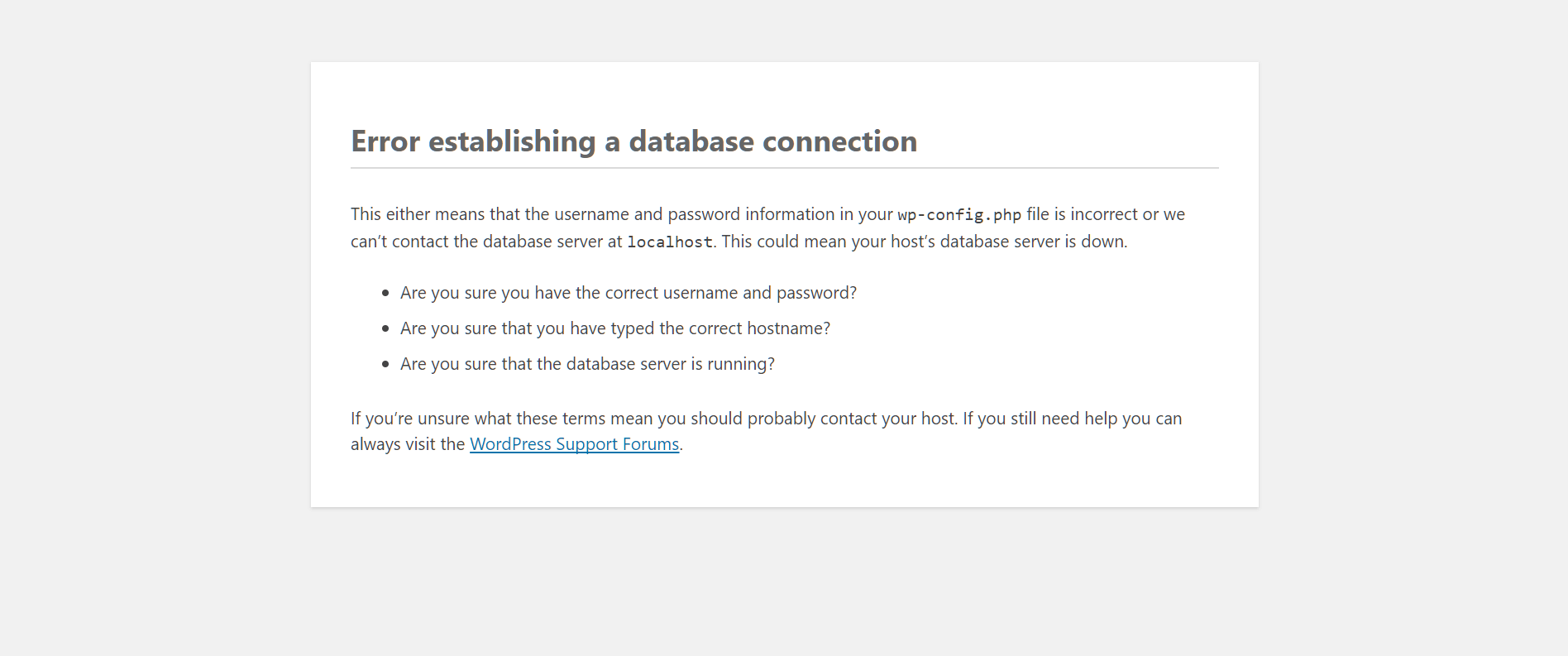
So for a few months, every now and then, we observe quick database connection errors to WordPress which usually last just a few seconds — no more than 1-3 minutes. We see an error very similar to this one: https://www.hostpapa.com/knowledgebase/app/uploads/2017/09/1-6.png
While that happens, I don’t see anything weird on my server’s monitoring tools. MySQL stays up, CPU and memory don’t spike… so, up until today, I haven’t looked deeply into it.
Today, I’ve decided to carefully search through my logs after it happened again and found the culprit:
[14-Feb-2025 18:57:42 UTC] WordPress database error Lock wait timeout exceeded; try restarting transaction for query UPDATEwp_optionsSEToption_value= '2025-02-15 15:56:52',autoload= 'off' WHEREoption_name= 'wpfts_detector2_message_expdt' made by require('wp-blog-header.php'), require_once('wp-load.php'), require_once('wp-config.php'), require_once('wp-settings.php'), include_once('/plugins/fulltext-search/fulltext-search.php'), WPFTS_Core->Init, WPFTS_Core->FeatureDetector, WPFTS_Core->set_option, update_optionAny idea why is that and how to fix it?
Thank you!
My opinion is that a multi-purpose plugin like Jetpack (as other big ones, like caching, WordPress/database optimization or SEO plugins) should always build features in a modular way, allowing users to enable or disable each of its features.