

Description
🚀 Gravity Booking Pro | 📝 Documentation | 📞 Support | 🧩 Features | 📱 Mobile App
Gravity Booking – Appointment Booking & Scheduling Addon for Gravity Forms
Gravity Booking is a Gravity Forms-powered appointment & scheduling plugin. It turns Gravity Forms into a complete appointment scheduling system. It lets customers pick services, staff, locations, dates, and time slots directly from your forms. Setup is quick, booking is smooth, and updates instantly, without manual admin work.
This appointment scheduling plugin is built for service businesses that want automation but prefer the flexibility of Gravity Forms.
Start with essential scheduling features for free, then unlock advanced calendar sync, staff/location management, and export tools with Gravity Booking Pro.
Gravity Booking also includes a dedicated mobile app that lets you manage appointments without opening your WordPress dashboard. It gives you instant access to every booking request and your revenue stats; all in one place, all from your phone.
Gravity Booking Mobile App – Appointment Booking Got Smarter
Whether you’re between client sessions, on the road, or simply away from your desk, your entire appointment booking operation travels with you. With the Gravity Forms Booking mobile app you get live revenue stats and booking summaries, one-tap appointment status updates, a complete customer directory, a color-coded booking calendar timeline, and instant push notifications—all without logging into WordPress. Click here to get the best Gravity Forms booking plugin now!With Gravity Forms Booking mobile app, you can:
- ⚡ View your full appointment dashboard with live revenue stats and booking summaries in a clean, mobile-friendly layout
- ⚡ Confirm, cancel, or update appointment statuses with a single tap
- ⚡ Browse your complete customer directory and reach any client instantly via call, SMS, or email
- ⚡ Scan your booking calendar in a timeline view with color-coded appointment statuses
- ⚡ Keep full control of who gets booked and when; without ever logging into WordPress
- ⚡ Stay updated with instant push notifications for every confirmed or cancelled appointment
Connect Your WordPress Site in Under 2 Minutes
No separate account. No complicated setup. Getting the mobile app connected to your WordPress site takes three simple steps:
- 👁 Download the Gravity Booking app from the App Store or Google Play
- 👁 Scan the QR code found inside your WordPress admin under Gravity Booking > Settings
- 👁 Connect — the app verifies instantly and takes you straight to your live dashboard
From that point on, everything that happens on your WordPress booking site syncs directly to your phone in real time. This mobile app for scheduling ensures you never miss a booking request and keeps your appointment business consistently responsive, professional, and easy to manage from anywhere.
Fast, Flexible Appointment Booking & Scheduling Inside Gravity Forms
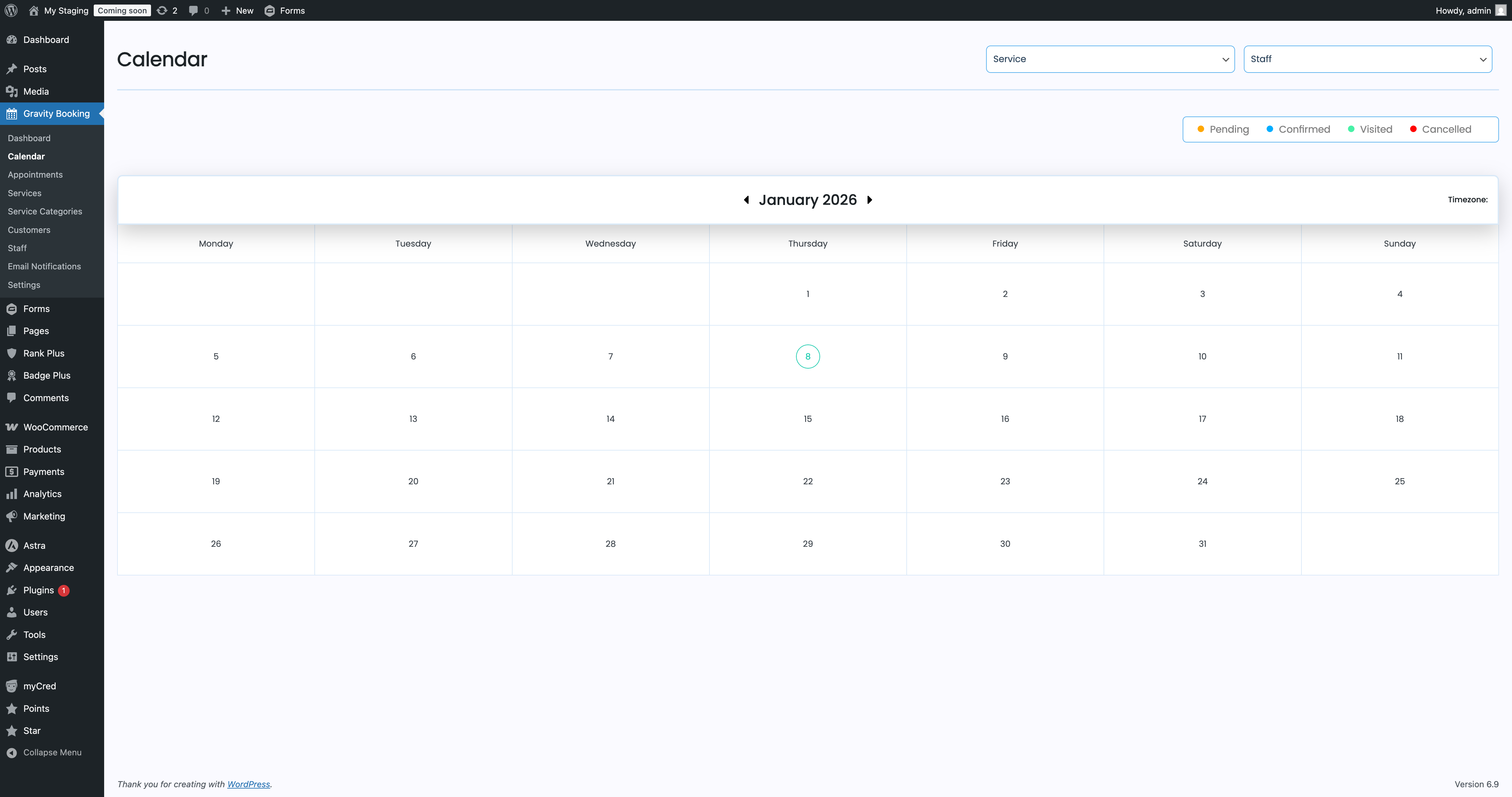
With Gravity Forms Booking, you can create a booking form in minutes. Define services, set working hours, configure holidays, and your booking calendar is ready to publish.
Customers only see available time slots. Every booking is logged and manageable from your WordPress dashboard.
The calendar scheduling plugin keeps your existing Gravity Forms workflow. Use conditional logic, payment add-ons, notification settings, and your existing forms without rebuilding anything.
Key Features of Gravity Forms Booking
Appointment Scheduling & Availability
- Create booking rules for any service
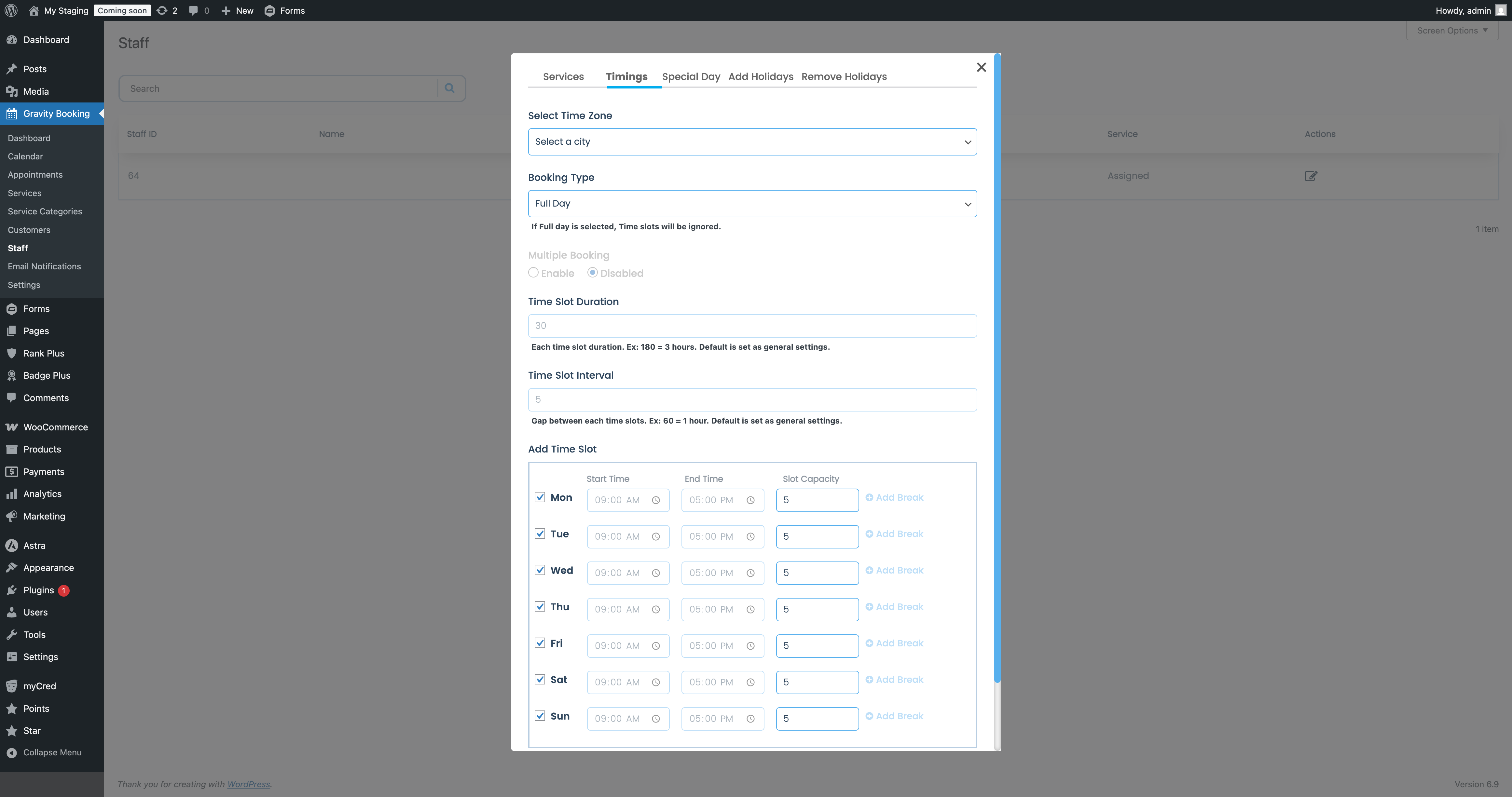
- Set working hours, breaks, and holidays
- Control seat availability and prevent double bookings
- Add buffer time before and after appointments
Gravity Forms Native Integration
- Use Gravity Forms fields, conditional logic, and validations
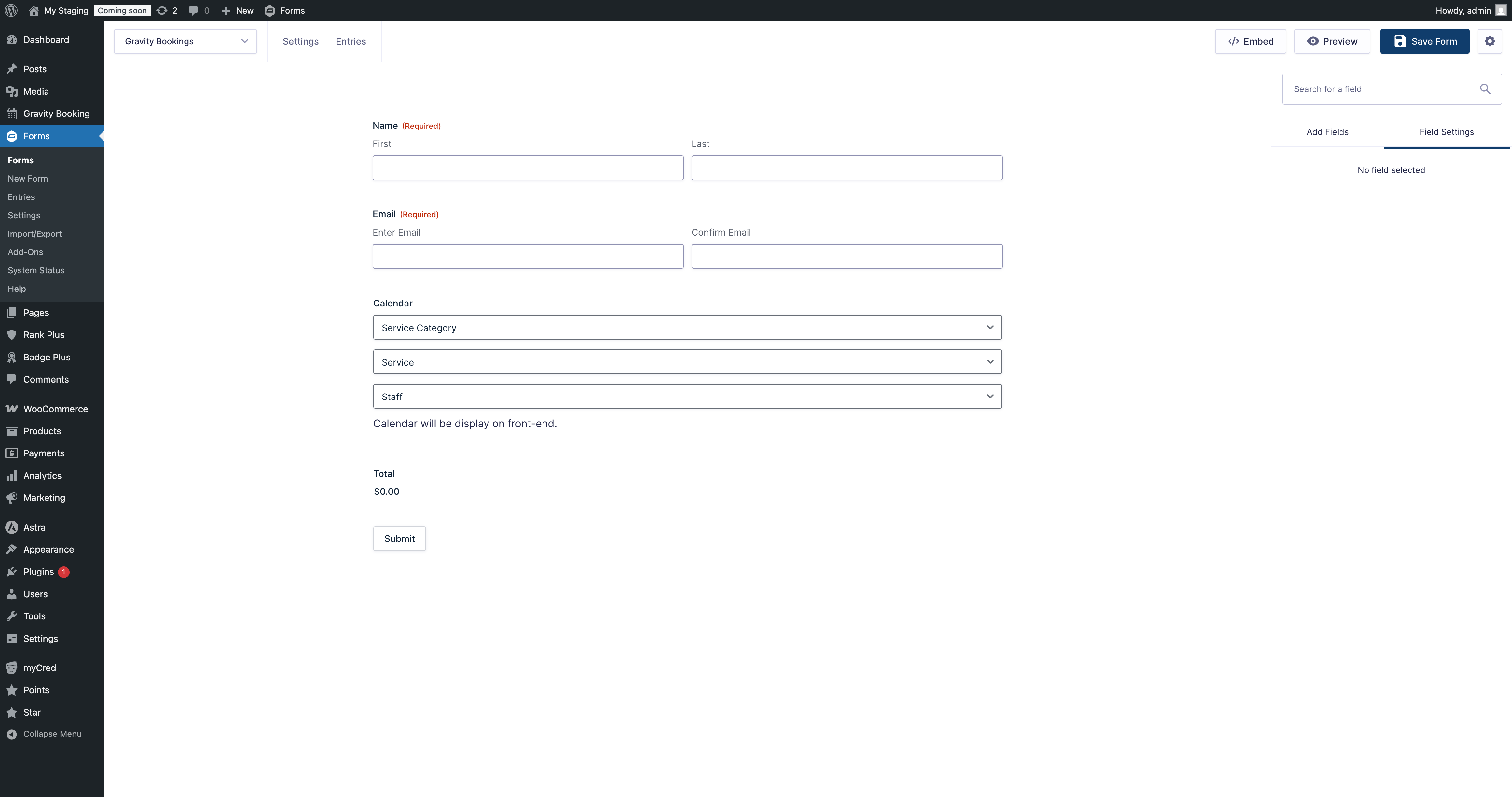
- Add booking calendars to any form
- Works with existing GF payment gateways (Stripe, PayPal, Square, Mollie, etc.)
Customer-Friendly Booking Flow
- Mobile-responsive booking widget
- Real-time slot availability
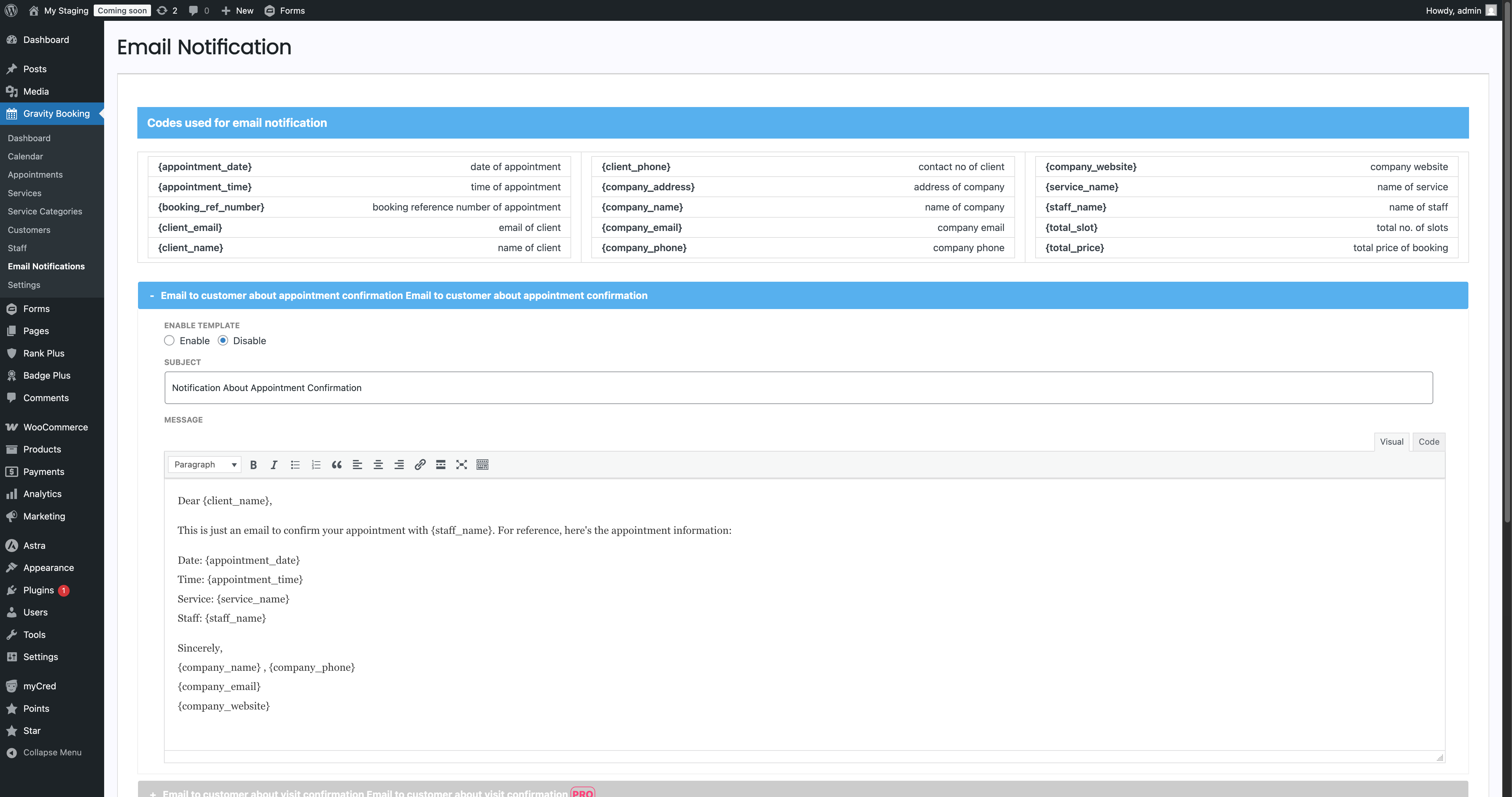
- Automatic confirmation emails via Gravity Forms notifications
Administration
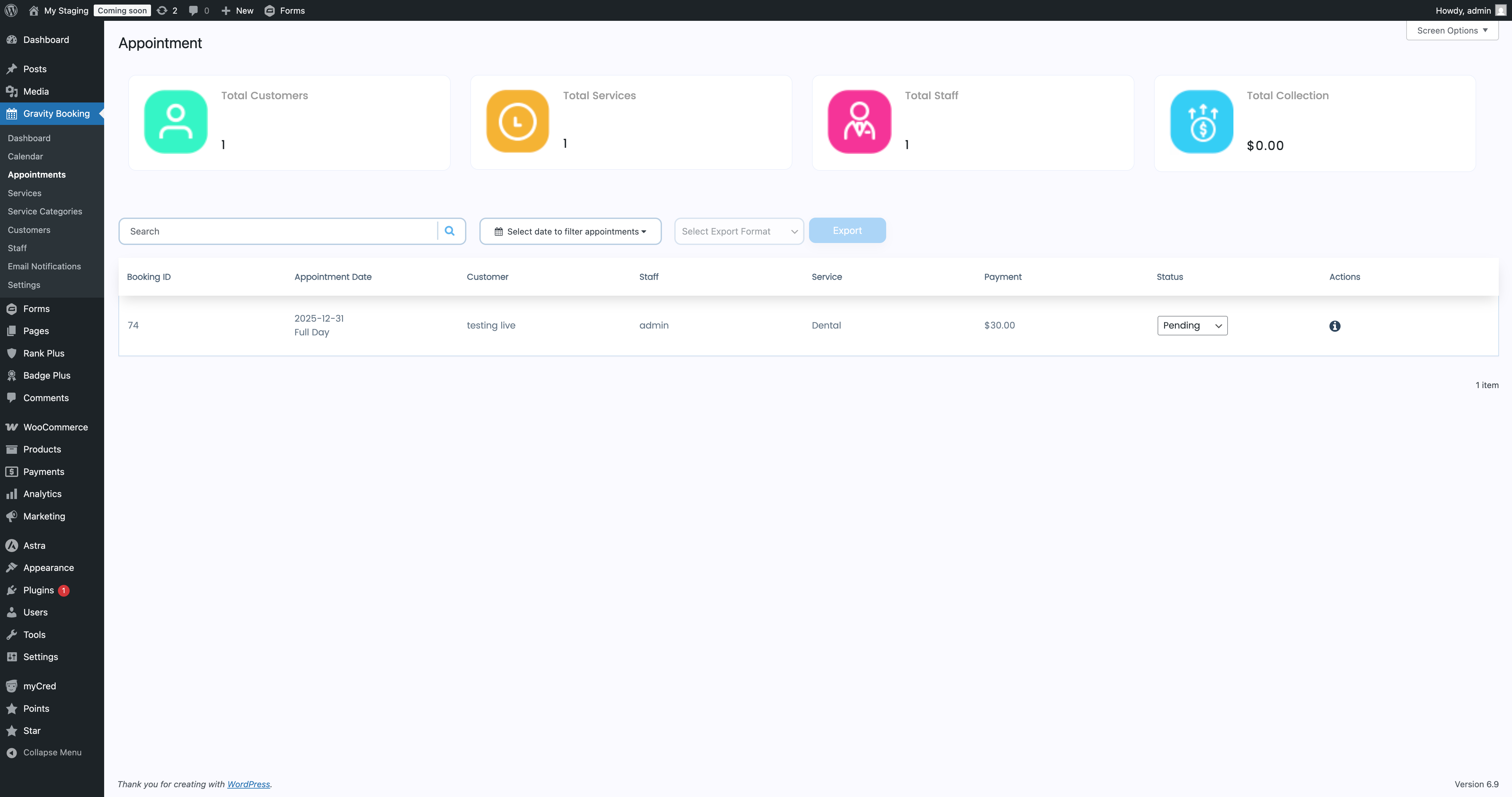
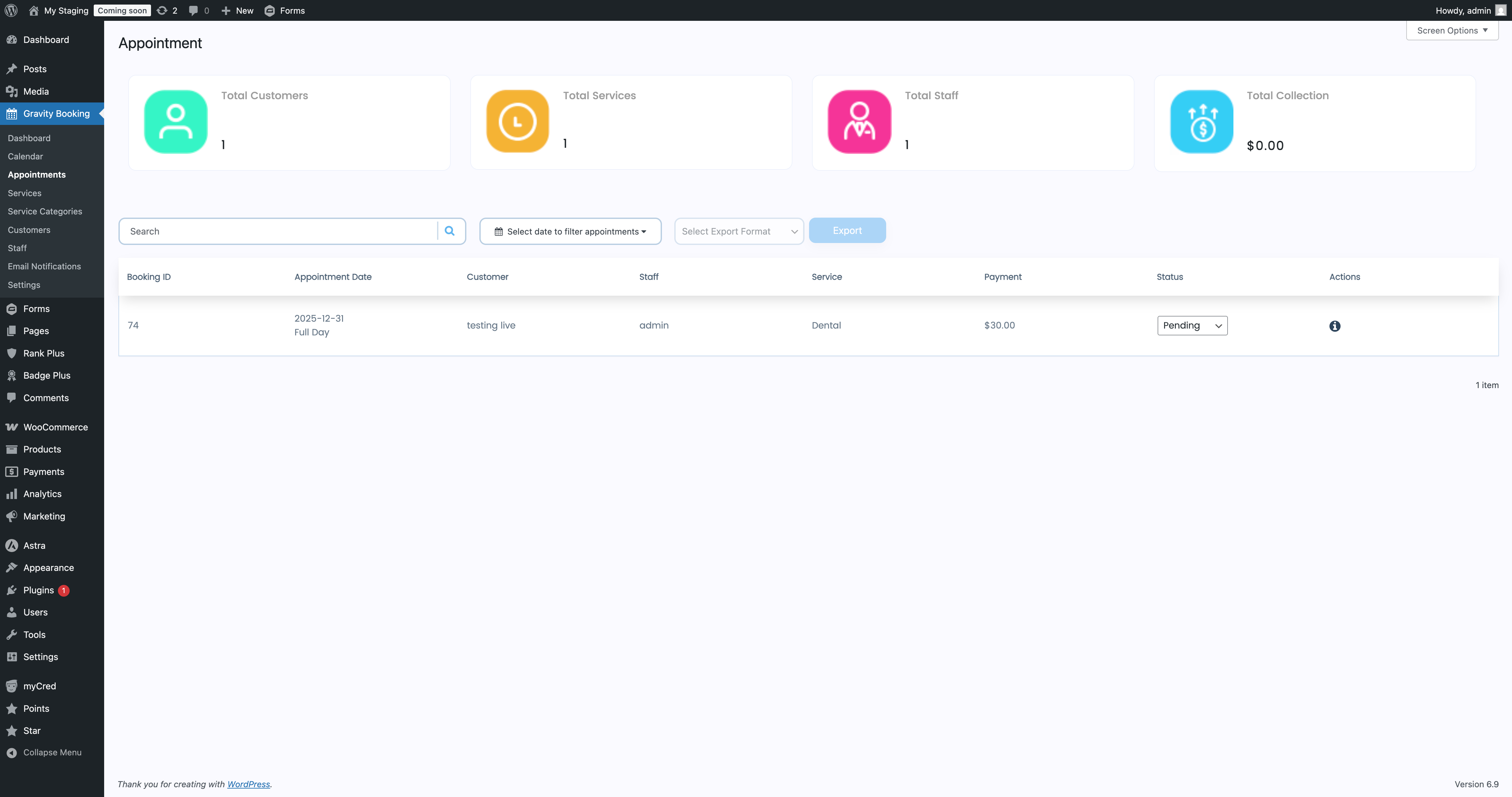
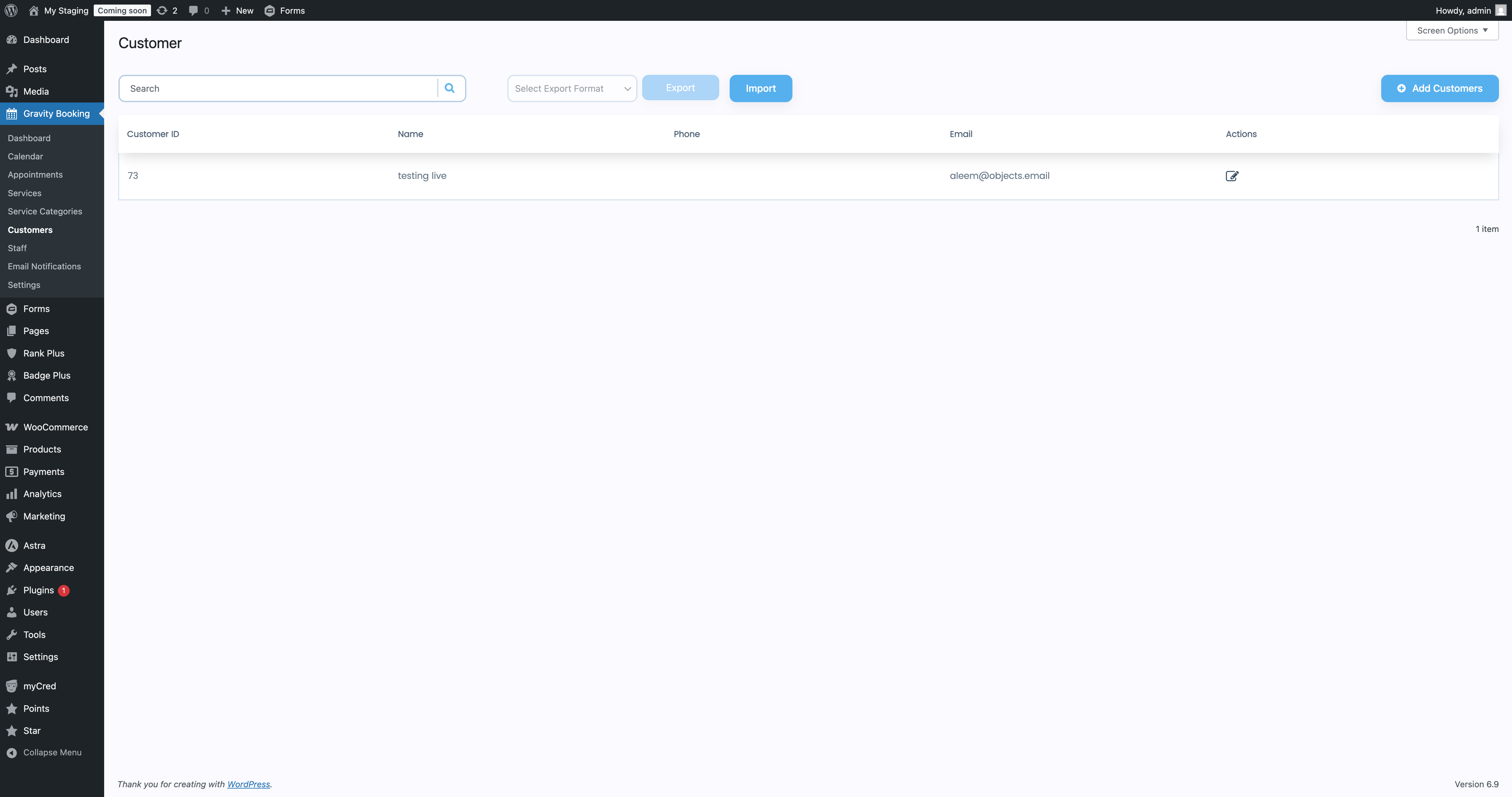
- View and manage appointments inside WordPress
- Edit availability and service settings from a single dashboard
This calendar booking plugin gives you the essential scheduling workflow, then lets Pro handle the advanced operations when your business grows.
Gravity Booking Pro Features
Gravity Booking Pro offers full scheduling control, multi-staff operations, and calendar synchronization. Schedule appointments seamlessly with no hassle!
Staff & Location Management
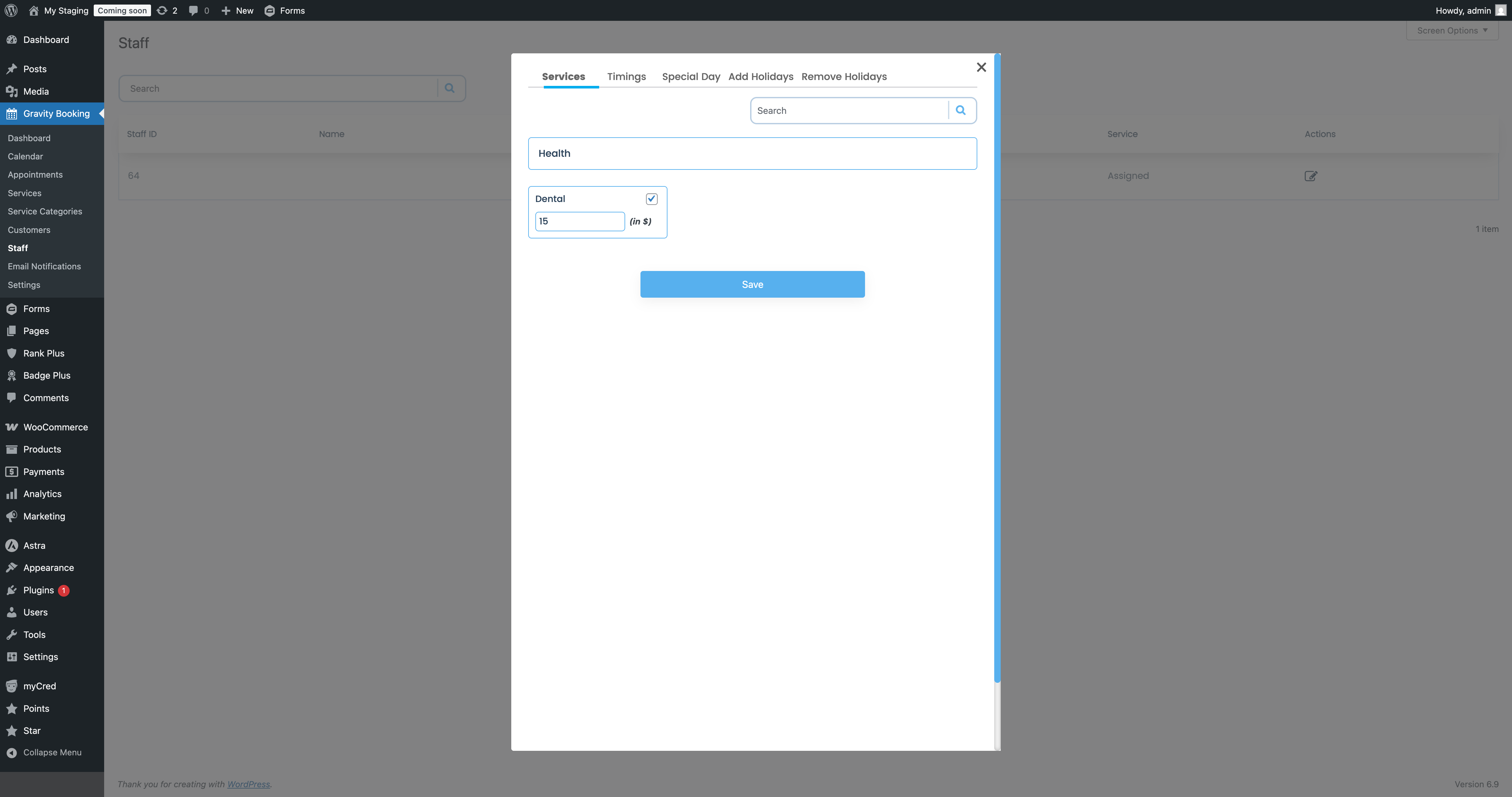
- Multiple staff with individual working hours and calendars
- Multiple locations to support multi-branch businesses
- Special days management for custom working hours on specific dates
- Holidays & days off management to automatically block non-working periods
Advanced Scheduling
- Multiple slot booking for customers who need more than one slot at once
- Custom labels for location, service, and staff for full form personalization
- Calendar color customization to color-code services or staff
Calendar Integrations
- Google Calendar integration for real-time sync and conflict avoidance
- Outlook Calendar integration for teams using Microsoft 365
Data Tools & Exports
- Export customers data
- Export appointments data
- Export services data
Perfect for reporting, backups, or moving data into analytics tools.
Admin Productivity
- Book appointment from backend so admins can schedule manually without using the front-end form
These features unlock the full business use case: teams, branches, advanced schedules, analytics, and calendar automation.
Who Should Use Gravity Booking Pro
Every service-based business with Gravity Forms installed can use Gravity Forms Booking. This scheduling booking plugin is designed for businesses that rely on predictable client scheduling:
- Health & wellness clinics, therapists, physiotherapists, nutritionists, wellness centers
- Salons, spas, barbershops, tattoo studios, makeup artists
- Coaches, tutors, language teachers, fitness trainers, academies
- Agencies, legal advisors, accountants, mentors, real estate professionals
- Electricians, mechanics, plumbers, and cleaning services
- Photography studios, meeting rooms, equipment rentals
If your business requires structured time booking, Gravity Booking fits.
Why Users Choose Gravity Booking
- Uses the Gravity Forms ecosystem you already rely on
- Lets you automate scheduling without changing your form builder
- Offers clear, no-nonsense availability control
- Scales from single-professional setups to multi-staff organizations
- Pro unlocks calendar sync, detailed exports, and multi-location support when you need it
Gravity Booking Integrations
Gravity Booking works natively with Gravity Forms and inherits Gravity Forms product add-ons:
- Stripe, PayPal, Square, Mollie
- Twilio (via Gravity Forms)
- GravityView, GravityFlow, and other GF extensions
- Email notifications
- Conditional logic workflows
- Webhooks and CRM integrations (via GF add-ons)
Gravity Booking Pro adds:
- Google Calendar
- Outlook Calendar
How to Get Started
- Install Gravity Booking and activate it
- Create or edit a Gravity Form
- Add the booking field and configure services, slots, and availability
- Publish the form using a block or shortcode
- Manage appointments from the Booking dashboard
Requirements
- WordPress 5.0 or higher
- Gravity Forms installed and active
- PHP 7.2 or higher
- SSL certificate recommended for payment processing
Screenshots
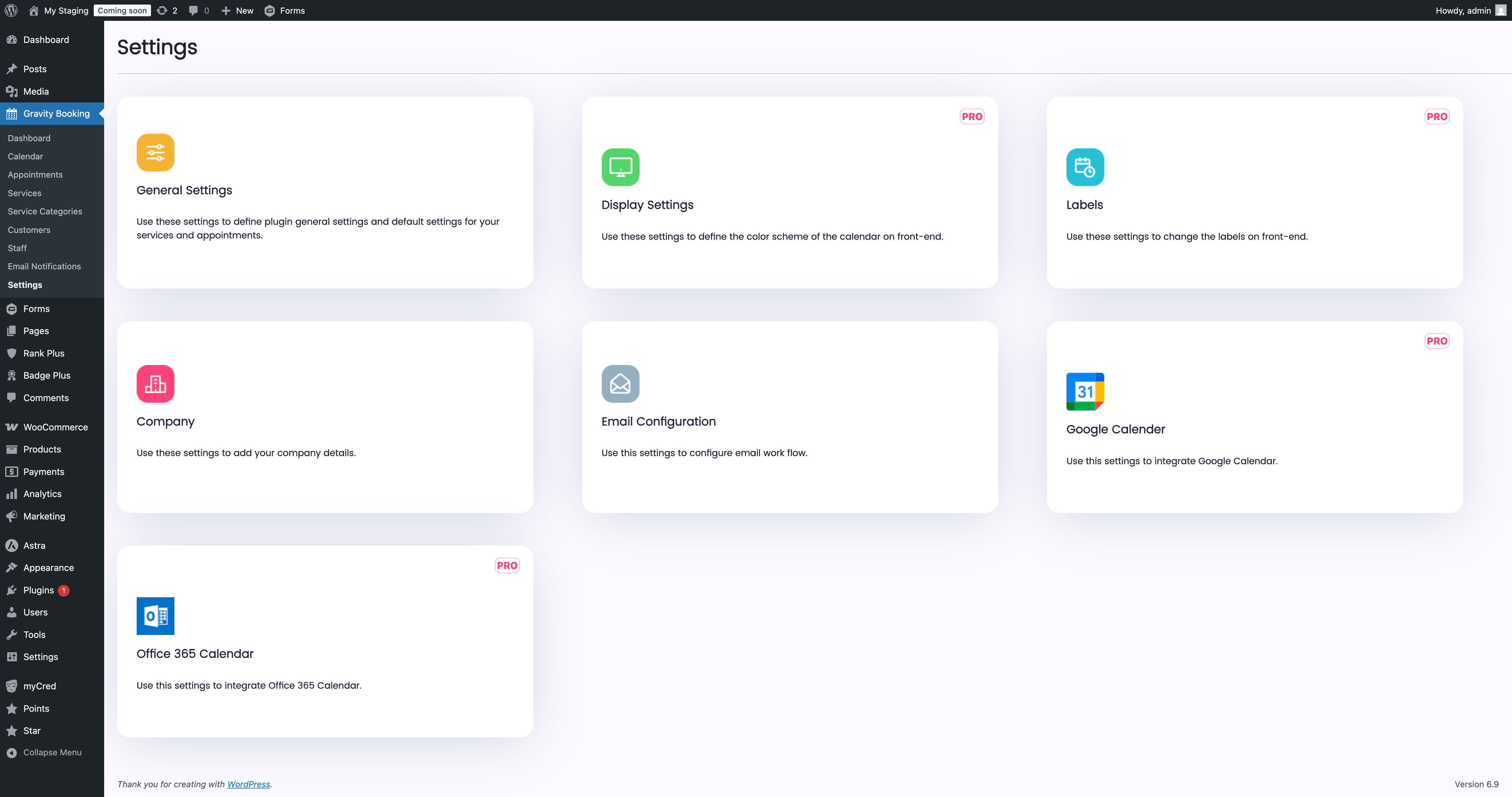
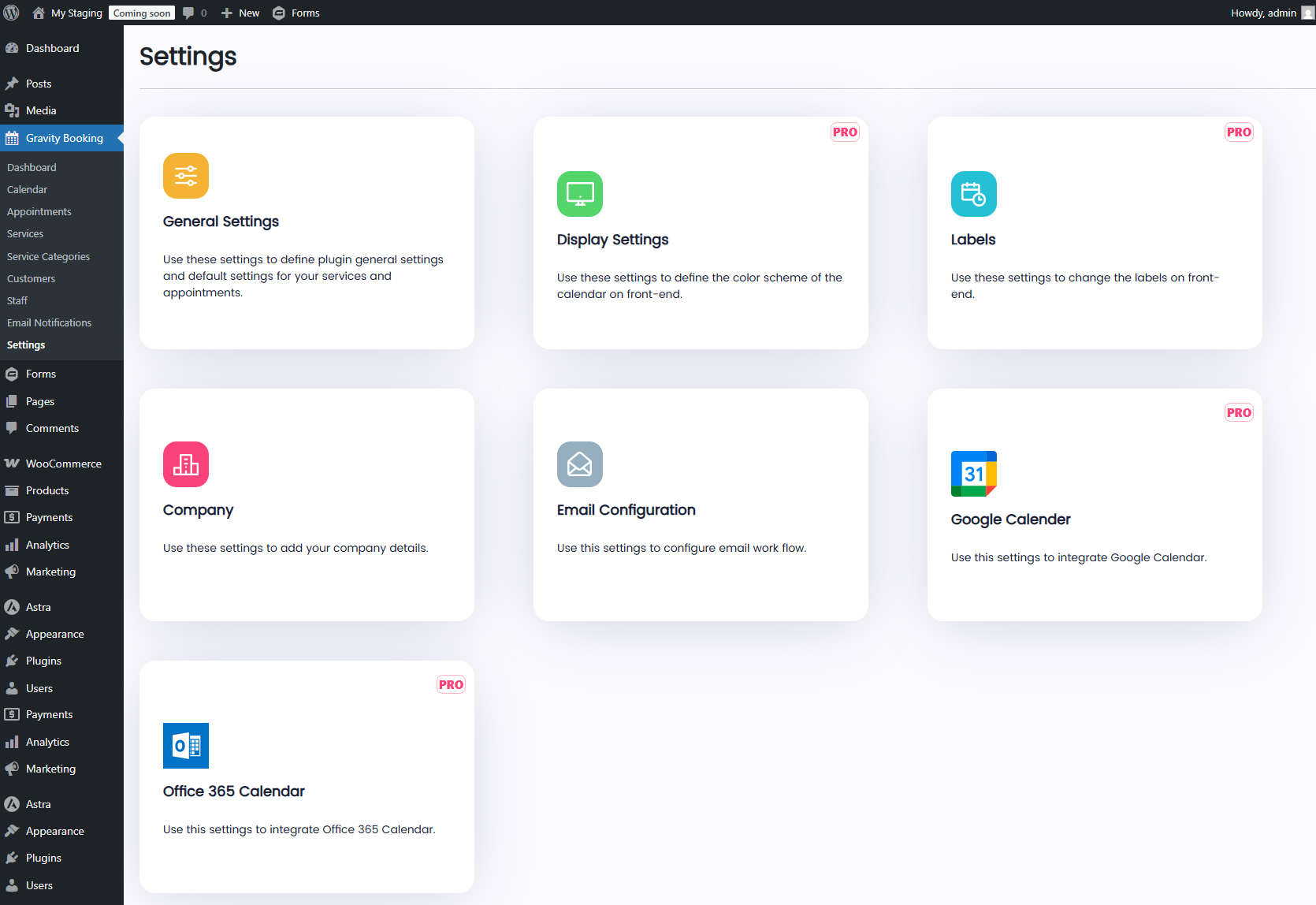
Installation
- Install and activate Gravity Booking
- Ensure Gravity Forms is installed and active
- Create or edit a Gravity Form
- Add the Booking field and configure services & availability
- Publish the form using a block or shortcode
- Manage appointments from the Booking dashboard
FAQ
-
Does Gravity Booking require Gravity Forms?
-
Yes. Gravity Forms must be installed and activated.
-
Can I accept online payments?
-
Yes. Payments are handled through Gravity Forms payment add-ons such as Stripe, PayPal, Square, and Mollie.
-
Does it support Google Calendar or Outlook?
-
Yes. Calendar synchronization is available in Gravity Booking Pro.
-
Can admins book appointments manually?
-
Yes. Gravity Booking Pro allows admins to book appointments directly from the WordPress dashboard.
Reviews
There are no reviews for this plugin.
Contributors & Developers
“Gravity Booking – Appointment Booking & Scheduling Addon for Gravity Forms” is open source software. The following people have contributed to this plugin.
Contributors

Interested in development?
Browse the code, check out the SVN repository, or subscribe to the development log by RSS.
Changelog
1.3.2
- Added – Gravity Booking Pro Mobile App – manage appointments, revenue stats, and bookings from your phone
- Added – Popup Modal for features that are available in pro version
- Added – Default location
- Fix – Minor bug fixes
1.3.1
- Tweak – Compatible with WordPress Version 7.0
1.3
- Code improvement
1.2
- Code improvement
1.1
- Code improvement
- Added – Plugin onboarding process
1.0.0
- Initial release