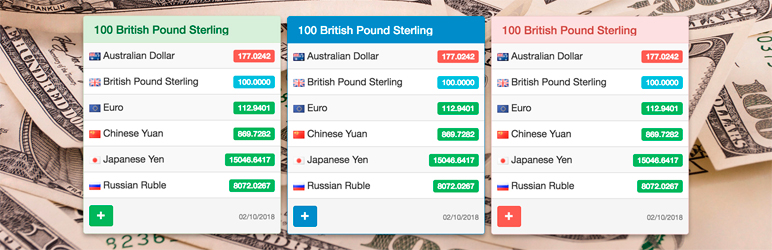

Description
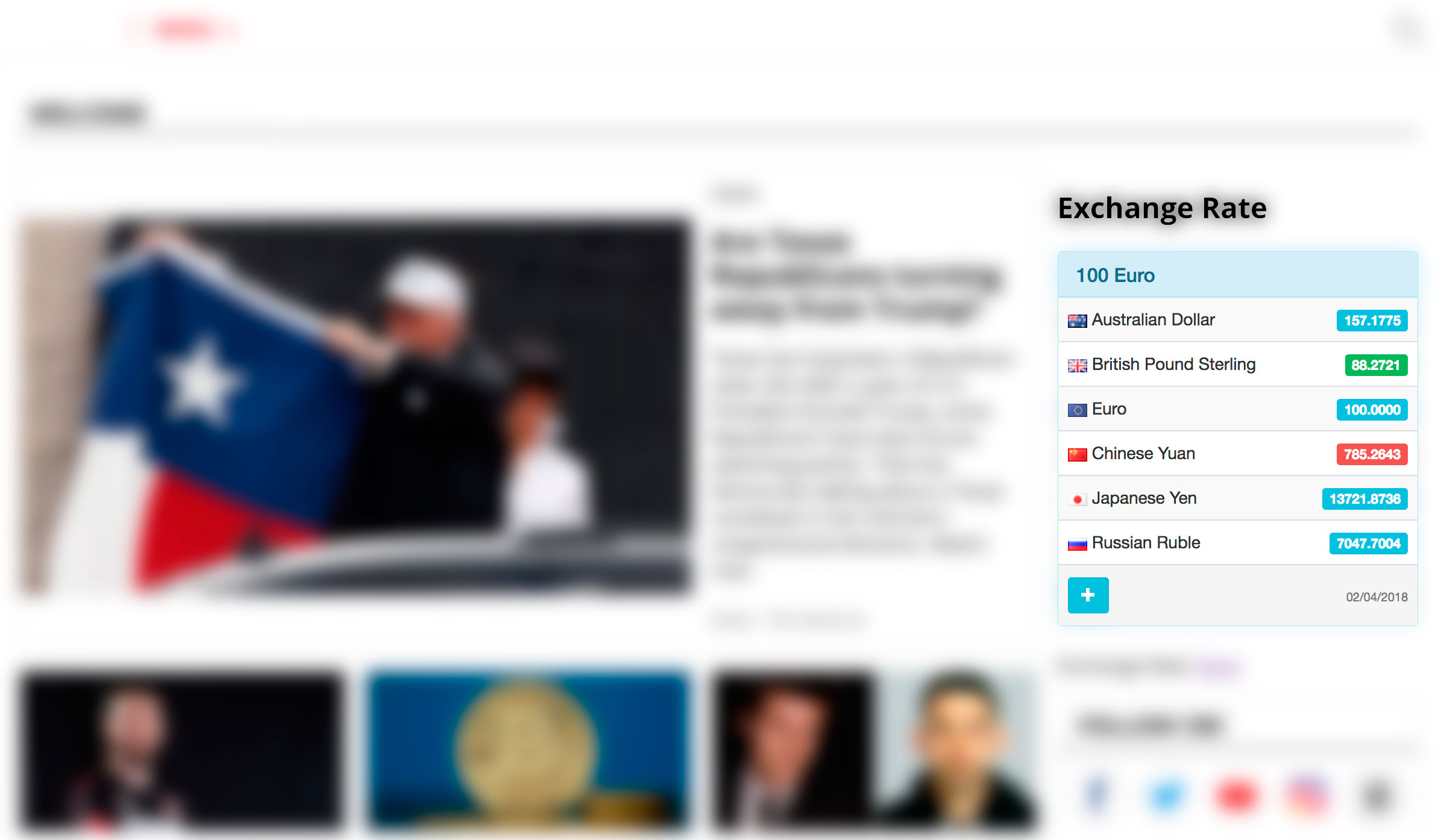
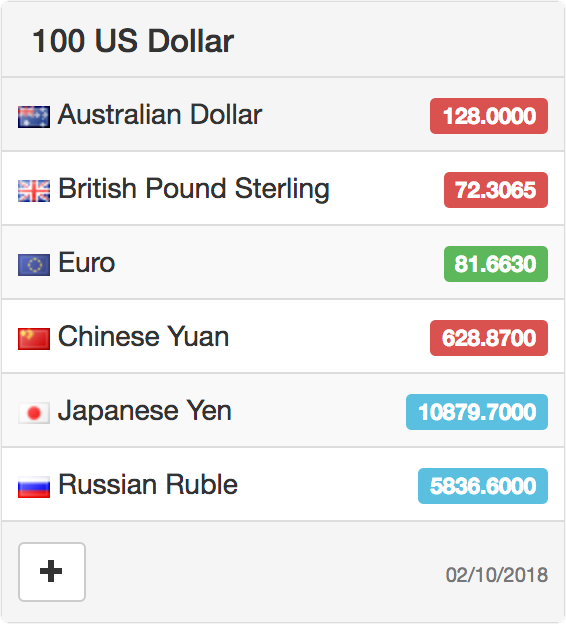
Exchange Rates Widget helps visitors compare live exchange rates without leaving your WordPress page.
Add clean live exchange rates to finance articles, tourism and travel guides, news websites, pricing pages, business blogs, and sidebars with a shortcode or classic widget.
Visitors get instant context for 190+ currencies, crypto assets, and metals.
Site owners get a lightweight setup: no API key, no local rate database, and no exchange-rate processing load on WordPress.
⭐ What makes it useful
- 🌍 190+ currencies and assets, including popular cryptocurrencies and metals.
- 🧩 Add rates with a shortcode, the Shortcode block, or a classic WordPress widget.
- ⚡ No API key, local exchange-rate database, or exchange-rate processing load on your WordPress site.
- 📱 Responsive layout for posts, pages, sidebars, and footers.
- 🎨 Multiple color themes for matching different site designs.
- 🌐 Multilingual widget labels for international audiences.
- 🕒 Time zone setting for the displayed update date.
- 🔒 SSL-ready CurrencyRate.Today service URLs.
🎯 Where it works best
- Finance blogs that need a quick EUR, USD, GBP, JPY, or crypto reference.
- Tourism and travel websites where readers compare destination prices in familiar currencies.
- News websites that cover markets, business, travel, inflation, or international stories.
- Pricing and comparison pages that need a simple exchange-rate reference nearby.
- Business websites that want always-visible rates in a sidebar or footer.
- Multilingual sites that need exchange-rate labels in the visitor’s language.
👀 Demos
- Official demo: Exchange Rates Widget
- Product demo: Exchange Rates Widget on Yuri.ws
🚀 Quick start
- Install and activate Exchange Rates Widget.
- Paste the shortcode into a post, page, or Shortcode block.
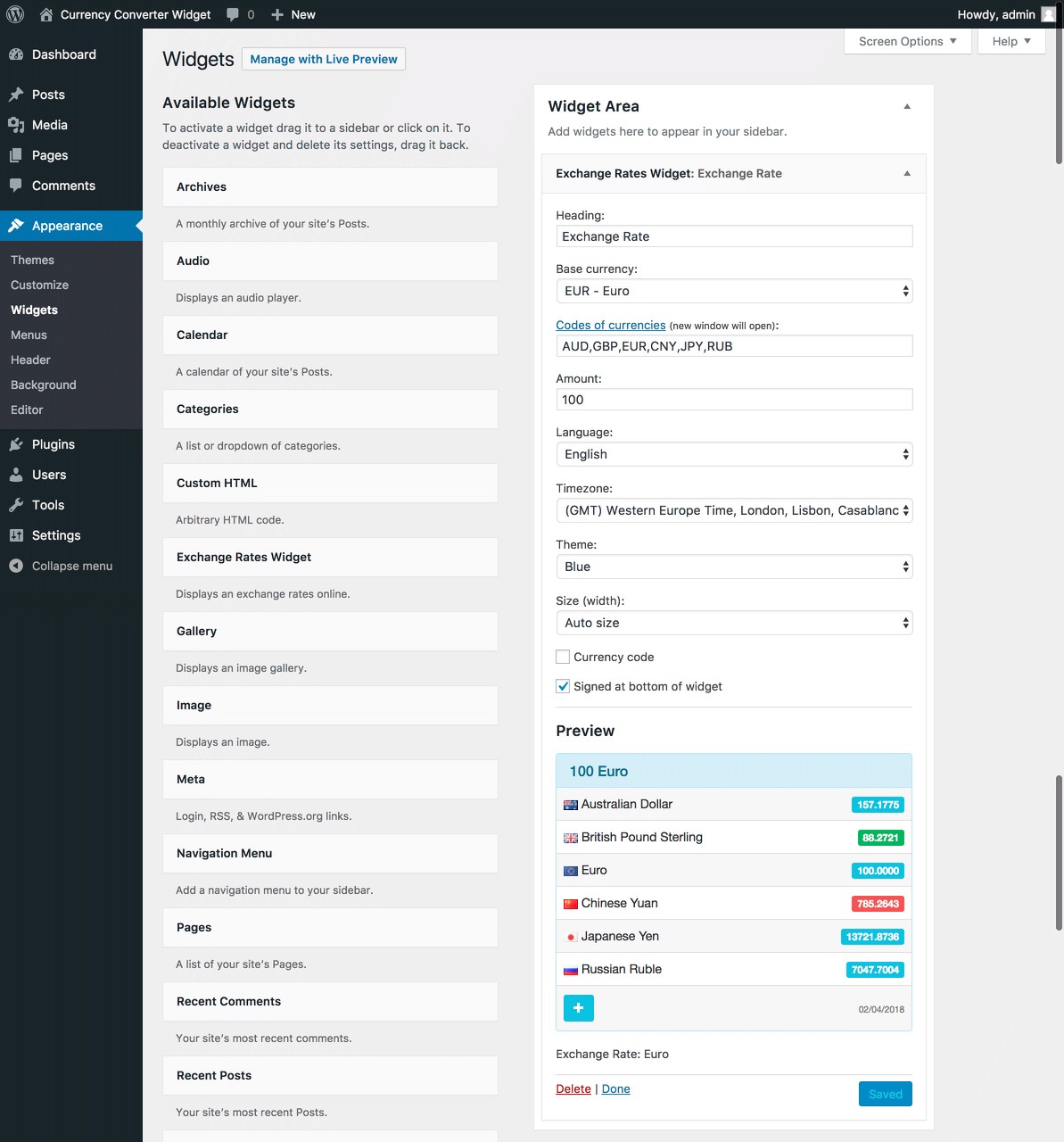
- Choose the base currency, target currencies, language, theme, and amount.
- Optionally add the classic widget to a sidebar or footer.
Important: this plugin provides a classic WP_Widget.
On modern WordPress installations with the block-based widget screen, install and activate Classic Widgets to manage the widget in Appearance > Widgets.
Shortcodes work without Classic Widgets.
🧩 Shortcode examples
Market widget example:
[erw_exchange_rates_widget lg="en" tz="0" fm="EUR" to="USD,GBP,AUD,CNY,JPY,RUB" st="info" cd="0" am="100" size_width="100%"][/erw_exchange_rates_widget]
Travel widget example:
[erw_exchange_rates_widget lg="en" tz="0" fm="USD" to="EUR,JPY,GBP" st="success" cd="1" am="100" size_width="100%"][/erw_exchange_rates_widget]
🔧 Shortcode attributes
lg– language. Supported values:en,ru,it,fr,es,de,cn,pt,ja,id,hi.tz– time zone offset.fm– base currency code, for exampleEUR.to– comma-separated target currency codes, for exampleUSD,GBP,AUD,CNY,JPY,RUB.st– theme. Supported values:primary,info,danger,warning,default,success.cd– display mode. Use1to show currency codes only or0to show currency names.am– amount shown by the rates widget, for example100.size_width– widget width, for example100%,240px, or300px.
Currency codes are listed at https://currencyrate.today/different-currencies.
Donations
Official website and data source: CurrencyRate.Today
You may also like these plugins:
Screenshots

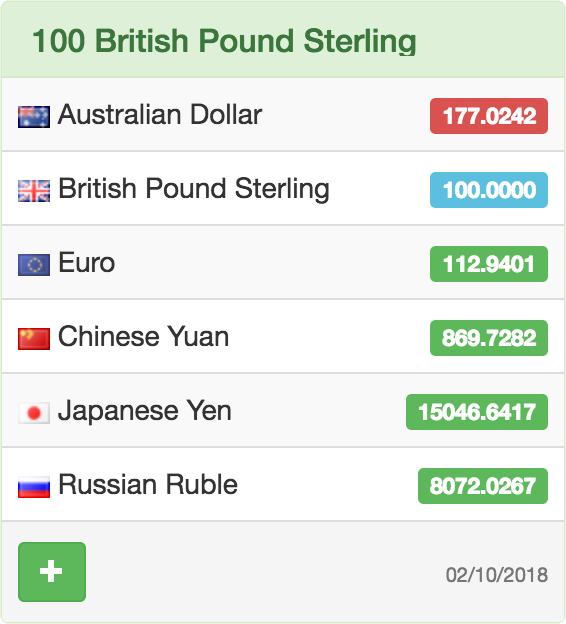
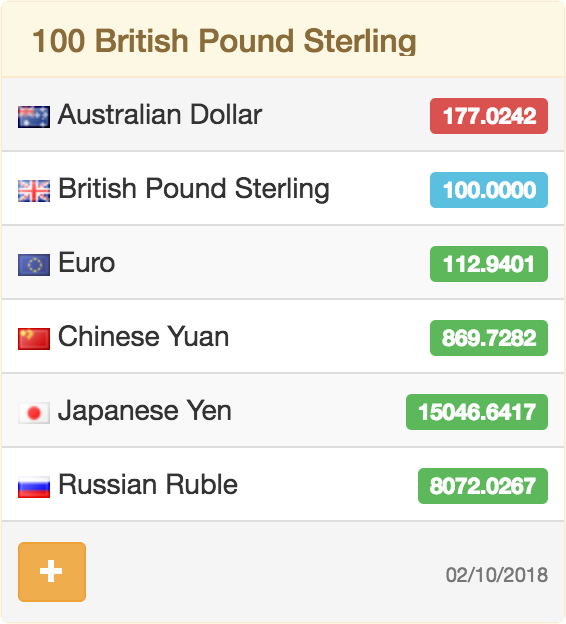
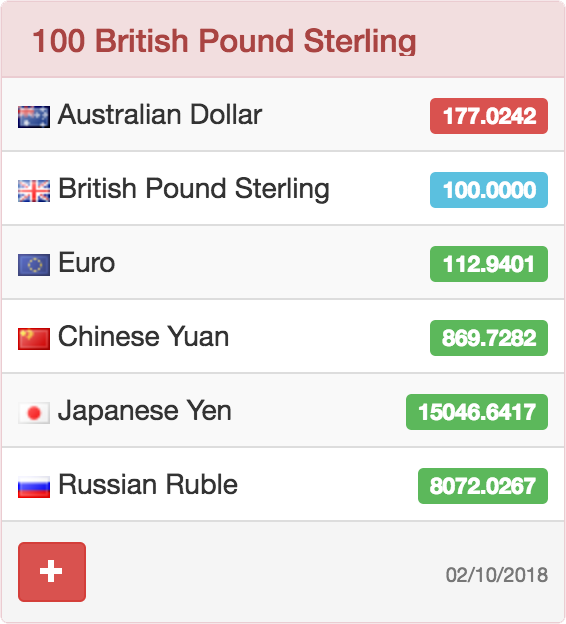
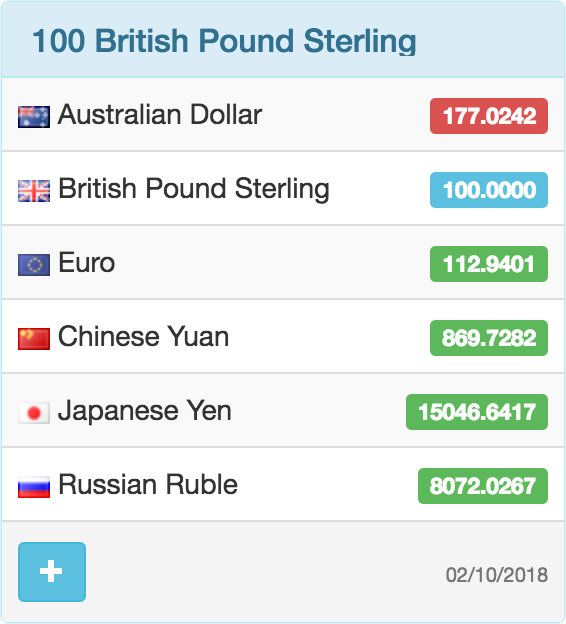
Installation
From your WordPress dashboard
- Go to Plugins > Add New.
- Search for “Exchange Rates Widget”.
- Install and activate the plugin.
- Add the shortcode to a page or post, or add the classic widget under Appearance > Widgets.
From ww.wp.xz.cn
- Download Exchange Rates Widget.
- Upload the
exchange-rates-widgetfolder to/wp-content/plugins/. - Activate the plugin from Plugins > Installed Plugins.
- Add the shortcode to a page or post, or add the classic widget under Appearance > Widgets.
Classic widget setup
- Install and activate the Classic Widgets plugin if your site uses the block-based widget screen.
- Go to Appearance > Widgets.
- Add “Exchange Rates Widget” to a widget area.
- Choose currencies, language, theme, amount, and display options, then save.
FAQ
-
How do I add exchange rates to a page or post?
-
Use a shortcode or paste it into a Shortcode block:
[erw_exchange_rates_widget lg="en" tz="0" fm="EUR" to="USD,GBP,AUD,CNY,JPY,RUB" st="info" cd="0" am="100" size_width="100%"][/erw_exchange_rates_widget] -
Yes. Add “Exchange Rates Widget” under Appearance > Widgets.
If your WordPress site uses the block-based widget screen, install and activate Classic Widgets first. -
Do visitors leave my website to view rates?
-
No. The widget is embedded directly on your page, post, sidebar, or footer.
-
Does the plugin require an API key?
-
No. Exchange-rate lookup and display are handled by the embedded CurrencyRate.Today service, so you do not need an API key or local rate database.
-
Can I choose currencies, language, and theme?
-
Yes. You can choose the base currency, target currencies, language, time zone, color theme, amount, and display mode.
-
Which shortcode attributes are available?
-
The main attributes are
lg,tz,fm,to,st,cd,am, andsize_width.
See the shortcode attributes section above for the full list. -
External service and privacy
-
Yes. The plugin embeds an iframe from CurrencyRate.Today.
When a page containing the widget is viewed, the visitor’s browser requestshttps://currencyrate.today/load-exchangerates.The request includes display settings such as base currency, target currencies, language, theme, time zone, display mode, amount, and a WordPress plugin marker.
These values come from the shortcode or widget settings.The plugin does not send WordPress usernames, passwords, admin settings, or private site data to the service.
Service provider: CurrencyRate.Today
- Service website: https://currencyrate.today/
- Privacy policy: https://currencyrate.today/page/privacy
- Disclaimer: https://currencyrate.today/page/disclaimer
-
Does the plugin include a Gutenberg block?
-
No. The plugin currently supports shortcodes and classic widgets. In the block editor, use a Shortcode block.
Reviews


Contributors & Developers
“Exchange Rates Widget” is open source software. The following people have contributed to this plugin.
Contributors
Translate “Exchange Rates Widget” into your language.
Interested in development?
Browse the code, check out the SVN repository, or subscribe to the development log by RSS.
Changelog
1.4.2
- Verified WordPress 7 compatibility with Classic Widgets.
- Improved PHP 8.x runtime safety for shortcode and classic widget handling.
- Cleaned up plugin metadata, readme wording, installation instructions, and external-service disclosure.
- Refreshed bundled currency lists with BNB, XCG, and ZWG labels.
1.4.1
- Security fixed.
- Minor bug fixed.
1.4.0
- Language fix.
- Minor bug fixed.
1.3.8
- Minor bug fixed.
1.3.7
- Minor bug fixed.
1.3.6
- Minor bug fixed.
1.3.5
- Minor bug fixed.
- Language fix, add: id, hi, ja, pt.
1.3.0
- Minor bug fixed.
- Added accessibility improvements.
1.2.2
- Important fix.
- Minor fix.
1.2.1
- Minor bug fixed.
1.1.2
- Minor bug fixed.
1.1.1
- Fixed generated shortcode parameters with empty values.
1.1.0
- Added support for shortcodes.
1.0.0
- First release.