
Description
Gutenverse is a WordPress blocks plugin, page builder, and website builder for the native Block Editor and Site Editor. Create fast, responsive websites without code using 57 blocks, 600+ templates, global styles, responsive controls, popup builder tools, and block theme support.
Build landing pages, business websites, blogs, portfolios, headers, footers, archive templates, single post templates, popups, and full site designs with WordPress blocks in the native Block Editor and Site Editor.
Use Gutenverse when you want a lightweight page builder experience that extends WordPress, Gutenberg, and the Site Editor instead of replacing the editor.
Why Choose Gutenverse
- Build pages and websites with WordPress blocks
- Use page builder controls inside the native Block Editor
- Create full site layouts with the WordPress Site Editor
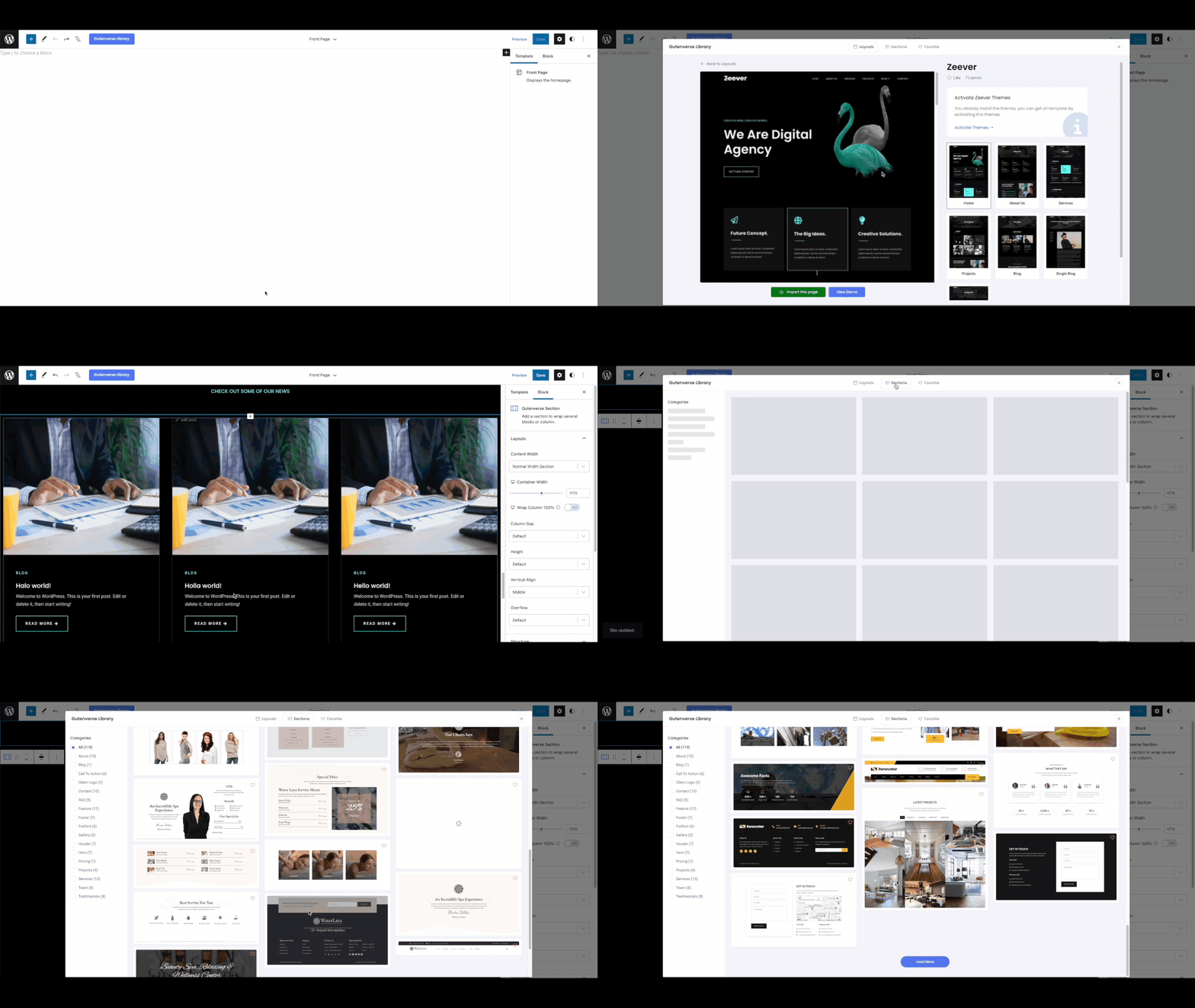
- Start from 600+ starter templates, sections, and layouts
- Use block themes and Full Site Editing (FSE)
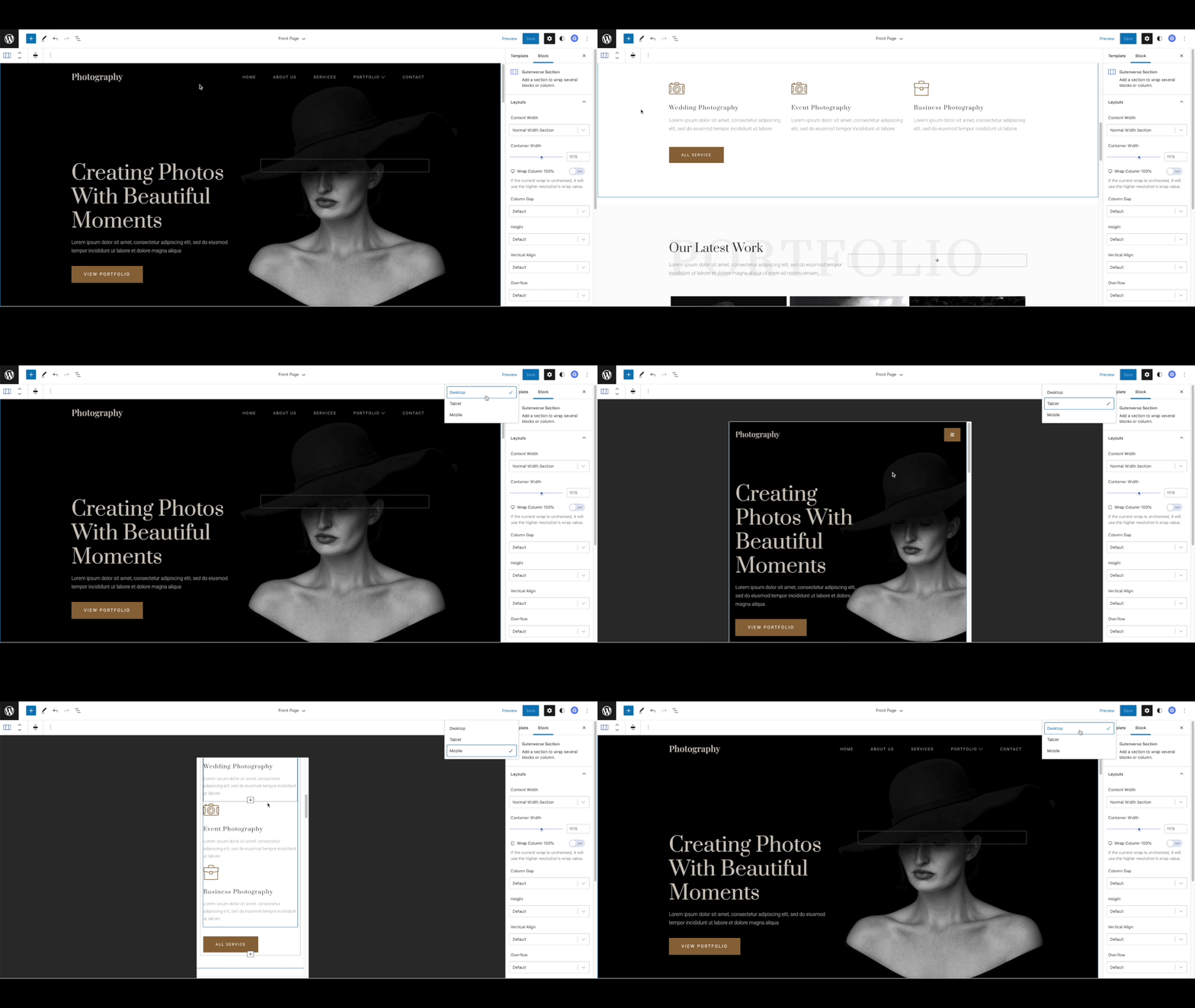
- Design responsive pages for desktop, tablet, and mobile
- Build popups, landing pages, headers, footers, and post templates
- Keep the editing workflow close to WordPress core
Key Features
- 57 WordPress blocks for the Block Editor
- 600+ ready-to-import starter templates and sections
- WordPress Site Editor and block theme support
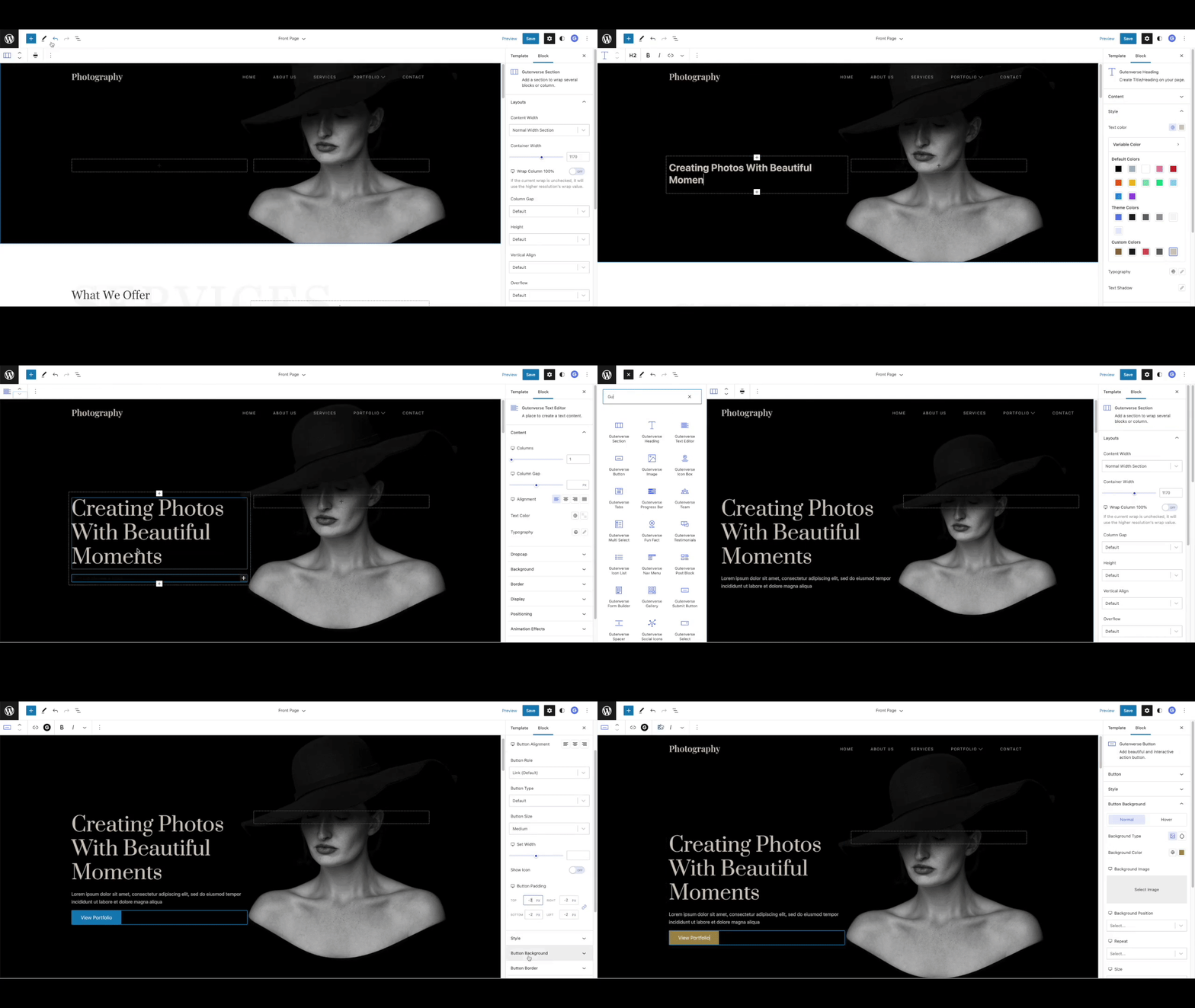
- Page builder controls inside the native Block Editor
- Popup builder tools
- Responsive editing controls and custom breakpoints
- Global color and global font controls
- Flexible layout blocks for sections, containers, and columns
- Block management to enable or disable unused blocks
- Icon library with 100+ icons
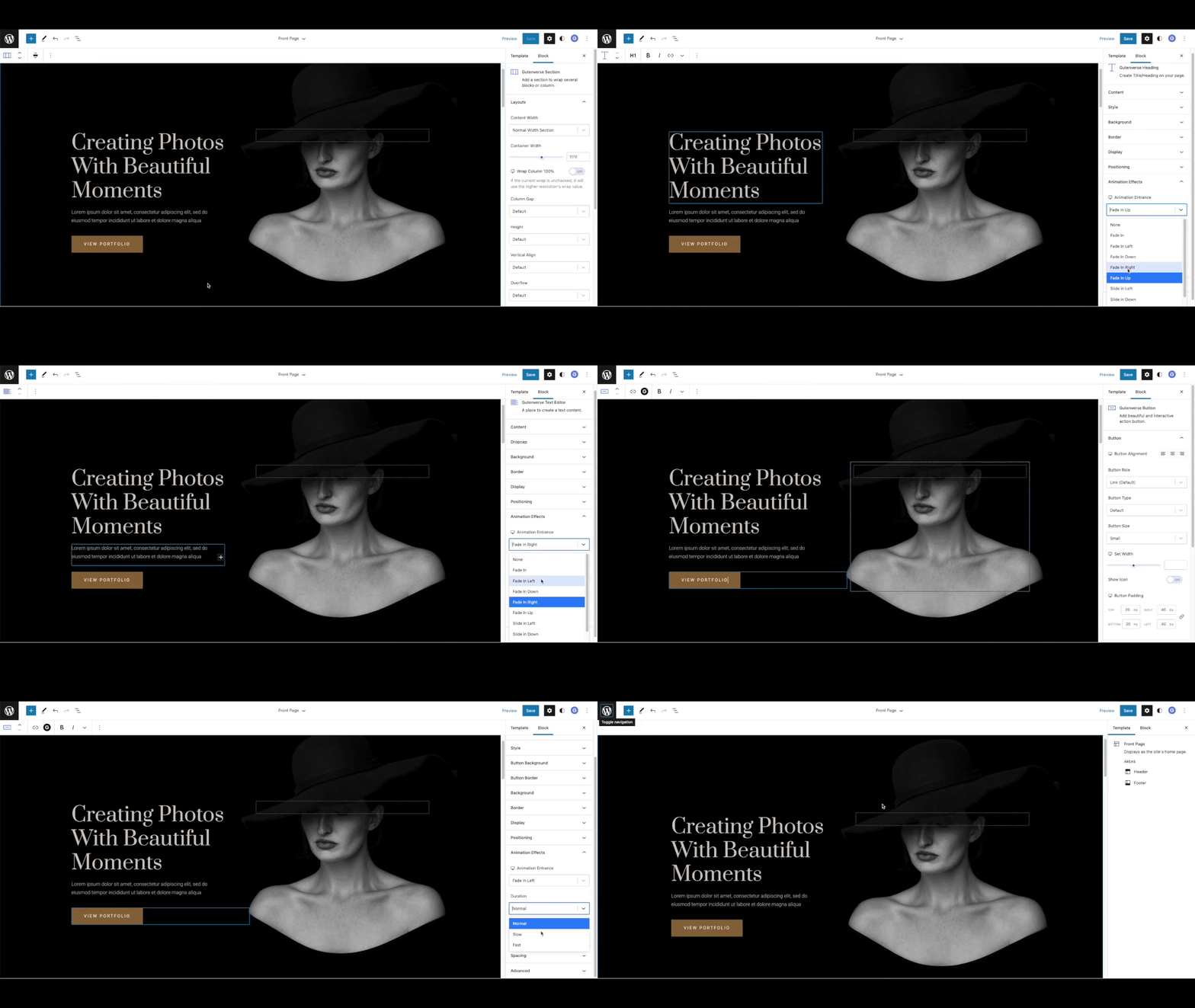
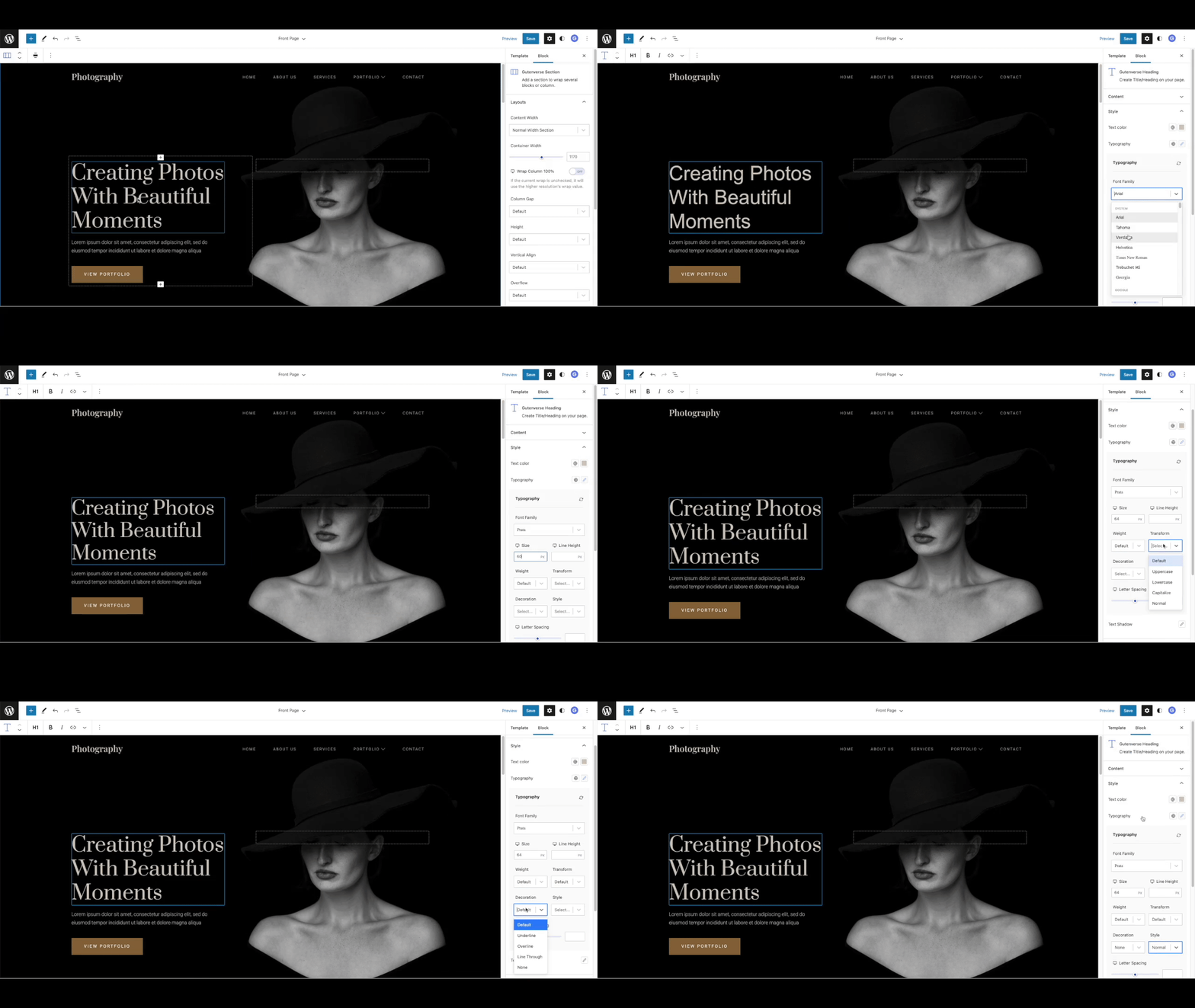
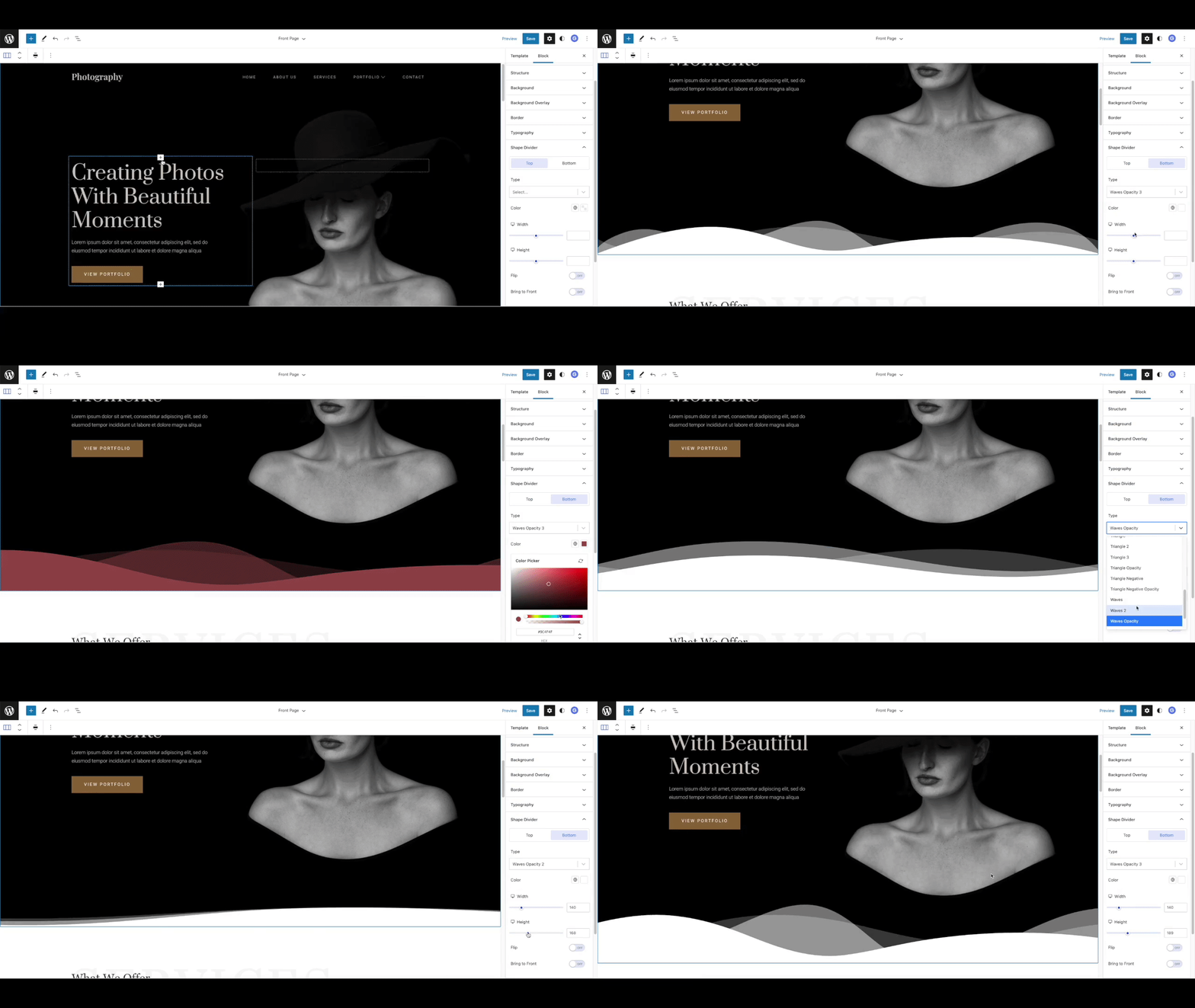
- Advanced styling controls for spacing, background, border, typography, visibility, and animation
- Lightweight, performance-focused website building experience
WordPress Blocks Included
Gutenverse includes layout blocks, content blocks, design blocks, post blocks, and site building blocks for WordPress.
Block categories include:
- Layout and wrapper blocks: Container, Section, Column, Flexible Wrapper, and Popup Builder
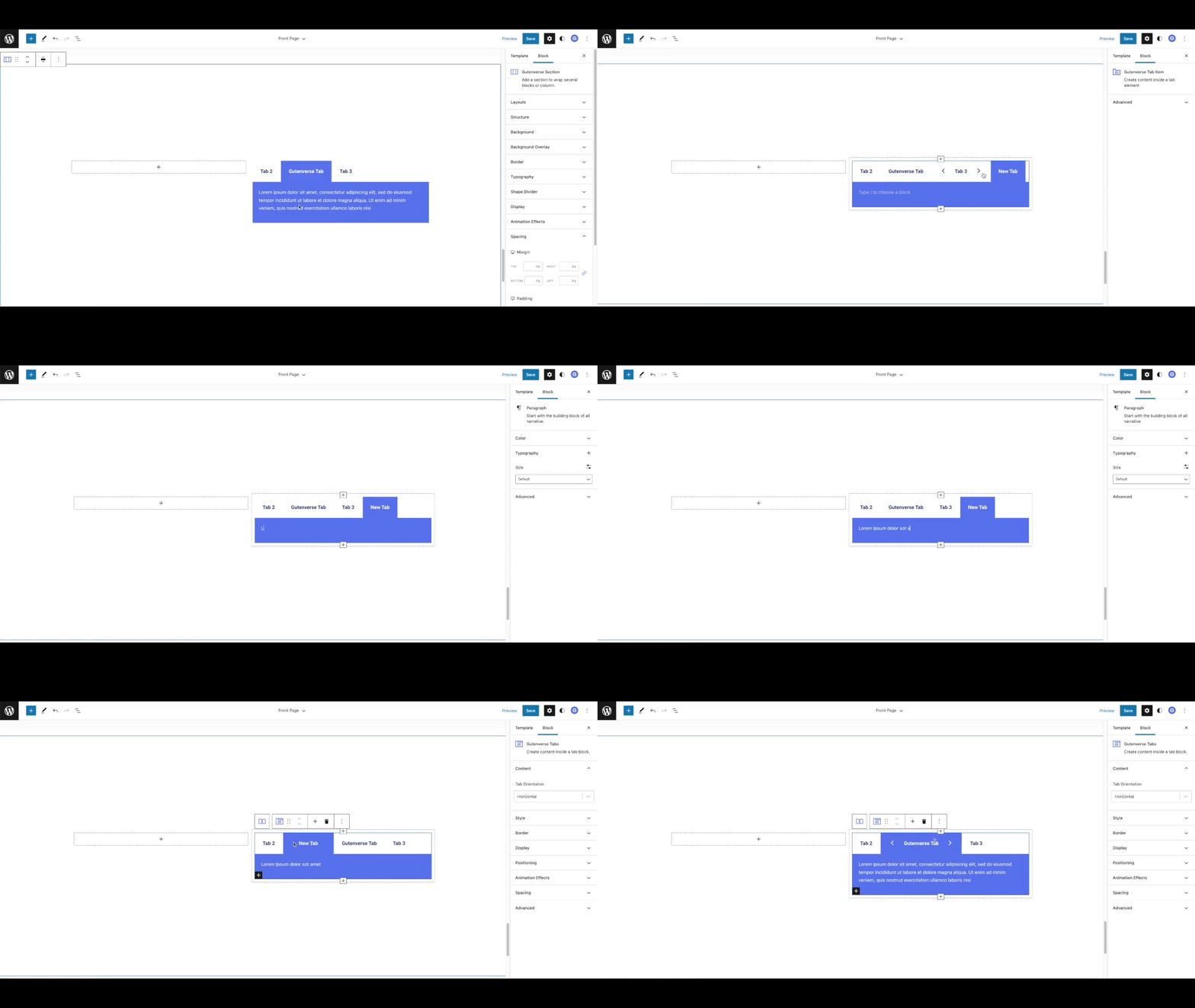
- Content and design blocks: Heading, Button, Image, Gallery, Tabs, Accordion, Icon Box, Team, Testimonials, Google Maps, and more
- Post and site blocks: Post Block, Post Title, Post Content, Post Featured Image, Archive Title, and Search Result Title
Explore the full block list at Gutenverse Blocks.
Template Library
Gutenverse includes 600+ starter templates, layouts, and sections for faster website creation. Start from prebuilt designs, then customize each section with WordPress blocks, responsive controls, global colors, and global fonts.
Template types include landing pages, business websites, portfolio layouts, content sections, headers, footers, archive layouts, single post layouts, and full site templates.
Built For The WordPress Site Editor
Gutenverse works with the WordPress Site Editor, block themes, and Full Site Editing. You can create and customize site parts such as headers, footers, archive pages, and single post templates using WordPress blocks.
For a ready-made block theme, try Unibiz.
Free And Pro Features
The free version of Gutenverse includes the core WordPress blocks, template library access, responsive controls, global styles, layout tools, and popup builder features needed to build a complete WordPress website.
Gutenverse Pro adds advanced blocks, templates, form builder tools, popup options, dynamic data, display conditions, custom fonts, premium templates, and advanced site building features.
Use of 3rd-Party Services
Gutenverse may connect to the following third-party services when you enable or use related features.
Gutenverse.com
The Gutenverse dashboard may show optional links, template/library access, theme data, documentation, support, banners, license checks, or newsletter subscription features from gutenverse.com. Newsletter data is sent only when you manually submit your email address.
Website: https://gutenverse.com/
Terms: https://gutenverse.com/terms-and-conditions/
Google Maps
If you add the Google Maps block, the map may load content from Google Maps.
Service endpoint: https://maps.google.com/maps
Privacy Policy: https://policies.google.com/privacy
Terms of Service: https://policies.google.com/terms
Google Fonts
Some Gutenverse dashboard screens may load Google Fonts for dashboard typography.
Service endpoint: https://fonts.googleapis.com/
Privacy Policy: https://policies.google.com/privacy
Terms of Service: https://policies.google.com/terms
Social Share Links
If you use social sharing blocks, visitors may open external social sharing URLs when they click a share button.
Screenshots
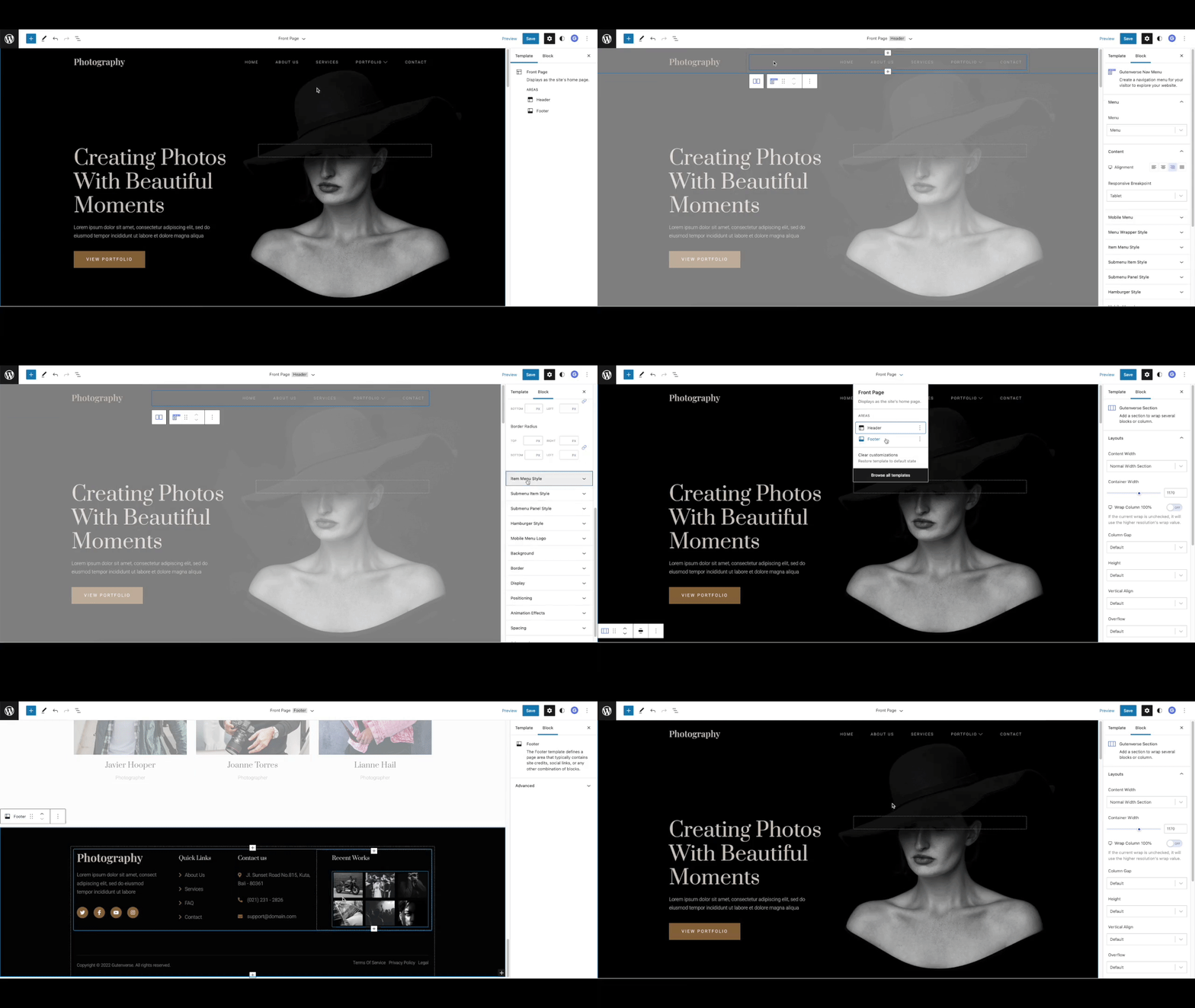
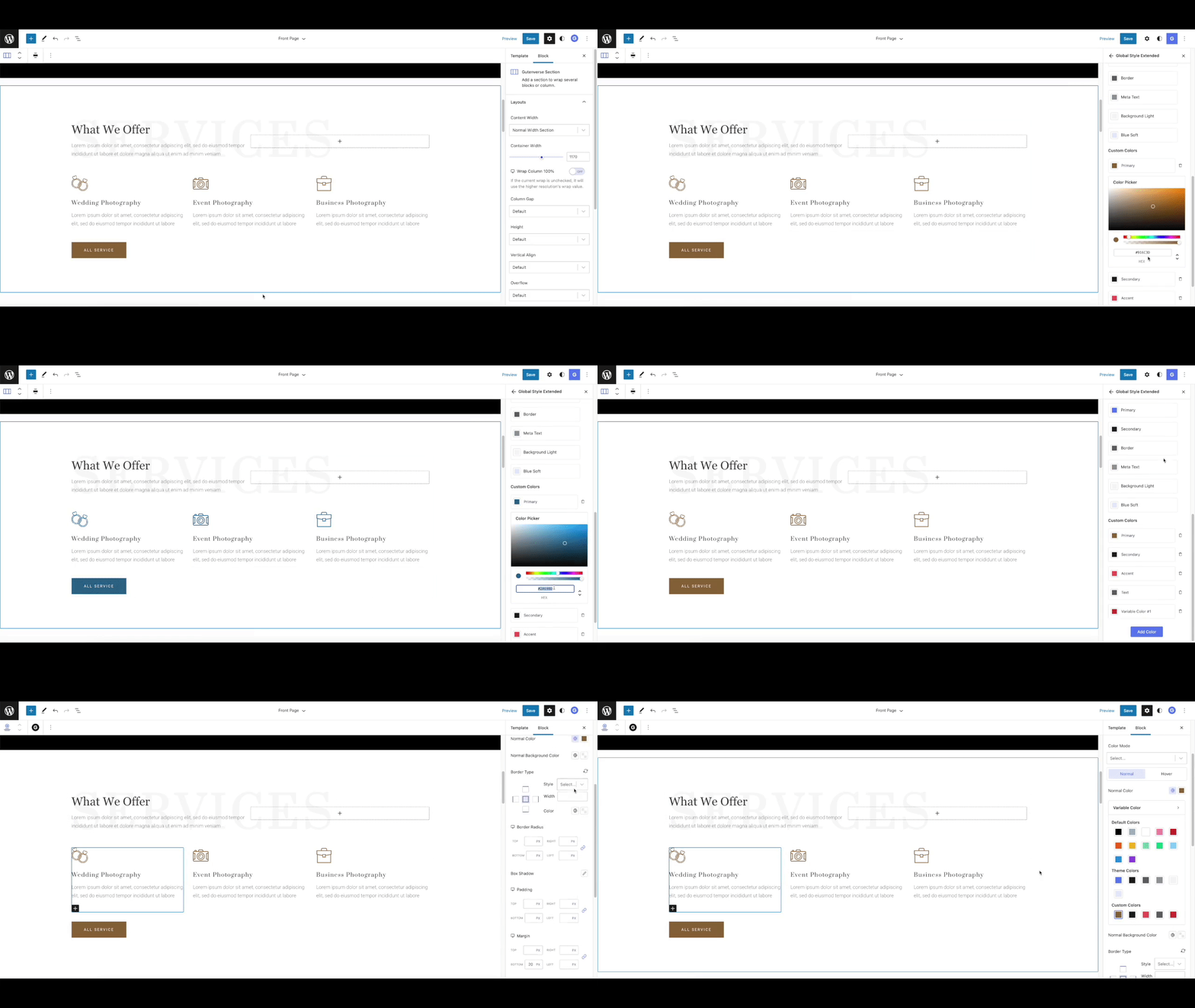

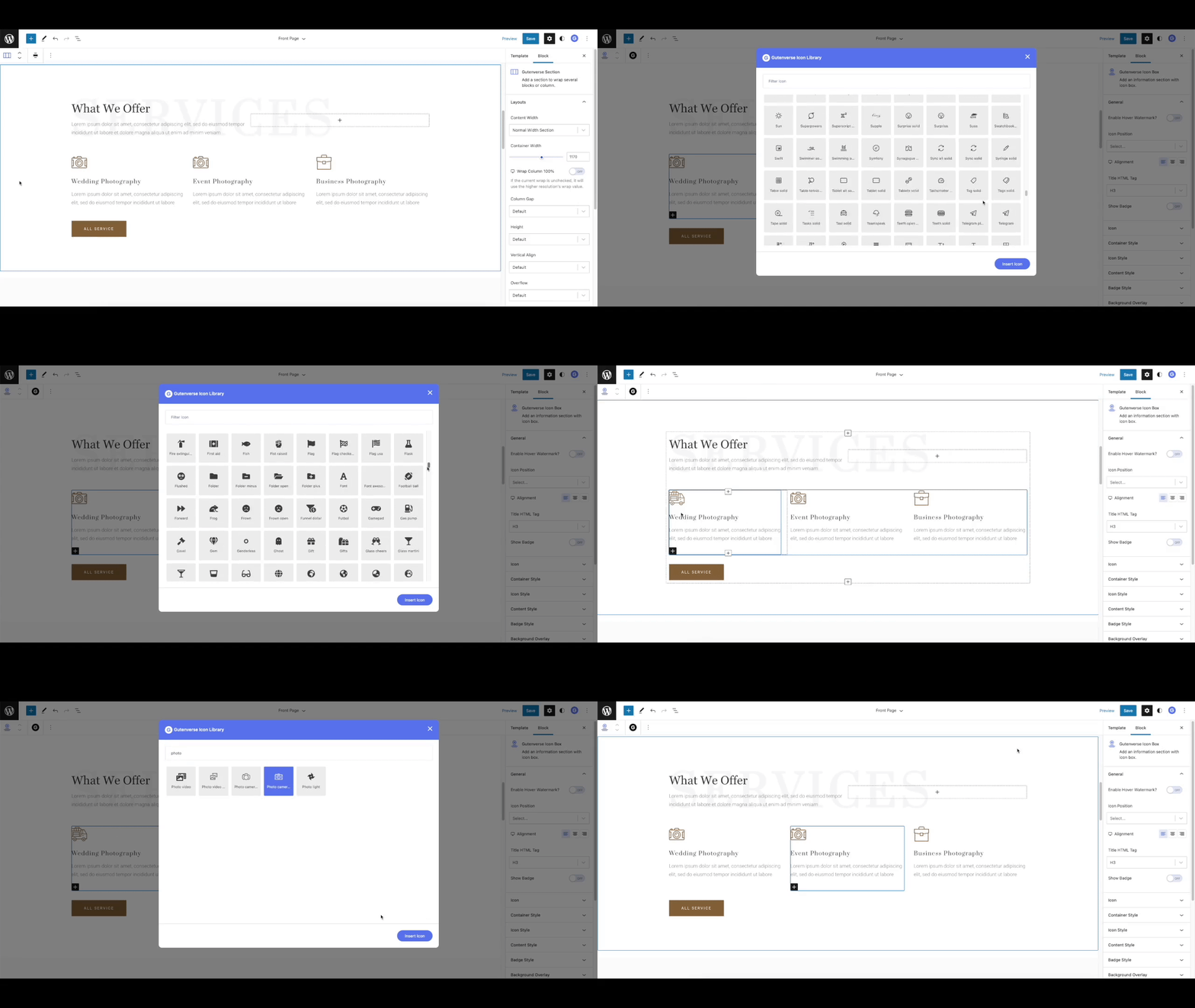
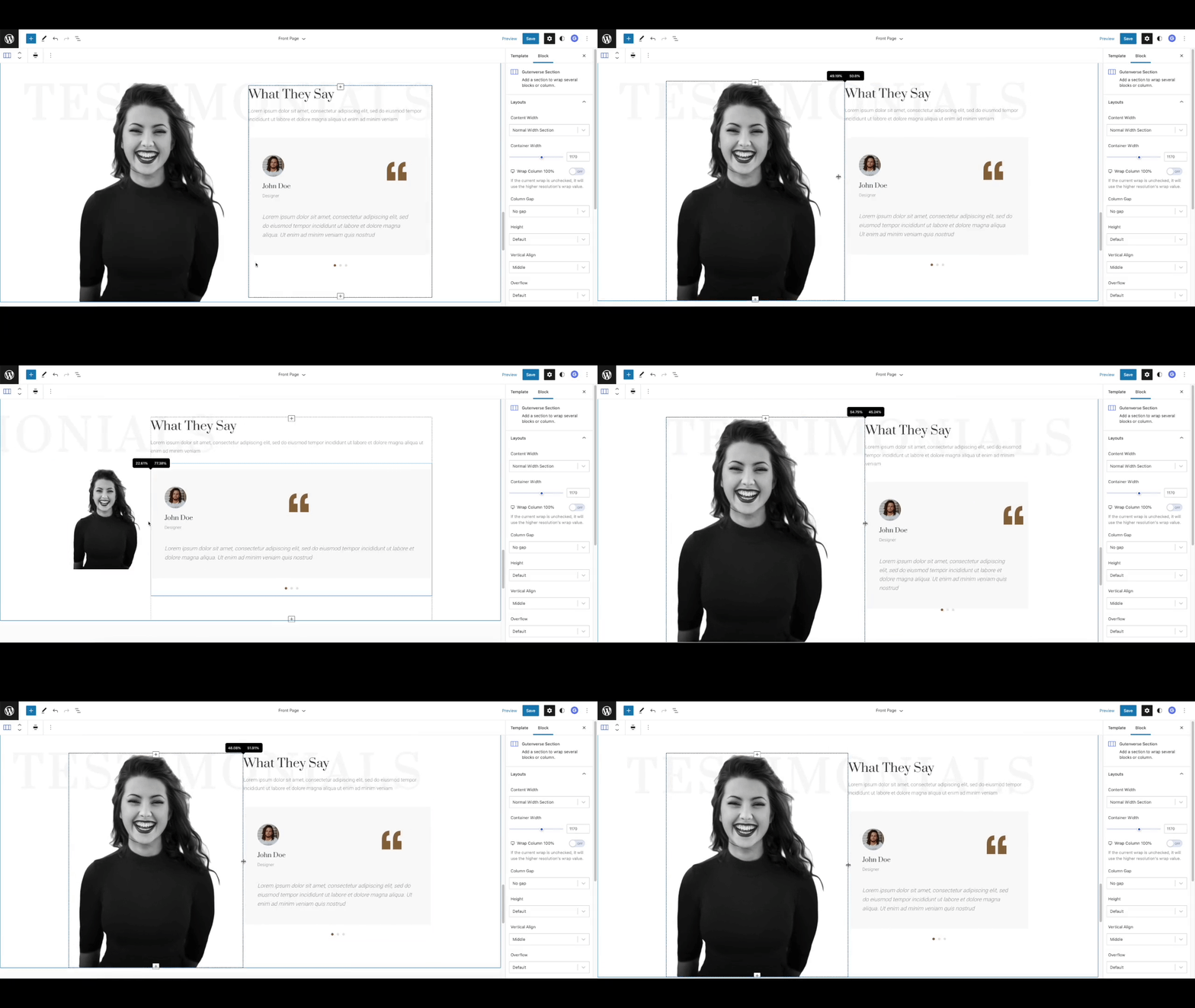
Blocks
This plugin provides 57 blocks.
- Container Add a Container with flexbox layout controls to wrap blocks.
- Flexible Wrapper Flexible Wrapper / Container to contain your block
- Section Add a section to wrap several blocks or column.
- Social Icons Show social networks link to your website visitors
- Heading Create Title/Heading on your page.
- Star Rating Showcase ratings of anything you want to share.
- Post Block Showcase a block of posts of your choice.
- Post Terms Show the categories/tags of a single post.
- Gallery Showcase your images in grid or masonry layout, with a popup and zoom option.
- Accordions A vertically stacked list of expandable/collapsable item.
- Spacer Create a spacer to give a gap between content
- Post Title Show the title of a single post.
- Text Paragraph Paragraph Block Gutenverse
- Taxonomy List Create a list choosen taxonomy
- Video Embed a video you want to share.
- Chart Create a Chart to showcase your site acheivement.
- Icon Box Add an information section with icon box.
- Post Content Show the content of a single post.
- Icon Add a beautiful icon with more than 100 icon options
- Archive Title Show the title of an archive.
- Nav Menu Create a navigation menu for your visitor to explore your website.
- Search Result Title Show the search result title.
- Logo Slider Showcase your clients, sponsors, or a list of images on your website.
- Progress Bar Create a progress bar of your achivement or something you want to share.
- Social Share Allow your visitor to share the current page
- Post Date Show the published/modified date of a single post.
- Search Gutenverse Search
- Countdown Create a countdown block
- Post List Show a list of posts of your choice.
- Icon List Create a list with icons
- Google Maps Display a location you want to share to your website visitor.
- Divider Split your content with a customizable divider.
- Post Author Show post author name.
- Feature List Add an information section with icon box.
- Image Box Add an information section with image box.
- Text Editor A place to create a text content.
- Tabs Create content inside a tab block.
- Advanced Heading Create more Advanced Heading with multiple options.
- Button Add beautiful and interactive action button.
- Post Comment Show comment section of a single post.
- Image Edit, crop, and showcase your image.
- Fun Fact Create an interesting fact about your website or something you achieved.
- Multi Buttons Add a collection of beautiful and interactive action buttons.
- Popup Builder Build Popup using gutenverse popup builder.
- Animated Text Create text with beautiful animation flow.
- Portfolio Gallery Showcase your portfolio in image tab gallery
- Post Featured Image Show the featured image of a single post.
- Breadcrumb Display a navigation breadcrumb for easier site navigation.
- Post Excerpt Show the short summary of a single post.
- Testimonials Showcase your client's or people's testimonals.
- Team Show your team details.
- Column Draggable column, to make your experience flawless when resize it.
- Accordion Item Create content inside an accordion element.
- Tab Item Create content inside a tab element
- Icon List Item Show an icon list.
- Social Icon Item Show social networks link to your website visitors.
- Popup Container Build Popup using gutenverse popup container.
Installation
From The WordPress Plugin Dashboard
- Go to Plugins > Add New in your WordPress dashboard.
- Search for “Gutenverse”.
- Click Install Now.
- Click Activate.
- Open the WordPress Block Editor or Site Editor and search for Gutenverse blocks.
Using The Upload Method
- Download the Gutenverse plugin ZIP file.
- Go to Plugins > Add New in your WordPress dashboard.
- Click Upload Plugin.
- Choose the Gutenverse ZIP file.
- Click Install Now.
- Activate the plugin.
For more help, read the Gutenverse installation guide.
FAQ
-
Is Gutenverse a WordPress page builder?
-
Yes. Gutenverse works as a WordPress page builder built on top of Gutenberg and the native Site Editor. You can build pages, landing pages, headers, footers, archive templates, single post templates, and full site layouts without using a separate page builder interface.
-
Can I build a full website with Gutenverse?
-
Yes. Gutenverse can be used as a WordPress website builder for block themes and Full Site Editing. You can build pages, templates, site parts, content sections, and responsive layouts with WordPress blocks.
-
Is Gutenverse a WordPress blocks plugin?
-
Yes. Gutenverse adds WordPress blocks for layout, content, design, posts, popups, templates, and full site editing inside the native Block Editor.
-
Does Gutenverse work with the WordPress Site Editor?
-
Yes. Gutenverse is built for the WordPress Block Editor, Site Editor, block themes, and Full Site Editing workflows.
-
Does Gutenverse require the Gutenberg plugin?
-
No. WordPress 5.9 and newer already include the block editor features needed by Gutenverse. You do not need to install the separate Gutenberg plugin unless you specifically want to test experimental Gutenberg features.
-
What theme should I use with Gutenverse?
-
Gutenverse works best with block themes that support the WordPress Site Editor. You can use the free Unibiz block theme or other block themes that follow WordPress Full Site Editing standards.
-
Can I use Gutenverse with other Gutenberg block plugins?
-
Yes. Gutenverse is designed to work inside the native WordPress Block Editor and should work alongside most well-coded Gutenberg block plugins.
-
Does Gutenverse include starter templates?
-
Yes. Gutenverse includes 600+ starter templates, layouts, and sections that you can import and customize with WordPress blocks.
-
How do I find Gutenverse blocks in the editor?
-
Open the block inserter in the WordPress editor and search for “Gutenverse”. You can also search for a specific block, such as “Gutenverse Accordion”, “Gutenverse Gallery”, or “Gutenverse Button”.
-
Is Gutenverse lightweight?
-
Gutenverse is built for the native WordPress Block Editor and focuses on a fast editing and frontend experience. You can also disable unused Gutenverse blocks with block management tools to keep your workflow cleaner.
-
What should I do if a block shows unexpected or invalid content?
-
After some updates, WordPress may show an “Attempt Block Recovery” button for blocks affected by older markup or styling changes. Click that button first. If the issue continues, please open a support ticket.
Reviews


Contributors & Developers
“Gutenverse – WordPress Blocks, Page Builder & Site Editor” is open source software. The following people have contributed to this plugin.
Contributors
Translate “Gutenverse – WordPress Blocks, Page Builder & Site Editor” into your language.
Interested in development?
Browse the code, check out the SVN repository, or subscribe to the development log by RSS.
Changelog
3.8.0
New and improved:
* Add LemonSqueezy payment gateway integration.
3.7.1
New and improved:
* Add responsive option for background color
Bug fixes:
- Fixed featured image block width and height options visibility when using custom option.
- Fixed accordion block issue on iOS.
- Fixed background image preload fetch priority.
- Fixed color option bug with hex input.
- Fixed testimonial block default data issue.
- Fixed video background issue.
- Fixed template library only load two layouts initially.
3.7.0
New and improved:
- Improve premium upgrade UI
3.6.3
Bug fixes:
- Fixed frontend animation rendering issue.
3.6.2
New and improved:
- Improved responsive background color controls.
Bug fixes:
- Fixed YouTube video URL issue.
- Fixed breadcrumb block issue on pages.
- Fixed post terms block container sizing.
For full changelog history, please visit the Gutenverse GitHub repository.