
Description
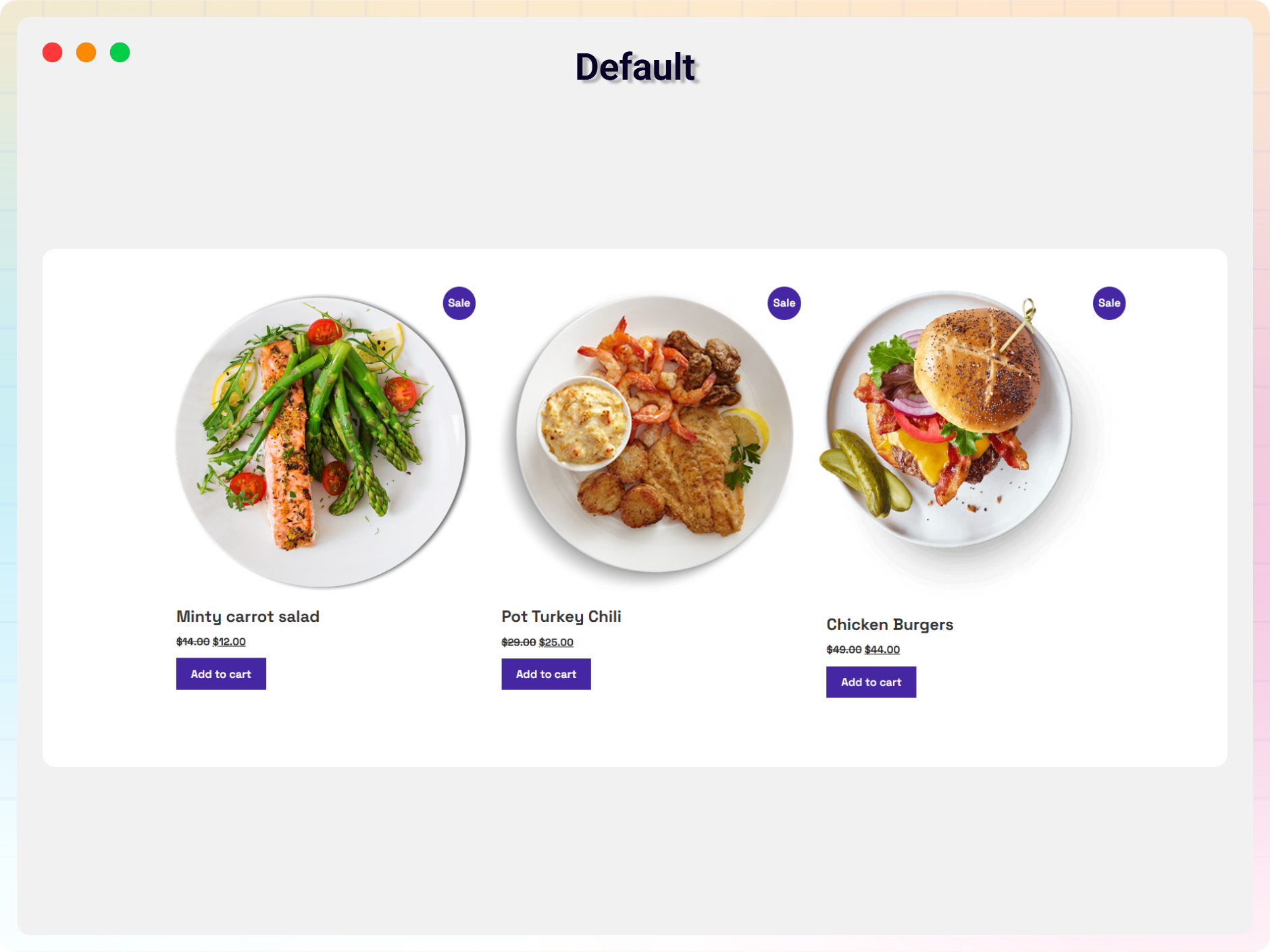
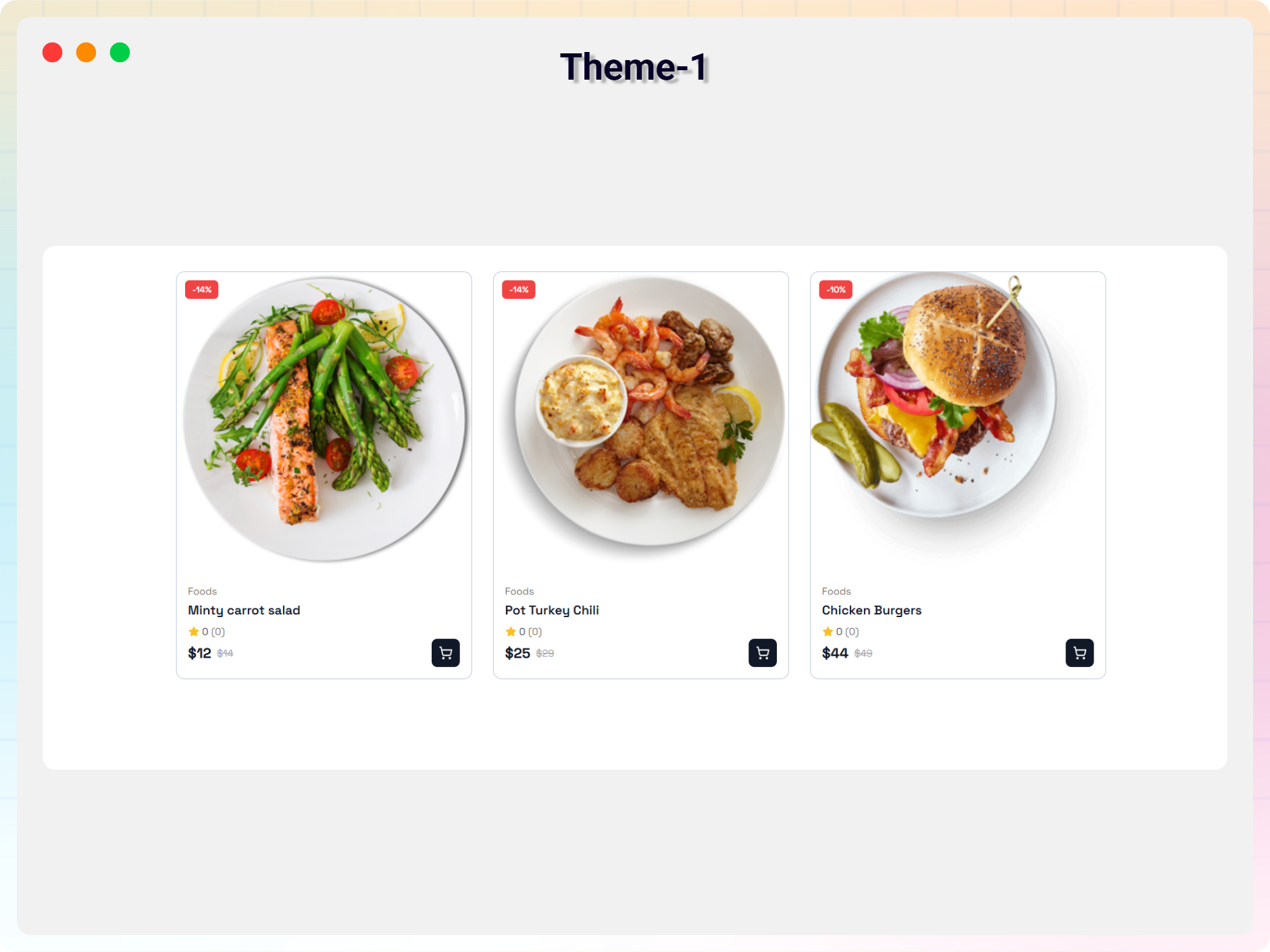
Recent Products Block for WooCommerce is a Gutenberg block plugin that allows you to showcase recently added WooCommerce products anywhere in your website using the block editor.
The plugin integrates seamlessly with the WordPress Gutenberg editor and provides flexible customization options to create attractive product showcases for your customers.
Key Features
- Shortcode support.
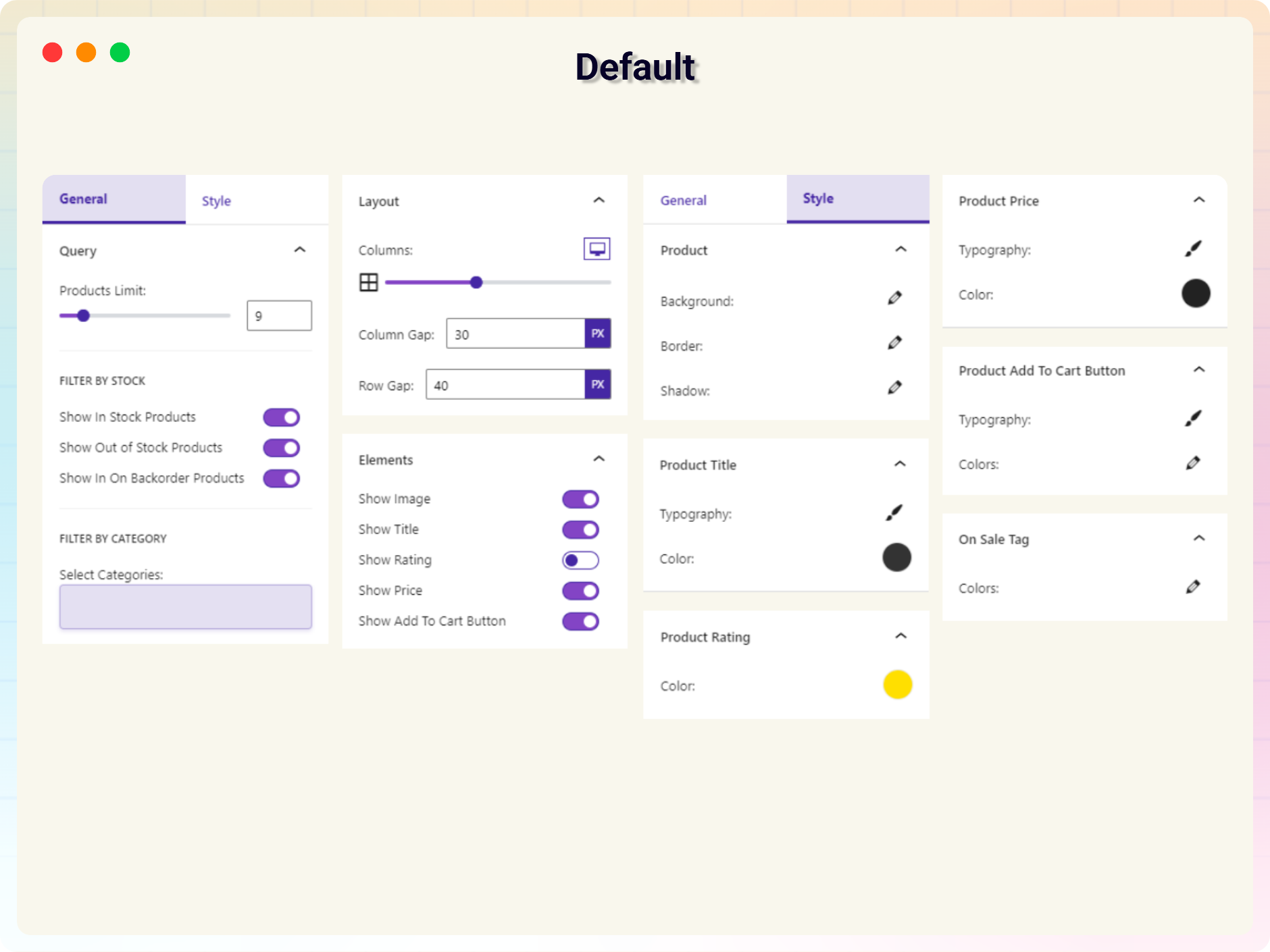
- Product query options.
- Filter products by category, stock status, and more.
- Responsive column settings for desktop, tablet, and mobile.
- Custom column and row gap controls.
- Show or hide product elements such as image, title, rating, price, and add to cart button.
How to use
- Install and activate WooCommerce.
- Install and activate the Recent Products Block plugin.
- Open the Gutenberg editor.
- Add the “WooCommerce Recent Products” block from the Widgets category.
- Customize the block settings from the right sidebar.
- Publish and enjoy.
Feedback
Did you like this plugin? Do you have a feature request?
Please share your feedback with us:
[email protected]
External third-party library
This plugin connects to the following external third-party library from the admin dashboard:
bpl-tools
- Source / GitHub: https://github.com/bPlugins/bpl-tools
- License: GPL-2.0-or-later – https://www.gnu.org/licenses/gpl-2.0.html
- Purpose: Shared utility library providing admin dashboard components and common Gutenberg editor controls.
- External Services: The library may connect to bPlugins, ww.wp.xz.cn, and Freemius services for product data and checkout functionality. See full details: https://github.com/bPlugins/bpl-tools#external-requests–why-they-are-made
Screenshots
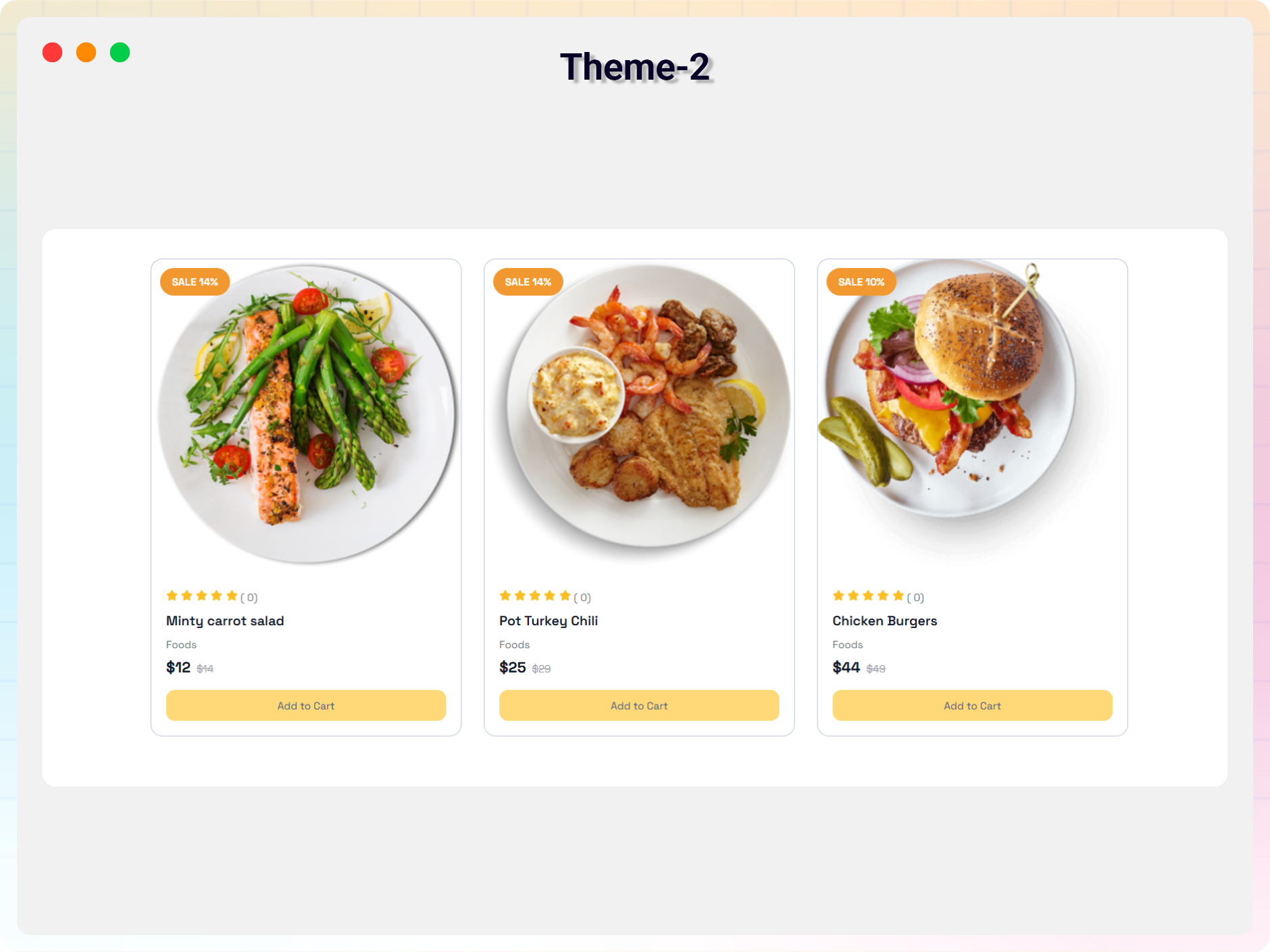
Blocks
This plugin provides 1 block.
- WooCommerce Recent Products Display WooCommerce Recent Products
Installation
From Gutenberg Editor
- Go to the WordPress Block Editor.
- Search for “WooCommerce Recent Products”.
- Click on the block to add it.
Download & Upload
- Download the plugin ZIP file.
- Go to Plugins > Add New in your WordPress admin dashboard.
- Click “Upload Plugin”.
- Upload the
recent-products-block.zipfile. - Click “Install Now”.
- Activate the plugin.
Manual Installation
- Download and extract the plugin files.
- Upload the plugin folder to the
/wp-content/plugins/directory. - Activate the plugin through the Plugins menu in WordPress.
FAQ
-
Is the WooCommerce Recent Products plugin free?
-
Yes, the plugin is completely free to use.
-
Does it work with any WordPress theme?
-
Yes, it works with all standard WordPress themes.
-
Can I customize the block settings?
-
Yes, all block settings can be customized from the Gutenberg editor sidebar.
-
Can I reuse the block multiple times?
-
Yes, you can use the block unlimited times on your website.
-
Where can I get support?
-
You can get support here:
https://ww.wp.xz.cn/support/plugin/recent-products-block/
Reviews


Contributors & Developers
“Recent Products Block” is open source software. The following people have contributed to this plugin.
Contributors


Translate “Recent Products Block” into your language.
Interested in development?
Browse the code, check out the SVN repository, or subscribe to the development log by RSS.
Changelog
2.0.1
-20 MAY 2026
- Fixed plugin guideline compliance issues.
- Improved readme structure and formatting.
- Minor improvements and fixes.
1.0.0
- Initial release.