Description
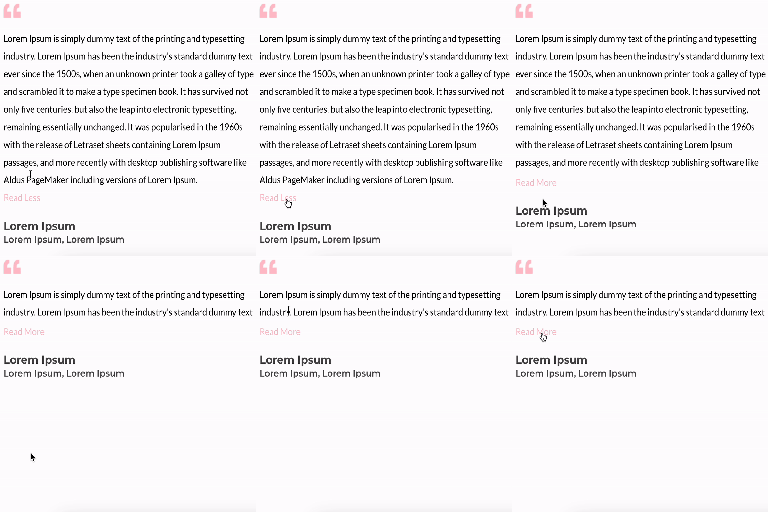
A simple plugin that makes it possible for text to unfold.
Features
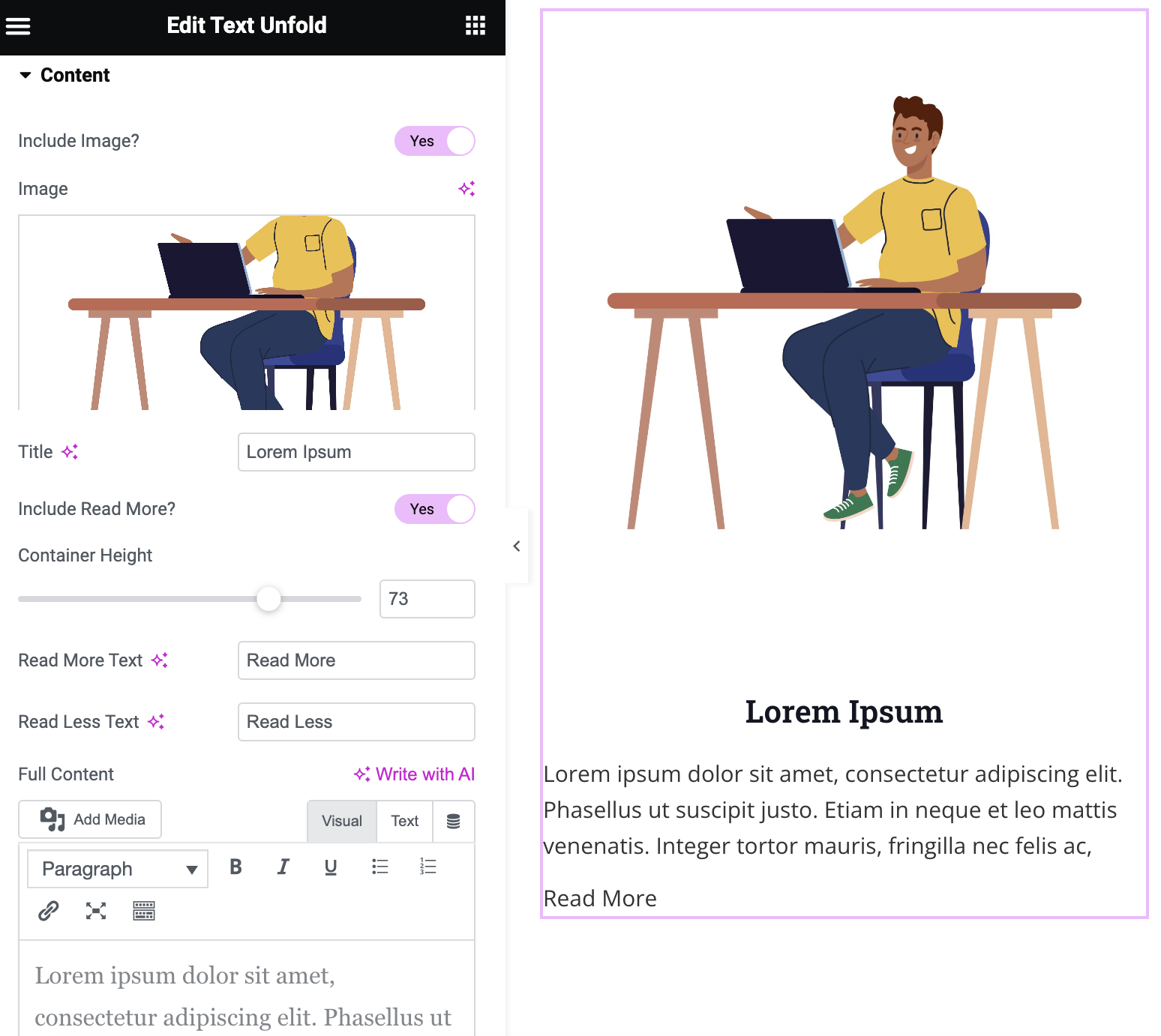
- Option to add image, title, and content
- Customizable height of the container to display the amount of text
- Customizable ‘Read More’ and ‘Read Less’ text with option to include icons
- Customizable icon color and size
- Modify the dimensions of the image
- Option of dynamic tags on title and content
- Gradient fade overlay on collapsed content
- Configurable animation duration and easing
- Read More button alignment control
- Content area background, border, and box shadow styling
Screenshots
Installation
Minimum Requirements
- WordPress 6.0 or greater
- PHP version 7.0 or greater
- MySQL version 5.0 or greater
Installation
Step 1: Navigate to the WordPress Plugins dashboard and upload the plugin file to install, or search for the ‘Text Unfold For Elementor’ plugin and install it on your WordPress site. Step 2: After installation, click the “activate” button to activate the plugin.
Reviews

May 28, 2026
Exactly what I needed. I’d love an option that would continue text on the same line but this is everything I can ask for in a free plugin.

April 30, 2026
This plugin does the trick exactly as stated,
simple and functional.
THANK YOU for making this plugin!

August 22, 2025
Easy to install and use, we find everything we need to configure the different points, the only thing missing is rounded corners on the image and perhaps a drop shadow.
Congratulations to the developer.

May 29, 2025
Nice and useful plugin, very light. A must in my websites.

December 2, 2024
thank you all team developer member

November 12, 2024
1 reply
Full content from dynamic tags not working (specifically archive description)
Contributors & Developers
“Text Unfold For Elementor” is open source software. The following people have contributed to this plugin.
Contributors


“Text Unfold For Elementor” has been translated into 3 locales. Thank you to the translators for their contributions.
Translate “Text Unfold For Elementor” into your language.
Interested in development?
Browse the code, check out the SVN repository, or subscribe to the development log by RSS.
Changelog
1.2.0
- New: Gradient fade overlay at the bottom of collapsed content, with configurable color and height.
- New: Read More button alignment control (Left / Center / Right).
- New: Content area background (solid or gradient), border, border radius, and box shadow styling options.
- Fix: Button now auto-hides when content is naturally shorter than the configured container height.
- Improvement: Added aria-expanded attribute to the Read More button for better accessibility.
1.0.0
- Plugin released.
1.1.0
- New: Added feature to include icon within ‘Read more’ and ‘Read Less’ text.
- Fix: Fixed image size issue, removed ‘Image Resolution’ field and added fields for height and width of the image.
1.1.1
- Fix: Compatibility with latest Elementor 3.21 version
1.1.2
- Fix: Compatibility with latest Elementor 3.23 version
- Fix: Changed display flex to inline-block for the “Read More” option
1.1.3
- New: Enabled the option of default dynamic tags on title and content
- New: Increased the option of container height up to 1000px
1.1.4
- Fix: Fixed the issue “Trying to access array offset on value of type null” on existing container height settings
1.1.5
- New: Added translation support with a generated “.pot” file in the “/languages” folder.
- Fix: Resolved CSS issue where the ‘Icon Gap’ setting was not properly applied to the read more/less button.
1.1.6
- New: Added image border option with box shadow support.