

Description
Order Splitter for WooCommerce helps store managers split WooCommerce orders into smaller orders directly from the order edit screen. Use it when one customer order needs separate fulfillment, separate shipping batches, partial processing, vendor handling, or operational review.
The plugin works inside the WooCommerce admin area and supports manual order splitting by product quantity, category, and stock status. It also includes tools for duplicating orders, merging orders, returning split orders to the original order, and showing split-order labels in the order list.
Premium version | Documentation | Support | Demo
What you can do
- Split WooCommerce orders into one or more new orders.
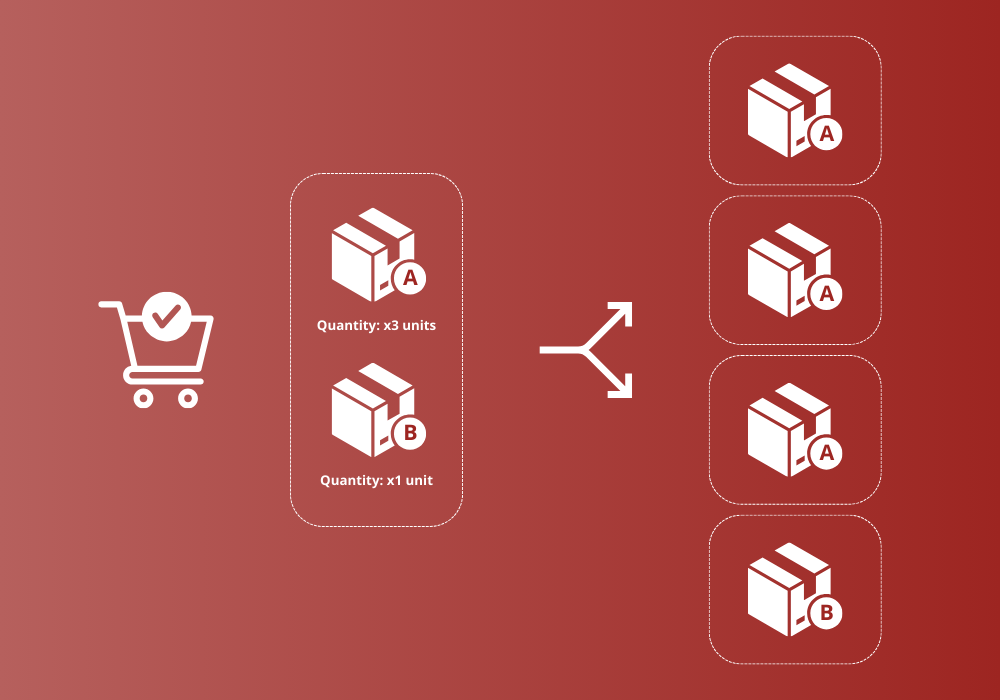
- Split line items by custom quantities.
- Split orders by product category.
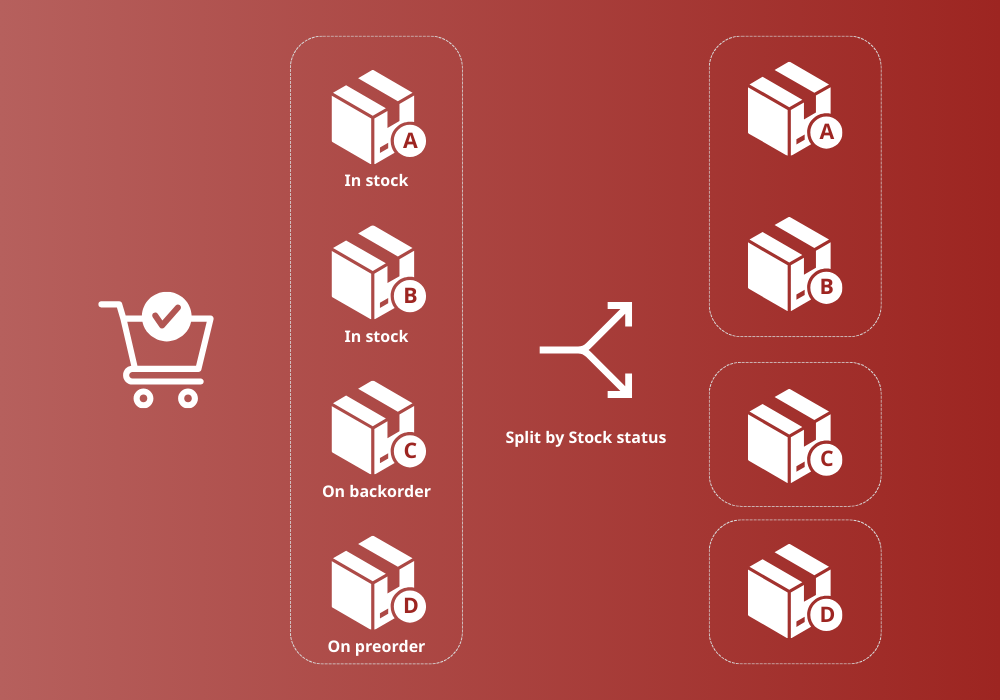
- Split orders by stock status.
- Duplicate an order from the order actions menu.
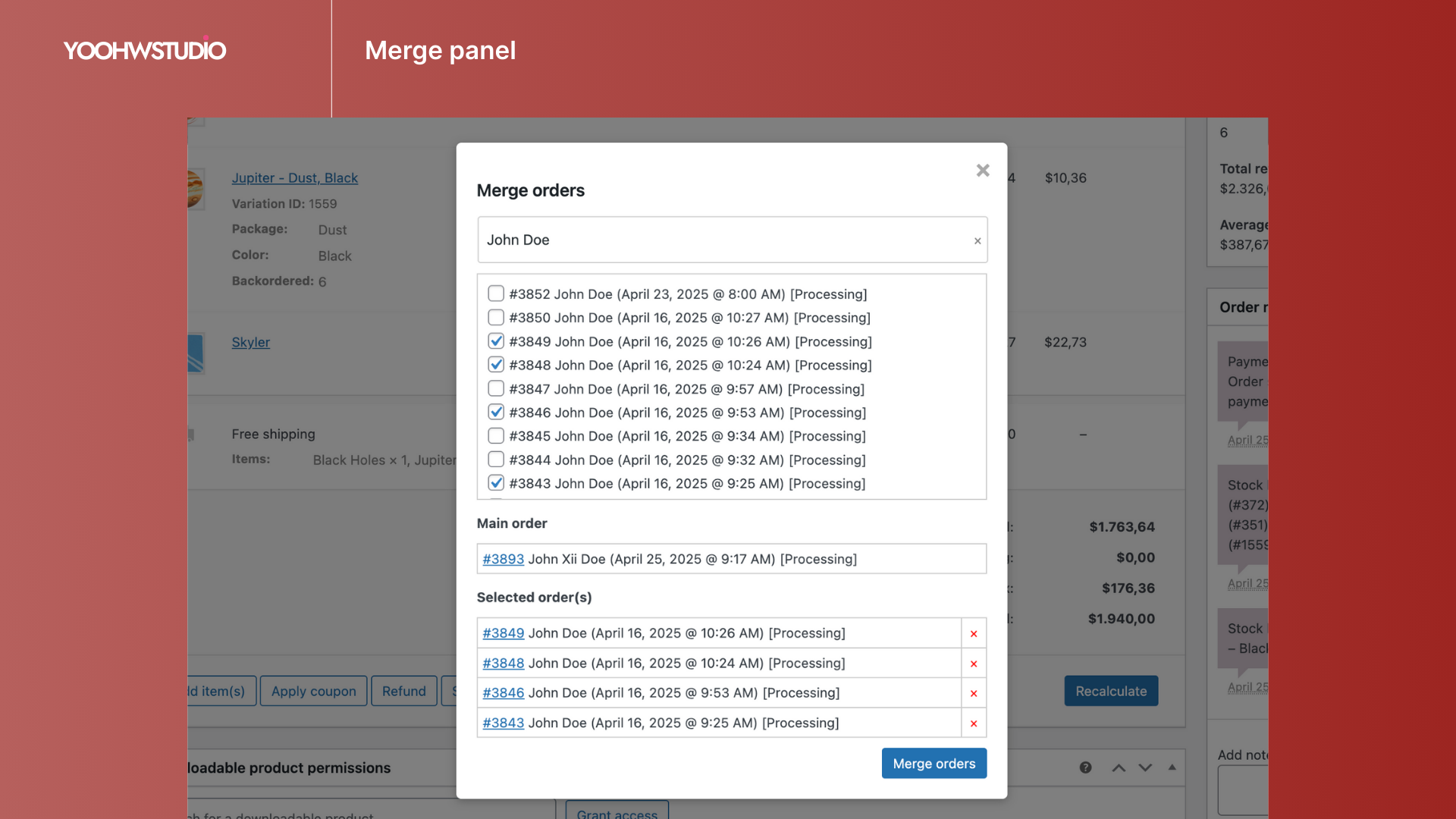
- Merge compatible orders from the order edit screen.
- Return split orders back to the original order.
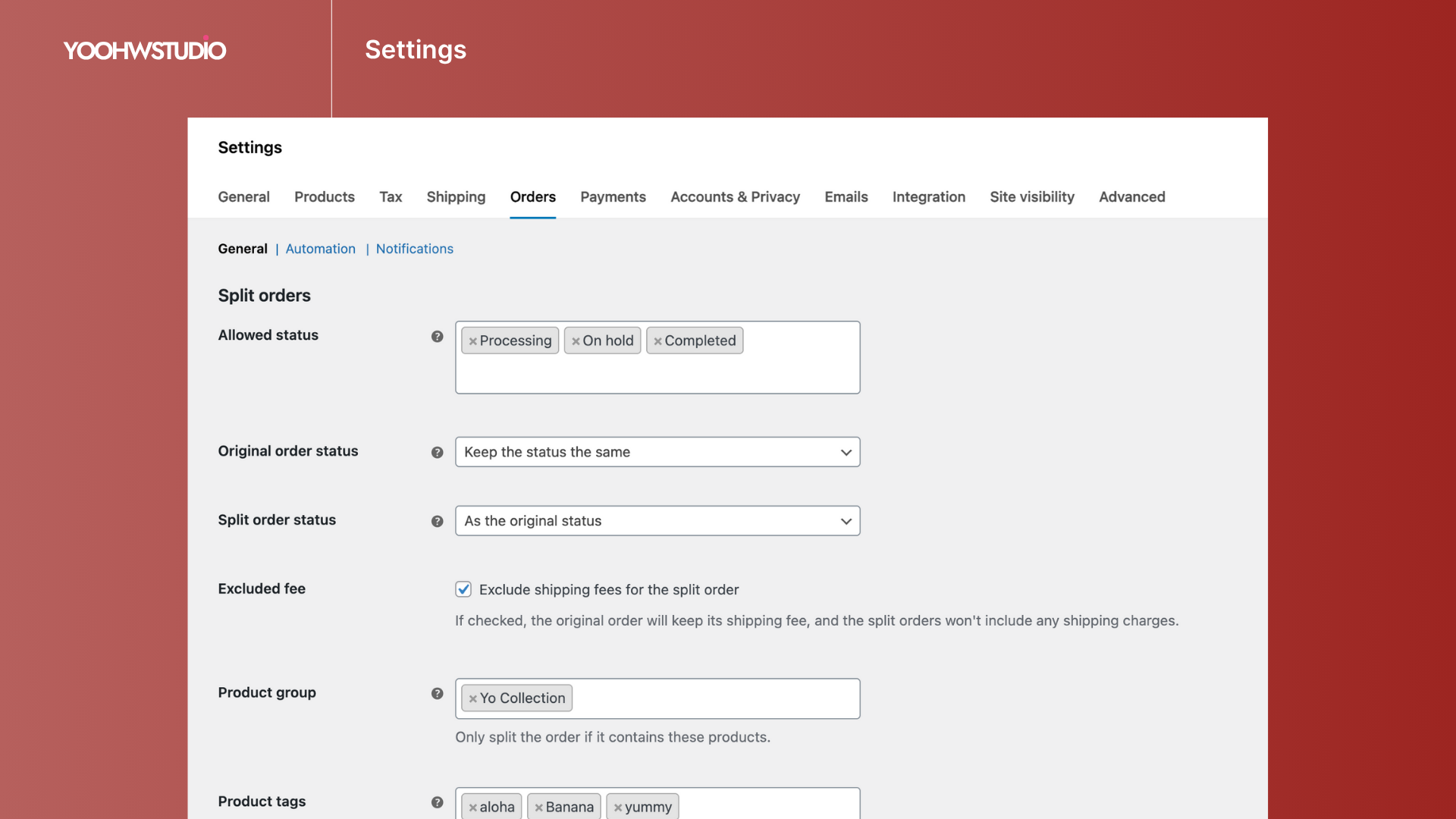
- Keep or exclude shipping fees from split orders.
- Control which order statuses can be split.
- Allow or restrict shop manager access.
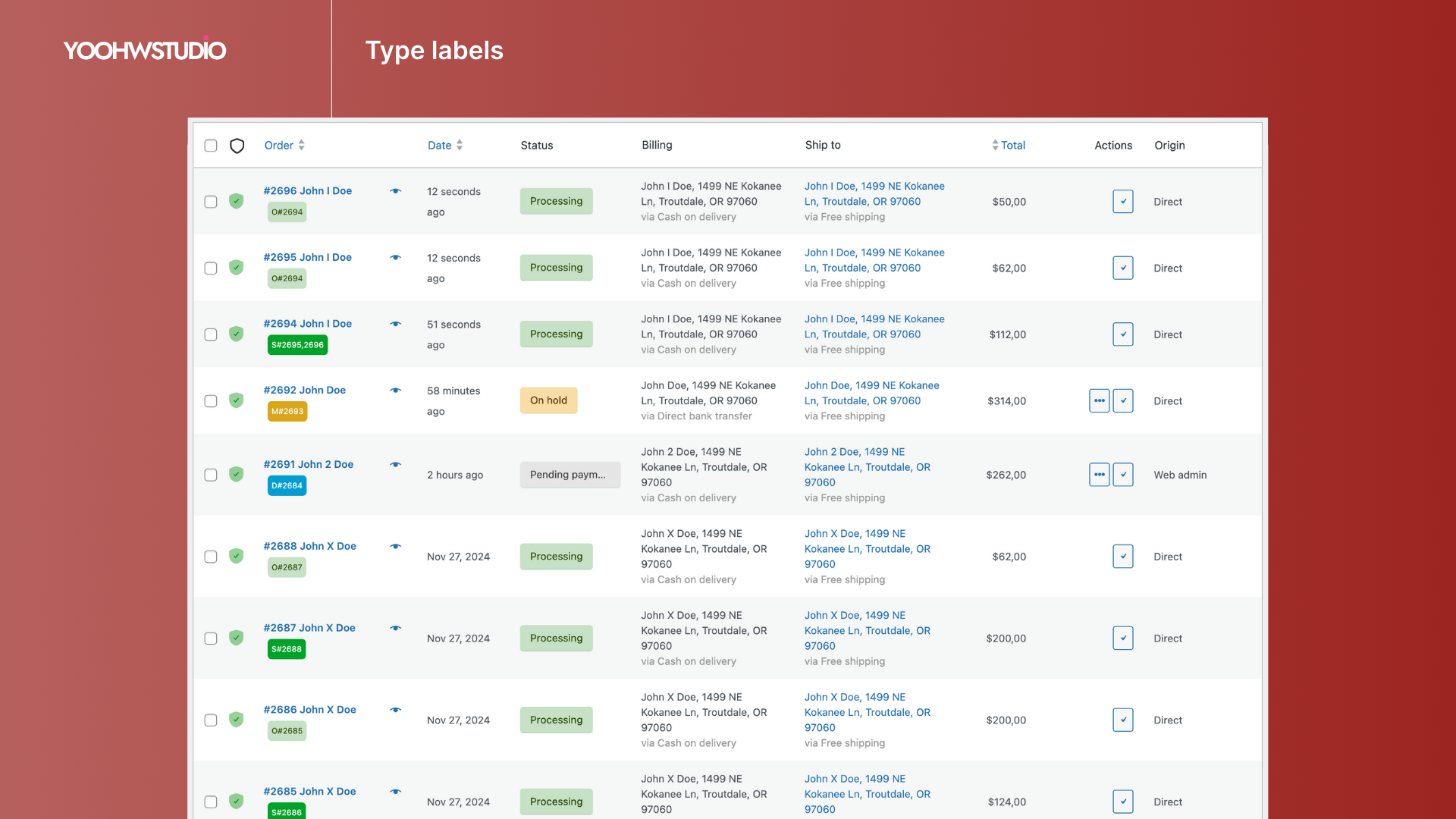
- Display original and split order labels in admin.
Order Splitter for WooCommerce is designed for stores that need cleaner order operations without leaving the WooCommerce dashboard.
When to use Order Splitter
Use this plugin when your store needs to:
- Ship items from one order in separate packages.
- Process backordered and in-stock items separately.
- Split fulfillment by category, warehouse, supplier, or team workflow.
- Duplicate an existing order for admin processing.
- Merge orders that should be handled together.
- Undo a split by returning split orders to the original order.
Split methods
Split by quantity
Move selected quantities from each line item into new orders. This is useful when a customer buys multiple units and only part of the order should be processed separately.
Split by category
Create split orders based on product categories. This helps stores route different product groups to different fulfillment teams or shipping workflows.
Split by stock status
Separate items by stock status so available, unavailable, or backordered products can be handled with clearer order batches.
Settings
Go to WooCommerce > Settings > Orders to configure Order Splitter.
Available settings include:
- Allowed order statuses for splitting.
- Shipping fee handling for split orders.
- Split-order labels in the admin order list.
- Shop manager permission for splitting orders.
Premium options
The free version focuses on manual order splitting and core admin order tools. The Premium version is available for stores that need advanced order automation and deeper workflow controls.
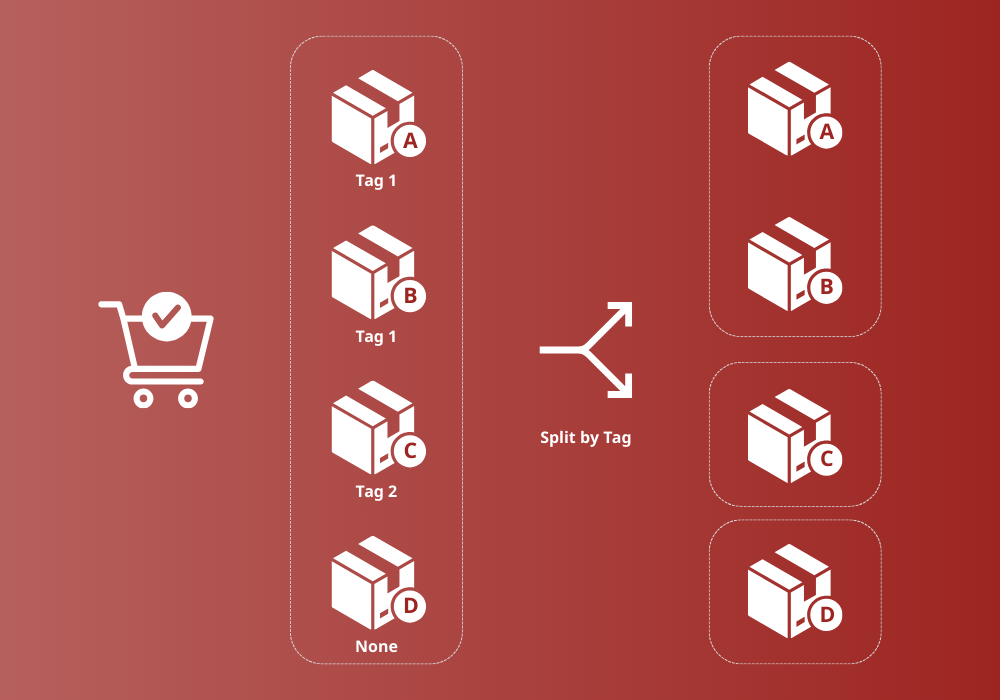
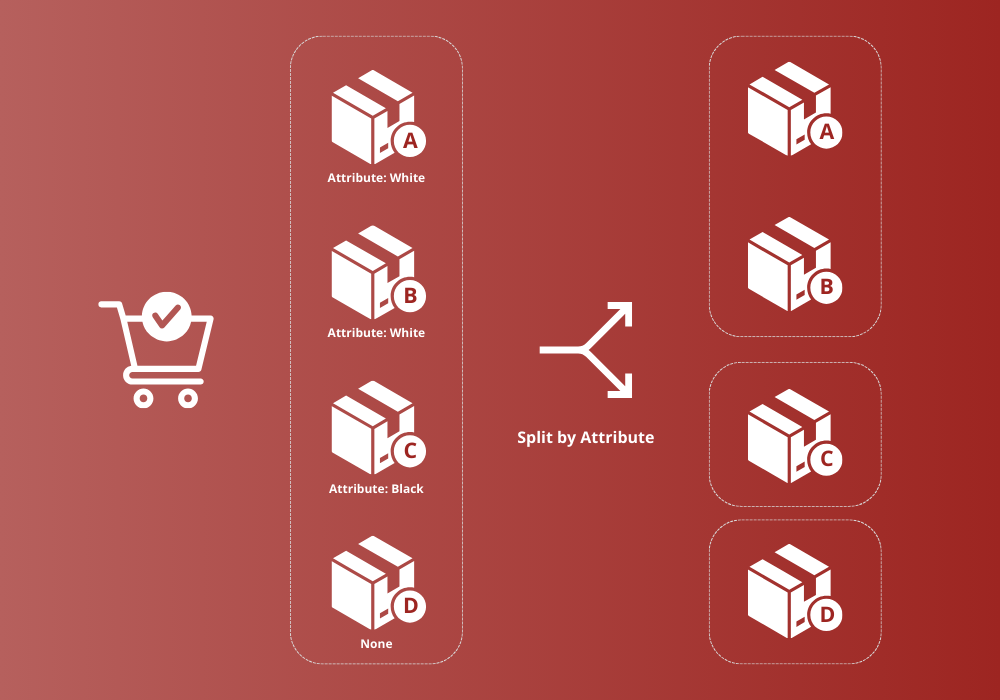
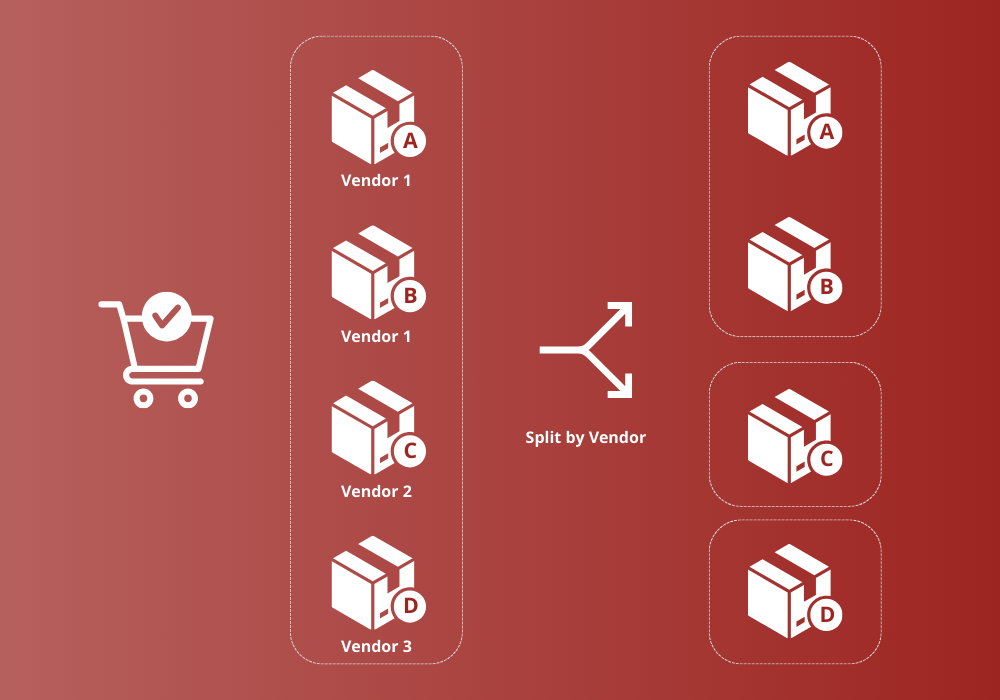
Premium options include automated split rules, product groups, tag and attribute splitting, bundle and vendor splitting, split-order email controls, custom order status controls after splitting, and advanced duplicate or merge workflows.
Usage
- Open WooCommerce > Orders.
- Edit the order you want to split.
- Click Split order.
- Choose the split method.
- Enter the quantities or review the grouped split table.
- Click Split it.
- Review the new order IDs and the updated original order.
The Split order button only appears for orders that match the allowed statuses and contain enough items or quantity to split.
Screenshots

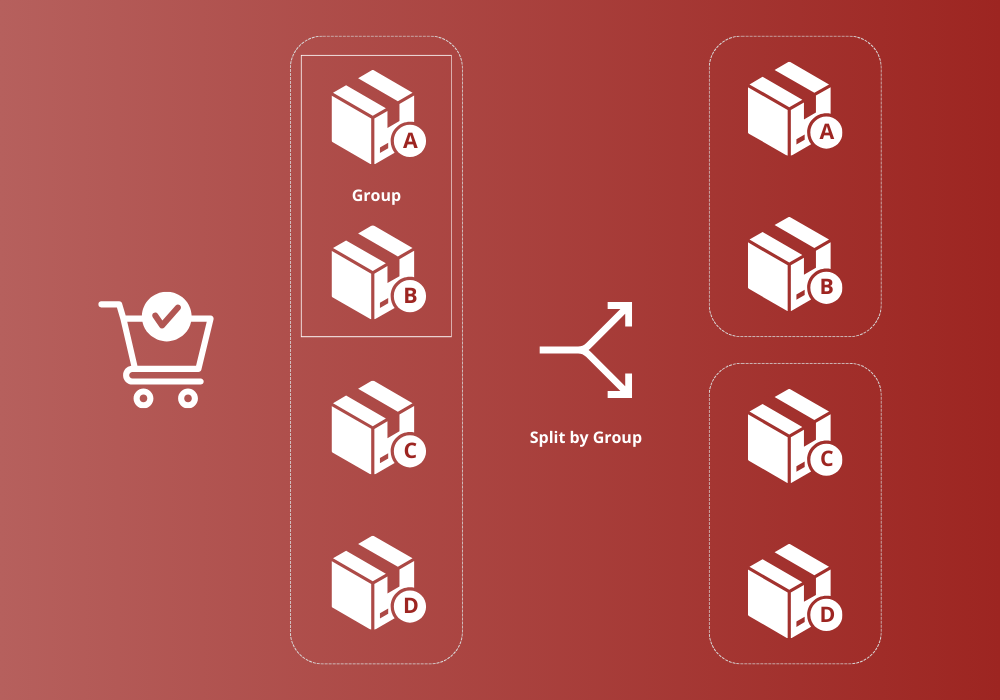
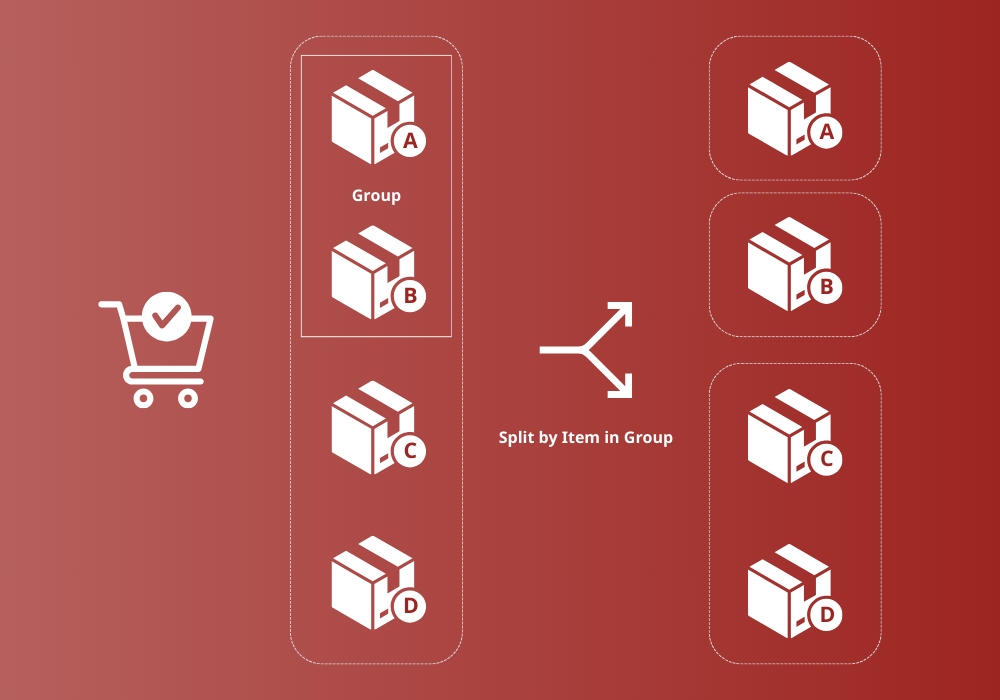
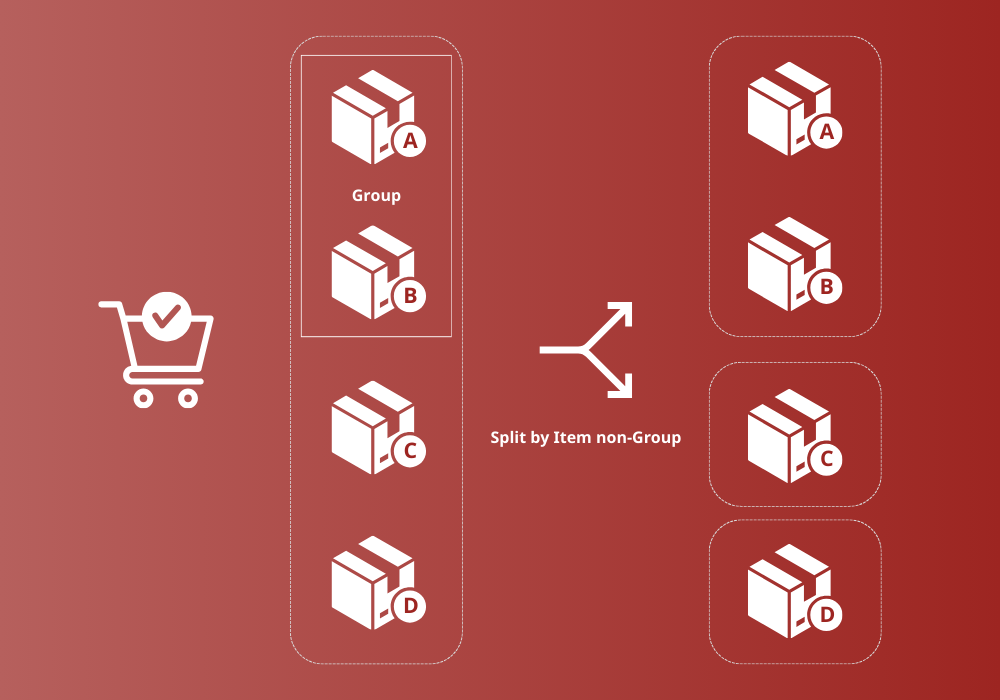
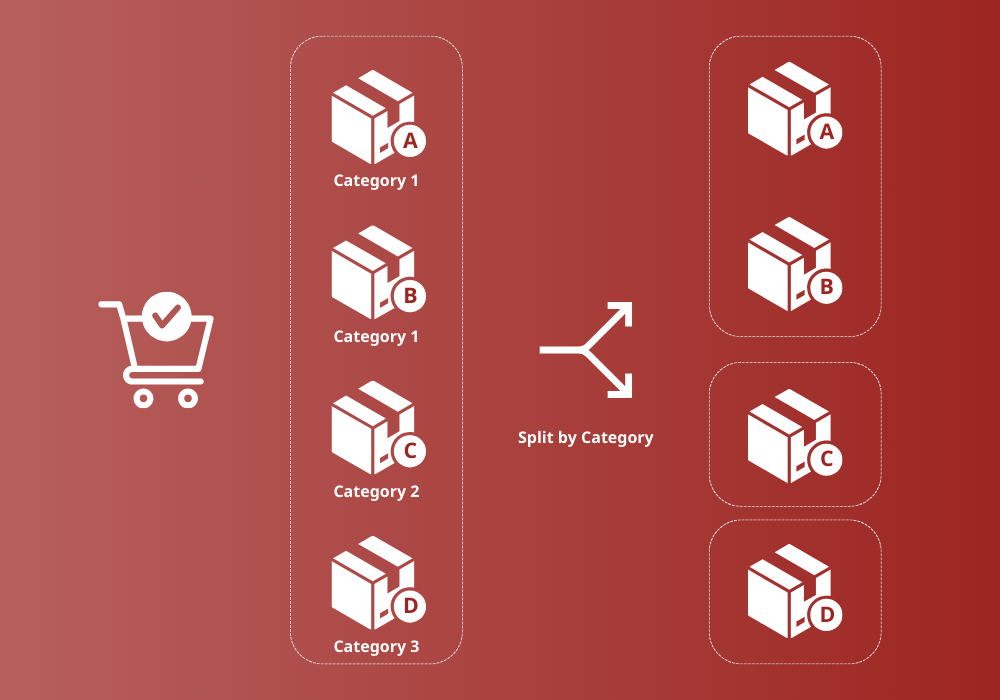
Installation
- Upload the
wc-order-splitterfolder to/wp-content/plugins/, or install the plugin from the WordPress plugin directory. - Activate the plugin from Plugins in the WordPress admin.
- Make sure WooCommerce is installed and active.
- Go to WooCommerce > Settings > Orders and review the Order Splitter settings.
FAQ
-
Does this plugin support High-Performance Order Storage (HPOS)?
-
Yes. Order Splitter for WooCommerce declares compatibility with WooCommerce High-Performance Order Storage.
-
Can I split one order into multiple new orders?
-
Yes. You can move selected item quantities into different new orders from the split table.
-
Can I split an order by category?
-
Yes. The plugin can split order items by product category.
-
Can I split backordered items from in-stock items?
-
Yes. Use the stock status split method to separate items by stock status.
-
Does the plugin copy customer and order data to split orders?
-
Yes. Split orders are created from the original order and keep the customer/order context needed for admin processing.
-
Can shop managers split orders?
-
Yes, if the shop manager permission setting is enabled in WooCommerce > Settings > Orders.
-
Can I undo a split order?
-
You can return split orders back to the original order using the return split order action.
-
Where are older changelog entries?
-
Older release notes are available in
changelog.txt.
Reviews


Contributors & Developers
“Order Splitter for WooCommerce” is open source software. The following people have contributed to this plugin.
Contributors
Translate “Order Splitter for WooCommerce” into your language.
Interested in development?
Browse the code, check out the SVN repository, or subscribe to the development log by RSS.
Changelog
1.4.11 (Jun 13, 2026)
- Fix: Hardened AJAX capability checks for split and bulk return actions.
- Fix: Validated split quantities against each original line item.
- Improve: Declared WooCommerce HPOS compatibility and updated order edit redirects.
- Improve: Scoped admin assets to WooCommerce order and settings screens.
- Improve: Added throttled inline post-action tips after split, duplicate, merge, and return workflows.
1.4.10 (Apr 24, 2026)
- Fix: Updated incorrect translation strings.
- Improve: WooCommerce 10.7 compatibility.
- Improve: Cleaned and optimized code.