Hello
1) you need customization of the code. Unfortunately we do not have a ready-made solution
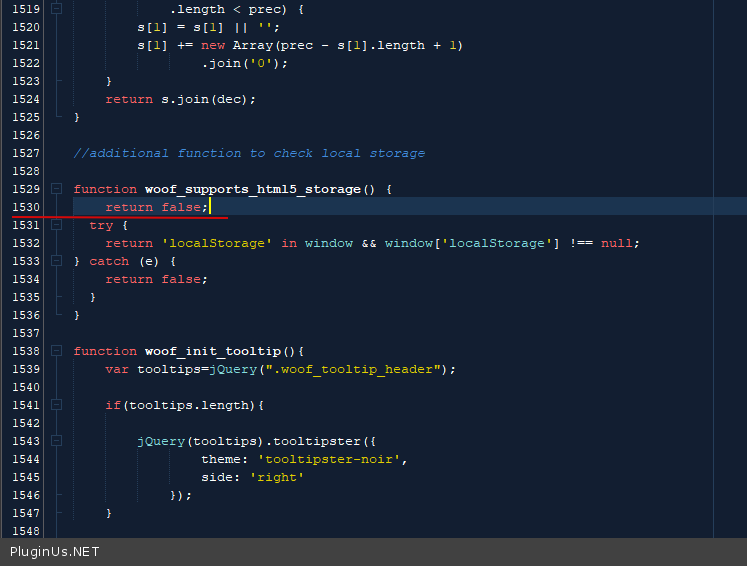
2)Try in file – \wp-content\plugins\woocommerce-products-filter\js\front.js add code – https://c2n.me/494CQwh.png
return false;
Hi,
1. Can we expect a solution to be ready by the end of the year?
2. That code didn’t work, toggled categories are still remembered when I refresh the shop page.
Thank you
Hello
1) If you have no programming experience. You should ask for help from a friend programmer
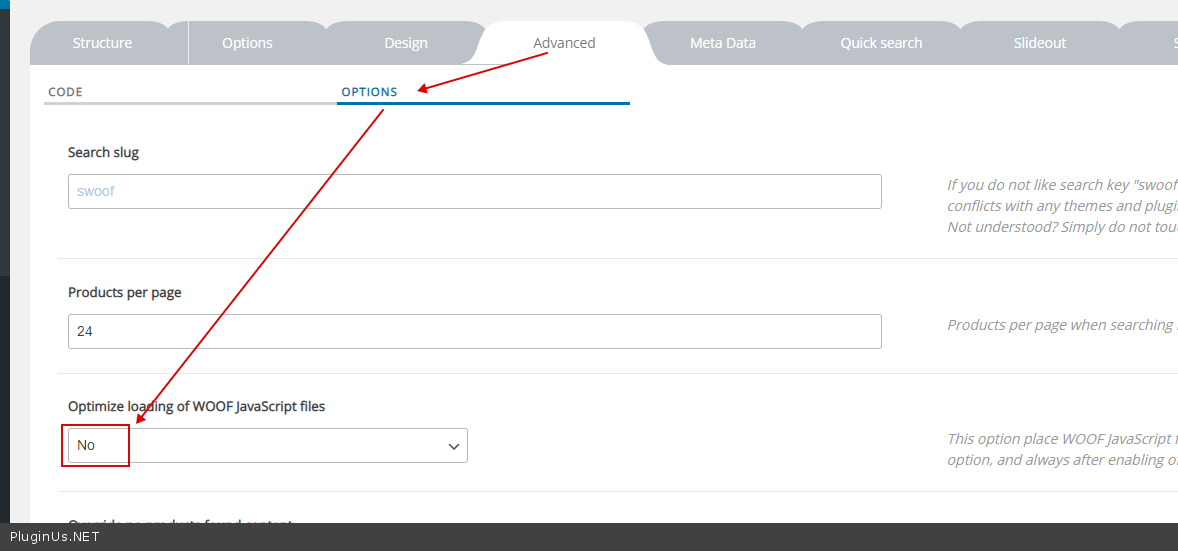
2) Clear all cache. Check option – https://c2n.me/496xexK.png
-
This reply was modified 5 years, 8 months ago by
 mediawebster.
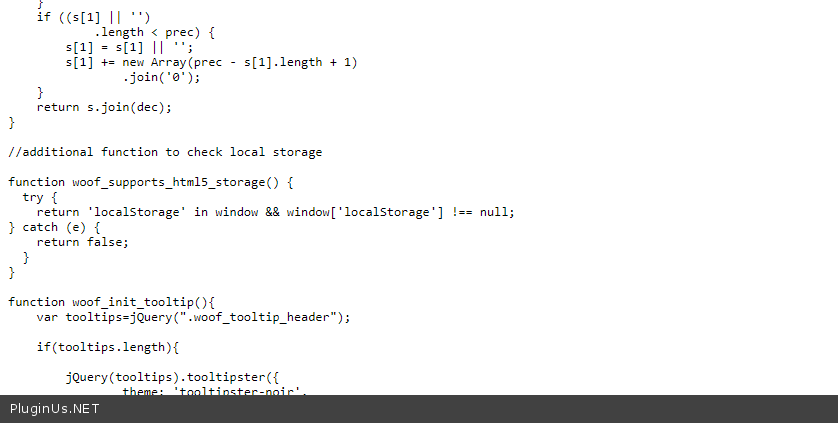
Website already had all caching turned off (including this WOOF js optimization feature), I also cleared my browsers cookies and the code didn’t work. Here’s screenshot with code: http://prntscr.com/uig8zi
Hello
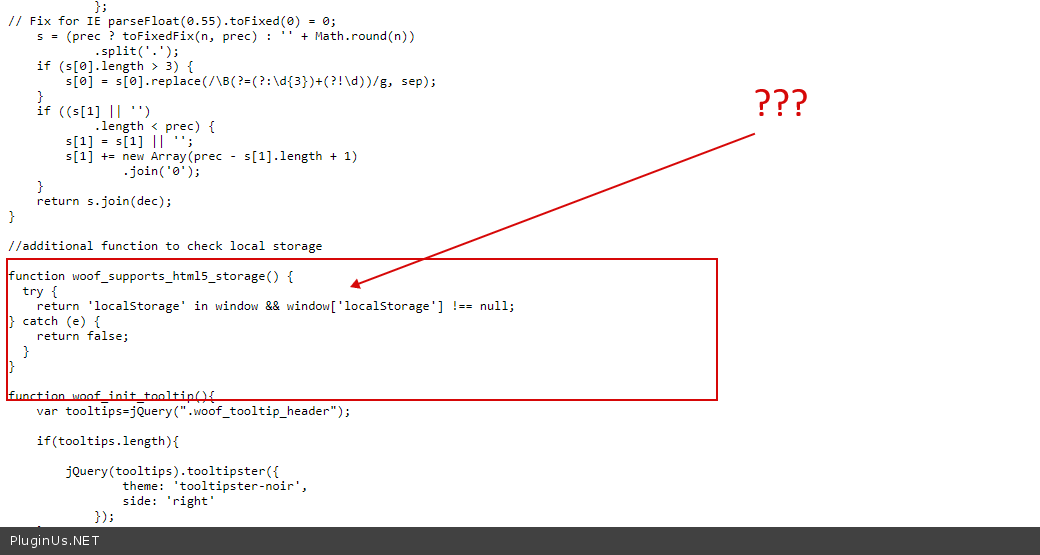
Ok! I checked file on your site – https://c2n.me/499DNzB.png
Found no point in keeping it if it wasn’t working.
I’ve added it back if you want to check again.
After activating ‘Development Mode’ within Cloudflare and then deactiving it, it worked. Didn’t think it was Cloudflare because all the caching features were deactivated.
One more question: wouldn’t future updates to the plugin reset this? if yes, is there any way to prevent that from happening without having to always add this line?
Thank you!
Hello
wouldn’t future updates to the plugin reset this? – Yes!
is there any way to prevent that – read this please – https://webkul.com/blog/how-to-override-javascript-jquery-functions-and-events/