Hi @magicplugins
Thanks for reaching out!
Can you please ensure you have made 2FA required for Subscriber role and not just Optional?
Can you also ensure that your users actually have the subscriber role and not any custom or other roles?
Thanks,
Joshua
2FA was set as required for Subscriber role and not just Optional.
The users have the subscriber role and not any custom or other roles.
Hi @magicplugins
Do you have a custom login page?
Please let me know!
Thanks,
Joshua
No, we do not have a custom login page.
Hi there,
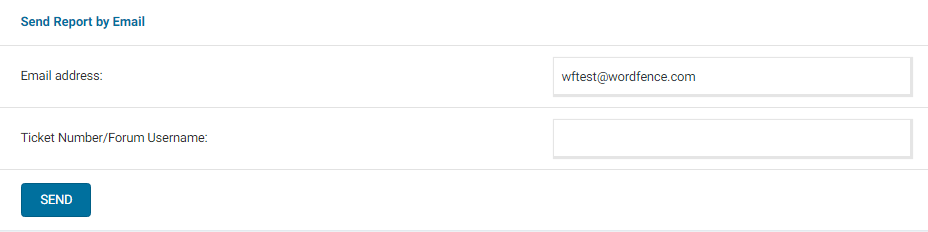
Can you send a diagnostic report to wftest @ wordfence . com? You can find the link to do so at the top of the Wordfence > Tools > Diagnostics page. Then click on “Send Report by Email”. Please add your forum username where indicated and respond here after you have sent it.
NOTE: It should look as follows – Screenshot of Tools > Diagnostic > Send by Email
Can you also ensure you are not using any custom themes or plugins?
Can you also confirm if anyone has set up 2FA?
Thanks,
Joshua