Plugin Author
 Ajay
Ajay
(@ajay)
@dxylott54
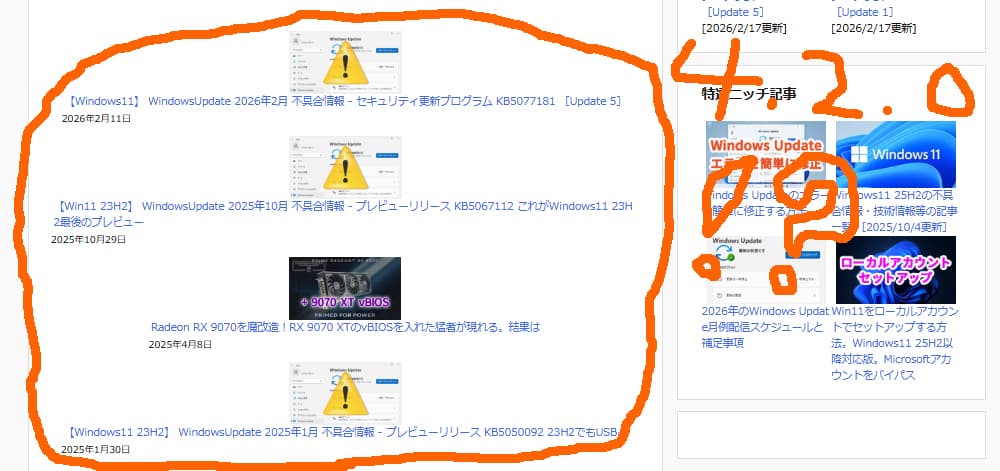
I have changed the grid CSS but it’s designed to still be horizontal. Could you please: 1) delete/empty any cache plugins you have, 2) goto Tools and Clear the cache as well as upgrade the Meta after you upgrade to 4.2.0
Thank you for your reply.
I am not using a cache plugin.
goto Tools and Clear the cache as well as upgrade the Meta after you upgrade to 4.2.0
I’m sorry, I don’t understand what this means.
Which section of Contextual Related Posts should I do this from?
Plugin Author
Ajay
(@ajay)
I clicked the “Clear cache” button in “Contextual Related Posts Tools”.
However, it did not resolve the issue.
It’s currently at version 4.2.0.
Can you take a look at my page?
https://www.nichepcgamer.com/archives/microsoft-has-postponed-improvements-to-sac.html
P.S.
Do I also need to click the “Start Migration” button in “Migrate Post Meta”?
-
This reply was modified 3 months, 2 weeks ago by
 dxylott54.
Oh my god!
Strangely enough, it fixed itself after a while!
I don’t know how it worked, but it fixed itself!
Thank you so much! ^^
P.S.
I didn’t press the Start Migration button. Should I press it?
hmm…
I have set “Limit post title length (in characters)” to “90”.
However, this setting does not seem to be applied.
The article titles are displayed shorter than intended. ><
Plugin Author
Ajay
(@ajay)
Glad to see this is working. I think it could be the CSS cache or a a delay in the new structure being cached.
1. Yes, please run Start Migration, as in a few versions, I’ll deprecate the old meta structure.
2. I can see very long titles in the thumbnails on the page. On 90, I can’t say for sure, but it could also be because, since this isn’t an English site, you have the cropping not perfect.
3. Whenever you change settings, please go to Tools > Cache to clear that so the related posts can be regenerated again.
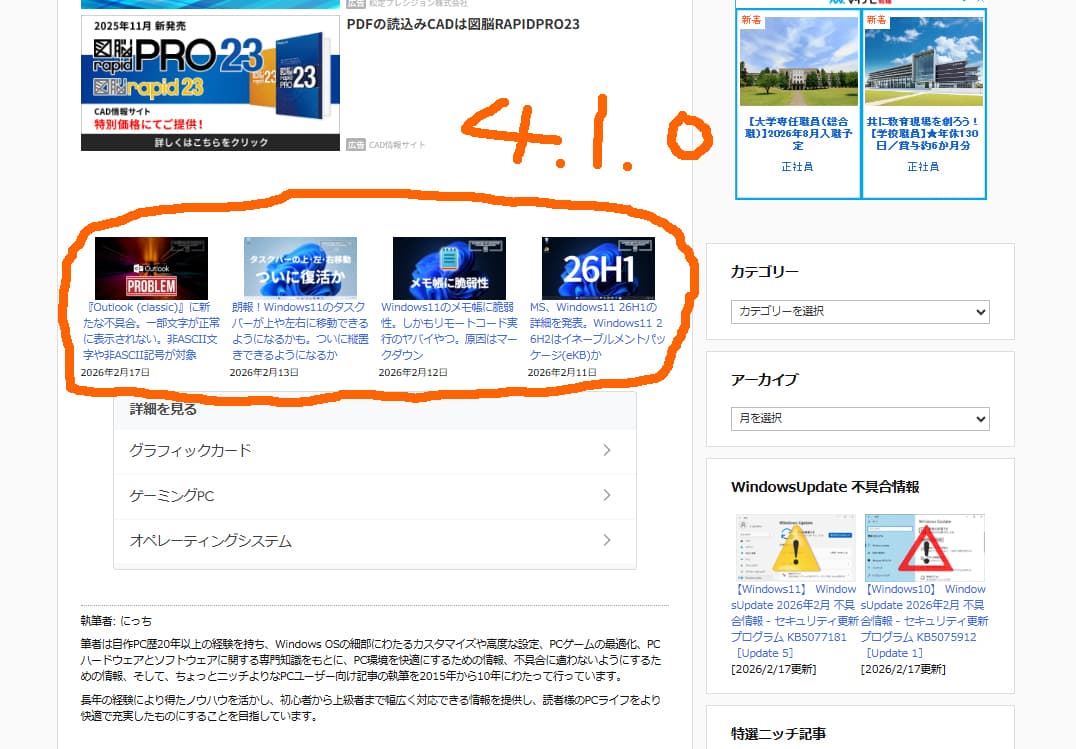
Version 4.1.0 displayed a long title, but it stopped showing after upgrading to 4.2.0. The cause is unknown, but I’ll continue using it as is.
Thank you for all your help.
The issue has been resolved. ^^
Plugin Author
Ajay
(@ajay)
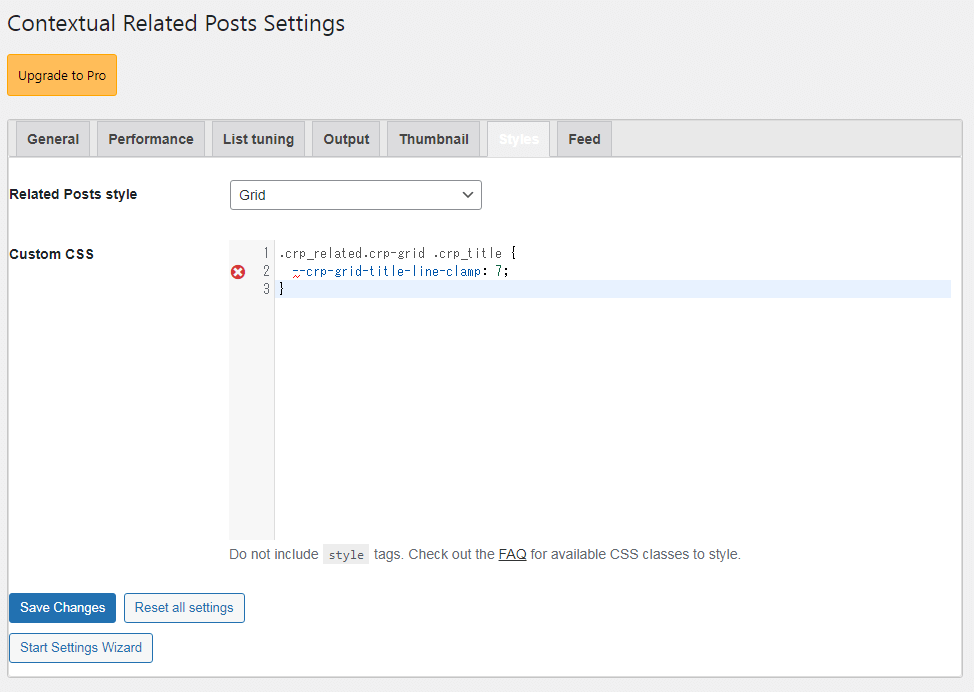
Thank you for letting me know. I don’t know if this will work, but potentially, this code takes away the clamping on your title. You can change 7 to what works for you.
.crp_related.crp-grid .crp_title {
  --crp-grid-title-line-clamp: 7;
}
Thank you. ^^
Should I add this code to “Custom CSS”?
When I added it to “Custom CSS,” it gave me an error (x). ><
https://www.nichepcgamer.com/wp-content/uploads/2026/02/c-css-a.png
Plugin Author
Ajay
(@ajay)
@dxylott54
Sorry for the delayed response. Yes, you can add it to Custom CSS. The codemirror js doesn’t understand CSS variables hence the error.
I’m sorry, I don’t understand what you mean.
How can I add it to Custom CSS without getting an error? ><