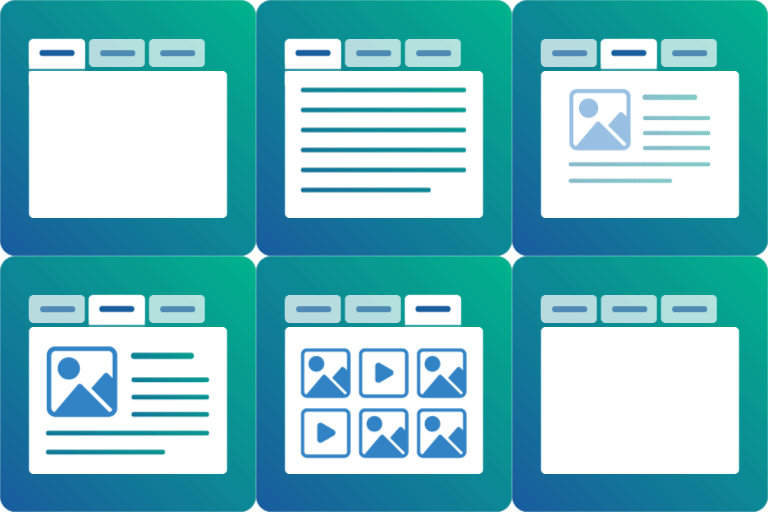
Accessibility Fixes Needed
-
Hi,
I was testing the demo of your plugin to see if it was accessible and wanted to provide some feedback. Can you please make these fixes so that it’ll be fully accessible for screen reader users?
- The tabs cannot be selected with a keyboard alone. This is because though you have made them focusable they are not links or buttons and thus need JavaScript added to make them function. They should be triggerable with the Enter Key and Space Bar. Add role=”button” plus the correct JS handlers.
- All of the tabs have aria-selected=”true” including unselected tabs. In a tablist,
aria-selectedis used on a tab to indicate the currently-displayedtabpanel. You need to set this to false by default and use JavaScript to change the value to true when a tab is selected. - You need to remove the outline:0 CSS from .sp-tab__lay-default :focus — This CSS makes it impossible for keyboard-only users to be able to see where their keyboard focus is.
Here are some resources that you might find helpful.
The page I need help with: [log in to see the link]

Viewing 1 replies (of 1 total)

Viewing 1 replies (of 1 total)
The topic ‘Accessibility Fixes Needed’ is closed to new replies.