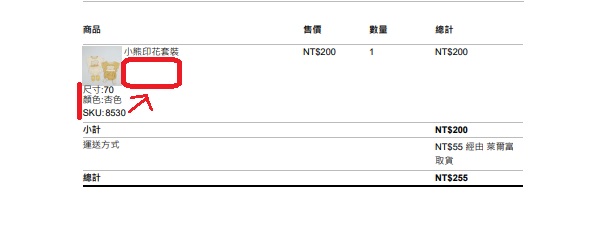
Hi @18kgp,
It is possible to add a product image after the product name. Please add the below code in your active theme’s functions.php file or using a plugin like Code Snippets:
function add_product_image( $product_name, $item ) {
	$product_id    = $item['product_id'];
	$product_image = wp_get_attachment_image_src( get_post_thumbnail_id( $product_id ) );
    echo $product_name;
	?>
	<img src="<?php echo esc_url( $product_image[0] ); ?>" width="50" height="50" >
	<?php
Regards,
Moksha.
Thread Starter
 18kgp
18kgp
(@18kgp)
Hi, Moksha.
Thanks for your reply
but
an error occurs
Thread Starter
18kgp
(@18kgp)
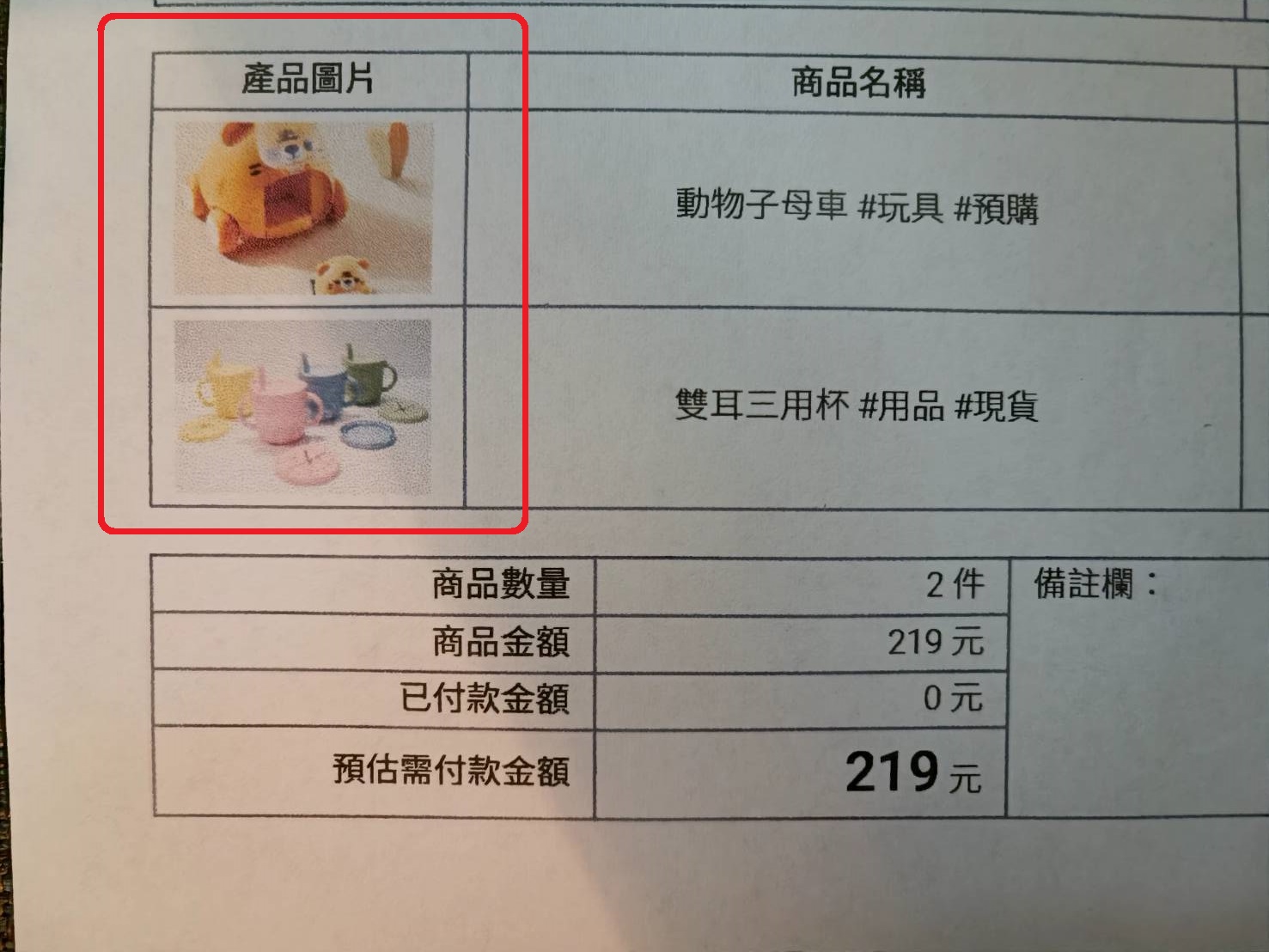
I wish the product images could be independent
https://upload.cc/i1/2022/06/06/sECBKz.jpg
-
This reply was modified 4 years ago by
 18kgp.
Hi @18kgp,
Please add the below code in your active theme’s functions.php file or using a plugin like Code Snippets:
function add_product_image( $product_name, $item ) {
	$product_id    = $item['product_id'];
	$product_image = wp_get_attachment_image_src( get_post_thumbnail_id( $product_id ) );
      echo $product_name;
	?>
	<img src="<?php echo esc_url( $product_image[0] ); ?>" width="50" height="50" >
	<?php

} add_filter( 'wcdn_order_item_name', 'add_product_image', 10, 2 );
Screenshot:- https://prnt.sc/h7pCj3J_dLw0
Let me know if this code is working or not?
Regards,
Moksha.