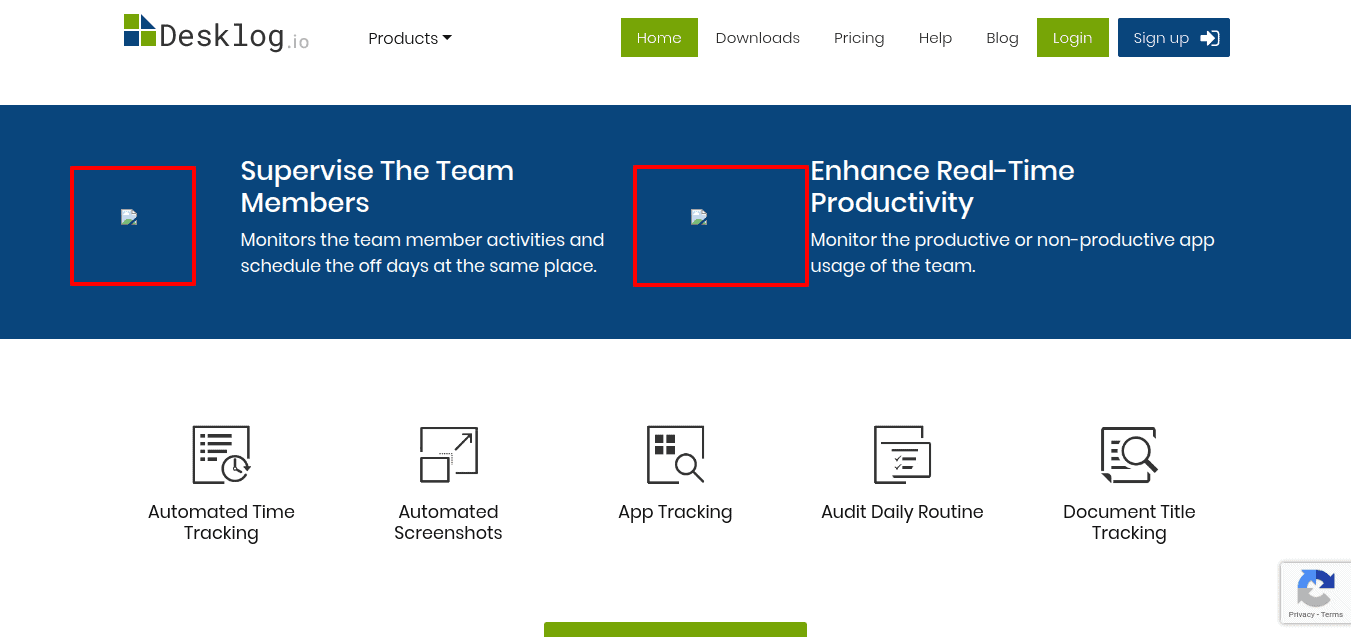
Hard to say, can you share:
* a screenshot?
* the URL of one of the broken images?
frank
Hmm … you seem to have a plugin that removes the domain from URL’s and that is inadvertently also removing the domain from the optimized image URL. Can you disable that domain-removing function/ plugin?
i dont have any domain-removing plugin!!. i have 2 plugins named “Custom Permalinks” & “Redirection” and which is used for to Set the URL of any post, page, tag or category to anything you want & the redirection of a particular page.
well, looking at the HTML source I do see the domain missing in your images:
<img src="wp-content/themes/desklog/assets/images/Supervise.png"/>

which is consistent with the domain missing in the optimized URL as well, compare:
https://cdn.shortpixel.ai/client/to_webp,q_glossy,ret_img/wp-content/themes/desklog/assets/images/Supervise.png
which should actually be
https://cdn.shortpixel.ai/client/to_webp,q_glossy,ret_img/<strong>https://desklog.io/</strong>wp-content/themes/desklog/assets/images/Supervise.png
so I can only confirm the problem, but cannot tell you where/ how to fix vimalroy … :-/
oh thank you @optimizingmatters !! the issue is based on the domain missing in the image URL and when i include the domain name to URL it works perfectly.
Thank you for the solution!! <3