Theme Author
 Tom
Tom
(@edge22)
Hi there,
To change the content color without our pro version, you can do this:
.separate-containers .inside-article,
.one-container .site-content {
    background-color: transparent;
}
For the space around the header, try this:
.inside-header {
    padding: 0;
}
Let me know if you need more info 🙂
Hi Tom,
Thanks for the quick response!
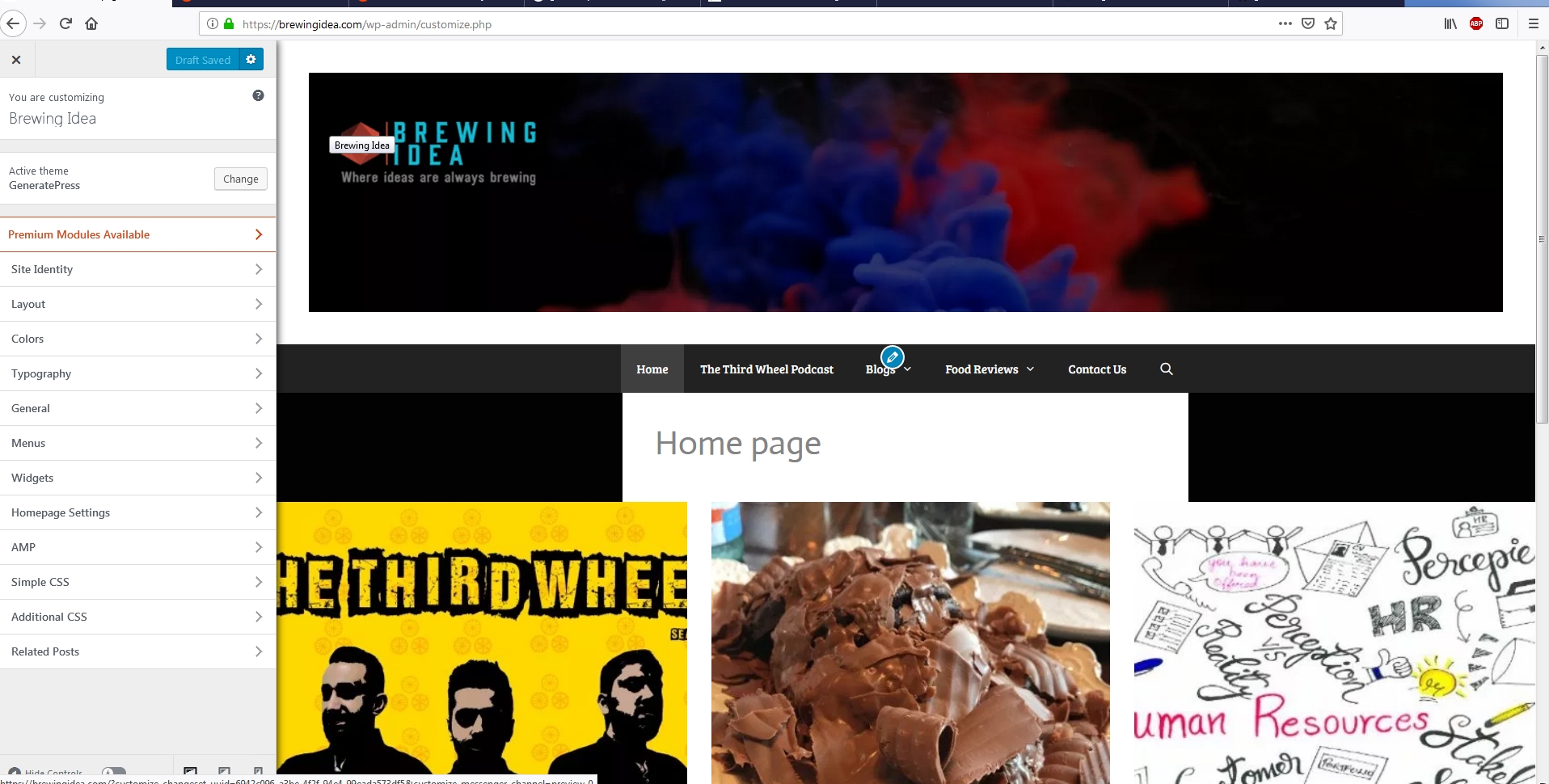
The header color is fixed, except for a small portion on the right side.
The middle bit remains the same white, I am trying to get it in black. Also, how would I be able to remove the text ‘Home Page’?
https://brewingidea.com/wp-content/uploads/2019/02/color1.jpg
 Leo
Leo
(@leohsiang)
I believe the white space is there because the image isn’t big enough to fill the entire space.
Can’t be sure without seeing the site live though.
As for removing the page title, this CSS should work:
h1.entry-title {
    display: none;
}
This option is also included in our premium plugin 🙂
Theme Author
Tom
(@edge22)
You can actually remove the title in the free version if you use the Disable Elements area of the Layout metabox: https://docs.generatepress.com/article/layout-metabox-overview/
Hey guys!
Sorry once again, just updated the website. The header still has a white portion on the top, even adding the CSS.
http://www.brewingidea.com
Let me know what to do, thanks!
Theme Author
Tom
(@edge22)
Did you get this fixed? Looks good to me.
One thing worth trying if you’re still seeing it:
.site-logo img {
    width: 100%;
}
Thanks Tom, the header is fixed!
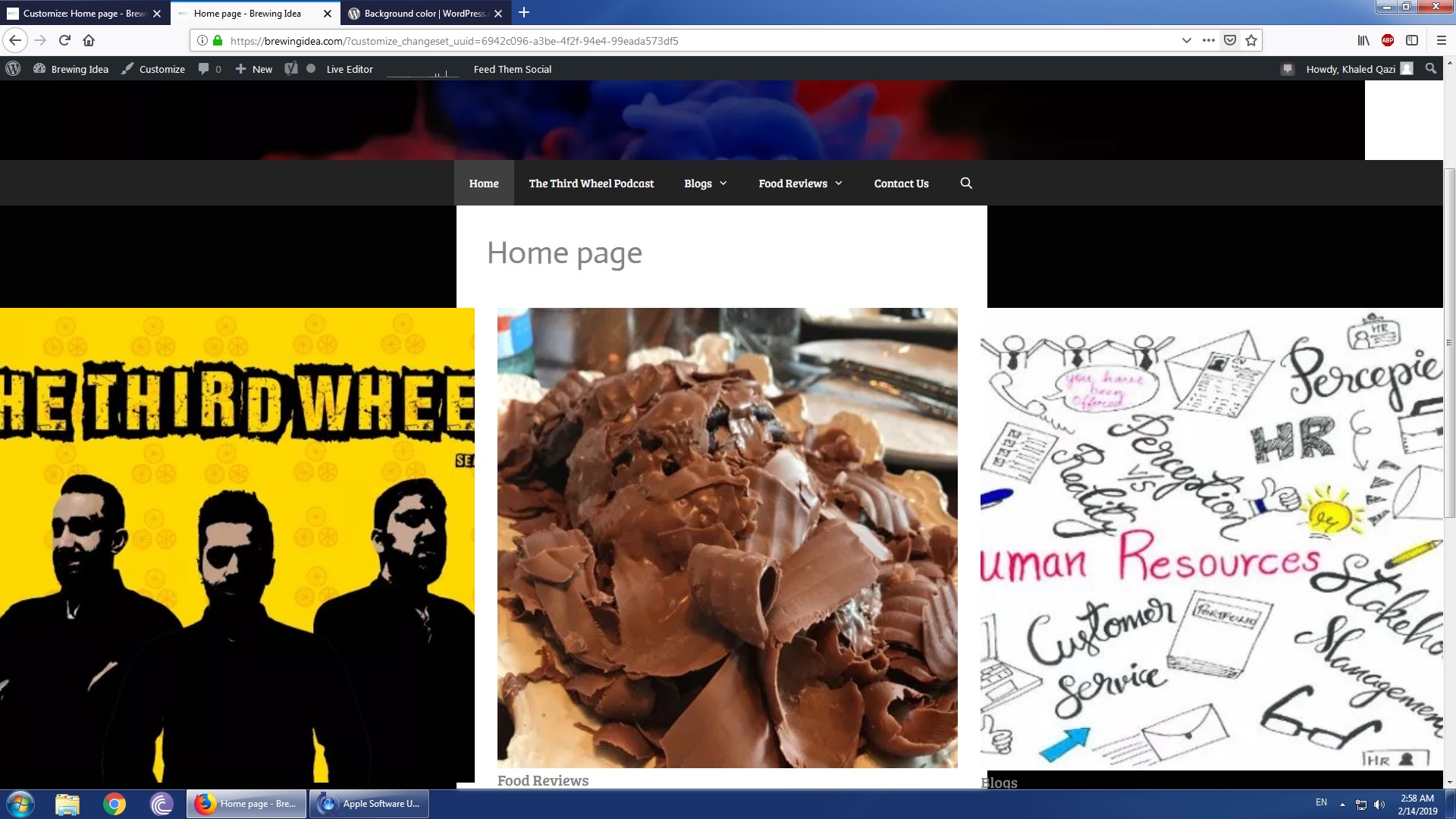
Another query once again, the three images NEVER come as the same size. Is the coding for the dimensions different?
http://www.brewingidea.com
Theme Author
Tom
(@edge22)
It seems like the images themselves are different sizes.
If you need them to be identical, you’ll likely need to resize each image so they’re the same dimensions.
Let me know 🙂