• Resolved tuyotienda

    (@tuyotienda)


    Hi! I’m using HUSKY – Products Filter Professional for WooCommerce, and I’m having an issue with product sorting inside categories.

    When I go to a category page, for example:
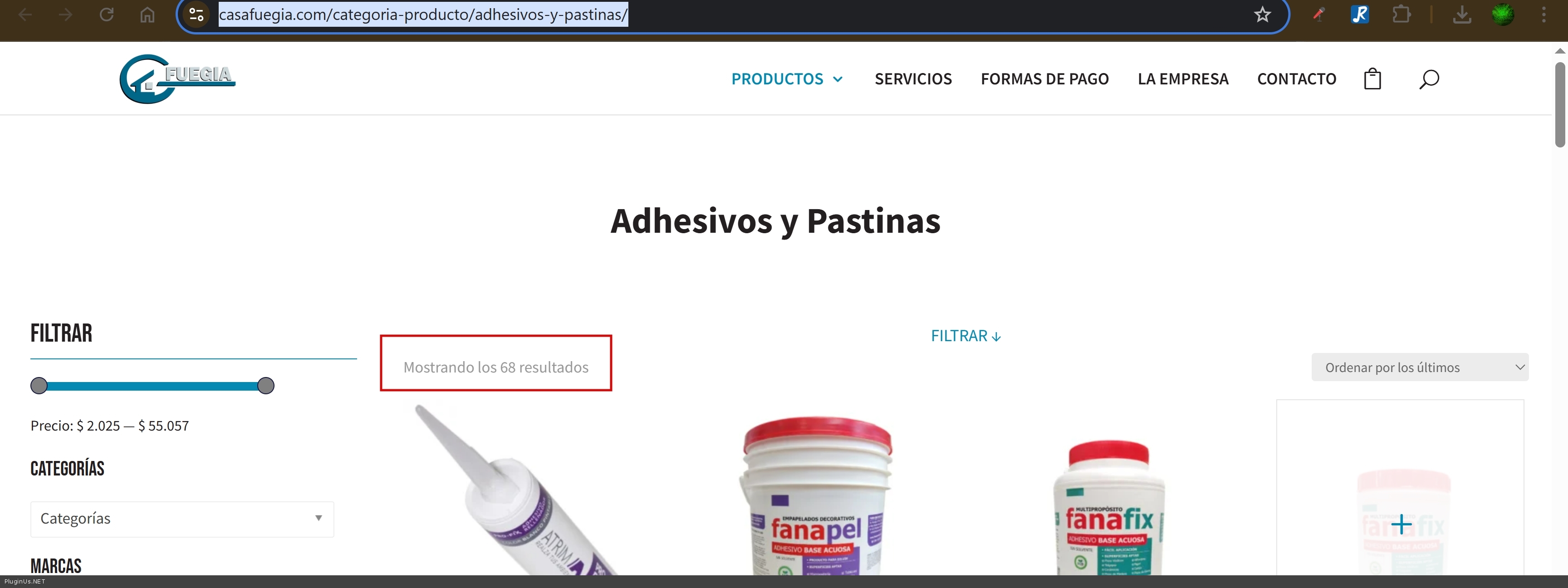
    https://casafuegia.com/categoria-producto/adhesivos-y-pastinas/

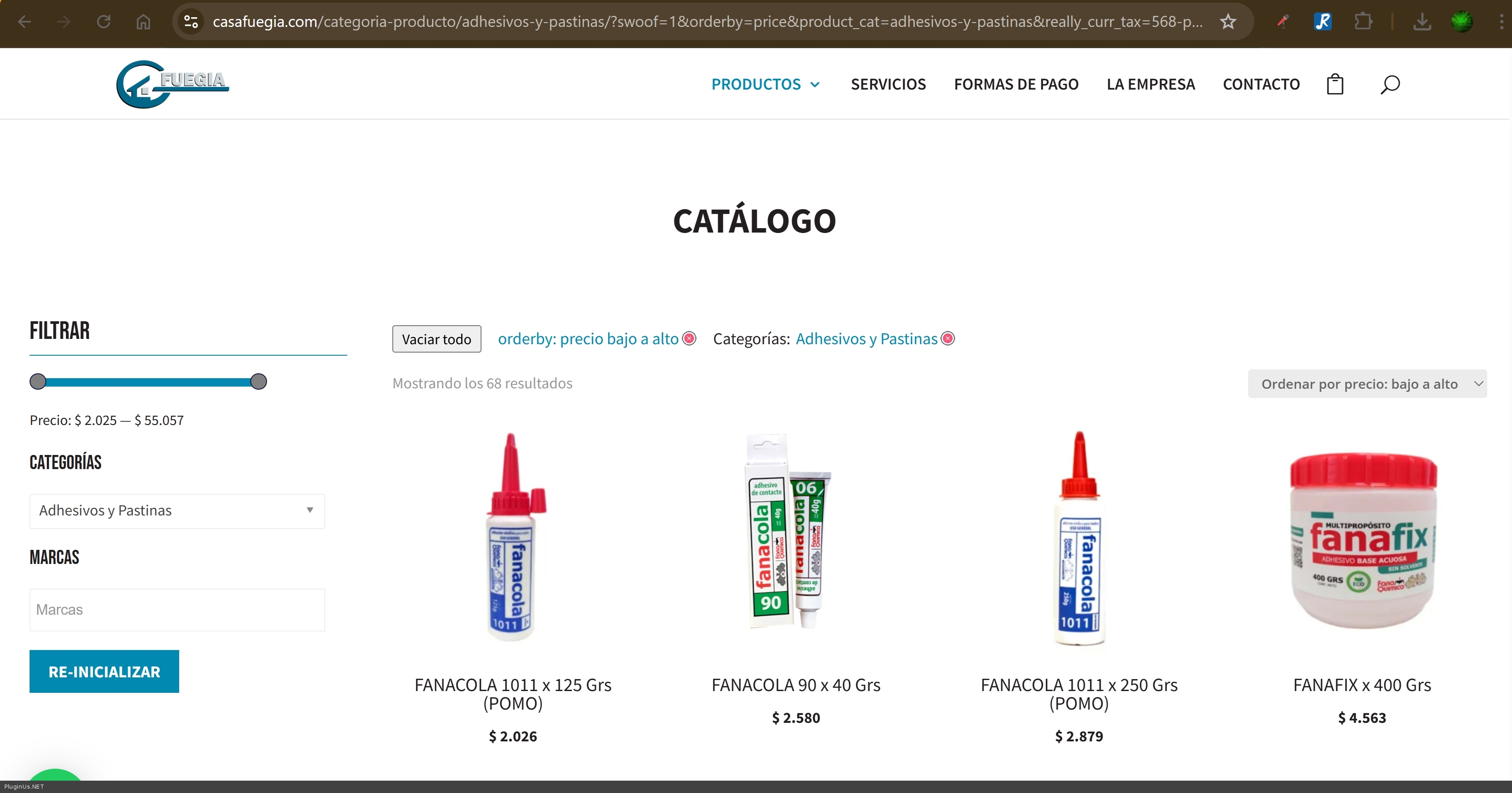
    and select “Sort by price: low to high”, it stops showing only the products from that category and instead displays all products from the store.

    The expected behavior is that sorting should only apply to the products within the current category, not the entire catalog.

    The page I need help with: [log in to see the link]

Viewing 3 replies - 1 through 3 (of 3 total)
  • Plugin Author RealMag777

    (@realmag777)

    Hello

    Just looked your site: https://casafuegia.com/categoria-producto/adhesivos-y-pastinas/ – there 68 products -> https://c2n.me/4nVZgF6.jpg

    Then I ordered products by price as you mentioned BUT I see still 68 products -> https://c2n.me/4nVZhuW.jpg

    I have an idea that there was cache or something, but now its show the same count of the products [68]

    Please clarify if I misused the context of your question

    Thread Starter tuyotienda

    (@tuyotienda)

    Hi, thanks for your reply . I fixed it with the following code:

    add_filter(‘woof_get_request_data’, function ($request_data) {
    // Solo actuar si WOOF nos pasó el contexto de taxonomía actual
    if (empty($request_data[‘really_curr_tax’])) {
    return $request_data;
    }

    $parts = explode('-', $request_data['really_curr_tax'], 2);
    if (count($parts) !== 2) {
        return $request_data;
    }
    
    $term_id  = intval($parts[0]);
    $taxonomy = sanitize_key($parts[1]);
    
    // Solo nos interesa product_cat
    if ($taxonomy !== 'product_cat' || $term_id <= 0) {
        return $request_data;
    }
    
    // Si el usuario no eligió manualmente una categoría desde el filtro,
    // inyectamos la del contexto actual
    if (empty($request_data['product_cat'])) {
        $term = get_term($term_id, 'product_cat');
        if ($term && !is_wp_error($term)) {
            $request_data['product_cat'] = $term->slug;
        }
    }
    
    return $request_data;

    });

    Plugin Author RealMag777

    (@realmag777)

    Thank you for your cooperation!

Viewing 3 replies - 1 through 3 (of 3 total)

You must be logged in to reply to this topic.