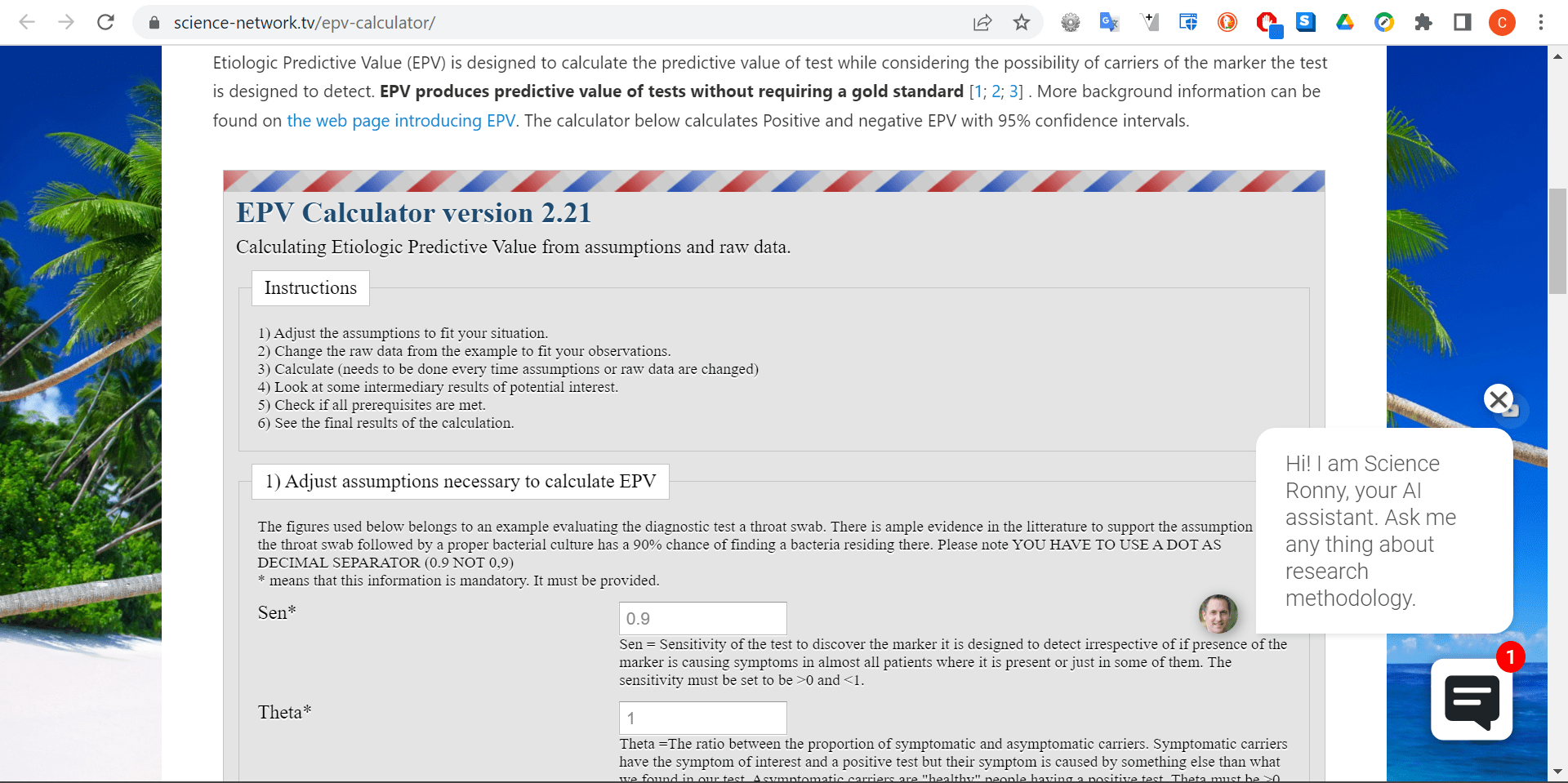
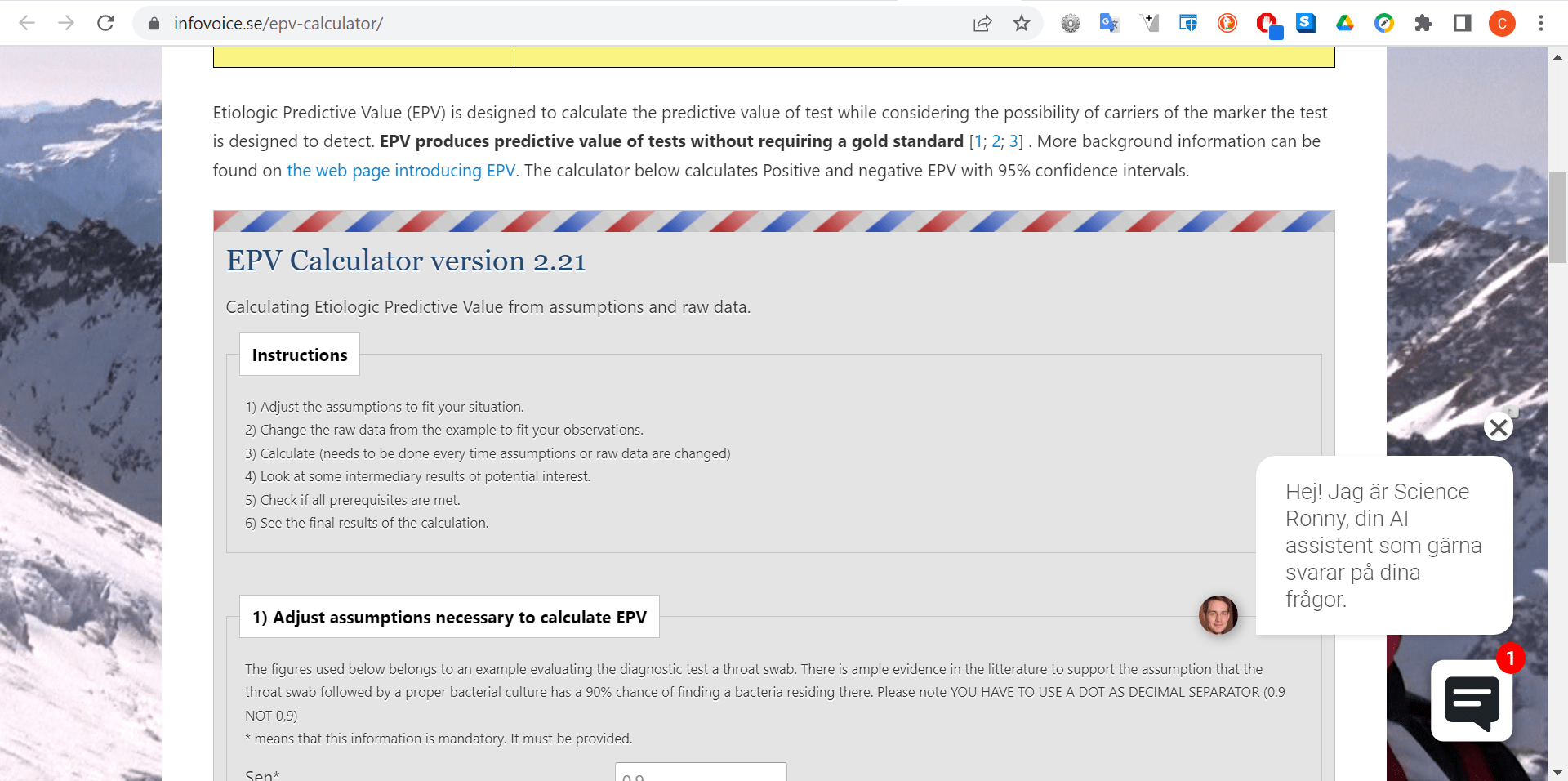
I have been using this plugin for many years. I have not changed the form since I set it up around 6 years ago. Now I noticed it did not show up anymore. I usually update all plugins 3 times per year. I noticed there was a new version of this plugin. I updated and the form nicely showed up. After a short while it stopped showing up. The plugin is still the most recent version. I have exactly the same problem on https://infovoice.se/epv-calculator/ (identical copy of the same calculator). This has worked fine for many years but now it does not. All other plugins are updated and I have the latest version of WordPress. Please help.
This topic was modified 3 years, 1 month ago by AlwaysEnthusiast. Reason: Adjusting spelling error
The page I need help with: [log in to see the link]
I duplicated the Shortcode on the WordPress page and removed the first instance of the shortcode. That made everything start working again. Peculiar problem… …
This reply was modified 3 years, 1 month ago by AlwaysEnthusiast. Reason: Marking as resolved
Thank you very much for using our plugin, and let me know that you found the solution to the issue. However, it is weird because the plugin creates separate instances for every form shortcode, even if you duplicate the shortcode of the same form.
Please, watch the following video. I inserted multiple instances of the same form on the page:
The calculator was only shown briefly and then vanished again. I was using the standard WordPress “Shortcode” to insert “[CP_CALCULATED_FIELDS id=”6″]”. Your short video made me realise that your plugin has a new tool to insert the code on the relevant page. When I used that instead it seem to work (at least for now).
Thank you very much. I installed the WordPress “Classic Editor” to try the shortcodes directly and there is no problems from my side. Please, watch the following video:
Third-party plugins used to manage the website’s caching generally cause the problem you mentioned. If it is the case, there are some possible solutions.
If you have an updated version of our plugin, you can insert the form’s shortcode with the iframe attribute:
[CP_CALCULATED_FIELDS id="6" iframe="1"]
Or, if you are using a plugin for optimizing and caching the website, please, check its settings and ensure it is not applying delay or deferring to the jQuery library.
With the iframe attribute, the form loads only the CSS rules defined by the plugin, not the styles inherited from the theme active on your WordPress. But you can fix it in a very simple way. You can enter the styles’ definition below through the “Customize Form Design” attribute in the “Form Settings” tab (https://resources.developers4web.com/cff/images/documentation/form-settings-tab.png):
The iframe did not solve the problem in Chrome but it works in Edge. Also I only have this problem for one (the more complicated) calculator but not for another (simpler) calculator.
Works again in Chrome. The more complicated calculator has previously worked fine all the time but now lately it seems to alter between being invisible and visible. The simpler calculator seem to work fine all the time. Peculiar problem.
I’m visiting the URLs you sent me as a reference and the forms are visible in both. Please, look at the screenshots images below:
Are you referring to a different page or form? Note I’m checking them in Chrome. Could you try with the browser in incognito mode to be sure the issue is not related to the browser’s cache or any extension installed in the browser?
I’m doing my best to make it fail, but even after emulating a slow network, your page (https://infovoice.se/epv-calculator/) still loads the form without problems.
Best regards.
Viewing 10 replies - 1 through 10 (of 10 total)
The topic ‘Calculated form not appearing’ is closed to new replies.