Category
-
The category listing shows:
“Warning: in_array() [function.in.array]:Wrong datatype for “How can I fix this?
Also is it possible to allow upload for Featured Image? I don’t see it on the page
Thanks!

-
I found the Featured Image! Sorry about that…
But the other problem remains…
More information… Using Pinboard theme, if I select “Single” instead of “Multiple” in the Category drop box, the correct categories show up as a drop down. I have deactivated/reactivated, also deleted the plugin and reinstalled it. The problem continues.
Sorry for late reply
Do any of your categories contain special charters like curly or square brackets or quotation marks
And does the errorcode refer to a line number (maybe in the error log) ?
Sorry for late reply
Do any of your categories contain special charters like curly or square brackets or quotation marks
And does the errorcode refer to a line number (maybe in the error log) ?
I have one category name @events as I want it on top of the list…
here is the full error:Warning: in_array() [function.in-array]: Wrong datatype for second argument in /home/sierrab1/public_html/wp-content/plugins/frontier-post/forms/frontier_form.php on line 276
>@EventsWarning: in_array() [function.in-array]: Wrong datatype for second argument in /home/sierrab1/public_html/wp-content/plugins/frontier-post/forms/frontier_form.php on line 276
>Club Newsand it repeats for all of the categories.
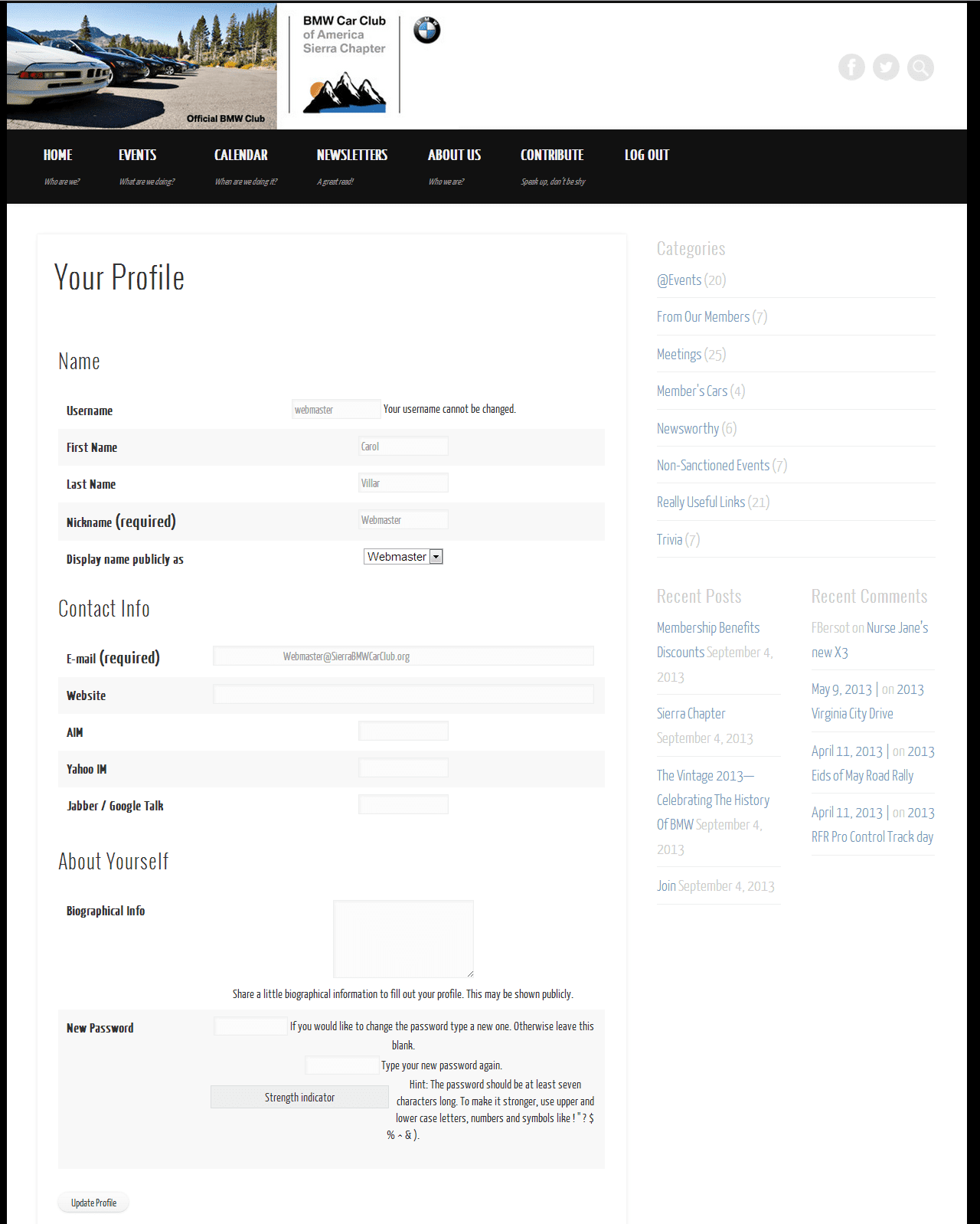
Is there anything I can do, any workaround, I really don’t want to change the name of that category? As I mentioned if I have it as Single in a dropdown it works perfectly.Also the form input boxes don’t seem to line up correctly, it’s as thought that second column in the table has been center aligned, I was looking for the css but unable to find it. Don’t know if you can access it http://sierrabmwcarclub.org/your-profile/ Here is a screen shot http://sierrabmwcarclub.org/wp-content/uploads/YourProfilePage.png just in case
Thanks for all your help!Most likely it is the @events that causes the issues, will have a look at it during the weekend, believe it can be solved by using htmlspecialchar function, but I cant test and try to reproduce it until tomorrow.
The screenshot is from the user profile, sholdnt it have been from the frontier form ? 🙂
Thanks for you help!
Oops, the user profile is from another plugin! Sorry! Got my plugins confused 🙂Hi,
I have not been able to recreate your issue, I need to check something and need more description to be able to pinpoint the cause. I dont know how much you know about html/php – I will try an explain, where the problems occur, that might help us to find the root cause.
I believe it is this line that fails:
<option value="<?php echo $category1['cat_ID']; ?>" <?php if ( $cats_selected && in_array( $category1['cat_ID'], $cats_selected ) ) { echo 'selected="selected"'; }?>><?php echo $category1['cat_name']; ?></option>
and this functionin_array( $category1['cat_ID'], $cats_selected )
It is the cats_selected that is not an array, meaning there hasnt been selected any category (or the format of one of the categories messes up the array)So to my question: When does this happen ? Is it when you try to create a new post or when you edit an existing ?
Have you set a default category in frontier post settings for all profiles ?
The cats_selected should never be empty…
Can you try and change the name of you category
Member´s cars
to Members Cars ?
As for your question on formatting, can you link to a screenshot, and maybe also a screenshot form when you get the error
So to my question: When does this happen ? Is it when you try to create a new post or when you edit an existing ? both
Have you set a default category in frontier post settings for all profiles ? Yes, From our Members
Can you try and change the name of you category changed to Members Cars still get same problem. Still have @events
On my mobile will provide the rest laterThanks again.
I also changed the @events category to All Events and same issue.
Hi,
I am out of options, sorry…..
I am working on a version 2.0 where there it will be possible to create own templates for the Frontier forms – some of the code has been re-written, so it might help
Until then there is not much to do
I have set it to Single, that should be fine for front end users. I can always update on the back end. Thanks for taking the time and looking 🙂 and hopefully the new version will do the trick! I’ll give it a shot when you release. Keep me posted…
Version 2 is released, you can now use template forms

The topic ‘Category’ is closed to new replies.