Plugin Author
 gioni
gioni
(@gioni)
Hi, avpman!
1. How long ago did you install the plugin?
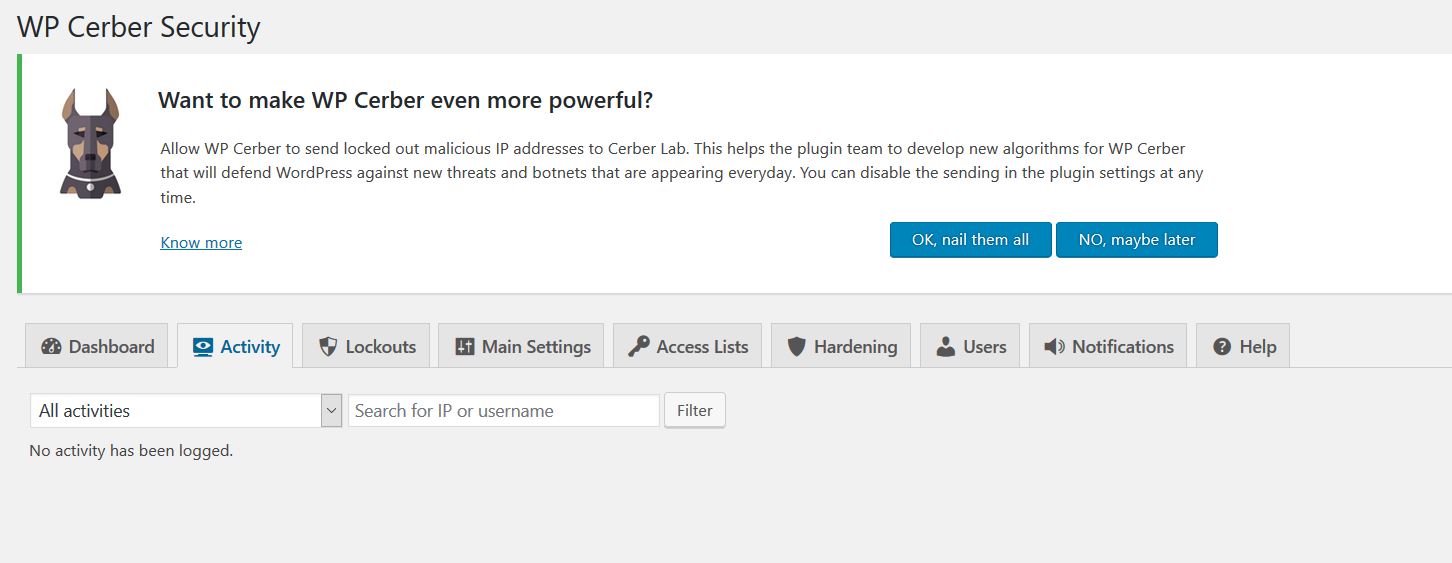
2. Try to log out and then log in. Do you see anything on Activity tab?
Thread Starter
 avpman
(@avpman)
Thread Starter
avpman
(@avpman)
1) quite a while ago. it stopped when wp was upgraded to 4.7.4 and the plugin was upgraded to the most recent version.
2) logged in and out more than a dozen times, nothing on the activity page.
Plugin Author
gioni
(@gioni)
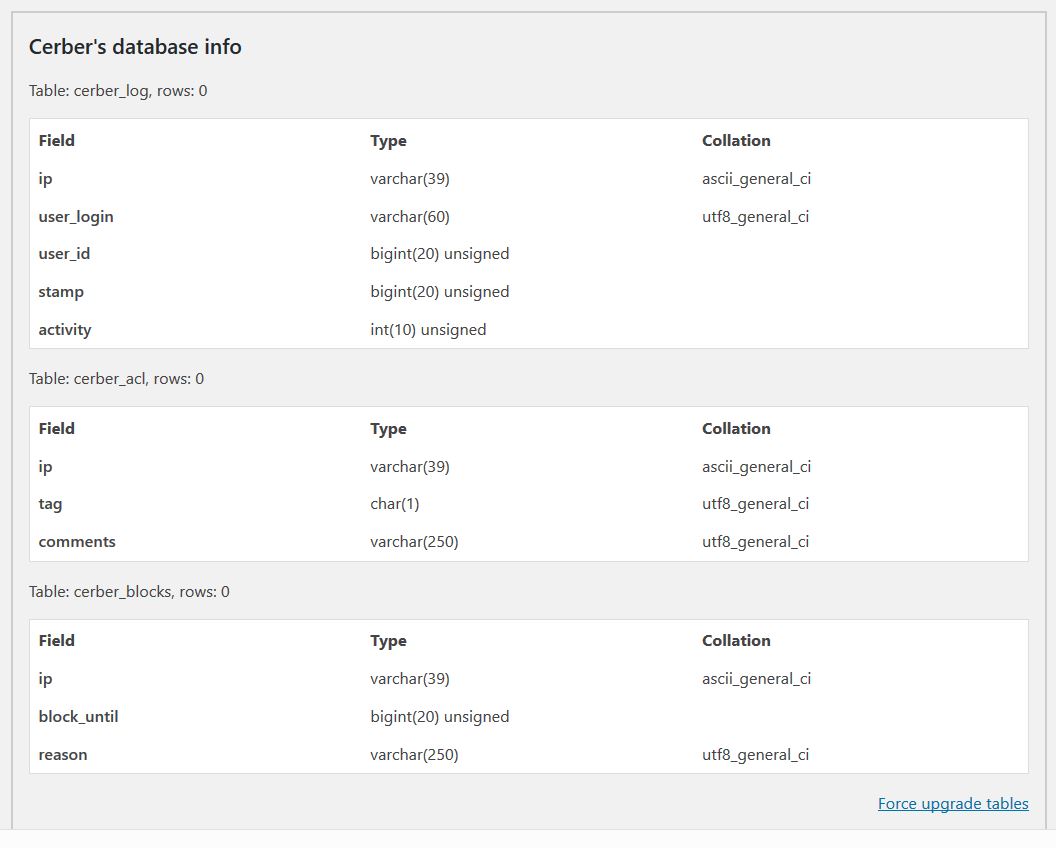
It think something is wrong with database tables. Let’s try to repair them.
1. Go to the WP Cerber -> Tools admin menu.
2. Click the Show diagnostic information link at the bottom of the page.
3. Scroll down a bit and find the Force upgrade tables link.
4. Click it.
5. Log out and log in again to make sure that logging works.
Thread Starter
avpman
(@avpman)
The tables showed an error so I force upgraded them and the plugin said all is well. I logged out and back in several times but still “No activity has been logged.” 🙁
Plugin Author
gioni
(@gioni)
Return to the Tools page and click the Show diagnostic information link again. Make sure that you see all three tables like on the picture (nums after rows may be different). 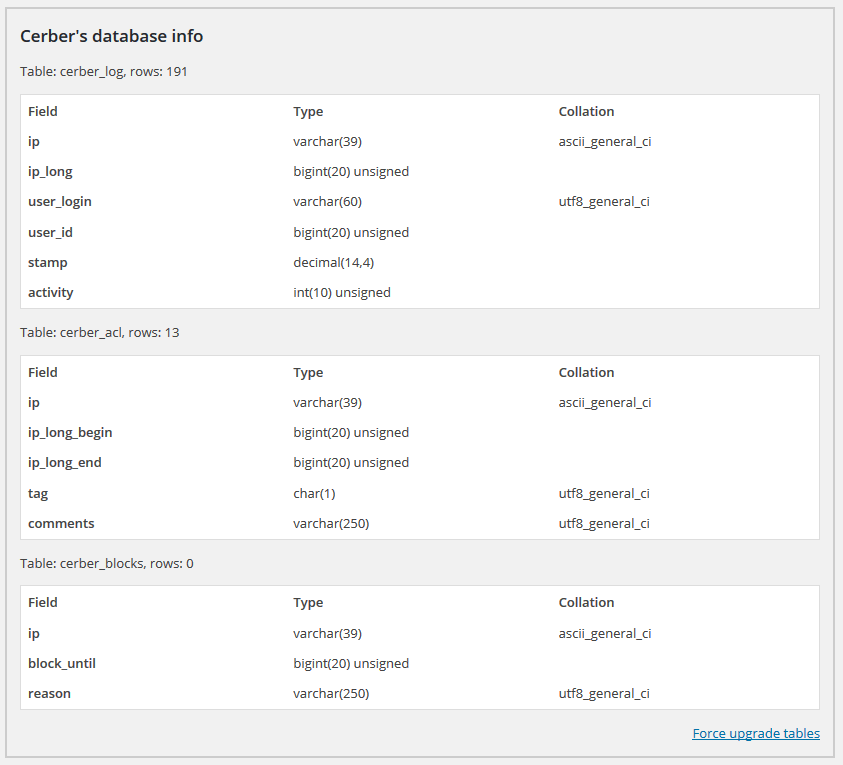
Plugin Author
gioni
(@gioni)
I see that something went wrong with your installation. The first two tables have old, outdated format and have not been updated for unknown reason. Could you delete them by using phpMyAdmin or another DB management tool?
Thread Starter
avpman
(@avpman)
Dropped the two tables in question and logged out. Now when I try to login I’m getting “You have reached the login attempts limit. Please try again in 59 minutes.”
I’m locked out.
Plugin Author
gioni
(@gioni)
I didn’t tell you to log out. In this case you need to remove the plugin folder (from the plugins folder on the web server) and install the plugin as usually. All tables will be created in a right format.
Thread Starter
avpman
(@avpman)
I am back in now after the 60 minute wait. Cerber complained tables were missing when I checked diag. Said to deactivate and reactivate, which I did. Tables there now but still no activity logging.
Can we start fresh? Delete the plugin (and files) from plugin manager, drop any potential left over tables, and reinstall? Or?
Thread Starter
avpman
(@avpman)
fixed it.
Disabled and deleted plugin files
PhpMyAdmin & deleted the four cerber tables (but that wasn’t enough)
Sorted the wp_options table by field name
Deleted all _cp entries and then all entries starting with cerber
Reinstalled plugin
Working