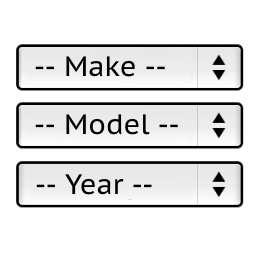
Hello,
You will need to modify the style file of this plugin:
wp-content/plugins/ymm-search-44/view/frontend/web/main.css
But it may not work for all browsers.
For example, this solution to center the text in the select:
https://stackoverflow.com/questions/10813528/is-it-possible-to-center-text-in-select-box
also does not work for all browsers.
Stanislav
Thread Starter
 sakist
(@sakist)
I have 2 plugins activated on my page, ymm and ymm 44. On the page, ymm appears first and the one below on the same page is ymm 44. ymm is what I initially want to edit, but here I want to tell you that I have entered the cpanel and made the changes to the main.css file on line 16, where I previously changed the colors of the search button but it no longer changes, even when I clear the cache.
Hello,
You should contact me by email [email protected]
Stanislav