Columns in each category
-
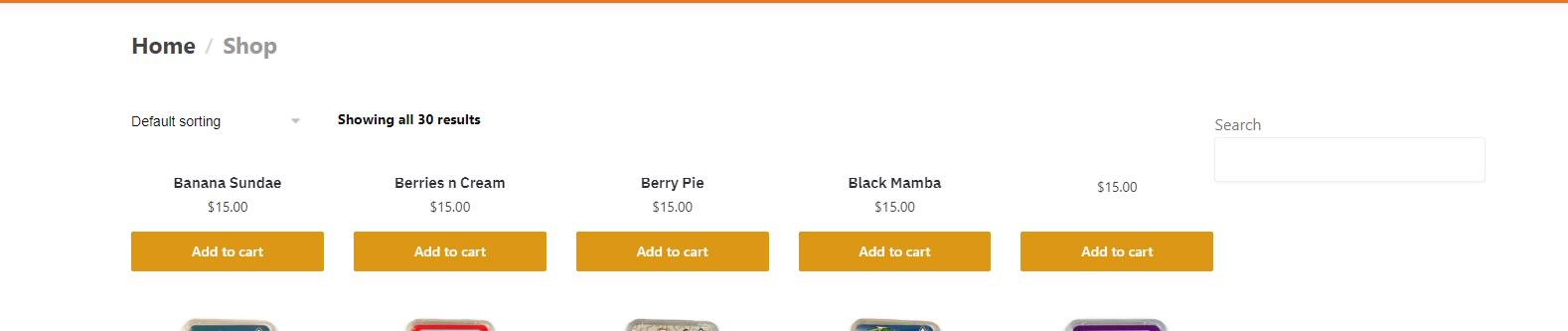
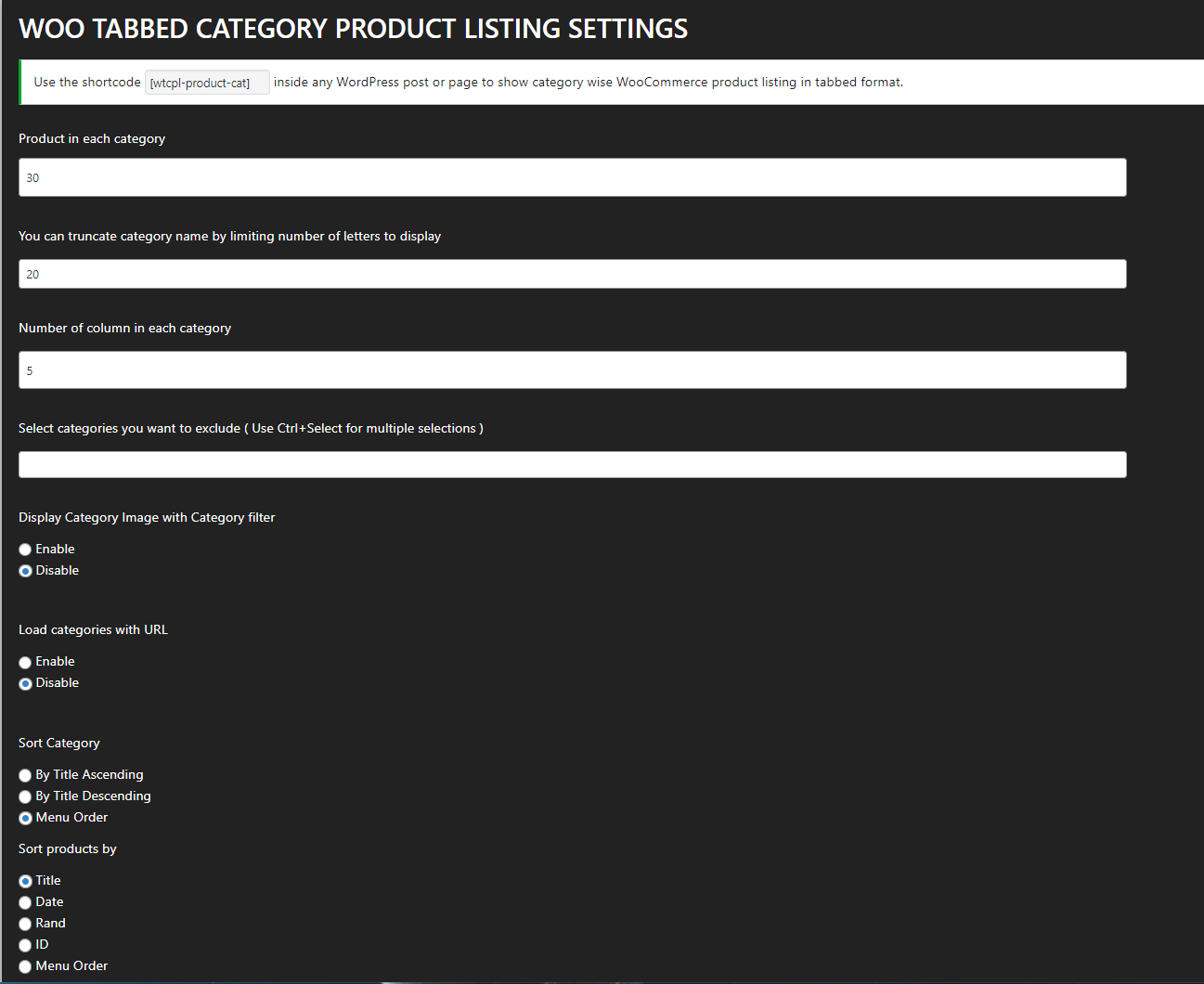
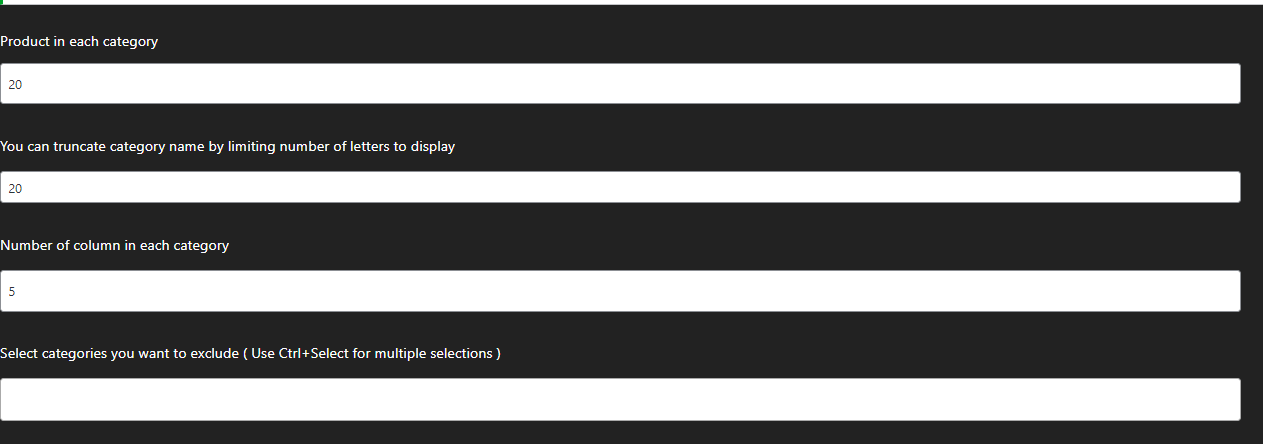
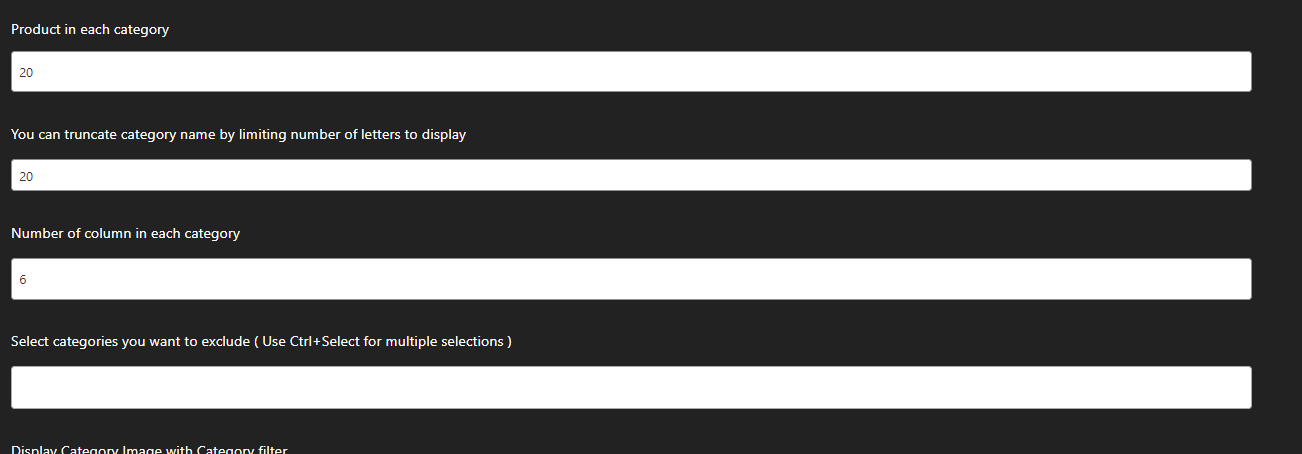
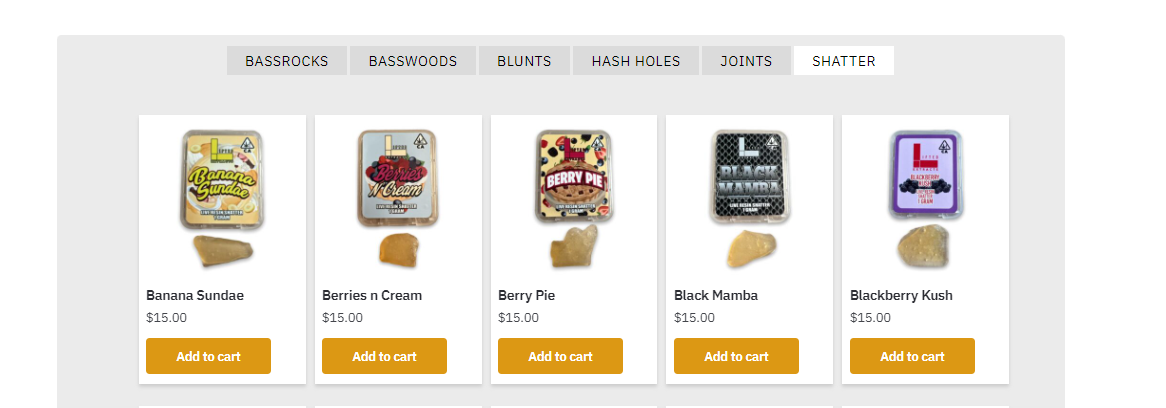
Hello! Really great plugin! I am having a small issue though, I tried setting the “Number of column in each category” to 3, 5 and 6 but each time it was always still only at the default 4. I made sure to purge my cache each time I updated aswell. My current shop page by default is 5 items per row seen here (https://i.gyazo.com/b7b7aca07789d7306b8e08f32dcf2cd1.png)
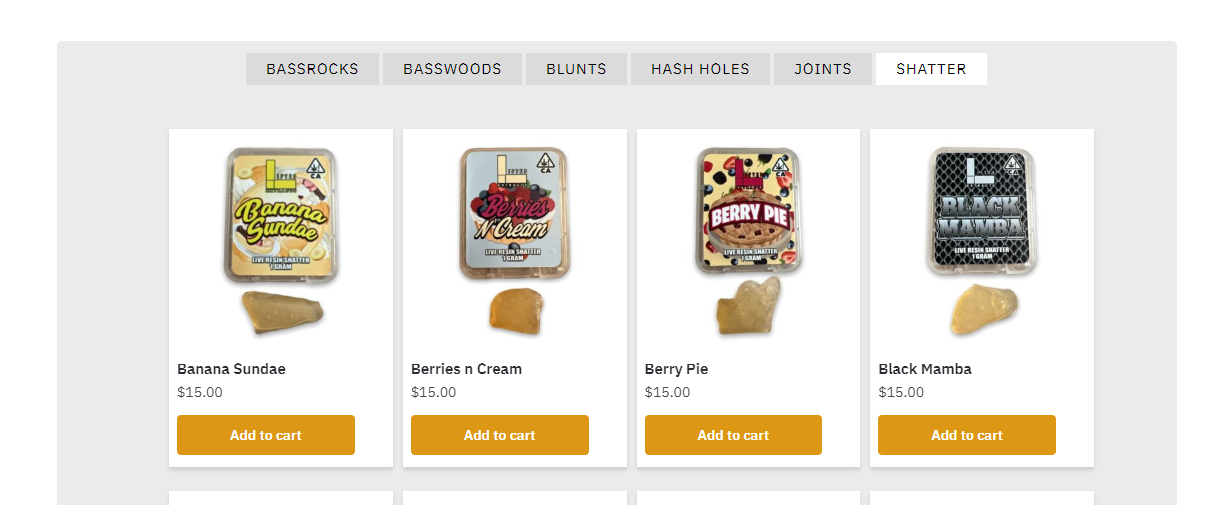
and here is with this plugin using the shortcode (https://i.gyazo.com/815ea77902e0decd054d5bfeb60b23a3.png) .Hopefully we can get this fixed to 5!
Also, since I currently only have 2 category’s I tried spacing out the buttons using CSS by 10 pixels but cant seem to find the right class to add the inline-margin too..

Viewing 5 replies - 1 through 5 (of 5 total)


Viewing 5 replies - 1 through 5 (of 5 total)
The topic ‘Columns in each category’ is closed to new replies.