Hi,
Have you tried using <[email protected]>? This resolved the issue for me.
Yep, it tells me ‘This email address does not belong to the same domain as the site.’ with or without the <> bracklets
Has anyone sorted this out yet and I hope it gets fixed. I to get this error and concerned. May just move over to a better plugin but would hate to reinstall on all 50 sites.
Misconfiguration leads to mail delivery failure or other troubles. Validate your contact forms now. » Validate Contact Form 7 Configuration
To solve the syntax problems you have to:
1- Go to your form or create a new one and add the tags that you have there (text, email, text area, etc). It should be something like this:
[text* Name placeholder “Your name”]
[email* Youremail placeholder “Your Email”]
[text* Subject placeholder “Subject”]
[textarea* Your-message placeholder “Your message”]
[submit “Send”]
2- Go to the tab “Mail” and fill the input fields as follow:
– To: the email where you want to received the messages.
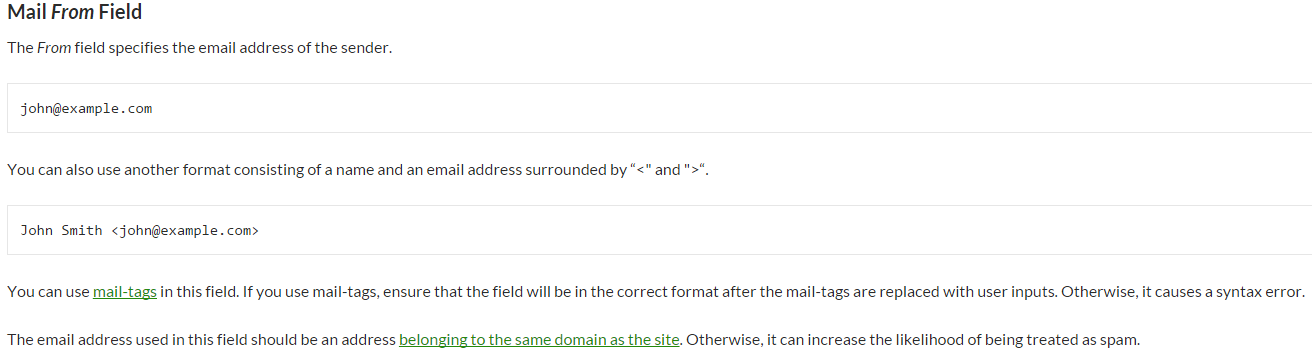
– From: the email of your website, be sure it has the same domain, like: [email protected]. Don’t worry about this, you will received the emails of the people who write you, this is just to avoid messages going to the spam folder.
– Subject: Your subject tag, if you take a look to the point 1, in this case will be [Subject]
– Message body: this is a matter of using the same tags you created in the point 1. So what you should have here is something like:
From: [Name] <[Youremail]>
Subject: [Subject]
Message Body:
[Your-message]
So we can not use the new tags such as [name] [email] etc. in the email configuration section?
funkdoc
i put only contact@mydomain, and works fine
Without an extension such as .com, .org or .eu?
When using [email protected] I still get; ‘This email address does not belong to the same domain as the site.’
I am still searching for a solution to use contact7 forms.