AO does not have “permanent new conditional logic button”, so I assume this is a new option in Rapidload? I’ll reach out to them to hear if there’s anything on AO’s end to do.
Hello,
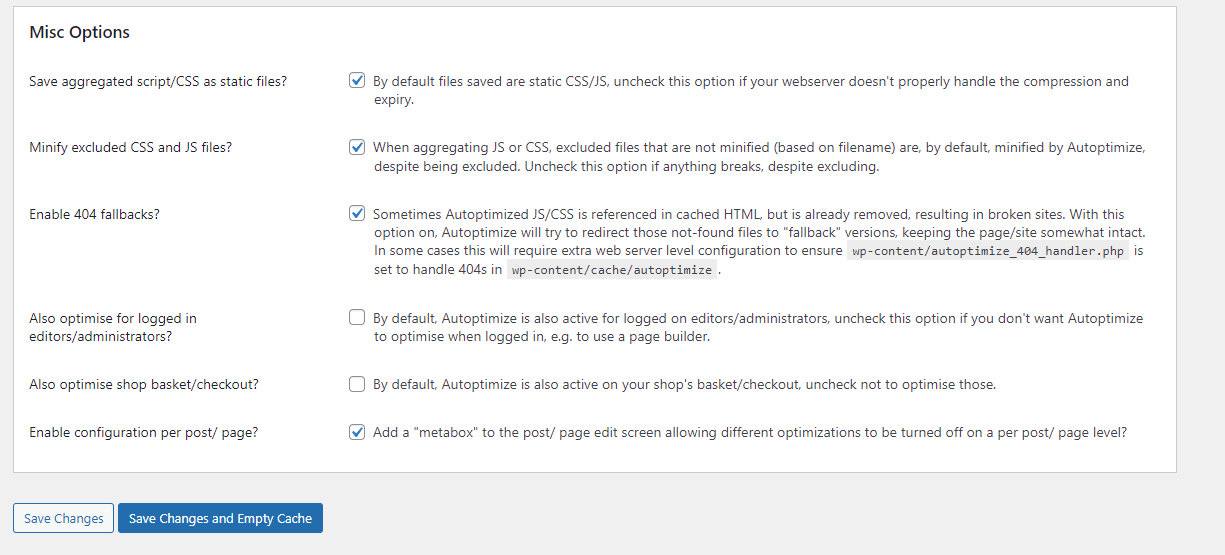
The option was here: https://i.gyazo.com/4981b806d201f0ea645af84ce0669408.png
I might have described it wrong to you, as it was in AO.
It said this logic was disabled for people who had the plugin running before version XX to help with larger/complex scripts (I’ve had AO active before the version it mentioned)- So I clicked it and then the option disappeared as it was a permeant feature in the latest update of AO.
Ah ok … well, you can use this filter to disable the “compatibility code” again;
add_filter( 'autoptimize_filter_init_compatibility', '__return_false' );
Thanks. I’ll use this for now.
It will be great if you can discuss with RL and found a solution going forward, too, as I believe they’ve contacted you.
the weird thing; there’s nothing pertaining to CSS in the compatibility code, it’s all JS ..
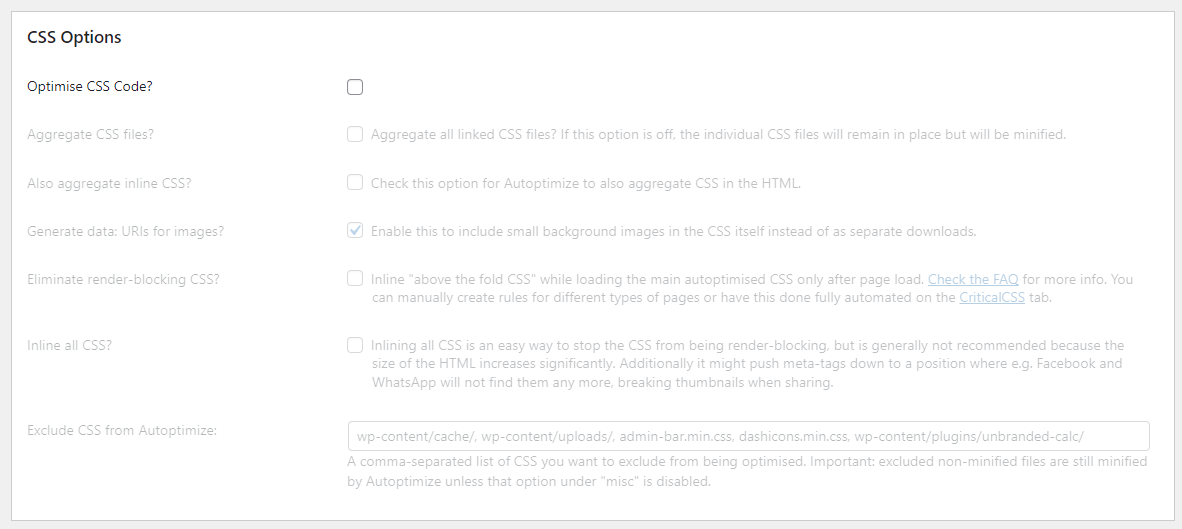
I turned off these settings as RL instructed me to do so, and the issue is fixed for now: https://i.gyazo.com/2922a515f429989dab6cded44aa4f68f.png
I had the settings on with the previous version of AO and there were no issues.
For performance reasons I’d like to have them on, though.
OK, so not related to the “compatibility” option after all, that makes sense 😉
Can you try replacing autoptimize 3.1 with the previous version (which you can download from https://downloads.wp.xz.cn/plugin/autoptimize.3.0.4.zip ) to confirm (or not) this is related to the latest update?
Hello,
Downgraded and enabled the CSS options, cleared all caches, and no issues at all like before.
It seems it is due to the latest update.
how unexpected .. any PHP errors in the PHP errorlog file?
Hello,
I only see RL errors like this in the current log and previous logs (“” for sensitive info removed):-
[proxy_fcgi:error] [pid "some numbers":tid "some numbers"] [client "IP"] AH01071: Got error 'PHP message: WordPress database error Illegal mix of collations for operation 'UNION' for query SELECT files FROM wp_rapidload_uucss_job WHERE files IS NOT NULL UNION ALL SELECT files FROM wp_rapidload_uucss_rule WHERE files IS NOT NULL made by require('wp-blog-header.php'), require_once('wp-includes/template-loader.php'), do_action('template_redirect'), WP_Hook->do_action, WP_Hook->apply_filters, UnusedCSS_RapidLoad->uucss_notfound_fallback, UnusedCSS_DB::get_original_file_name', referer: https://""
-
This reply was modified 3 years, 10 months ago by
 Kingyyyy.
hmmm, those are RL’s but they don’t shed light on what might be going on on AO’s side. when on AO31 but with RL disabled, are CSS files aggregated as they should?
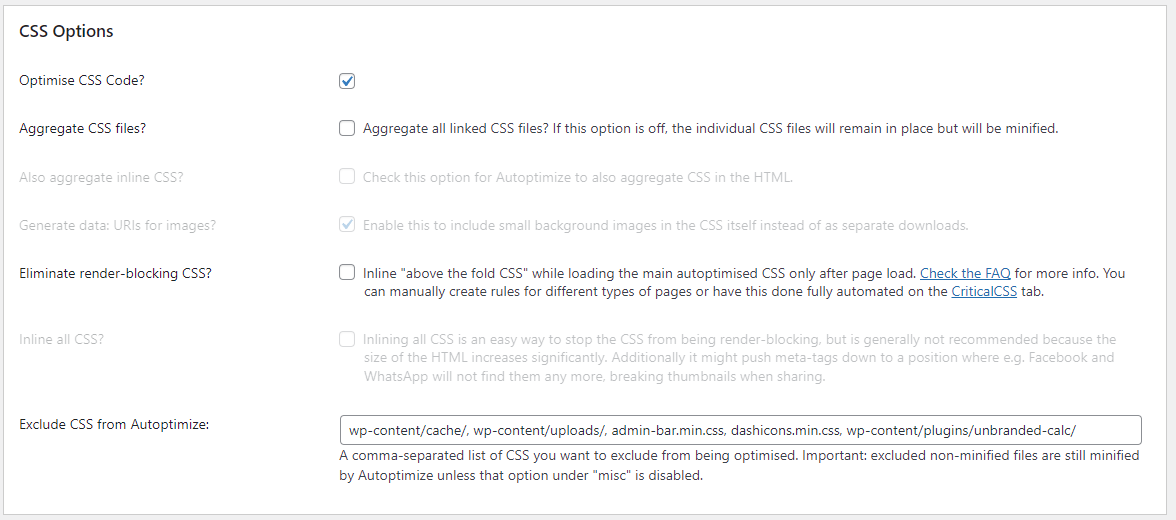
These are the options I currently have on whilst downgraded: https://i.gyazo.com/639b16972291119962c1f722da004d61.png
Should I tick the 2nd box?
errr … what were your settings before things broke?
The same I believe. I had to just switch off the CSS options in the latest version.
👋 @kingyyyy
I am Shakeeb from RapidLoad. I can look further in to this problem and find out what’s causing this. Can you please create a support ticket here (https://rapidload.zendesk.com/hc/en-us/requests/new).
Thanks,
Shakeeb