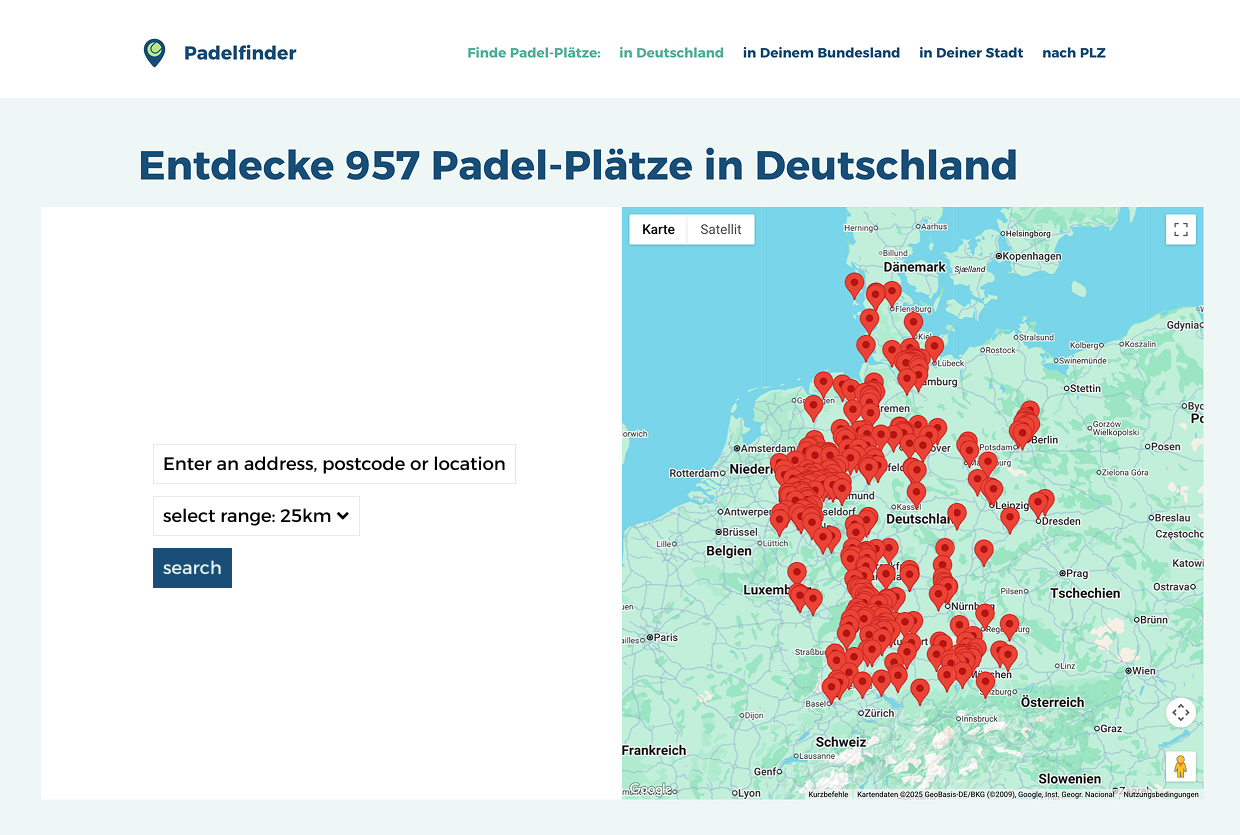
This could certainly be done but it’s not something available out of the box in the Events Manager plugin. Here is what I would do:
- Create a two column page using a grid so it can be a single column on a mobile device and two columns on a desktop.
- Create a page for each of the locations you want to search for. These are the locations you want to display events on. Let’s say one of them is Berlin. On the Berlin page you would display a shortcode to display the map of events near Berlin: [events_map country=DE town=BE]
- Create a button in the first grid item for each button you created in step two these should link to the appropriate page created in step 1.
None of this integrates this into the existing search bar on the events page.
thank you for giving thought to this, @joneiseman – i have implemented what you describe to have dedicated landing pages with results for the biggest cities in germany. but i’m still looking for something interactive to help people find something near to their individual location, even if they’re not near on of the bigger cities…
so probably the only way would be to edit the search.php template? this is probably very specific, but if i could override the regular search template in the formatting tab like with so many of the other templates, that would be amazing. as it stands, i don’t need a list or grid result ever, only the map – and i still haven’t found a setting that will do that – having “map” as the only view somehow won’t work.
oh well, i’ll keep trying. thank you so much for taking the time!