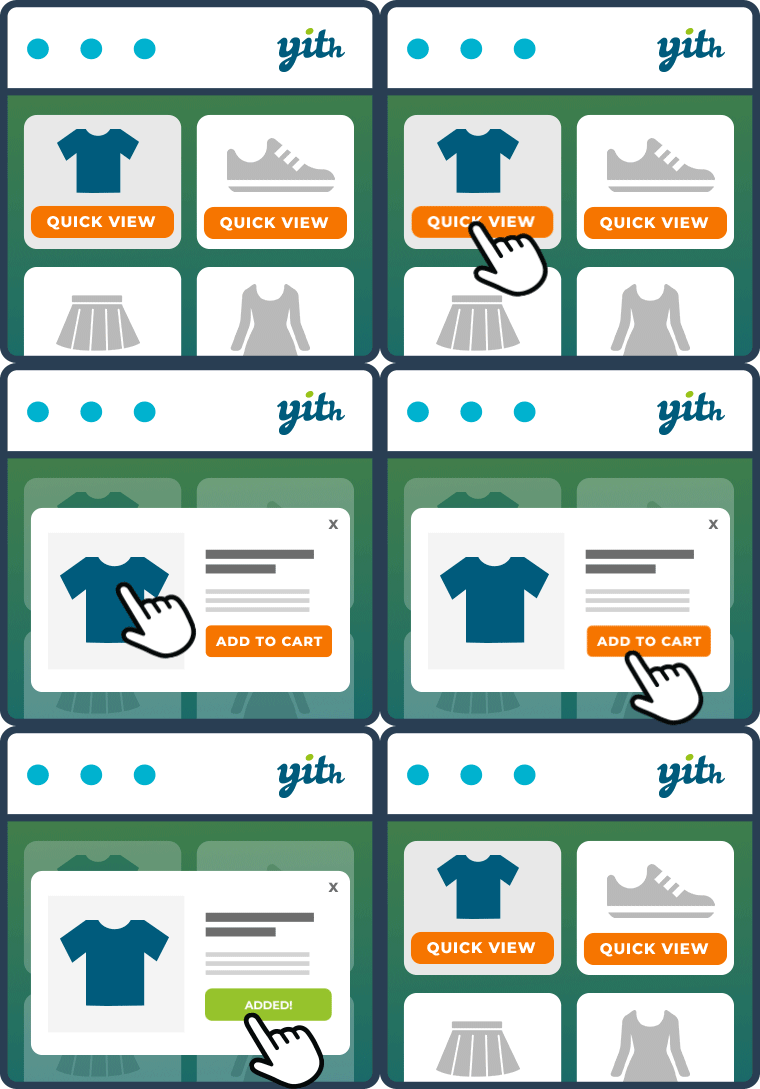
Customize Quick View template woocommerce
-
I want to customize the quick view of cherry woocommerce but I don’t know how. To test out the code, I tried to delete this code below but it isn’t working.
wp-content\plugins\cherry-woocommerce-package\includes\class-cherry-wc-quick-view.php
function append_button() {
global $post, $product;$btn_tex = apply_filters( ‘cherry_wc_quick_view_text’, __( ‘Quick view’, ‘cherry-woocommerce-package’ ) );
echo ‘<span class=”btn cherry-quick-view” data-product=”‘ . $product->id . ‘”>’ . $btn_tex . ‘</span>’;
wp_enqueue_script( ‘prettyPhoto’ );
}On my localhost, if I am going to change the text of “Quick view”, it is appearing on HTML, but not on web server.
Please help. thanks


The topic ‘Customize Quick View template woocommerce’ is closed to new replies.