Customize schedule CSV file
-
Hello, how can I create a CSV file with user-defined fields from the appointment list view? I would like to create a CSV file for every single day, which only contains the booked date, the time slot and the first name and last name.
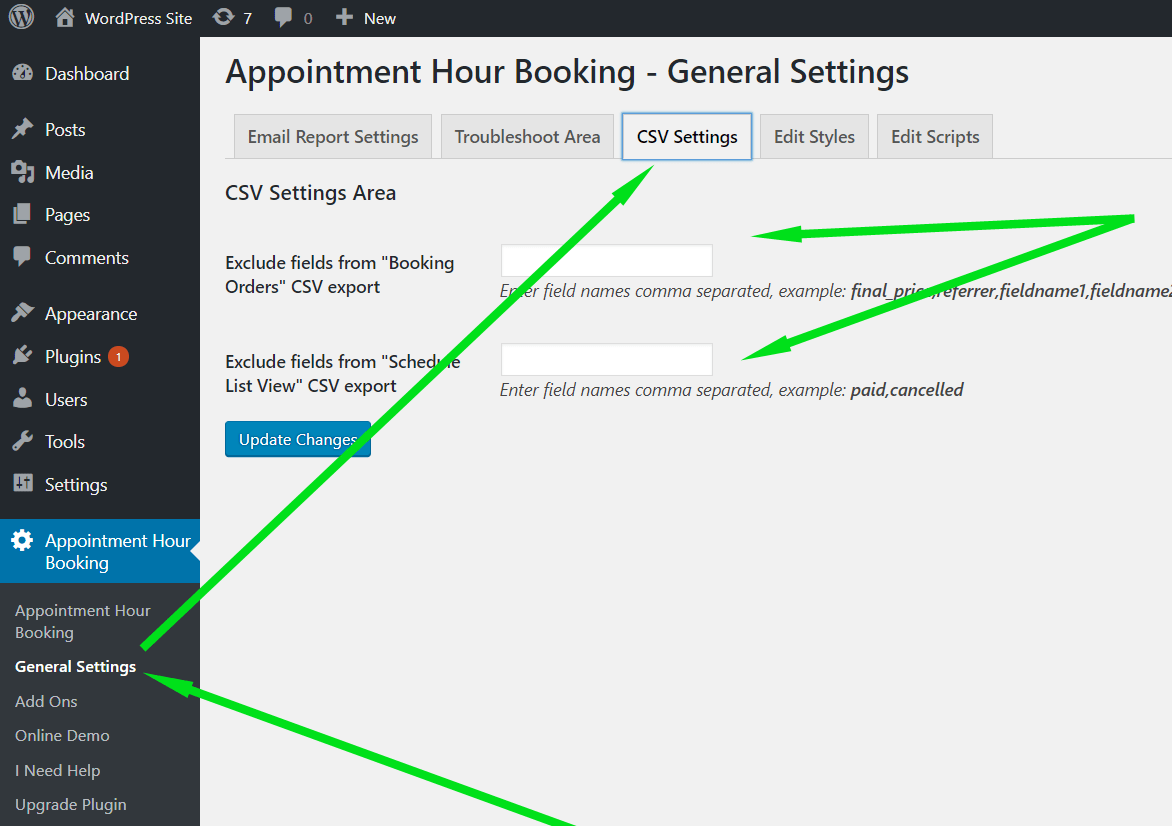
Under CSV settings you can only say which fields should be excluded but not which ones I would like to have. In my case that would just be app_date, App_slot, fieldname3 and fieldname4.
I excluded the following fields: service, final_price, paid, canceled, email.
The “data” field contains all form fields. I only need the first and last name, however.Can someone please help me?

Viewing 3 replies - 1 through 3 (of 3 total)



Viewing 3 replies - 1 through 3 (of 3 total)
The topic ‘Customize schedule CSV file’ is closed to new replies.



