Display issue
-
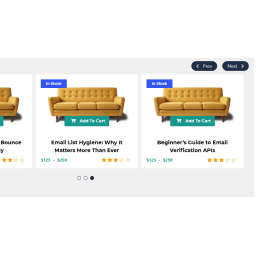
I have set slider column number to 4, and slider row to 4 in the hope that I can display 4 images next to each other. For some reason I can only get 2 products side by side and then 2 below. ( as if the code module it sits in is only half the page ) I have tried changing the column and row numbers but no difference.I have also tried playing with the thumbnail size in Elements. Cannot see where else this could be altered.
Secondly, I have set 4 gallery images but they do not display when I click on the featured image. What am I doing wrong !!
Lastly, I want the slider to show the quantity I have available of a product, but not for the a quantity to reduce. The reason being that our shop is a hire shop so we always have the same number of items available, and as the items are for exclusive vents held here, we never have the risk of needing more than we hold at anyone time. Is that possible to show?
Thanks in advance.


The topic ‘Display issue’ is closed to new replies.