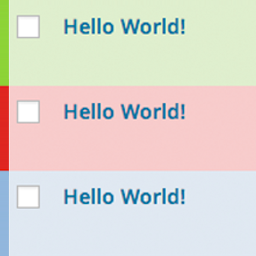
Hi Martin, thank you for your feedback.
It’s strange that the columns do not show up by default.
Can you please try to add the marker columns manually with a plugin like Admin Columns?
Search for Type: Marker on the Admin Columns settings page.
Hi Sven
Adding the «Marker» column with Admin Columns has solved the problem.
I had modified the list view of the custom post type in question with Admin Columns earlier (when Mark Posts was not yet installed). Therefore, the «Marker» column was automatically hidden by Admin Columns when it was added.
But I have noticed another problem: When I use markers with a custom post type, a number is displayed next to the marker (see https://ibb.co/Cbk2M8B). This number does not appear when I use markers with the standard post type.
Martin