Hello @dimekh,
I’m sorry, but I don’t understand your question. What are you trying to implement exactly?
For example, assuming you have four dropdown fields in the form (fieldname1, fieldname2, fieldname3 and fieldname4) where each choice has associated a price, all these dropdown fields are dependents of the choices in another dropdown field, furthermore, you want to insert a calculated field in the form whose equation would be 2 x the value of the choice selected in any of the dependent dropdown fields.
It is very important you understand that the values of the dependent fields that are inactive is zero, so, the equation would be simply:
2*(fieldname1+fieldname2+fieldname3+fieldname4)
Because only the value of the dependent field active would be different of zero.
Best regards.
Thread Starter
 dimekh
(@dimekh)
sorry for my english))
how to get the value for example:
drop-down 1
First_Category
drop-down 2
Category-1 = 250$
Category-2 = 260$
drop-down 2
Second_Category
drop-down 2
Category-1 = 150$
Category-2 = 160$?
How to get value in calculating First_Category->Category-1(2), Second_Category-Category-1(2)?
see pic here: https://yadi.sk/i/g5Y6t7j-3RQjKB
Hello @dimekh,
Each choice in a DropDown field has associated two input fields, the text of the choice, and its value. The value of the choice would be used in the equations, so, in these boxes you should enter values as: 150, or 160, or the value that correspond to the choice.
Best regards.
Thread Starter
dimekh
(@dimekh)
Hello @dimekh,
I’ve checked the equation associated to your calculated field (none of the fields that participate in the equation is a dropdown field):
fieldname2/100*fieldname6/100*10
Entering the same values for the fields in your screenshots, and replacing them in the equation:
150/100*60/100*10
and the result, evaluated manually is: 9
Just the same result that your form.
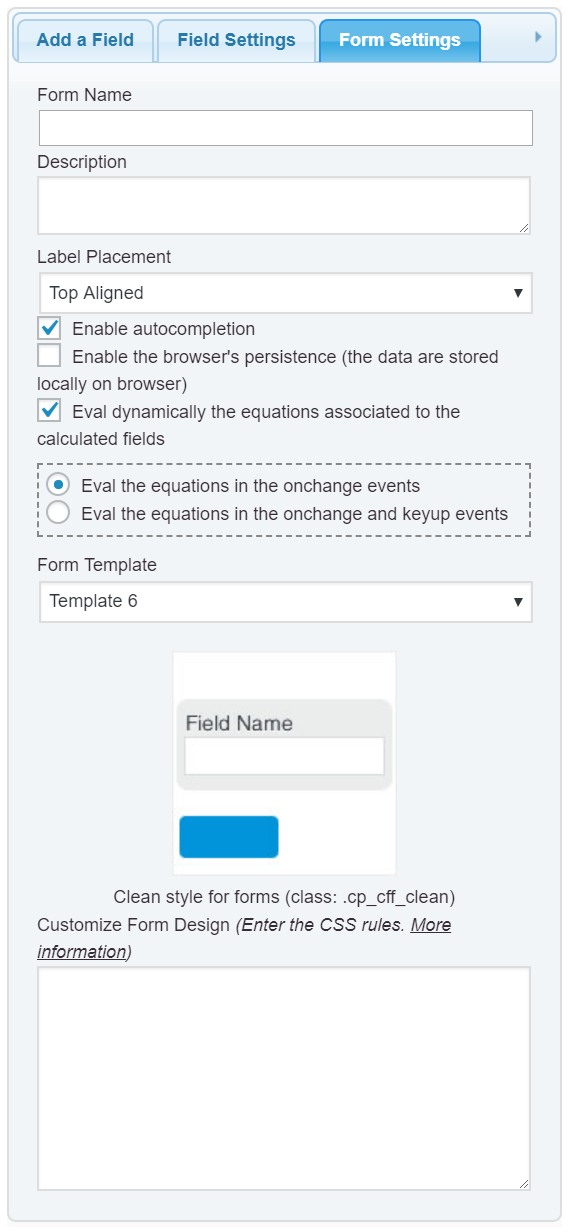
By the way, there is an issue with the styles defined by the theme active in your website. Please, enter the style definition below, through the “Customize Form Design” attribute in the “Form Settings” tab (https://cff.dwbooster.com/images/documentation/form-settings-tab.png):
#fbuilder select,
#fbuilder option{padding:0 !important;}
Best regards.
Thread Starter
dimekh
(@dimekh)
It’s bad that you do not have support in other languages. My English is too terrible to explain the problem. I’ll try to explain it again with a picture.
https://yadi.sk/i/SWhD3GgT3RR6Uj
If I put in the formula fieldset11 – The values in the calculator will be correct for Corian, but for other the stone (HI-MAX for example) will not be considered absolutely.
Hello @dimekh,
Actually, I’ve describe how to proceed in this case in my first ticket, but you have no understood the explanation. I’ll try to explain it again.
The most important thing you should understand is that the values of dependent fields that are inactive is ZERO (0). So, the equation would be simply:
fieldname2/100*fieldname6/100*(fieldname11+fieldname12+fieldname15+fieldname13+fieldname14+fieldname16+fieldname17)
and that’s all.
Best regards.
Thread Starter
dimekh
(@dimekh)
Thanks a lot! Sorry for the difficulty of translation.)) Now I see that this is really simple.