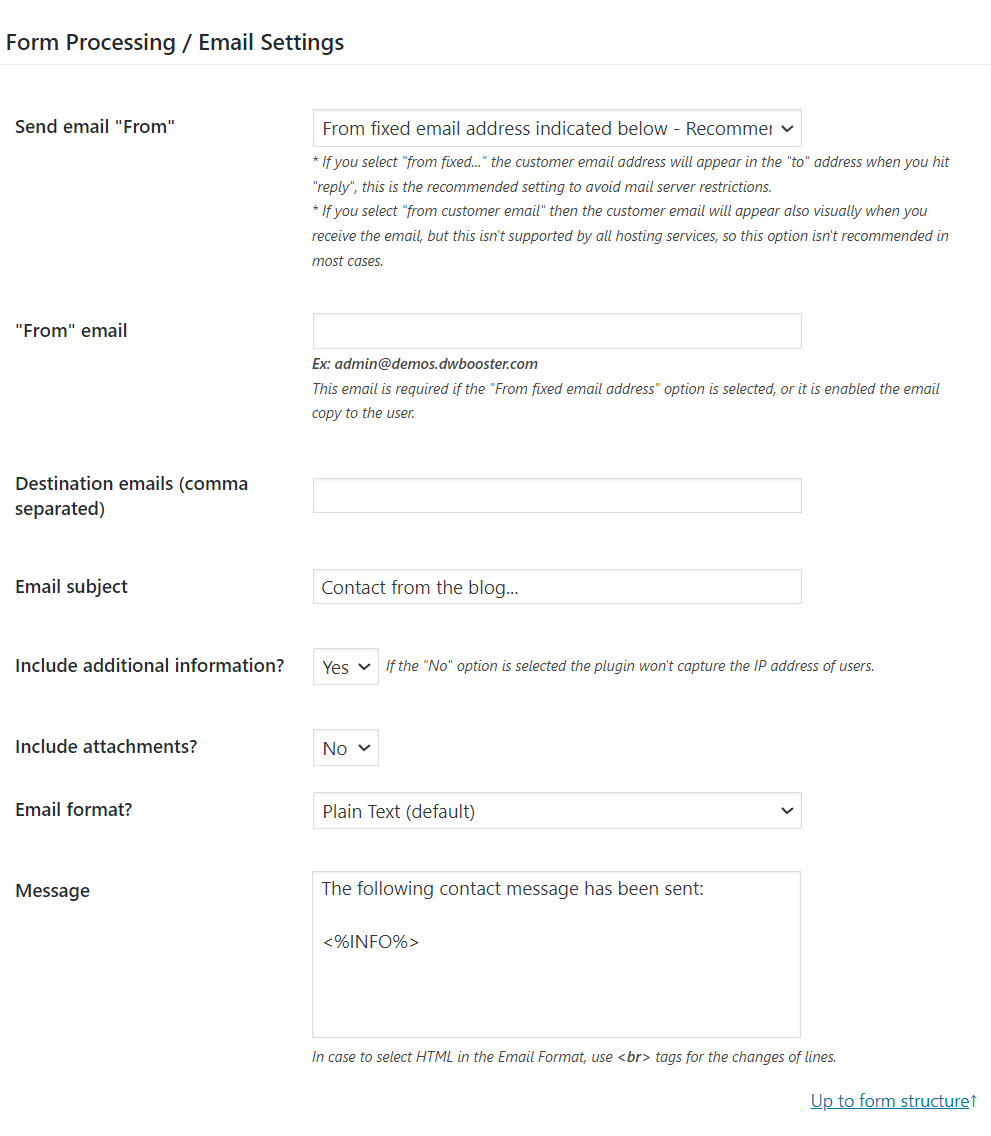
If you want to receive the email in HTML format with a more elaborate design, simply choose the “HTML” option for the “Email format?” attribute.
Finally, input a combination of HTML and field tags to compose the email content. The form fields come with tags that let you access their labels, values, and additional attributes for use in notification emails (In commercial plugin distributions you can use the same tags in the thank you pages, to generate the PDF files, and in the cart and orders information for the integration with WooCommerce):
Consider a scenario where your form contains two fields, fieldname1 and fieldname2, and you’d like to display both in the notification email, with their labels in bold and their values in italics. In this example, you could enter the following HTML snippet into the “Message” attribute within the Notification Email settings: