The answer is simple:
Just like the (original) help line states: “You cannot edit saved locations here”.
In the event form, the form fields are there to 1) search an existing location, or 2) create a new location.
To edit a location, you need to do that from the Edit Location Page (what’s in a name?!)
If the reset does not always work, it may be a jQuery problem. If you load jQuery in the footer, this might occur. Do you have a direct link to the pages?
It’s also in the form to edit the location.
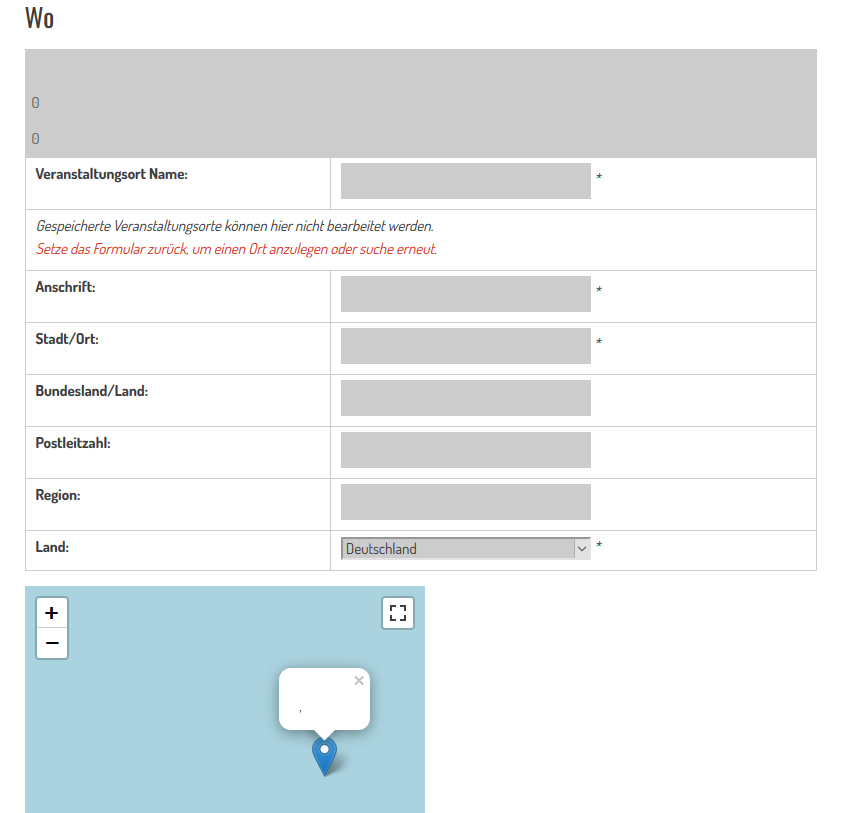
The form starts with blocked fields and i must reset the form, without data input. The form field in the backend to search locations didn’t work proper. Data edit also didn’t work proper and creates double.
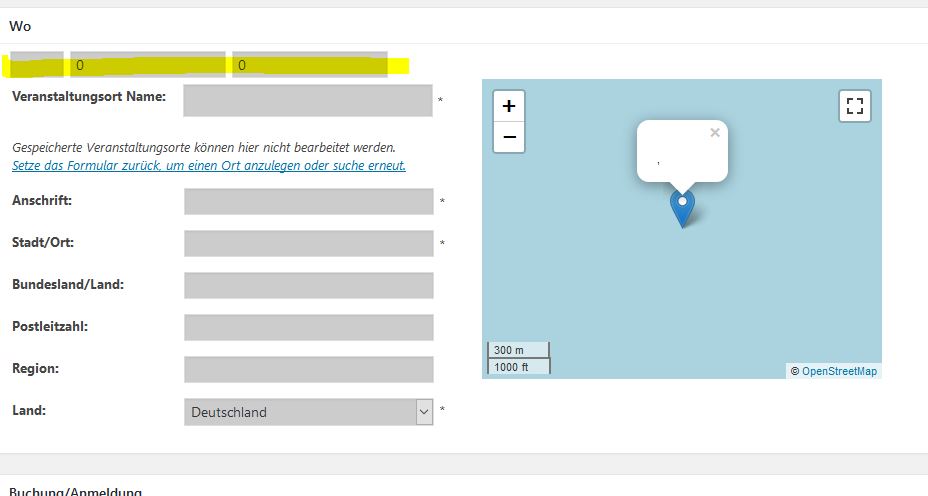
And there are new geo-fields
http://666kb.com/i/e1ahqm4c2mmkyi5ts.jpg
Untrue.
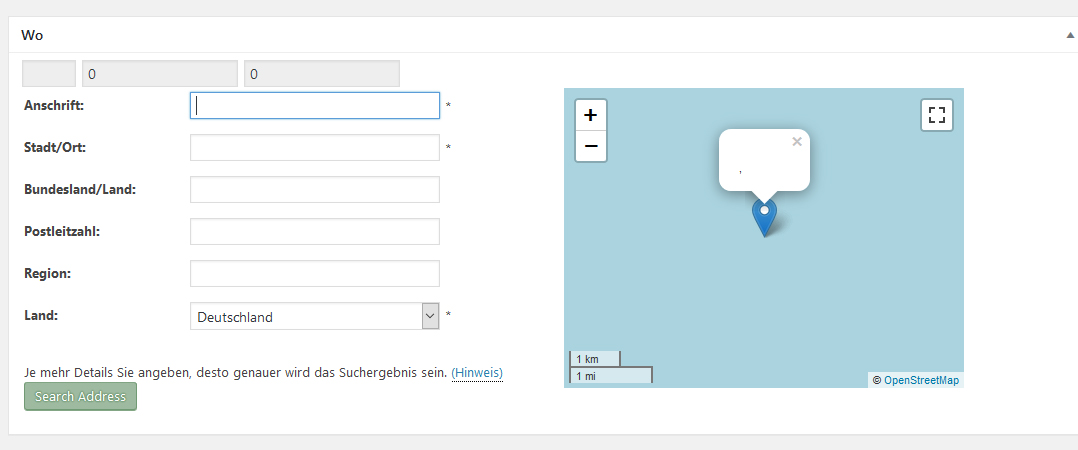
The location edit form starts with the address field, not the location name field. Th location edit form has no option to reset, because those fields are always editable and there is no Ajax search option. That only applies to the Edit Event form.
At this moment everything is a litle bit confused, the forms do not work correctly.
Yes they do. You are trying to use them for something they are not meant for.
Edit Event = Find existing location or create a new one.
Edit Location = Edit anything about an existing location or create a new one.
It has always been that way.
Please read my posting 🙂
The standard em form starts with blocked(!) fields
The form field in the backend to search locations didn’t work proper
Data edit also didn’t work proper and creates double
Here you can see 3 new fields without a function for user and the fields are grey = blocked in a new site without data input.
http://666kb.com/i/e1ahqm4c2mmkyi5ts.jpg
I know where to edit locations 🙂
No Ron, You are looking at the wrong page. The Edit Location cannot begin with blocked fields!
Your last image is of the Edit EVENT page!
*sigh*
Argh 😀
It’s not only to edit the locations. Sure it’s the event page and i did not want to edit there something. First i want to input data, but i can’t because the fields are blocked.
You are extremely unclear! Very frustrating!
The first three fields are supposed to be hidden. They have been there always. In version 2.2. I hid them again.
In the EDIT EVENT page:
Location fields are blocked because the Event is already saved with NO LOCATION. If you had saved it with a location, those values would be shown! To EDIT the “no location”, you need to RESET the form fields. Dûh.
If you create a NEW EVENT the Location form field are not blocked, because the new event has no location (also no “no location”) information yet.
Again:
In the EDIT Event you can NOT EDIT a location, only select a different exisiting one OR create a new location.
To EDIT a Location you need to use the EDIT Location page.
I didn’t save. I open a new page, scroll down and then i must reset the page, because of blocked fields. It was not in previously versions.
That’s part one 🙂
Part two is edit locations in the page edit locations 🙂 The data can be edited, but then i have a double. the data with the error and the corrected data.
Just tested here again and everything works like a charm. Since I only have jpg’s from you there is no way to see what you are doing wrong.
Try deactivating and reactivating the plugin.