Viewing 6 replies - 1 through 6 (of 6 total)
  • Plugin Support James Osborne

    (@jamesosborne)

    Thanks for reaching out @mmarc18. To try and determine more on this, and ensure you can use Site Kit as expected, please share the following:

    1. Your Site Health information. You can use this form to share privately if preferred.  
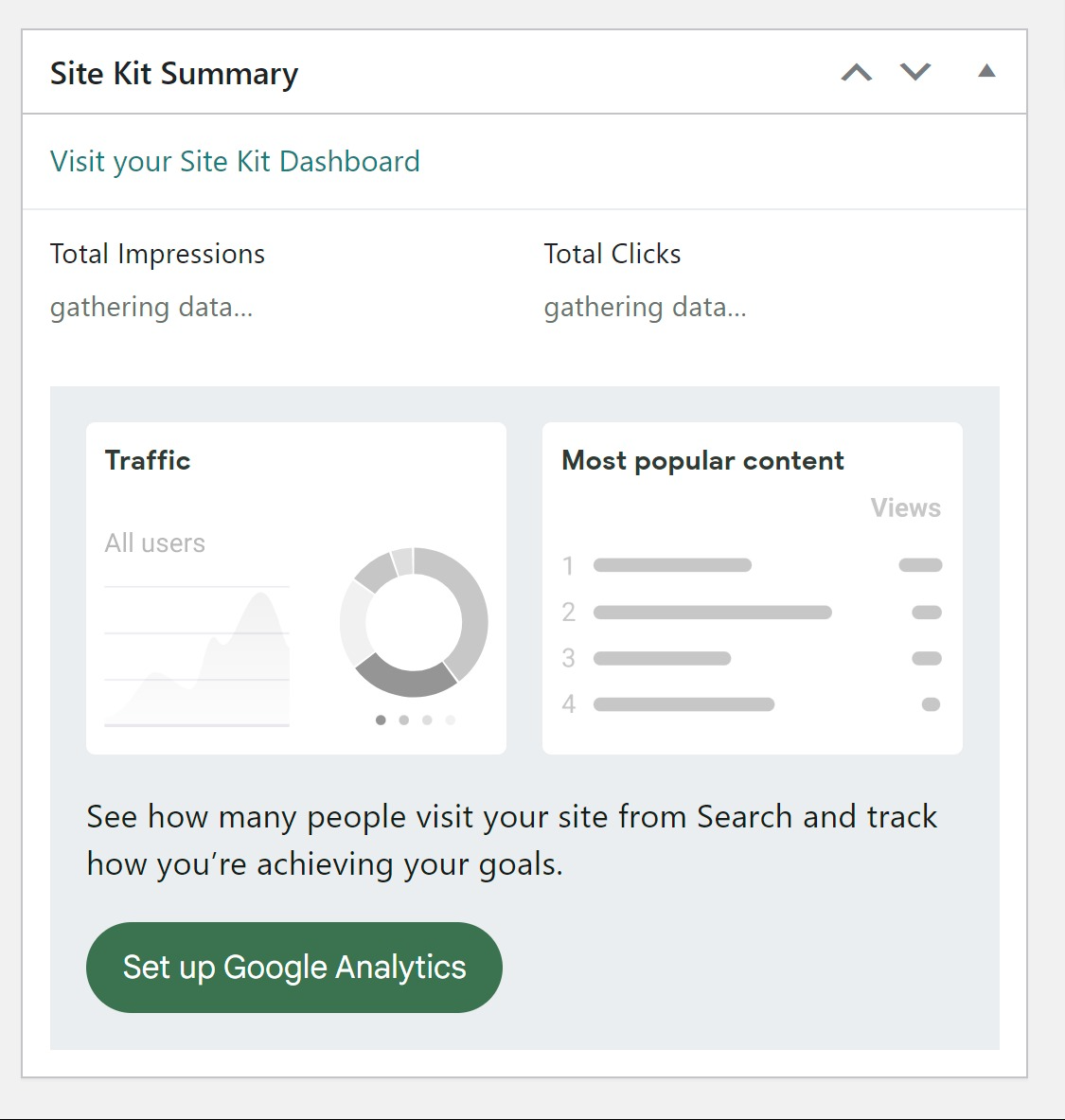
    2. Does this specific occur on the Site Kit dashboard, the main WordPress dashboard (via the Site Kit widget) or on the front end of your site when using the Site Kit admin toolbar, or do you see different messages on each? Feel free to share a recording of all three, as the errors may differ. You can use a service such as Loom or Zight to share a screen recording, while using the same form previously used to share this privately.

    Let me know if you have any questions with the above. Once we have this information we can propose some checks, such as using the Health Check and Troubleshooting plugin to determine any third party plugin conflicts, or performing some checks at host level. Thank you.

    Thread Starter mmarc18

    (@mmarc18)

    shared details on google form

    Plugin Support James Osborne

    (@jamesosborne)

    Thanks for sharing the additional information @mmarc18. Very useful to see what’s occurring. I can see you’re facing the below errors, while also having installed the mini-plugin that can address a known conflict with similar errors:

    1. On the main Site Kit page: Cannot read properties of undefined (reading 'map') (screenshot)
    2. On the Site Kit settings page (Admin settings tab only): An error occurred while running ‘mapSelect’: Cannot read properties of null (reading ‘isGatheringData’)

    To troubleshoot this further, please follow the steps below, which can help determine if something is blocking some of the Site Kit scripts from running:

    1. Login to your live site from a Chrome browser incognito window.
    2. Install and activate the Health Check & Troubleshooting plugin.
    3. Navigate to “Plugins > Health Check & Troubleshooting > Troubleshoot”.
    4. From the same screen click on the “Available Plugins” tab at the top right and then click on the “Enable” option next to “Site Kit by Google“.
    5. Check for the same error once more, when visiting the Site Kit dashboard, the plugin settings, and the Site Kit widget on the main WordPress dashboard.

    If the error no longer occurs, this would indicate a party plugin conflict. You can enable your other plugins while in troubleshooting mode, one by one, checking each for the same issue. That way you’ll know which plugin could have a configuration or feature that’s impacting the Site Kit dashboard. Ideally you would also install a core theme also, so this can be used in troubleshooting mode. It’s possible that any conflict if present, may be theme related.

    If the error remains while in troubleshooting mode, this could indicate a host or browser related block. If so, please share whether you have any other WordPress sites on the same hosting platform, or if you’re aware of any firewall or security feature present. You may also wish to confirm no issues setting up or using Site Kit with this disposable WordPress site, which would help indicate something at host level impacting your experience.

    Let me know if you have any questions with the above. I’ll keep an eye out for your response! Thank you.

    Thread Starter mmarc18

    (@mmarc18)

    i tried installing plugin n activated one by one till all enabling the issue was resolved

    all plugins were enabled there was no issue

    so i logged out and logged in again the issue came again

    i have the same issue with other site with same hosting

    guide me what to do

    Plugin Support James Osborne

    (@jamesosborne)

    Thanks for the update @mmarc18. Just to confirm, when using the Health Check and Troubleshooting plugin, with only Site Kit active (in troubleshooting mode), the error didn’t appear?

    If the error no longer occurred in troubleshooting mode, even with all plugins activated (in troubleshooting mode) can you confirm whether the error appears if switching themes?

    Plugin Support James Osborne

    (@jamesosborne)

    As we didn’t receive a response I’ll mark this as resolved. Feel free to open a new support topic if you continue to encounter issues, or reopen this topic and we’d be happy to assist.

Viewing 6 replies - 1 through 6 (of 6 total)

The topic ‘Error’ is closed to new replies.