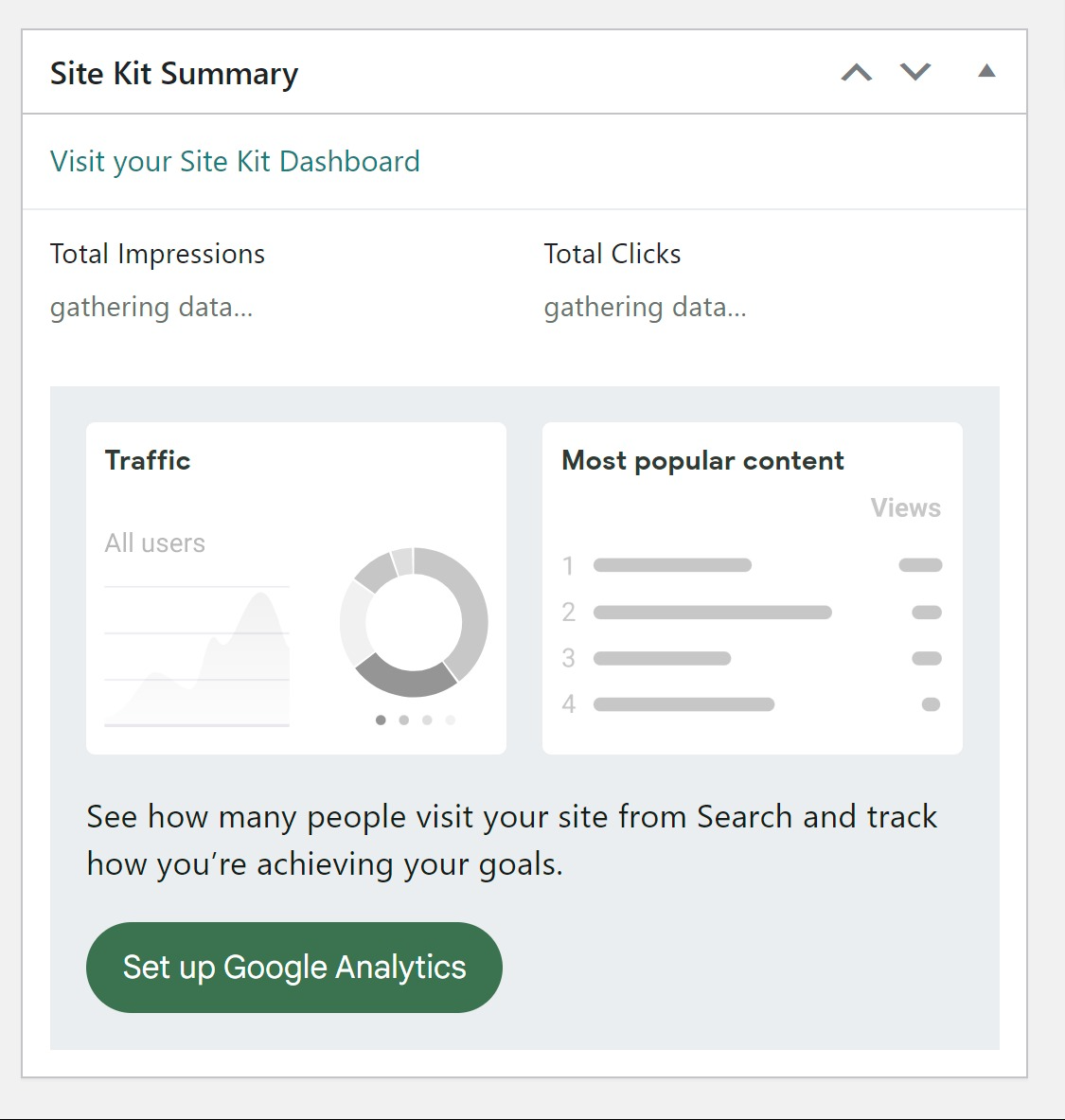
Thanks for reaching out @sonsytravelguide. Based on some previous reports, there may be something blocking one of the Site Kit scripts, leading to this error. To determine more, please share the following:
- Your Site Health information. You can use this form to share privately if preferred.
- Does this occur on the Site Kit dashboard, the main WordPress dashboard (via the Site Kit widget), the settings tab, or on the front end of your site when using the Site Kit admin toolbar?
- When checking the Site Kit dashboard from a Chrome browser incognito window does the same occur? If so, please share any browser console errors that appear. This can help indicate a browser or caching related block.
Let me know if you have any questions with the above. Depending on your response, we may be able to determine any possible block via the Health Check & Troubleshooting plugin. Thank you!
Many thanks for sharing your Site Health information. From the checks I performed on your site, I suspect a third party plugin or possible host related block. I’m also unable to access your public REST endpoints, indicating a possible security plugin or configuration which could also be impacting Site Kit behavior. To determine more on this, please follow the steps below:
- Login to your live site from a Chrome browser incognito window.
- Install and activate the Health Check & Troubleshooting plugin.
- Navigate to “Plugins > Health Check & Troubleshooting > Troubleshoot”.
- From the same screen click on the “Available Plugins” tab at the top right and then click on the “Enable” option next to “Site Kit by Google“.
- Check for the same error.
Should the same occur, please share a recording of your experience, highlighting this error. You can use a service such as Loom or Zight to share a screen recording, while using the same form previously used to share this privately. Alternatively, please do share where this error occurs, on the main WordPress dashboard (via the Site Kit widget), the settings tab, or on the front end of your site when using the Site Kit admin toolbar?
Let me know if you have any questions with the above. Thank you.
An error occurred while running 'mapSelect': URL is not a constructor
The error may be correlated with this previous error:
TypeError: URL is not a constructor
    at getGoogleLocaleAwareURL (https://soladvance.pt/wp-content/plugins/google-site-kit/dist/assets/js/googlesitekit-datastore-site-dbb0e1e32324e64419d2.js:2:26742)
    at https://soladvance.pt/wp-content/plugins/google-site-kit/dist/assets/js/googlesitekit-vendor-69366dc76fe8885b5e51.js:9:208246
    at Object.n [as getGoogleLocaleAwareURL] (https://soladvance.pt/wp-content/plugins/google-site-kit/dist/assets/js/googlesitekit-vendor-69366dc76fe8885b5e51.js:9:207799)
    at https://soladvance.pt/wp-content/plugins/google-site-kit/dist/assets/js/googlesitekit-datastore-site-dbb0e1e32324e64419d2.js:2:26931
    at t (https://soladvance.pt/wp-content/plugins/google-site-kit/dist/assets/js/googlesitekit-vendor-69366dc76fe8885b5e51.js:9:797965)
    at https://soladvance.pt/wp-content/plugins/google-site-kit/dist/assets/js/googlesitekit-vendor-69366dc76fe8885b5e51.js:9:208246
    at Object.n [as getGoogleSupportURL] (https://soladvance.pt/wp-content/plugins/google-site-kit/dist/assets/js/googlesitekit-vendor-69366dc76fe8885b5e51.js:9:207799)
    at Object.current (https://soladvance.pt/wp-content/plugins/google-site-kit/dist/assets/js/googlesitekit-modules-analytics-4-645f5cdcc14638370683.js:65:6588)
    at e (https://soladvance.pt/wp-content/plugins/google-site-kit/dist/assets/js/googlesitekit-vendor-69366dc76fe8885b5e51.js:9:276005)
    at https://soladvance.pt/wp-content/plugins/google-site-kit/dist/assets/js/googlesitekit-vendor-69366dc76fe8885b5e51.js:9:276165

Original stack trace:

    in UserDimensionsPieChart
    in div
    in Cell
    in div
    in Row
    in div
    in Grid
    in div
    in div
    in ForwardRef
    in WithWidgetSlug
    in DashboardAllTrafficWidgetGA4
    in WhenAnalytics4Active(DashboardAllTrafficWidgetGA4)
    in WidgetRenderer
    in WidgetErrorHandler
    in div
    in Cell
    in WidgetCellWrapper
    in div
    in Row
    in div
    in div
    in Grid
    in WidgetAreaRenderer
    in div
    in WidgetContextRenderer
    in div
    in DashboardMainApp
    in DashboardEntryPoint
    in RestoreSnapshots
    in ErrorHandler
    in ThemeProvider
    in StrictMode
    in Root
Thanks for reporting @buga9, and sharing your stack trace. If you’d like to open an individual support topic we can communicate with you from there. Please include any details relevant to what you’re experiencing. This may include sharing your Site Health information and a mention of whether you see this each time you visit the dashboard, with particular browsers or anything else. I’ll keep an eye out for your topic. Thank you!
As we didn’t receive a response I’ll mark this as resolved. Feel free to open a new support topic if you continue to encounter issues, or reopen this topic and we’d be happy to assist.