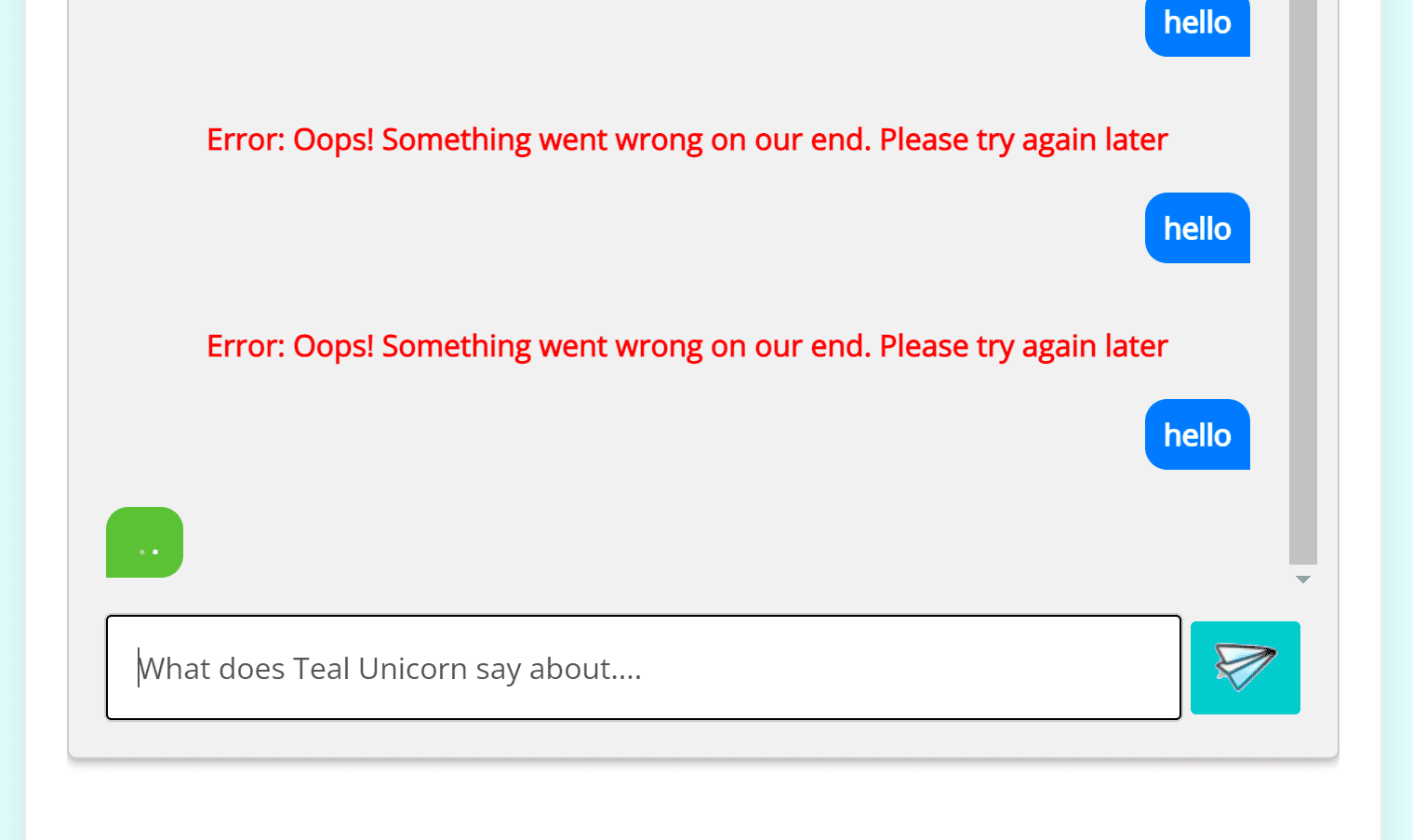
Are the models the same in both the chatbot and the assistant, i.e., gpt-4-turbo in Chatbot ChatGPT and gpt-4-1106-preview in GPT Assistants. It shouldn’t matter that they’re the same or different. Also check that you’ve turned “Retrieval” on in the Tools section of the Assistant. I’m think that the issue is with the configuration of the Assistant becuase you reported that you can access GPT orginal, i.e., [chatbot_chatgpt]. Let me know what you find out.
Also, I don’t know if this helps, but the Knowledge Navigator Analysis contains some weird data. I assume it is because we have a mix of Vietnamese and English posts on the website (all the GPT training files were in English)
nä 0.017880343 hẠ0.017355933 sẠ0.01627686 agile 0.016125588 team 0.01604491 gi 0.016034825 system 0.01602474 b 0.016004571 muá 0.015702027 viãªn 0.015369229
Would that upset it?
This reply was modified 2 years, 5 months ago by twohills.
Let me address the special characters, they’re unicode characters that are not handled correctly. I’ve identified where the problem is and have a update ready to go in version 1.7.6 (to be released soon – still have some more testing to complete).
Can you go to the Messages tab on the Chatbot ChatGPT settings and report the values. I am especially interested in the results in the “API Test”, it should report “API STATUS: Success: Connectino to ChatGPT API was successful!” or an error if there is a problem. I’d be especially keen to know if there is an error and what the error message is.
In an earlier message, I believe that you said everything is fine access the GPT LLM if you use the shortcode without any parameters, i.e. [chatbot_chatgpt]. If that isn’t working then there may be a problem elsewhere. However, if that is working, then the problem lies with the Assisstant.
Perhaps you could create another assistant? And try that?
And, if all else fails, we can turn on all the diagnostics statements remarked out in the plugin and view the error log after running the plugin.
.