Error Site Kit with WordPress
-
Hi, I opening the backend of the site I found this error:
`F is undefined</p> <pre class=”wp-block-code”><code>in WidgetAreaRenderer in div in WidgetContextRenderer in DashboardMainApp in DashboardEntryPoint in RestoreSnapshots in ErrorHandler in ThemeProvider in StrictMode in Root`
how can I solve it?
I specify that the error did not appear after some updates, but from one day to the next. :/
The page I need help with: [log in to see the link]

-
Thanks for getting in touch @paolavdesign. Interesting that this seems to occur sporadically, and not since a specific release. To try and determine more on this, please share the following:
- Your Site Health information. You can use this form to share privately if preferred.
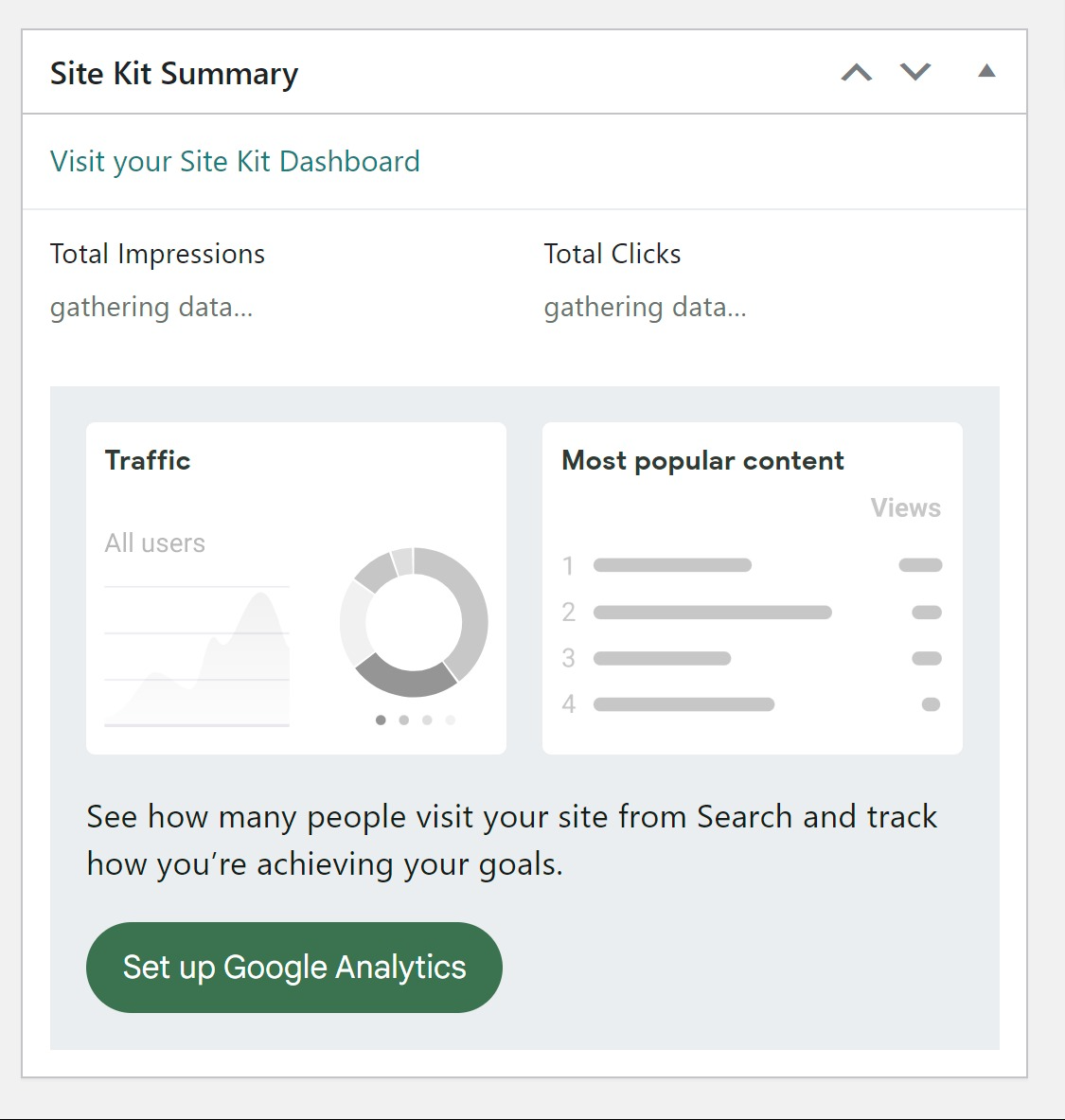
- Does this specific occur on the Site Kit dashboard, the main WordPress dashboard (via the Site Kit widget) or on the front end of your site when using the Site Kit admin toolbar, or do you see different messages on each?
- When this does occur, is it consistent for some time, or does it typically go away after reloading the page? If you’re able to recreate this at present, it would also be great if you can share any browser console errors that appear, which may provide insights into the cause.
Let me know if you have any questions with the above. Once we have this information we can propose some checks, such as using the Health Check and Troubleshooting plugin to determine any third party plugin conflicts, or performing some checks at host level. Thank you.
Ciao,
- I sent the form
- it occurs in the wordpress console inside the plugin section and not on the frontend.
- I attach the error screens and error code:
`An error occurred while running ‘mapSelect’: e(…) is undefined<br>The error may be correlated with this previous error:<br>1199/</WPDashboardUniqueVisitorsGA4/O<@https://paolavdesign.com/wp-content/plugins/google-site-kit/dist/assets/js/googlesitekit-wp-dashboard-b52a70601c4f1d2ceed2.js:5:7654<br>e@https://paolavdesign.com/wp-content/plugins/google-site-kit/dist/assets/js/googlesitekit-vendor-c0361f61e19f0ac5e729.js:7:171945<br>g/</t<@https://paolavdesign.com/wp-content/plugins/google-site-kit/dist/assets/js/googlesitekit-vendor-c0361f61e19f0ac5e729.js:7:172108<br>le/a/<@https://paolavdesign.com/wp-content/plugins/google-site-kit/dist/assets/js/googlesitekit-vendor-c0361f61e19f0ac5e729.js:7:491537<br>a@https://paolavdesign.com/wp-content/plugins/google-site-kit/dist/assets/js/googlesitekit-vendor-c0361f61e19f0ac5e729.js:7:491509<br>ne/instantiate/O</<@https://paolavdesign.com/wp-content/plugins/google-site-kit/dist/assets/js/googlesitekit-vendor-c0361f61e19f0ac5e729.js:7:488735<br>p@https://paolavdesign.com/wp-content/plugins/google-site-kit/dist/assets/js/googlesitekit-vendor-c0361f61e19f0ac5e729.js:7:479489<br>L/</</<@https://paolavdesign.com/wp-content/plugins/google-site-kit/dist/assets/js/googlesitekit-vendor-c0361f61e19f0ac5e729.js:7:481359<br>N/</<@https://paolavdesign.com/wp-content/plugins/google-site-kit/dist/assets/js/googlesitekit-vendor-c0361f61e19f0ac5e729.js:7:481485<br>F/</</<@https://paolavdesign.com/wp-content/plugins/google-site-kit/dist/assets/js/googlesitekit-vendor-c0361f61e19f0ac5e729.js:7:481921<br>ne/instantiate/d</<@https://paolavdesign.com/wp-content/plugins/google-site-kit/dist/assets/js/googlesitekit-vendor-c0361f61e19f0ac5e729.js:7:485973<br>365/</GoogleChart/<@https://paolavdesign.com/wp-content/plugins/google-site-kit/dist/assets/js/googlesitekit-modules-search-console-7ab536571ac273766cf4.js:19:23594<br>t.a/<@https://paolavdesign.com/wp-content/plugins/google-site-kit/dist/assets/js/googlesitekit-vendor-c0361f61e19f0ac5e729.js:7:1832<br>Ii@https://paolavdesign.com/wp-content/plugins/google-site-kit/dist/assets/js/googlesitekit-vendor-c0361f61e19f0ac5e729.js:7:741060<br>Vj@https://paolavdesign.com/wp-content/plugins/google-site-kit/dist/assets/js/googlesitekit-vendor-c0361f61e19f0ac5e729.js:7:760149<br>t.unstable_runWithPriority@https://paolavdesign.com/wp-content/plugins/google-site-kit/dist/assets/js/googlesitekit-vendor-c0361f61e19f0ac5e729.js:7:778429<br>Br@https://paolavdesign.com/wp-content/plugins/google-site-kit/dist/assets/js/googlesitekit-vendor-c0361f61e19f0ac5e729.js:7:702887<br>Dj@https://paolavdesign.com/wp-content/plugins/google-site-kit/dist/assets/js/googlesitekit-vendor-c0361f61e19f0ac5e729.js:7:759908<br>wa@https://paolavdesign.com/wp-content/plugins/google-site-kit/dist/assets/js/googlesitekit-vendor-c0361f61e19f0ac5e729.js:7:751457<br>Gr/<@https://paolavdesign.com/wp-content/plugins/google-site-kit/dist/assets/js/googlesitekit-vendor-c0361f61e19f0ac5e729.js:7:703178<br>t.unstable_runWithPriority@https://paolavdesign.com/wp-content/plugins/google-site-kit/dist/assets/js/googlesitekit-vendor-c0361f61e19f0ac5e729.js:7:778429<br>Br@https://paolavdesign.com/wp-content/plugins/google-site-kit/dist/assets/js/googlesitekit-vendor-c0361f61e19f0ac5e729.js:7:702887<br>Gr@https://paolavdesign.com/wp-content/plugins/google-site-kit/dist/assets/js/googlesitekit-vendor-c0361f61e19f0ac5e729.js:7:703125<br>Vr@https://paolavdesign.com/wp-content/plugins/google-site-kit/dist/assets/js/googlesitekit-vendor-c0361f61e19f0ac5e729.js:7:703058<br>Ig@https://paolavdesign.com/wp-content/plugins/google-site-kit/dist/assets/js/googlesitekit-vendor-c0361f61e19f0ac5e729.js:7:748319<br>Go@https://paolavdesign.com/wp-content/plugins/google-site-kit/dist/assets/js/googlesitekit-vendor-c0361f61e19f0ac5e729.js:7:720127<br>e@https://paolavdesign.com/wp-content/plugins/google-site-kit/dist/assets/js/googlesitekit-vendor-c0361f61e19f0ac5e729.js:7:172033<br>g/</t<@https://paolavdesign.com/wp-content/plugins/google-site-kit/dist/assets/js/googlesitekit-vendor-c0361f61e19f0ac5e729.js:7:172108<br>le/a/<@https://paolavdesign.com/wp-content/plugins/google-site-kit/dist/assets/js/googlesitekit-vendor-c0361f61e19f0ac5e729.js:7:491537<br>a@https://paolavdesign.com/wp-content/plugins/google-site-kit/dist/assets/js/googlesitekit-vendor-c0361f61e19f0ac5e729.js:7:491509<br>ne/instantiate/O</<@https://paolavdesign.com/wp-content/plugins/google-site-kit/dist/assets/js/googlesitekit-vendor-c0361f61e19f0ac5e729.js:7:488735<br>p@https://paolavdesign.com/wp-content/plugins/google-site-kit/dist/assets/js/googlesitekit-vendor-c0361f61e19f0ac5e729.js:7:479489<br>L/</</<@https://paolavdesign.com/wp-content/plugins/google-site-kit/dist/assets/js/googlesitekit-vendor-c0361f61e19f0ac5e729.js:7:481359<br>N/</<@https://paolavdesign.com/wp-content/plugins/google-site-kit/dist/assets/js/googlesitekit-vendor-c0361f61e19f0ac5e729.js:7:481485<br>F/</</<@https://paolavdesign.com/wp-content/plugins/google-site-kit/dist/assets/js/googlesitekit-vendor-c0361f61e19f0ac5e729.js:7:481921<br>dispatch@https://paolavdesign.com/wp-content/plugins/google-site-kit/dist/assets/js/googlesitekit-vendor-c0361f61e19f0ac5e729.js:7:480349<br>r@https://paolavdesign.com/wp-content/plugins/google-site-kit/dist/assets/js/googlesitekit-vendor-c0361f61e19f0ac5e729.js:7:481034<br>t.default/e/a/n/<@https://paolavdesign.com/wp-content/plugins/google-site-kit/dist/assets/js/googlesitekit-vendor-c0361f61e19f0ac5e729.js:7:788087<br>n@https://paolavdesign.com/wp-content/plugins/google-site-kit/dist/assets/js/googlesitekit-vendor-c0361f61e19f0ac5e729.js:7:788062<br>t.default/e/a/o/<@https://paolavdesign.com/wp-content/plugins/google-site-kit/dist/assets/js/googlesitekit-vendor-c0361f61e19f0ac5e729.js:7:788016</p> <p>Original stack trace:</p> <pre class=”wp-block-code”><code>in WPDashboardUniqueVisitorsGA4 in WithWPDashboardWidgetComponentProps(WPDashboardUniqueVisitorsGA4) in div in DataBlockGroup in WPDashboardWidgets in div in WPDashboardApp in RestoreSnapshots in ErrorHandler in ThemeProvider in StrictMode in Root`
Thanks for the additional information @paolavdesign. Based on the error you’re reporting, and from reviewing the details in your Site Health information, let’s perform some additional checks. Firstly, to rule out a third party plugin or browser related conflict, please perform the following:
- Login to your live site from a Chrome browser incognito window.
- Install and activate the Health Check & Troubleshooting plugin.
- Navigate to “Plugins > Health Check & Troubleshooting > Troubleshoot”.
- From the same screen click on the “Available Plugins” tab at the top right and then click on the “Enable” option next to “Site Kit by Google“.
- Check for the same error.
If the same error no longer occurs in troubleshooting mode, you can enable your other plugins, one by one, checking for the same issue each time. I can see that you have the WPS Hide Login plugin active also, so you may wish to start with that, checking does the error appear in troubleshooting mode with only Site Kit and this plugin active.
If the same error does appear in troubleshooting mode, we can perform some additional checks, particular at host level. One check to indicate a possible host related issue is to check whether the same occurs from a disposable WordPress site, using this link. You will need to set up Site Kit from that site to check.
Let me know how you get on with the above. Thank you!
I’m just following up with you to check whether the error remains? If so please share the information requested above and we can investigate further.
Hi sorry for the wait. I followed all the steps you indicated and no problem. I updated a series of plugins….and now Site kit works fine again! :/ the mysteries of life. Thanks anyway for the support!
Glad to hear it @paolavdesign! The mysteries of life indeed! If you run into any further errors or if you have any Site Kit related queries, be sure to get in touch. If you have a moment free please also consider sharing your thoughts on the plugin.
Best of luck.

The topic ‘Error Site Kit with WordPress’ is closed to new replies.